Guides
The G-code Lines Worth Reading
You do not need to hand-write a toolpath. You do need to read the top of the file when a print fails the same way every time.
- 3 min read
- Guides
- Eight more stories

G-code is the list of moves and heater commands the printer follows. Slicers write it. Reading all of it is a poor use of a day. Reading the start is not. That is where the bed is told to heat, the nozzle waits or fails to wait, the axes home, and the extruder resets its count to zero. A wrong start explains a print that misses the bed, oozes in the air, or starts cold.
A handful of words
G0 and G1 are moves. An E value on the same line is extrusion. G28 homes the axes you name. M104 sets a nozzle temperature and moves on. M109 sets it and waits. M140 and M190 do the same for the bed. If the file heats with M104 and then immediately lays plastic, the first lines can start cold. G92 E0 sets the extruder counter back to zero so later relative moves make sense. A missing reset can dump a huge blob or print air.
When a print always fails at the same height, search for the layer comment the slicer inserted and read the speed and fan change just above it. Fix that in the slicer, then export again. Hand-editing thousands of lines creates a file nobody can regenerate. Keep hand edits for a start and end sequence you have tested, and store that sequence in the slicer profile so the next export inherits it.
- Never run a file from the internet without reading the start.
- A paused heater command is safer than a hopeful one.
- Fan changes at a layer can curl a corner. The preview will hint.
- Save a known-good start sequence as a profile, not as a one-off file.
Do this next
- 1
Open the file and read from the first line until the skirt or brim starts.
- 2
Confirm nozzle and bed setpoints match the spool, including the wait commands.
- 3
Check that the axis is homed before any move that assumes the corner of the bed.
- 4
If a failure repeats at one height, search the layer comment and look at the move before it.
More from the desk
Eight other notes from the rest of the bench.
 SoftwareFrom a Sentence to a Printable MeshA model generator can hand you a shape in a minute. The slicer still needs a closed, scaled, thick-enough solid.
 PrintersContinuous Fiber on a Desktop MachineA strand laid into the part is strong along its length. Across the strand, you still have plastic.
 PrintersWhat a Larger Resin Vat ChangesA bigger vat is not a small vat with more room. The peel, the pour, and the wash all get heavier.
 MaterialsTurning Scrap Plastic Into FilamentA filament extruder can reuse one clean plastic. Mixed scrap, wet flake, and a wandering diameter will not.
 GuidesMesh Checks Before You SliceMost bad prints of downloaded files are scale, holes, or walls the nozzle cannot make.
 PrintersHow to Compare Resin Printers Without the Spec FogResolution numbers are the loud part. The vat, the film, and the smell decide whether you live with the machine.
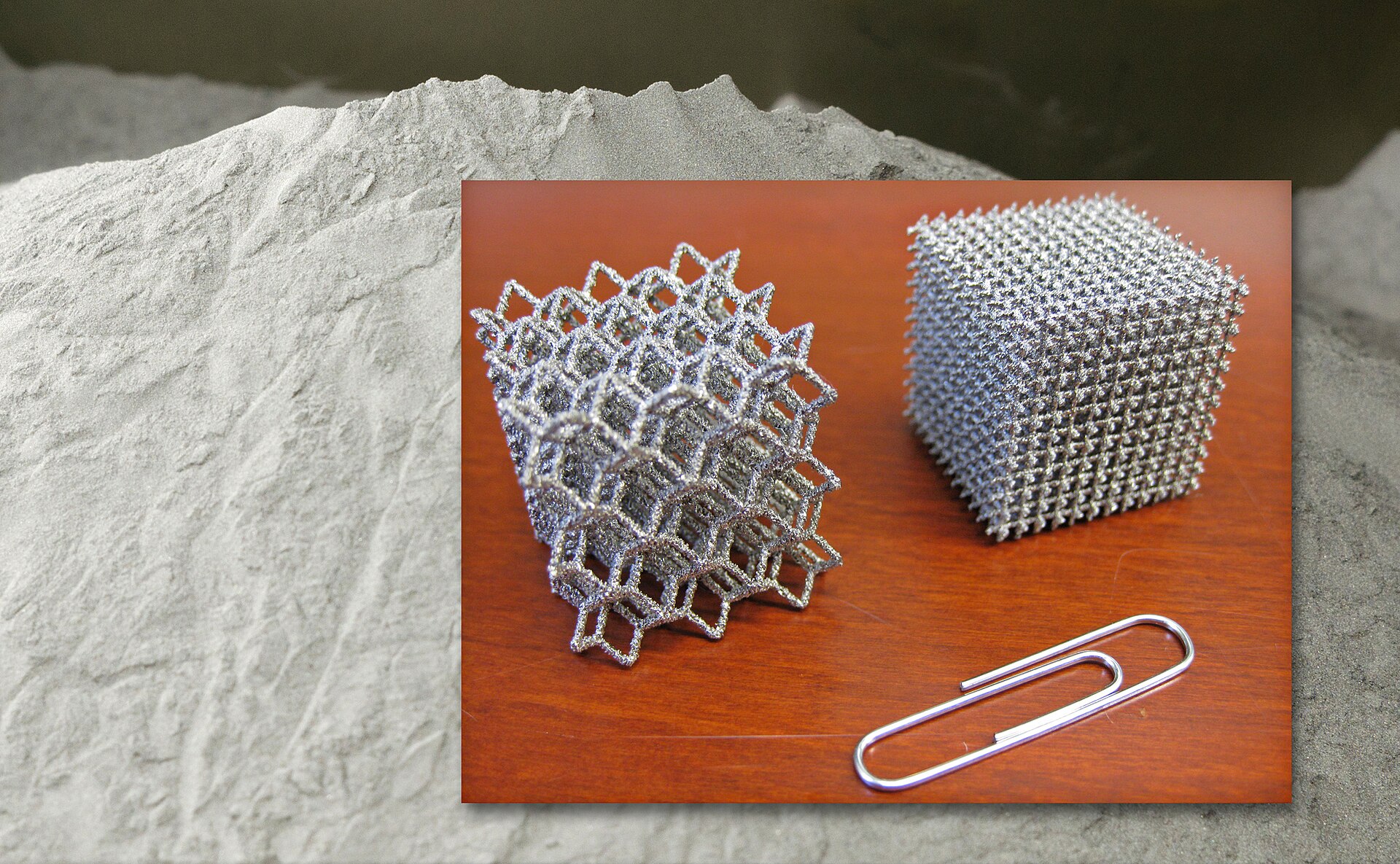
 ApplicationsPrinted Metal That Has to FlyA light lattice is not a flight part until the powder, the recipe, and the inspection travel with it.
 NewsWatching a Metal Build While It Is Still RunningStopping a bad metal build early saves powder and hours. It does not replace the inspection after the door opens.