Printers
How to Compare Resin Printers Without the Spec Fog
Resolution numbers are the loud part. The vat, the film, and the smell decide whether you live with the machine.
- 3 min read
- Printers
- Eight more stories

Resin printers are easy to rank badly. One sheet leads with an 8K screen, the next with a 12K screen, and neither number tells you whether a hinge will survive a pocket. Detail on a masked vat printer comes from pixel size on the film, exposure, and how kind the lift is to a soft layer. A finer screen in a huge vat can be no sharper than a smaller machine with a tighter pixel.
A comparison that survives the unboxing
Line the machines up on five lines: build box, pixel size at the center of the vat, lift speed range, spare-film price, and how the cover vents. Then print the same file, not the sample that shipped on the stick. If one machine needs half the exposure and still looks muddy, the screen headline was not the story.
Also price the dull parts. Resin is a consumable, films puncture, and a second vat is the difference between switching materials and washing one vat all evening. A cheaper printer that locks you into a rare film is not cheaper after a season.
- Pixel size matters more than the marketing count on the screen.
- Edge pixels are often weaker than the center. Ask where the test part sat.
- A loud lift or a violent peel shows up as lines, not as a spec.
- If you cannot smell-test the room, do not buy the printer yet.
Do this next
- 1
Write the largest part you actually print, in millimeters, before you open a spec sheet.
- 2
Compare XY pixel size and Z height, then stop. More digits are not more detail.
- 3
Price two spare films and a liter of the resin you will really use.
- 4
Stand in the room where it will sit and decide where the fumes go.
More from the desk
Eight other notes from the rest of the bench.
 ApplicationsWhat Kitchen Printers Actually DepositA kitchen printer pushes paste through a nozzle. It does not invent a recipe, and it does not clean itself.
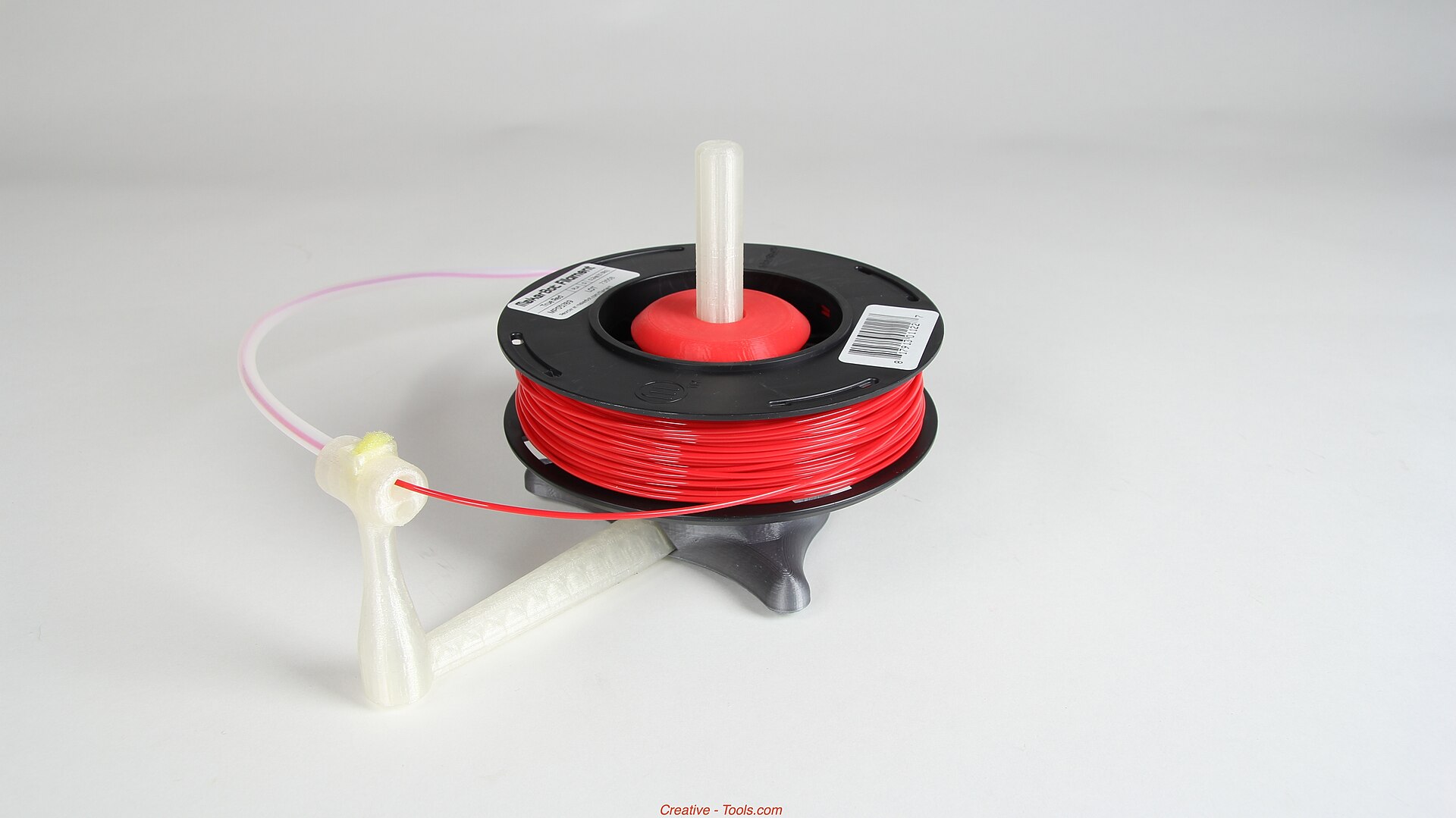 MaterialsFlexible Filament Without the GuessworkFlexible filament buckles when you rush it. Shore hardness and a short path to the nozzle matter more than a secret profile.
 GuidesHow to Read a Metal Printing QuoteThe machine rate is the small line. Heat treat, supports, and inspection are where the quote gets honest.
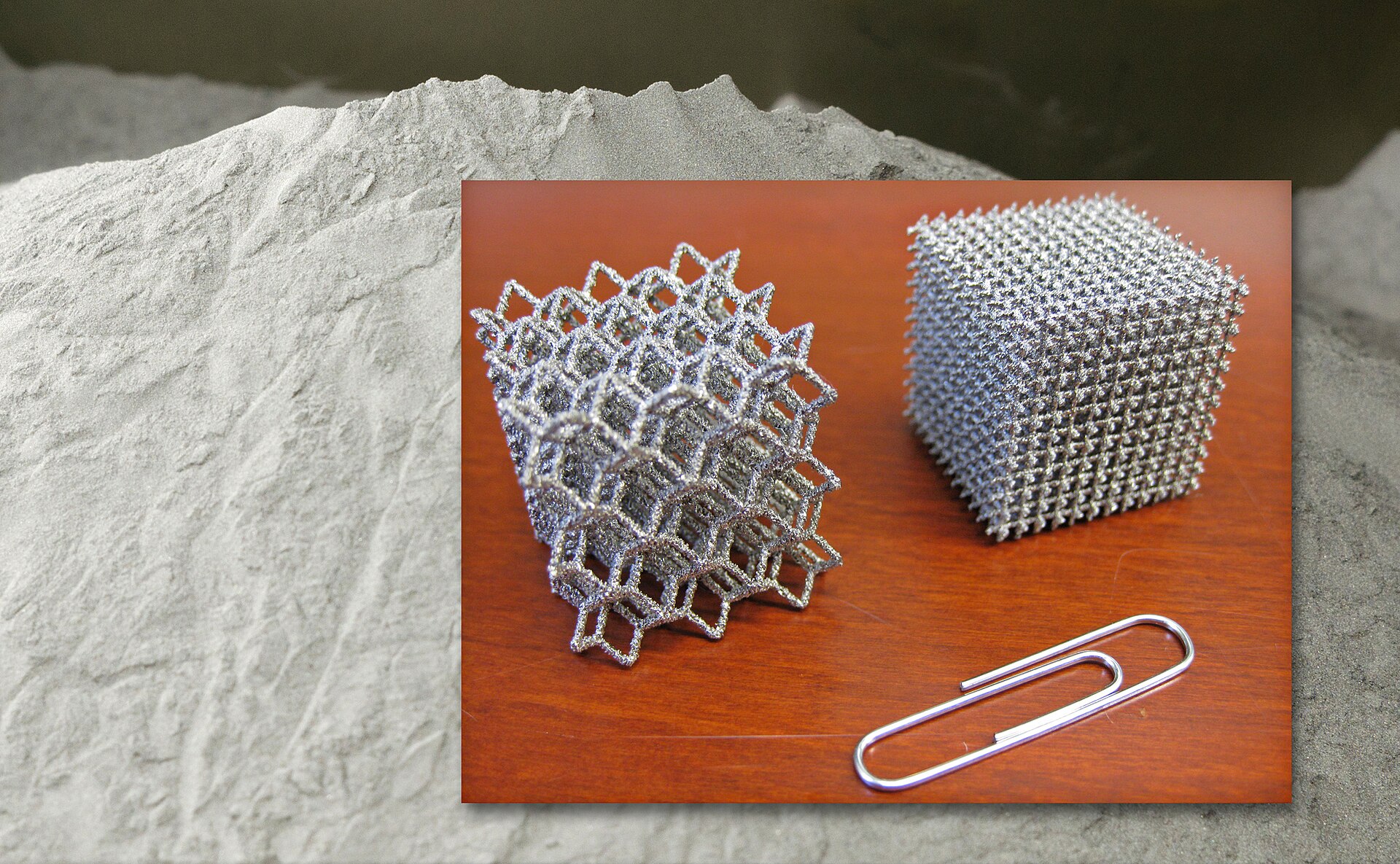 NewsWatching a Metal Build While It Is Still RunningStopping a bad metal build early saves powder and hours. It does not replace the inspection after the door opens.
 GuidesMesh Checks Before You SliceMost bad prints of downloaded files are scale, holes, or walls the nozzle cannot make.
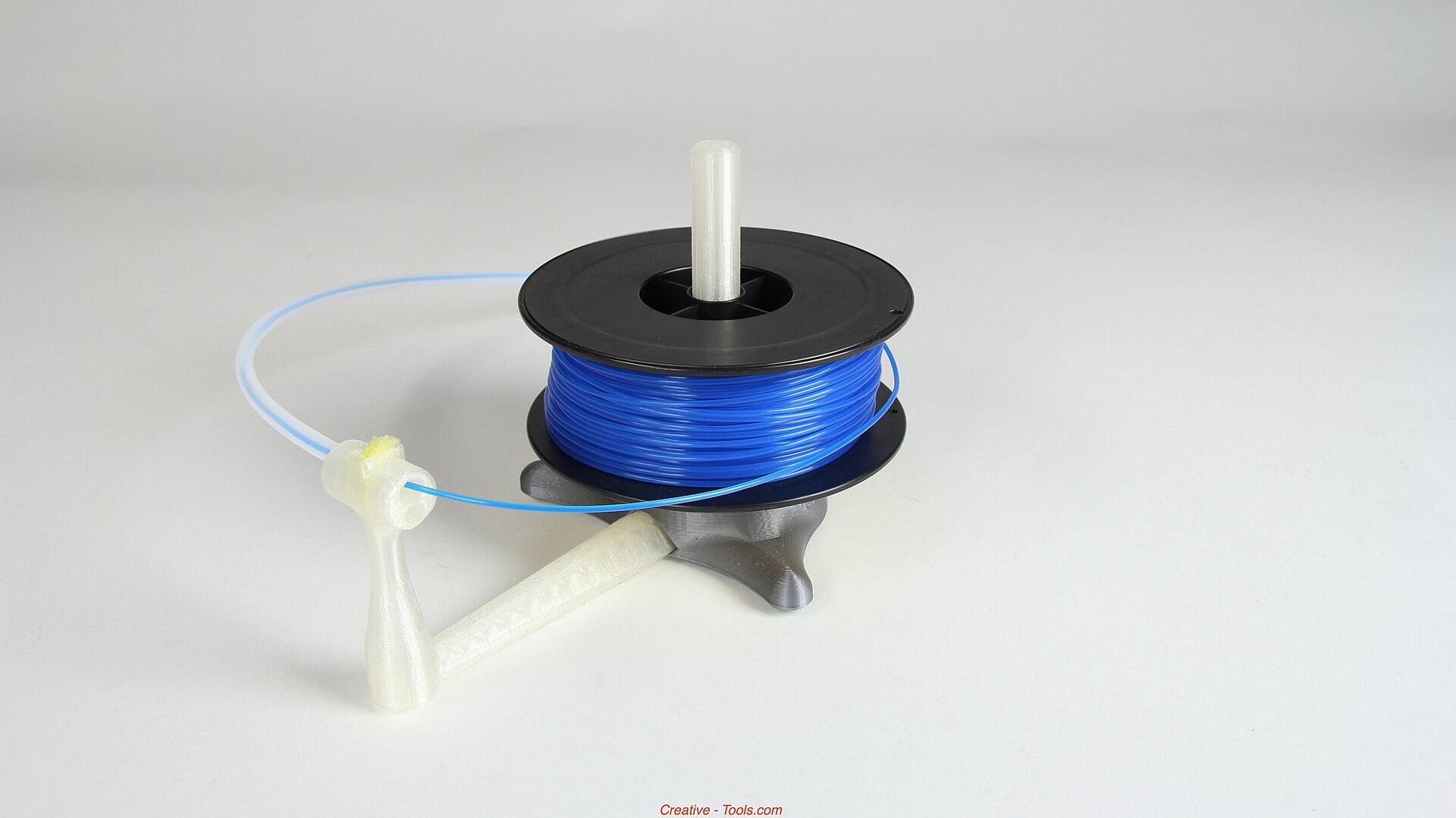 MaterialsPLA, PETG, and ABS After the Part Leaves the BedThe easy spool is not always the one that survives a warm car, a clamp, or a weekend outdoors.
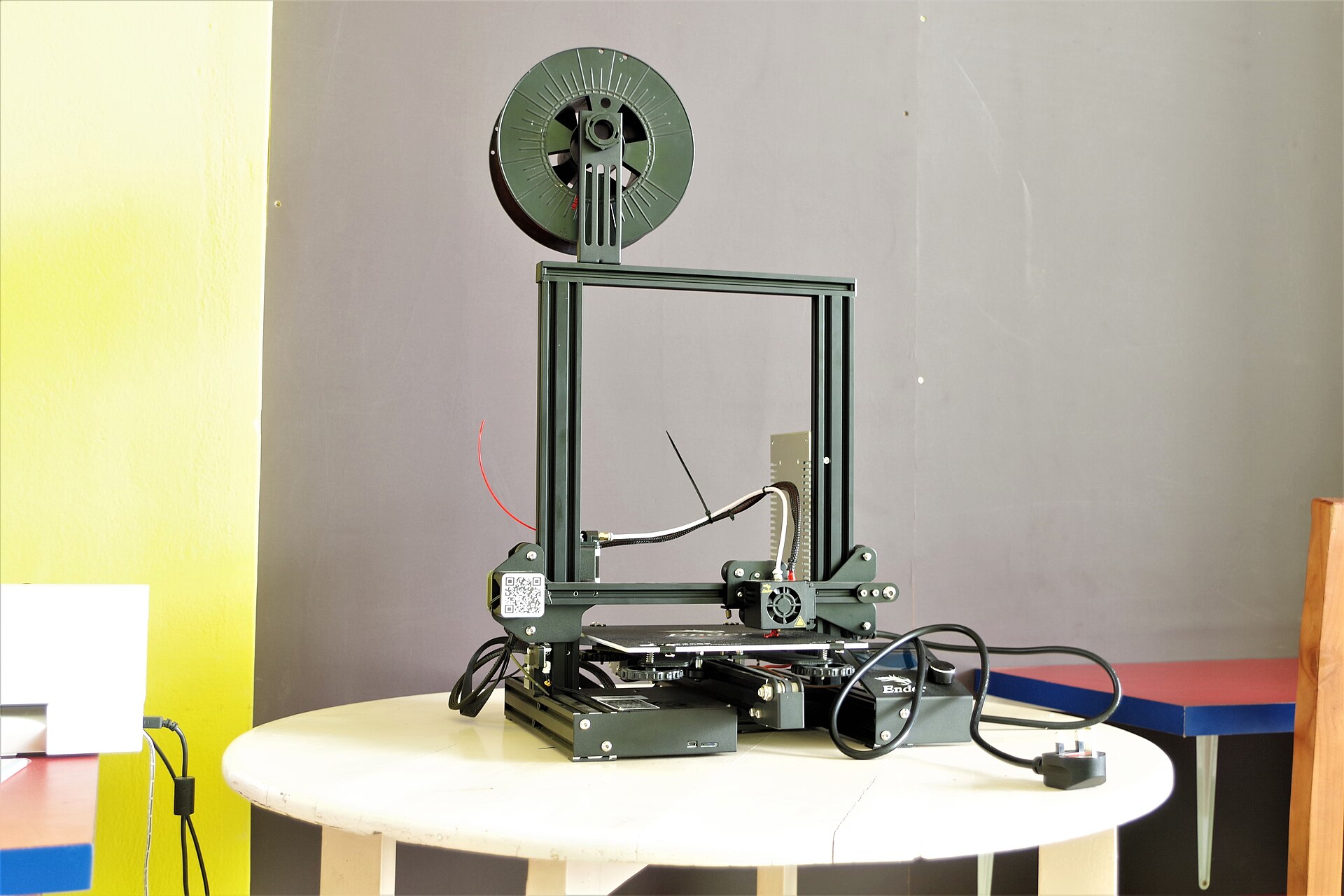 ApplicationsPrinted Metal That Has to FlyA light lattice is not a flight part until the powder, the recipe, and the inspection travel with it.
 GuidesVolumetric Printing in Plain LanguageInstead of drawing a part one layer at a time, volumetric printing tries to cure the whole shape in one exposure.