Printers
Belts, Lead Screws, and Linear Motors
Most desks move with belts. Screws trade speed for stiffness. Linear motors remove the belt, and the modest price.
- 3 min read
- Printers
- Eight more stories
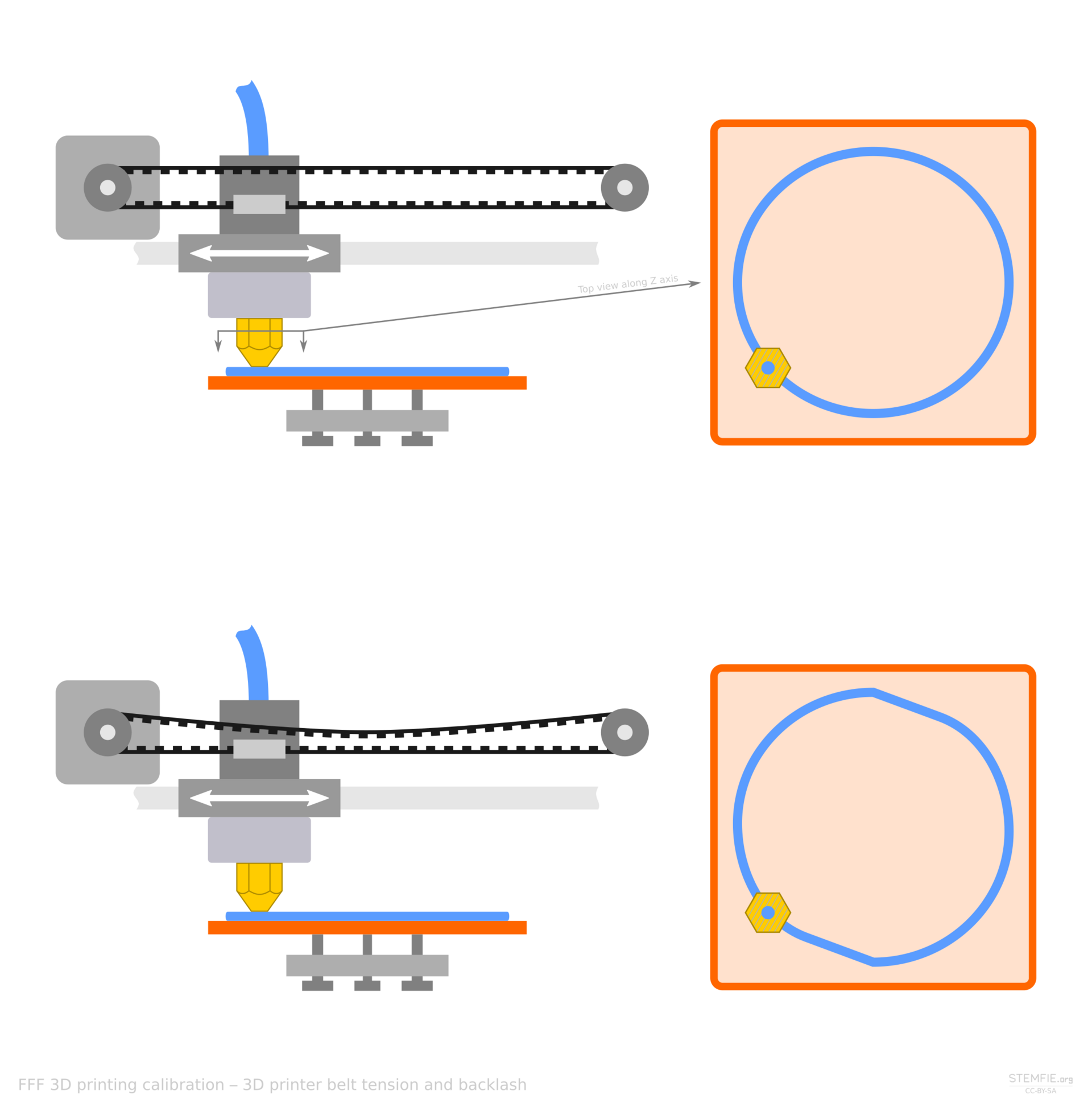
The head of a filament printer has to start, stop, and turn without painting those decisions onto the wall of the part. Belts do this cheaply. They also stretch, vibrate, and ring after a corner, which shows up as a ghost of the feature a few millimeters later. A well-tensioned belt on a light head is still the right answer for most desks.
When the belt is the defect
Lead screws and ball screws trade some speed for a stiffer push. They can show a periodic mark if they are bent, and they can show backlash if the nut is loose. Vertical axes often use them because a belt can creep and drop the gantry. Linear motors couple the motor to the carriage with no belt tooth and no screw period. They accelerate hard and hold a position well. They also cost more, they want a clean encoder, and they are easy to oversell to someone whose real problem is a loose pulley.
Fix the cheap defects first: pulley set screws, a square frame, input shaping if the firmware has it, and a head that is not heavier than the belts can manage. If the walls are still banded after that, then a different transmission is a real conversation.
- Ghosting after corners points at ringing, not at the filament brand.
- A vertical seam of wobble can be a bent screw or a loose coupler.
- Heavier heads make belts look worse. Remove mass before you blame the loop.
- Linear motors do not fix a wet spool or a bad profile.
Do this next
- 1
Print a square with sharp corners and a flat wall. Listen as well as look.
- 2
Tension belts until they stop flopping, then stop before the bearings howl.
- 3
If a screw axis shows a gap on direction changes, adjust backlash before you buy parts.
- 4
Only then decide whether a linear motor would remove a defect you still have.
More from the desk
Eight other notes from the rest of the bench.
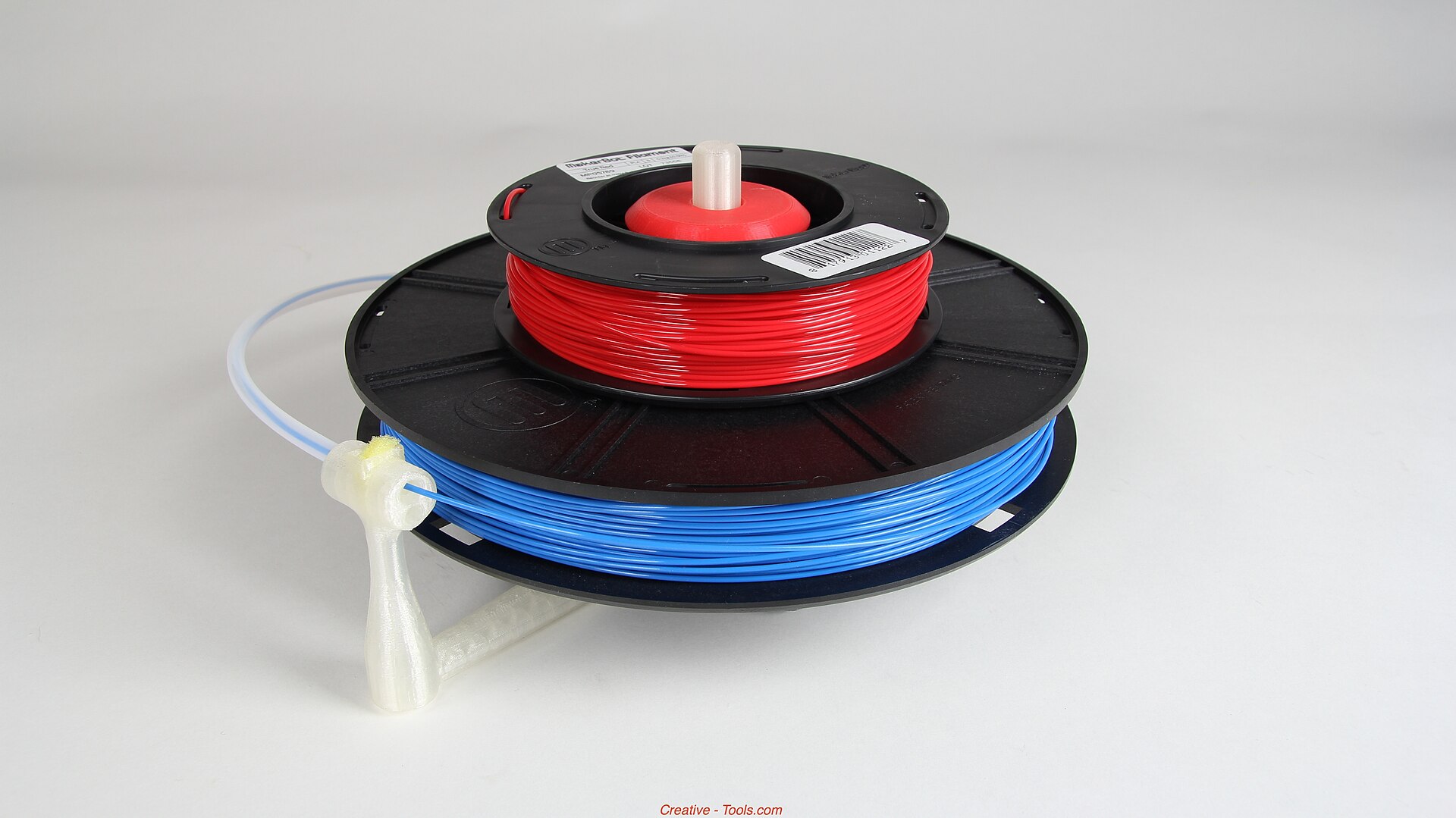 MaterialsTurning Scrap Plastic Into FilamentA filament extruder can reuse one clean plastic. Mixed scrap, wet flake, and a wandering diameter will not.
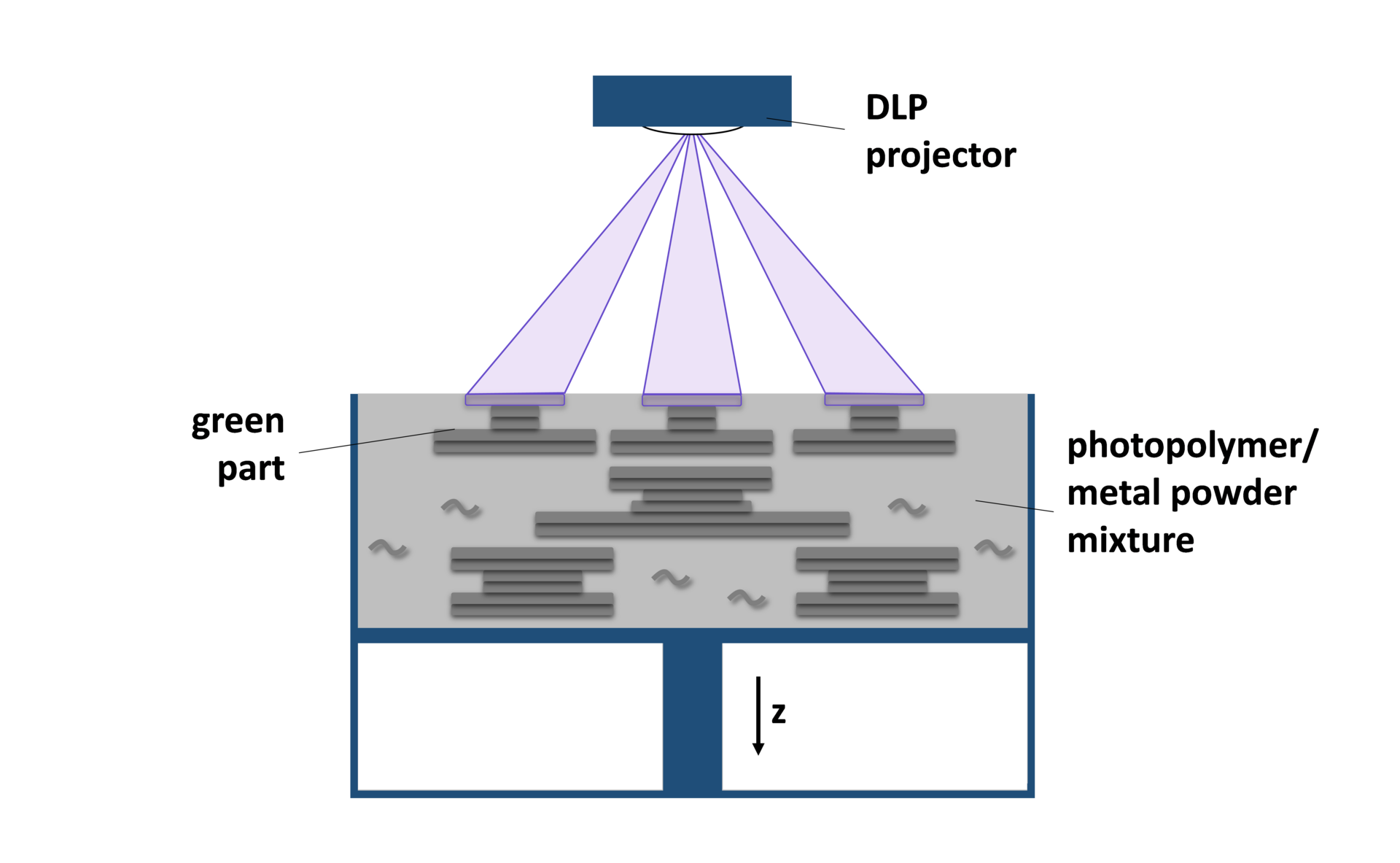
 NewsWatching a Metal Build While It Is Still RunningStopping a bad metal build early saves powder and hours. It does not replace the inspection after the door opens.
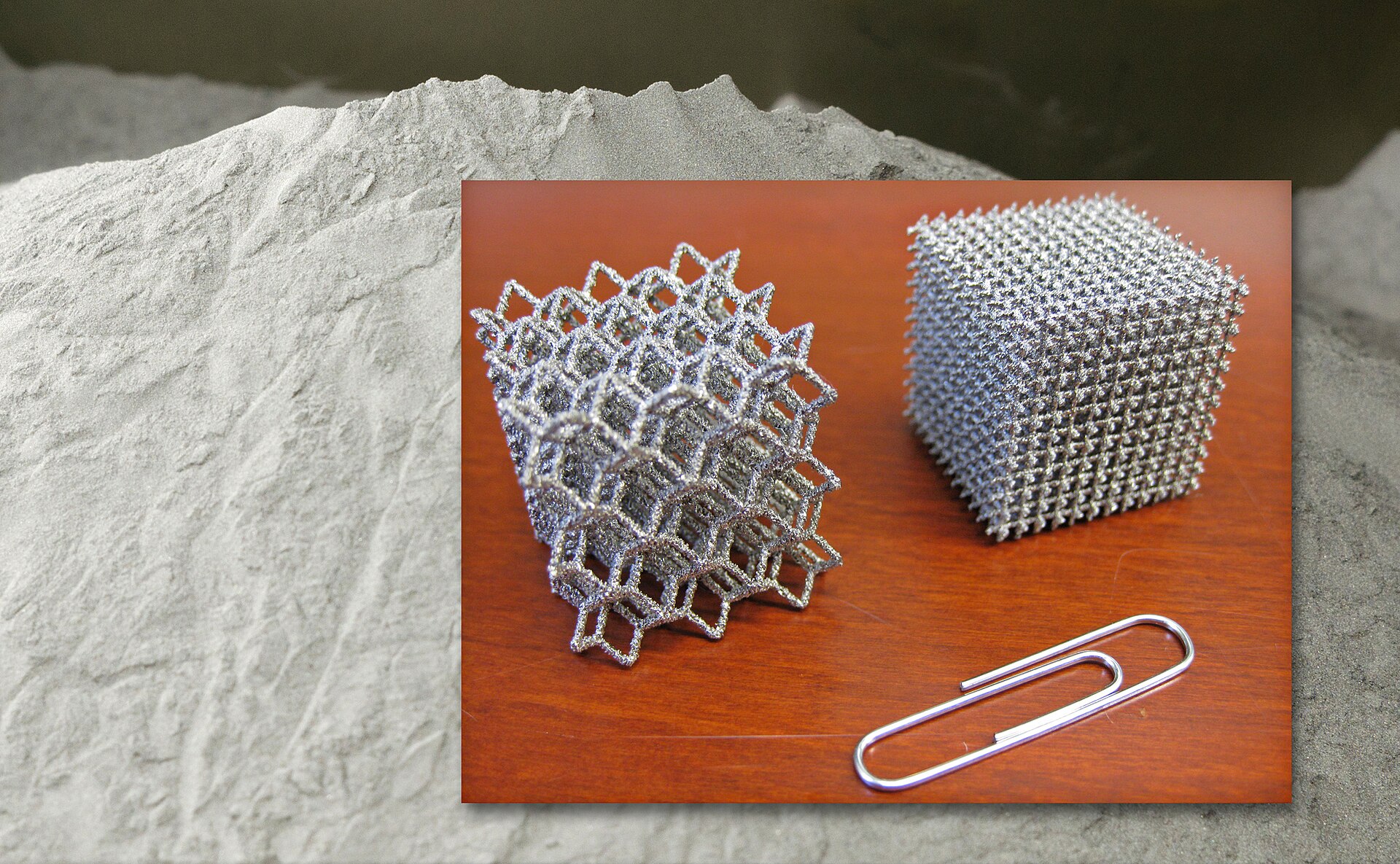
 MaterialsCopper Alloys on a Laser Powder BedCopper shrugs off heat and throws light back. That is why it is useful, and why the laser struggles.
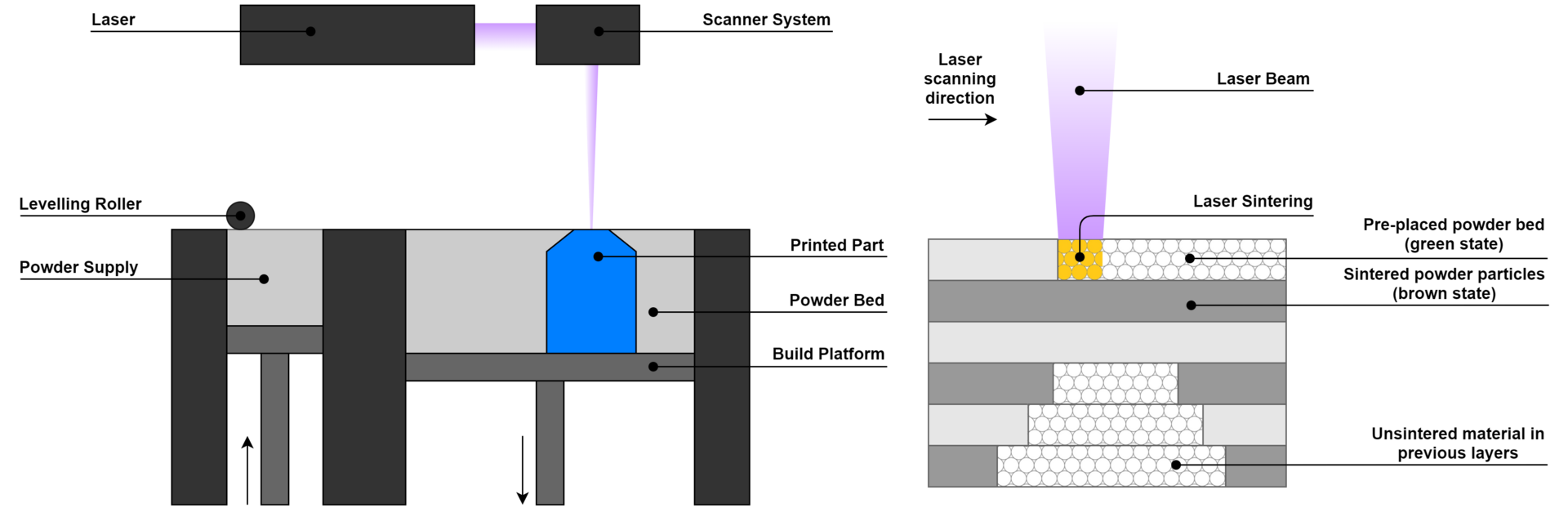 PrintersWhen Powder-Bed Nylon Beats FilamentPowder supports itself. That is the gift. Cooling time, refresh rate, and a sandy surface are the bill.
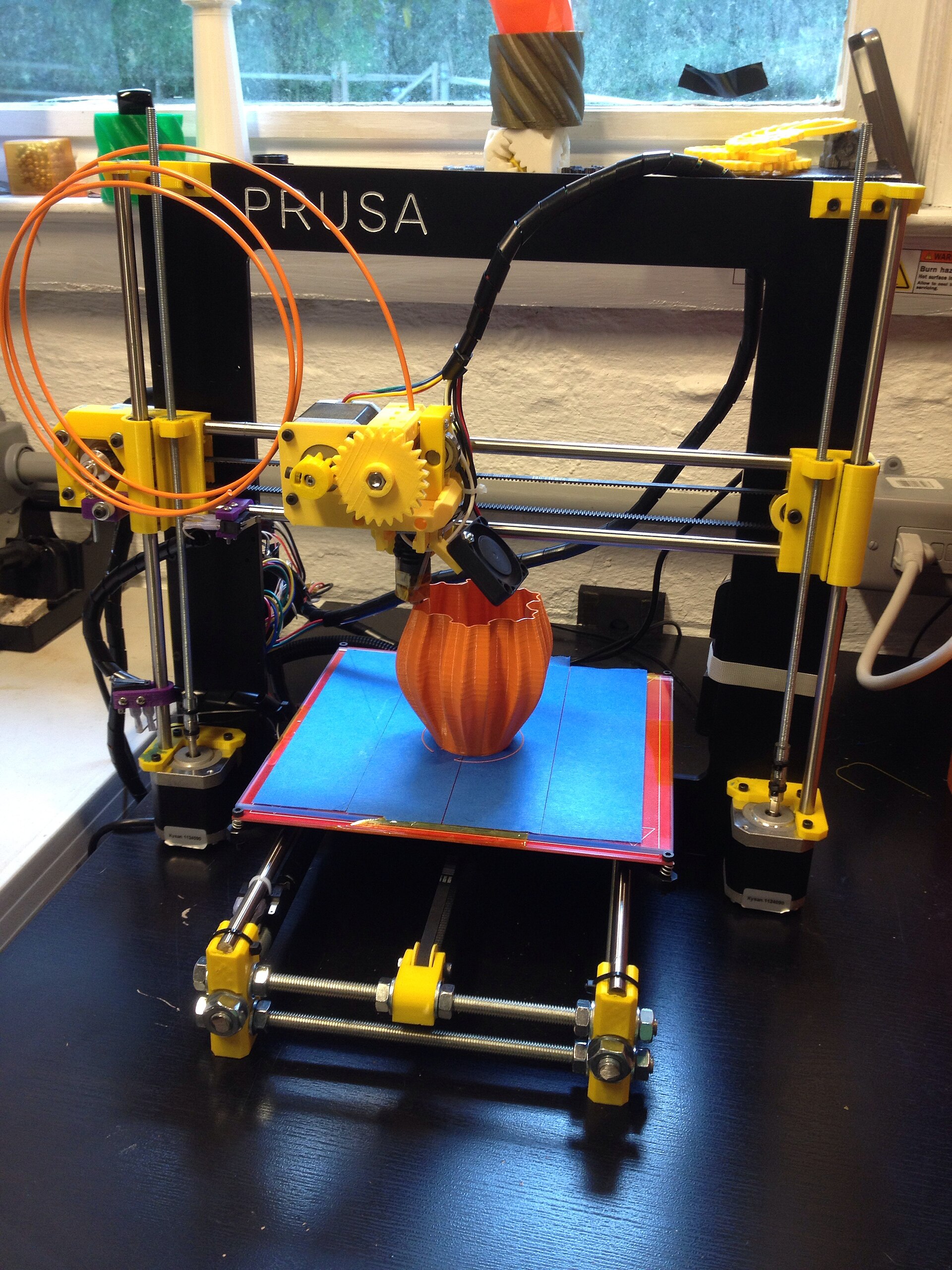 PrintersContinuous Fiber on a Desktop MachineA strand laid into the part is strong along its length. Across the strand, you still have plastic.
 GuidesVolumetric Printing in Plain LanguageInstead of drawing a part one layer at a time, volumetric printing tries to cure the whole shape in one exposure.
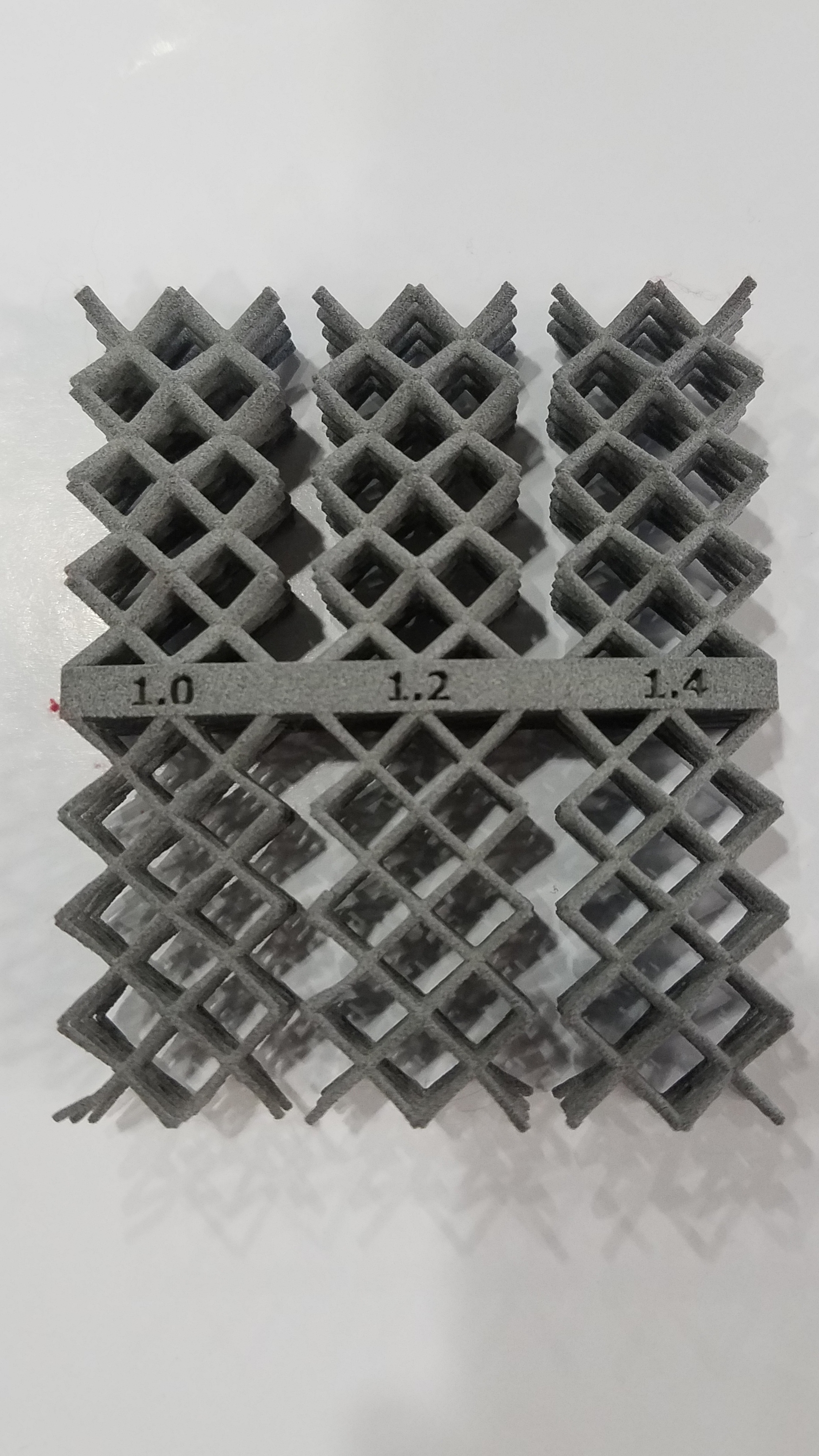 SoftwareFrom a Sentence to a Printable MeshA model generator can hand you a shape in a minute. The slicer still needs a closed, scaled, thick-enough solid.
 ApplicationsWhat Kitchen Printers Actually DepositA kitchen printer pushes paste through a nozzle. It does not invent a recipe, and it does not clean itself.