

Discover the Best Free 3D Modeling Software for Every Creator and Project
Getting started with 3D modeling no longer requires a significant financial investment in expensive software. The market is now rich with powerful, free 3D modeling solutions, making design accessible to everyone. Whether you’re looking to create original objects from scratch, customize existing models downloaded online, or simply explore the world of three-dimensional design, these tools provide an excellent entry point. It’s a common misconception that free modeling software is only for beginners; however, many of these applications offer advanced features and professional capabilities. This extensive range includes not only standalone free programs but also complimentary versions of popular paid software, ensuring there’s a suitable option for every need and skill level. In this comprehensive guide, we delve into some of the top free 3D modeling software programs available today, catering to diverse levels of experience in 3D design and manufacturing. Each entry is listed alphabetically for easy navigation, helping you find the perfect tool to bring your digital creations to life.
3D Builder
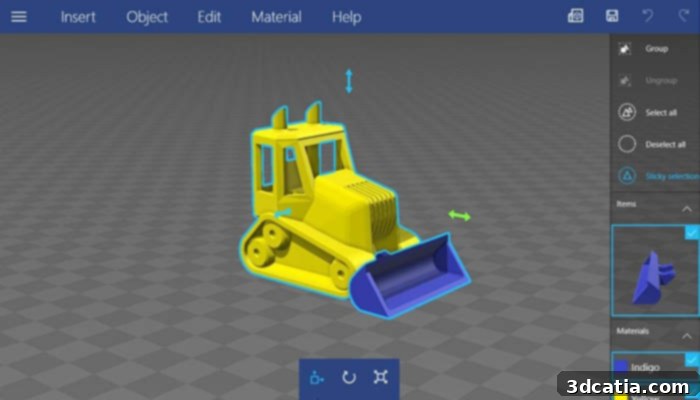
Developed by Microsoft Corporation, 3D Builder is a free 3D modeling application primarily designed for beginners. It allows users to effortlessly design, visualize, and create 3D objects, making it an ideal choice for those new to the world of CAD. This intuitive software is exclusively available for Windows, requiring Windows 10 version 15063.0 or higher. Users can start their projects by combining simple geometric shapes to build complex models or import existing 3D files from online sources for customization. Key features include robust tools for viewing and repairing 3D models, which is particularly useful for preparing designs for 3D printing. The personalization tools are straightforward, enabling quick modifications and adjustments. 3D Builder excels in its compatibility with 3D printing, supporting essential file formats like STL, OBJ, and 3MF, ensuring a seamless transition from design to physical prototype.
3D Slash
Inspired by the popular video game Minecraft, 3D Slash was specifically developed to simplify the 3D design process for users of all ages. Its highly intuitive interface allows users to create parts directly from digital blocks, mirroring the game’s familiar building mechanics. The software provides a comprehensive set of easy-to-use tools, such as a hammer to subtract cubes, a trowel to add them, and a drill to remove only a portion of a block. This block-by-block approach makes 3D modeling feel more like playing a game, reducing the learning curve significantly. 3D Slash is also compatible with various online 3D model repositories, allowing users to effortlessly download and import STL or OBJ files from platforms like Thingiverse and MyMiniFactory for further customization. While a robust free web version with online storage is available, 3D Slash also offers several paid versions that unlock advanced functionalities and features for more ambitious projects.
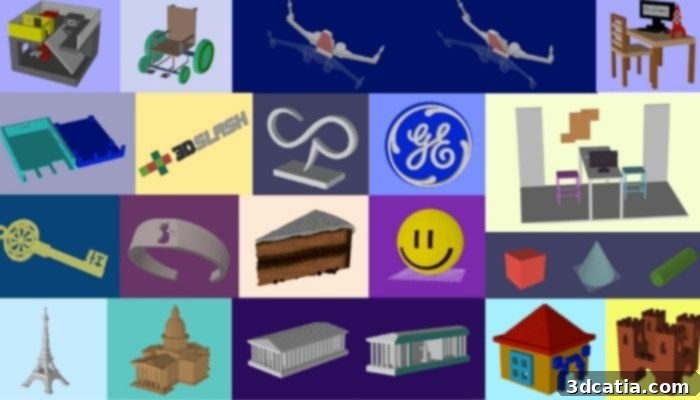
3D Slash was inspired by Minecraft
Blender Free 3D Modeling Software
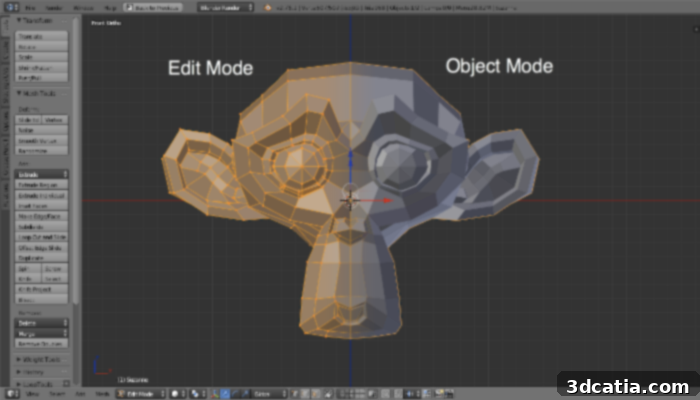
First released in 1995, Blender has evolved into a comprehensive and highly popular 3D modeling software, especially renowned in the animation and video production industries. Beyond being free, Blender is open-source, which means it benefits from continuous improvement and feature development by a vibrant global community of developers and artists. This collaborative approach ensures that Blender remains at the cutting edge of 3D technology. One of its most compelling advantages is its vast array of integrated functions, encompassing modeling, sculpting, animation, simulation, rendering, video editing, motion tracking, and even game creation. This makes Blender an incredibly versatile CAD software, capable of handling almost any 3D task. It is also cross-platform, running seamlessly on Linux, Windows, and Macintosh operating systems. While Blender’s primary modeling method is polygonal modeling, it offers robust tools for preparing 3D models for additive manufacturing by supporting various export formats suitable for 3D printing.
BlocksCAD
BlocksCAD stands out as one of the most accessible and completely free 3D modeling tools available today. Its core mission is to empower educational institutions, providing students with a simple yet effective platform to grasp the fundamentals of visualization, design, and 3D printing. The platform’s interface is strongly reminiscent of LEGO bricks, employing a constructive solid geometry (CSG) approach where complex shapes are built by combining and manipulating simpler blocks. Users interact with the software by placing and arranging different geometric figures (like cubes, spheres, and cylinders) on a three-dimensional plane using intuitive code blocks. These blocks represent figures, actions (such as union, difference, or intersection), and parameters (like size and position). By dragging and dropping these blocks on the left side of the screen, users can instantly see their creations take shape on the right-hand plane. Once a model is complete, it can be exported in OpenSCAD or STL format, ready for 3D printing, making it an excellent tool for introductory design courses.
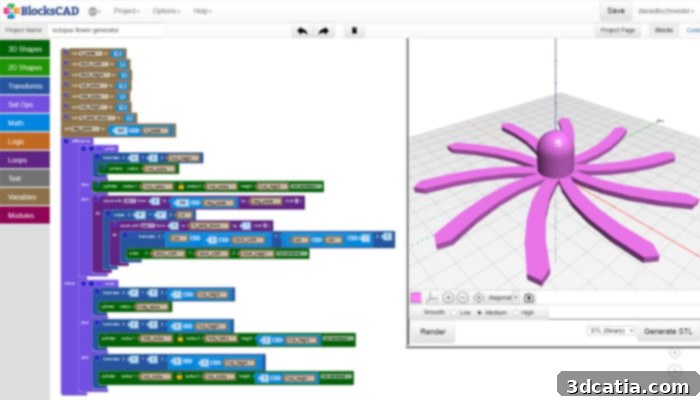
BricsCAD is easy to use
BricsCAD Shape
BricsCAD Shape offers a powerful, free introduction to the professional CAD capabilities of its full-fledged counterpart, BricsCAD. This program is an excellent choice for creating solid 3D models, conceptual prototypes, mechanical assemblies, and individual parts optimized for 3D printing. Its user-friendly interface allows for interactive selection and modification of parts directly with the mouse. A standout feature, the “Manipulator,” provides precise control over the faces and edges of shapes, enabling detailed adjustments and design refinements with ease. BricsCAD Shape finds significant application in architectural prototyping, where its multiple display styles and rendering options can vividly showcase designs in various materials and finishes. Drawings created in BricsCAD Shape are saved in industry-standard DWG and DXF formats, ensuring broad compatibility and the ability to be opened directly in any other CAD tool that supports these file types. This makes it a versatile tool for both preliminary design and collaborative projects.
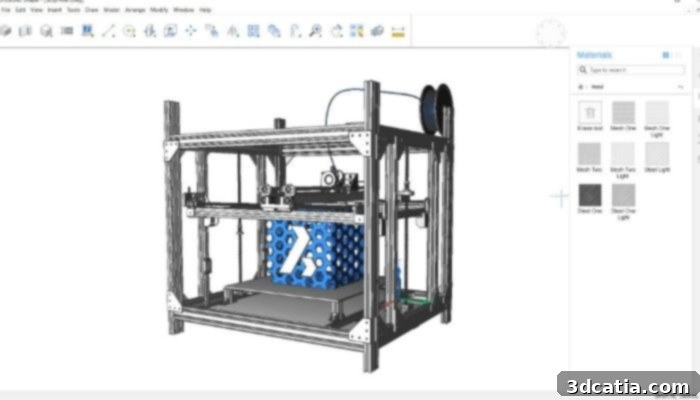
Photo Credits: BricsCAD
FreeCAD, the Most Popular Free 3D Modeling Software on the Market
FreeCAD, as its name proudly declares, is a completely free and immensely popular open-source 3D modeling software. It’s a parametric 3D CAD modeler, which means you can easily modify your design by going back into your model history and changing its parameters. Available for download across Windows, Linux, and Mac operating systems, FreeCAD supports an extensive range of file formats, including STEP, IGES, STL, SVG, DXF, OBJ, IFC, and DAE, ensuring seamless integration with various design workflows. The typical workflow in FreeCAD begins with creating a precise 2D sketch, which then serves as the foundation for its three-dimensional representation. Users can define intricate relationships and constraints within their 2D sketches, such as angles and dimensions, and then extrude or revolve them into 3D objects. More complex 3D models can also be achieved through operations like “filling” or boolean operations. The introduction of the latest FreeCAD 0.21 version in August 2023 brought significant enhancements, including a redesigned user interface for improved navigation, and crucial updates to its Core system and API (Application Programming Interface), providing greater flexibility for developers and advanced users. Furthermore, the updated Addon Manager simplifies the installation of useful plug-ins, while various Workbenches (specialized environments for different tasks like Part Design, Sketcher, or TechDraw) have been refined to boost productivity.
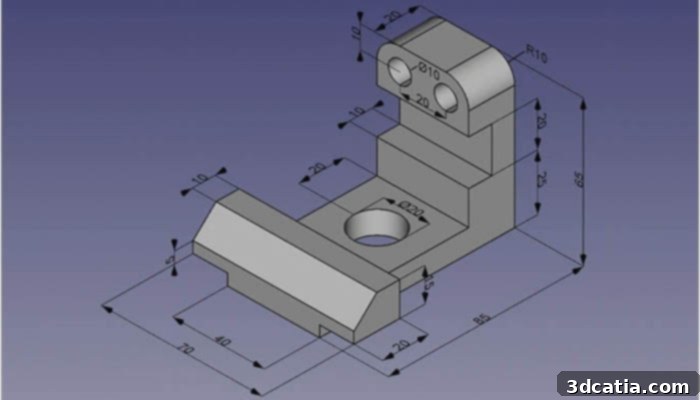
FreeCAD is one of the most popular free 3D modeling solutions found on the market
LeoCAD free 3D modeling software
For enthusiasts of LEGO, LeoCAD is an absolute delight. This free 3D software is specifically designed to cater to beginners and anyone eager to explore 3D modeling through a familiar and engaging medium. It allows users to design intricate models using virtual figurines and bricks that are remarkably similar to real LEGO components. The software boasts an intuitive interface, making it incredibly easy to learn and use, ensuring that even first-time users can create appropriate designs from their very first attempts. Its simplicity also makes it an excellent choice for educational purposes, fostering creativity and problem-solving skills. Despite its beginner-friendly approach, LeoCAD offers a surprisingly wide range of functions that can be leveraged by more advanced users to construct highly sophisticated and detailed models. What’s more, the program is capable of handling and modeling relatively large figures that require numerous parts, providing ample scope for ambitious projects. As an open-source platform, LeoCAD encourages community engagement, enabling users to share their models and collaborate on creations with other LEGO fans worldwide.
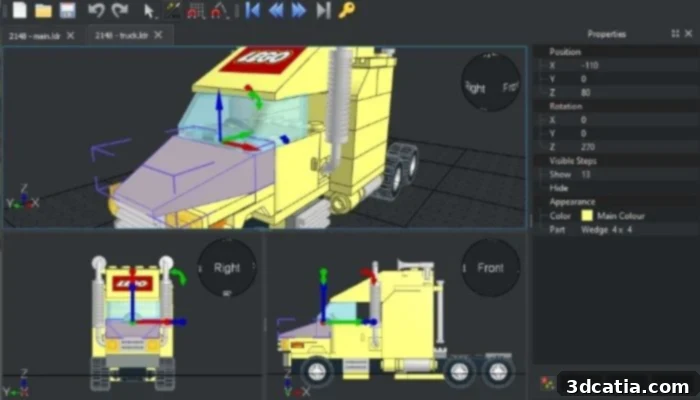
Photo Credits: LeoCAD
OpenSCAD
OpenSCAD is another robust free and open-source 3D software, specifically geared towards creating solid 3D CAD models. Its defining characteristic is its unique script-based approach to 3D modeling, utilizing its own descriptive language. This means that instead of direct manipulation, users define their models by writing code, which then generates the visual representation. While script-based modeling may initially appear challenging, it offers unparalleled precision and complete control over every aspect of the design process. Users can make precise modifications at any stage by simply adjusting parameters in the code, fostering a highly systematic and reproducible design workflow. This makes OpenSCAD particularly attractive for technical users, engineers, and programmers who prefer a programmatic approach to design. The software also provides flexible export options, supporting formats such as AMF, CSG, OFF, DXF, and STL, ensuring compatibility for various applications, including 3D printing. The OpenSCAD website further enriches the user experience by offering extensive resources, detailed documentation, and news updates to help users maximize the potential of this powerful free software.
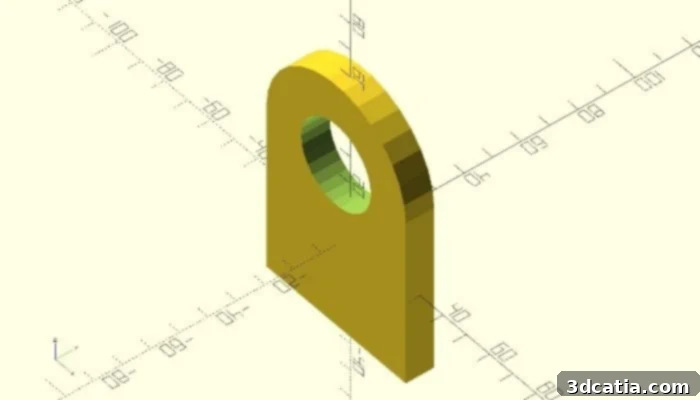
Photo Credits: OpenSCAD
SculptGL
SculptGL is a fascinating free, web-based solution that brings the art of digital sculpture to everyone’s browser. While it’s more widely recognized for artistic creation than for industrial additive manufacturing, it possesses several interesting features valuable for a range of projects. This intuitive tool allows users to sculpt 3D models using a variety of digital brushes and tools, mimicking traditional sculpting techniques. It offers functionalities such as brushing to add material, smoothing to refine surfaces, dragging to pull or push parts of the model, turning to rotate elements, and blowing to inflate or deflate sections. Beyond shaping, users can also apply virtual paint directly onto their models and preview different textures, including roughness, to achieve realistic or stylized finishes. The models created within SculptGL can be easily exported in widely supported STL and OBJ formats, making them suitable for subsequent 3D printing. It’s an excellent choice for artists, hobbyists, or anyone looking to explore organic modeling and character design without the need for expensive software installations.
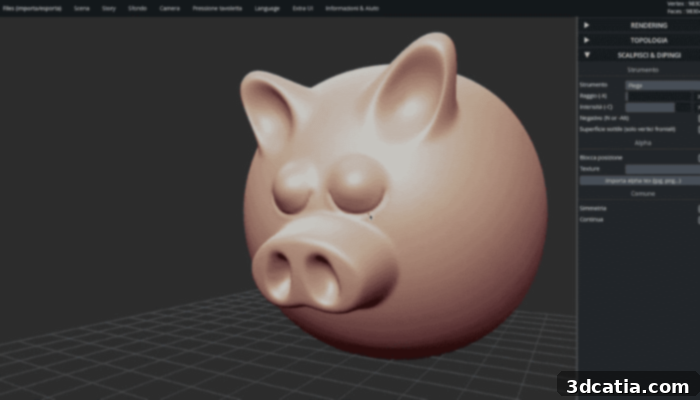
SculptGL has a number of artistic tools
SelfCAD Free
SelfCAD is a remarkably versatile 3D modeling tool designed to empower users to bring their ideas to life, from the simplest sketches to the most intricate and complex designs. It offers a fluid, fast, and intuitive modeling process that spans across sketching, 3D modeling, rendering, animation, and comprehensive design creation. Users benefit from the flexibility of accessing SelfCAD through both web and dedicated PC versions, with a hybrid option further enhancing accessibility by allowing users to access their saved content seamlessly from anywhere. The trial version provides a substantial free experience, complemented by a wealth of interactive tutorials and concrete step-by-step instructions that guide users through various functionalities and projects, ensuring a smooth learning curve. SelfCAD caters to a broad audience, making it suitable for home users, students, and makers who wish to indulge their creative hobbies, as well as freelancers and small businesses that require professional-grade modeling software for their work. A significant advantage for those involved in additive manufacturing is SelfCAD’s integrated slicer, which enables users to directly generate G-code for 3D printing, streamlining the entire design-to-print workflow.
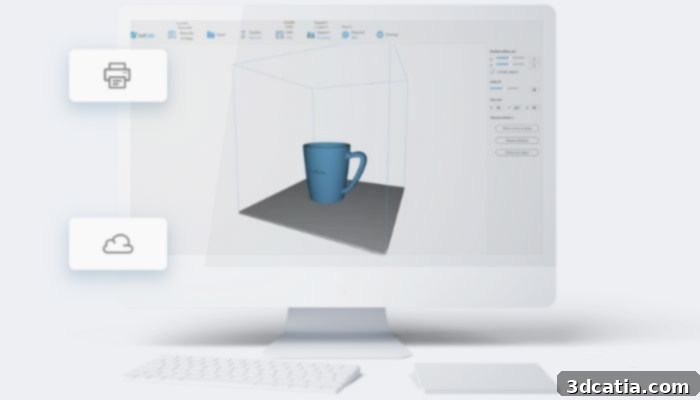
Photo Credits: SelfCAD
SketchUp Free
SketchUp Free offers an accessible entry point into the world of 3D design, serving as a simplified, browser-based version of the popular SketchUp software. Originally developed by Google and later acquired by Trimble in 2012, SketchUp Free maintains its reputation as a relatively easy-to-use solution, enabling users to bring a wide array of projects to life with efficiency. This online platform provides users with 10 GB of cloud storage, allowing them to save and access their projects from virtually anywhere. Furthermore, it boasts an extensive 3D model library, offering a vast collection of pre-made components and textures that can be readily incorporated into designs, significantly speeding up the creative process. For those interested in physical fabrication, SketchUp Free supports exporting files in STL format, making models compatible with 3D printers. Users also gain access to the SketchUp viewer, which allows for dynamic visualization of their creations in 3D. While the free version is robust for many applications, SketchUp offers a variety of pay-as-you-go solutions with enhanced features for users looking to advance their modeling capabilities further.
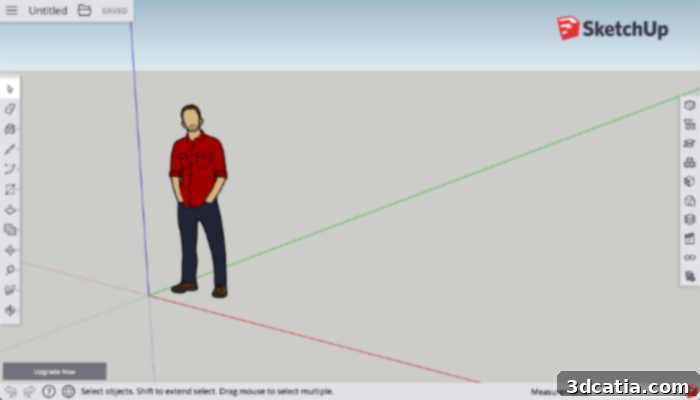
Photo Credits: Sketchup
TinkerCAD, the Free 3D Modeling Software From Autodesk
Developed by the industry giant Autodesk, Tinkercad is an acclaimed online 3D modeling solution specifically tailored for beginners, educators, and children. With a user base exceeding 75 million worldwide, it stands as one of the most widely used and highly regarded introductory modeling software packages on the market. Tinkercad’s appeal lies in its impressive range of functions coupled with its remarkable ease of use. The software operates on a simple yet effective principle of constructive solid geometry: users build models by adding, subtracting, and manipulating basic geometric shapes such as cubes, cylinders, pyramids, and spheres. These shapes can be easily moved, stacked, modified, and adjusted in size and orientation to bring any final project to life. Tinkercad offers several intuitive options, including tools to align multiple objects precisely along an axis or to effortlessly duplicate shapes as many times as needed. Furthermore, Tinkercad provides an extensive library of templates and engaging tutorials, designed to guide users through every stage of their modeling journey. It is truly the ideal software for discovering and mastering the fundamental principles of 3D modeling in a fun and interactive environment.
Vectary Free 3D Modeling Software
Vectary is an innovative 3D modeling solution conceived by two visionary 3D designers, offering both a robust free version and advanced paid solutions. The free online platform is directly accessible from your browser, making it incredibly convenient for aspiring designers. This version allows users to actively model up to three distinct 3D projects simultaneously, constructing them from a foundational library of solid shapes, including cubes, cylinders, capsules, and spheres. Once a model is meticulously prepared, it can be exported in the universally compatible .STL format, perfectly suited for 3D printing and various other applications. To further support user development, Vectary generously includes a comprehensive array of tutorials designed to help users significantly improve their modeling skills. Additionally, a rich library of pre-made models provides excellent starting points and inspiration for new projects, enabling rapid prototyping and creative exploration. Vectary thus serves as an excellent tool for both beginners and intermediate users looking for a powerful, web-based 3D design experience.
This comprehensive overview highlights some of the best free 3D modeling software available today, demonstrating that sophisticated design capabilities are more accessible than ever before. Whether you’re a beginner taking your first steps into 3D design, an educator looking for intuitive teaching tools, or an experienced maker seeking powerful open-source solutions, there’s a free program perfectly suited to your needs. We encourage you to explore these options and unleash your creativity without the burden of cost. What do you think of these fantastic free 3D modeling software programs? Share your thoughts and experiences in a comment below or connect with us on our Facebook and Twitter pages. Don’t forget to sign up for our free weekly newsletter to stay updated with all the latest news and innovations in 3D printing, delivered straight to your inbox!