

Top STL Repair Software: Fixing 3D Models for Flawless 3D Prints
In the exciting world of 3D printing, few things are as frustrating as encountering a failed print. While issues like incorrect printer parameters, poor bed leveling, or nozzle clogs are common culprits, a significant number of print failures can be traced back to problems within the 3D model’s design itself. These design flaws, often present in STL (stereolithography) files, can lead to unprintable defects, resulting in wasted time, material, and effort. Fortunately, a range of powerful STL repair software programs and online tools are available to help users identify and rectify these critical errors before a model ever reaches the 3D printer. These essential tools form a vital part of the 3D printing workflow, typically used after the initial 3D modeling phase and before the slicing process. While many popular slicer software packages do include basic STL repair functionalities, this comprehensive guide focuses on dedicated, standalone solutions that offer more advanced and robust repair capabilities. Whether you prefer the flexibility of an online platform or the power of a desktop application for your PC or Mac, you’ll find an ideal tool below to help you achieve perfect prints every time. The following list is presented in alphabetical order for easy navigation, showcasing a diverse array of options to suit various needs and skill levels.
Blender
Blender stands out as a highly versatile, free, and open-source software renowned for its comprehensive mesh creation and manipulation capabilities, encompassing 3D modeling, rendering, animation, and more. Beyond its broad artistic applications, Blender offers robust features for repairing STL files, making it an excellent choice for users looking for an all-in-one solution. Within its Edit mode, under the Mesh menu in the bottom toolbar, users can access several native STL repair functions designed to address common mesh issues. These built-in tools can help with operations like merging vertices, removing loose geometry, and recalculating normals, which are crucial for preparing models for 3D printing. For those seeking even more specialized repair functionalities, an invaluable extension is available from SineWave: the Mesh Repair Tools plugin. This powerful add-on provides an integrated toolbox specifically tailored for advanced mesh repair. Developed with 3D printing in mind, the Mesh Repair Tools plugin intelligently identifies and removes redundant features, cleans up manifold errors, and streamlines the geometry to ensure only essential elements remain. This focus on optimization and error correction makes Blender, especially with this plugin, a formidable tool for preparing complex STL files for successful additive manufacturing. Its open-source nature also means a vibrant community continuously contributes to its development and support, offering ample resources for learning and troubleshooting.
Formware
Formware distinguishes itself from many other tools on this list due to its primary function as a dedicated slicer, specifically optimized for resin (SLA/DLP/LCD) and inkjet 3D printers. While its slicing capabilities are impressive, we’ve included it here for a very important reason: it offers a free, powerful online STL repair tool that is accessible to everyone, regardless of whether they use Formware’s slicing software. This robust online platform allows any user to upload their problematic STL files directly to the service. Once uploaded, the tool automatically diagnoses and proactively fixes a wide array of common STL errors, such as non-manifold geometry, inverted normals, and holes, which are critical for resin printing success. It’s important to note that the repair service implements a four-minute waiting period to manage processing capacity, ensuring fair access for all users. Formware’s website clarifies that their internal data indicates most significant issues can be resolved within this timeframe. If a model continues to exhibit problems or faces a longer processing wait, it likely indicates a more fundamental design flaw, such as an unclosed shell, which would be better addressed within a dedicated CAD modeling package. This distinction helps users understand when to rely on automated repair and when to revert to the initial design phase, saving considerable time and resources in their 3D printing endeavors, particularly for the intricate demands of resin printing.
FreeCAD
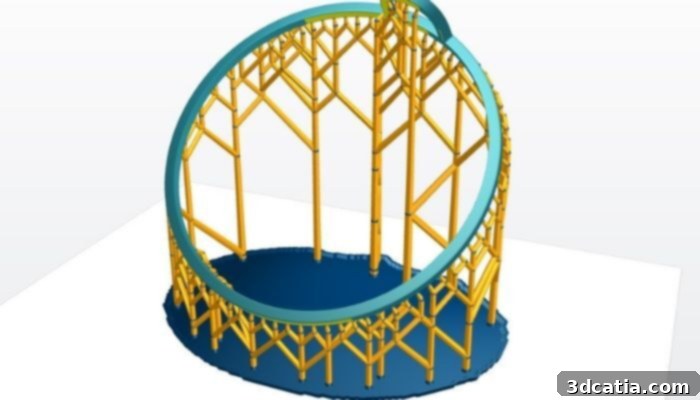
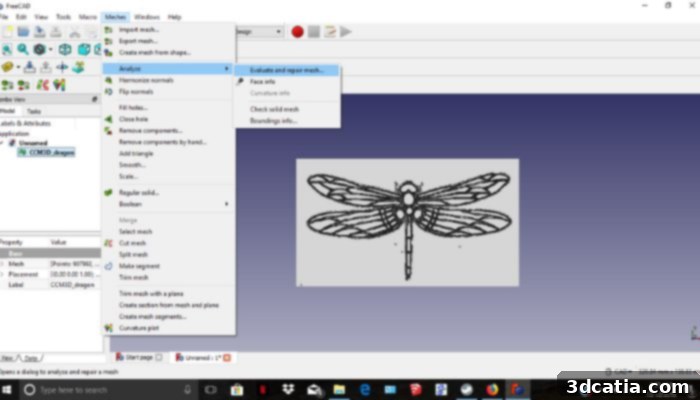
FreeCAD has established itself as one of the most widely adopted and respected open-source parametric 3D CAD modelers available today. Its robust capabilities make it suitable for a broad spectrum of users, from industry professionals requiring precise engineering tools to hobbyists exploring personal projects. FreeCAD excels at transforming 2D sketches into complex 3D models, offering a flexible and powerful environment for design. Backed by an active and growing community of over 25,000 users, FreeCAD benefits from continuous development and a vast ecosystem of free plugins that extend its functionality. Crucially for 3D printing enthusiasts, FreeCAD integrates a dedicated command specifically designed to inspect and repair STL files. This feature is particularly valuable for identifying and correcting various mesh errors that can plague 3D models. The platform intelligently analyzes the uploaded STL file, pinpointing areas with defects such as non-manifold edges, inverted normals, self-intersections, and holes. Once these errors are detected, FreeCAD offers a remarkably user-friendly solution, allowing users to repair all identified issues with a single click. This automated repair process significantly simplifies the often-complex task of preparing models for successful 3D printing, ensuring watertight and printable geometry without requiring extensive manual mesh editing. Its combination of powerful design features and integrated repair tools makes FreeCAD an indispensable asset in the 3D printing workflow.
LimitState: FIX
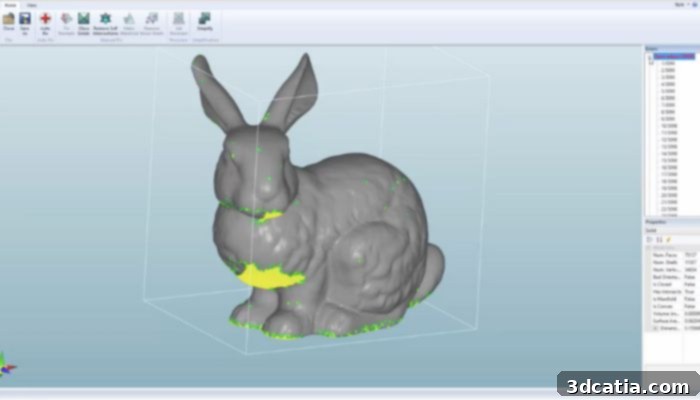
Developed by the British engineering software company LimitState, LimitState: FIX is a specialized software solution engineered to simplify the often-complex process of correcting problematic 3D files. Its core philosophy revolves around ease of use and efficiency, offering a remarkable “single-click” repair functionality that significantly streamlines the preparation of 3D models for printing. From the moment a user opens an STL file within LimitState: FIX, the software springs into action, immediately initiating a comprehensive analysis of the model’s geometry. This intelligent analysis is followed by an automatic repair process that targets and rectifies a variety of common 3D printing defects. Specifically, LimitState: FIX is adept at detecting and sealing holes within solid models, correcting defective meshes that could lead to print failures, and accurately adjusting polygon orientations to ensure consistent surface topology. These automated repairs are crucial for creating manifold, watertight models that are essential for successful additive manufacturing. The software operates on a subscription-based model, with pricing structured according to the number of licenses required. For individual users, a single license is priced at £25 per month (approximately €29), providing a cost-effective solution for personal or freelance projects. For teams or organizations needing multiple licenses, the price becomes more attractive, reducing to £20 per license each month when opting for five licenses. This tiered pricing makes LimitState: FIX an especially appealing and cost-efficient solution for shared use environments, such as design studios, educational institutions, or engineering departments, allowing multiple users to benefit from its powerful and intuitive repair capabilities.
Magics Materialise
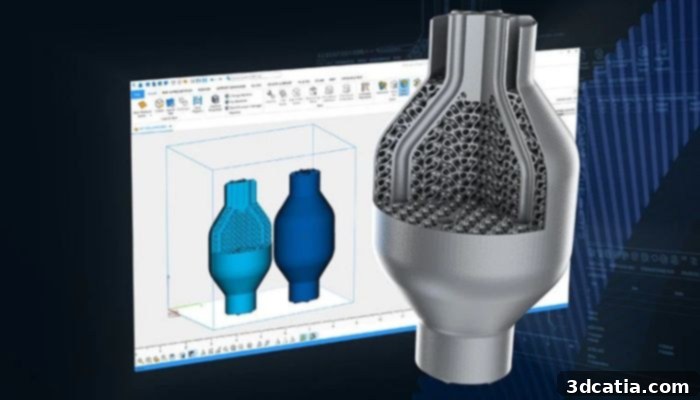
Magics, a flagship software solution developed by industry leader Materialise, is an incredibly powerful and comprehensive tool that goes far beyond simple STL repair, offering an extensive suite of functionalities for preparing parts for subsequent manufacturing processes. At its core, Magics empowers users to not only repair problematic 3D models but also to make essential modifications and optimizations to their designs, ensuring peak printability and performance. This is achieved through an array of sophisticated built-in functions, including highly effective automatic repair algorithms that can mend even complex mesh errors, advanced deviation analysis tools for quality control, and features for creating intricate interconnected structures. The scope of design changes possible with Magics is remarkably varied, ranging from minute adjustments like optimizing layer thickness for specific printing technologies to the generation of robust support structures crucial for successful part production. With Magics, users gain access to a singular software solution that significantly simplifies data preparation and streamlines the entire manufacturing workflow, making it both easy and highly efficient. Whether the goal is to precisely control every aspect of the workflow, perform rapid and optimized improvements to a model, or manage complex build platforms, Magics proves itself to be truly comprehensive. The continuous evolution of the software is highlighted by its 2025 update, which introduced numerous innovations further enriching the user experience. These include native BREP imports for better data fidelity, seamless nTop integration for generative design, significant updates for nesting and sintering box functionalities, revised license summaries for improved management, and an overall faster and more straightforward workflow. This ongoing commitment to innovation solidifies Magics’ position as a leading solution for advanced 3D printing data preparation and repair.
MeshLab
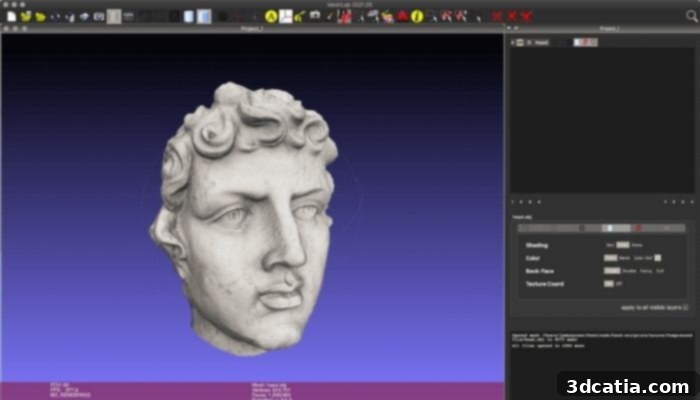
MeshLab is a widely respected and incredibly capable open-source software specifically designed for the advanced processing and editing of unstructured 3D triangular meshes. This robust system provides an extensive collection of tools that cater to various aspects of mesh manipulation, including editing, optimization, inspection, and high-quality rendering. For those dealing with problematic STL files, MeshLab offers crucial functionalities for cleaning up and preparing models for 3D printing. Users can leverage its powerful features to meticulously remove common mesh defects such as duplicate vertices, unreferenced vertices (orphan geometry), multiple edges, and other inconsistencies that can lead to non-manifold errors. Beyond basic cleanup, MeshLab provides sophisticated optimization tools, including a highly effective remeshing option. This capability allows for high-quality homogenization of mesh density, often based on quadratic error measurement, which is vital for achieving uniform surface quality and reducing file size without losing critical detail. Furthermore, the software supports several types of surface subdivision algorithms for smoothing and refining meshes, as well as two distinct reconstruction algorithms that can generate solid models from point clouds or noisy mesh data. Its comprehensive array of tools, combined with its open-source nature and active community support, makes MeshLab an indispensable asset for anyone requiring detailed control over their 3D meshes, particularly when preparing them for demanding applications like 3D printing or complex simulations.
MeshInspector
MeshInspector is a modern and intuitive 3D data processing software that places a strong emphasis on file repair for 3D printing, making it a valuable tool for both novices and experienced professionals. One of its most praised attributes is its remarkably straightforward repair process: users simply upload their problematic STL file, select their desired repair preferences, and the software intelligently handles the rest. This automation is particularly effective at detecting and correcting the most common issues found in STL files, ensuring a high success rate for automated repairs. MeshInspector’s versatility extends to its user experience, designed to be accessible to hobbyists while still offering robust features for experts. The software excels at simplifying complex tasks such as resolving intersecting meshes, efficiently closing gaps or holes, and removing extraneous noise layers that can compromise print quality. This ease of use, combined with powerful underlying algorithms, makes it a highly efficient solution for preparing models. MeshInspector is conveniently available in two formats: a flexible online version that can be accessed from any web browser, and a dedicated desktop application compatible with Windows, macOS, and Linux operating systems, offering greater performance and offline capabilities. For users looking to explore its potential, MeshInspector provides a free option that allows for viewing, inspecting, editing, and performing manual repairs on 3D models. However, to unlock the full spectrum of its automated and advanced features, the tool offers two distinct paid plans: one tailored for makers and hobbyists, and a more comprehensive package designed for professionals and businesses. Detailed information on its extensive repair features and capabilities can be found on the developer’s website or through the informative video provided below, offering a clear overview of how MeshInspector can enhance your 3D printing workflow.
Meshmixer
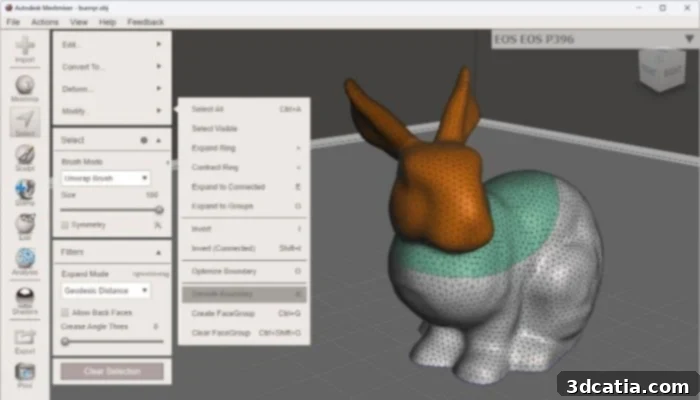
Meshmixer, a free software developed by Autodesk, proudly refers to itself as the “Swiss Army knife” for 3D meshes, and for good reason. Built upon the powerful foundations of MeshLab, Meshmixer offers an incredibly diverse array of functionalities that extend far beyond its excellent STL repair tools. It serves as a comprehensive toolkit for anyone working with 3D models, enabling users to combine, sculpt, stamp, and analyze meshes with remarkable ease. For those seeking reliable STL file repair software, Meshmixer is an exceptional choice, particularly for users who already possess some experience in 3D modeling and are accustomed to or looking to integrate with the Autodesk product family. Its intuitive interface, while powerful, might have a slight learning curve for absolute beginners, but the rewards are significant. A recent update, version 3.5.0, further enhanced its capabilities, although it is currently available only for Windows operating systems and features an interface exclusively in English. This update brought significant improvements to its repair toolkit, including enhanced features for efficient hole filling, sophisticated bridging options for connecting separated mesh parts, precise edge closing to ensure watertight models, and more robust automatic repair algorithms. These additions solidify Meshmixer’s position as a go-to tool for preparing 3D models for printing, allowing users to quickly diagnose and fix common mesh imperfections that could otherwise lead to print failures, all within a free and powerful environment.
Netfabb
Autodesk Netfabb is a leading-edge software solution specifically designed for additive manufacturing, providing a holistic platform that covers the entire workflow from design optimization to build preparation. The Fusion with Netfabb 2025 software, in particular, introduces significantly improved build preparation features and a comprehensive set of tools aimed at optimizing designs specifically for additive manufacturing processes. One of its standout capabilities is its advanced simulation functionalities, including Local Simulation, which allows users to predict thermo-mechanical history during the printing process. This crucial feature helps to identify and mitigate potential issues like warping or residual stress, thereby drastically reducing the incidence of costly build failures, especially in complex powder bed fusion (MPBF) and direct energy deposition (DED) processes. Beyond simulation, Netfabb excels in generating highly efficient additive toolpaths, ensuring optimal material deposition and part quality. The software boasts robust STL repair capabilities, automatically detecting and fixing complex mesh errors that often arise from CAD models. It also offers sophisticated automatic packing algorithms to maximize build plate utilization, configurable support structure generation for various geometries and materials, advanced lattice generation tools for lightweighting and performance enhancement, and detailed report creation for process documentation and analysis. Essentially, Netfabb provides an end-to-end solution that encompasses every critical step before 3D printing. As part of Autodesk’s extensive Fusion ecosystem, Netfabb seamlessly integrates with other design and manufacturing tools. It is currently available exclusively for Windows operating systems. Pricing for Netfabb is integrated within the Fusion 360 with Netfabb package, with costs varying depending on the specific subscription tiers and included features, offering scalable solutions for individual professionals and large manufacturing enterprises alike.
Choosing the right STL repair software is a critical step towards achieving consistent success in 3D printing. Each tool highlighted in this guide offers unique strengths, catering to different user needs, skill levels, and budget considerations. Whether you require a free, open-source solution like Blender or FreeCAD for versatile modeling and basic repairs, an intuitive online platform like Formware’s repair tool for quick fixes, or a comprehensive professional package like Magics Materialise or Netfabb for industrial-grade part preparation and optimization, there’s a tool out there to enhance your workflow. By proactively addressing common 3D model errors such as non-manifold geometry, inverted normals, or unwanted holes, you can significantly reduce print failures, save valuable time and material, and ultimately produce higher-quality 3D prints. Investing time in understanding and utilizing these repair tools will undoubtedly lead to a smoother, more efficient, and more rewarding 3D printing experience. We hope this detailed ranking has been useful in guiding your choice. Let us know your thoughts in a comment below or connect with us on our LinkedIn or Facebook pages! Don’t forget to sign up for our free weekly Newsletter to receive the latest 3D printing news directly in your inbox. You can also explore all our informative videos on our YouTube channel for more insights and tutorials.