
The Ultimate Guide to FDM 3D Printer Slicer Software: Choosing the Best for Your Projects
3D printing has revolutionized manufacturing, prototyping, and personal creation, transforming digital designs into tangible objects. The journey from a virtual model to a physical part involves several crucial stages: modeling, file preparation, and post-processing. Among these, slicing stands out as a foundational step. Slicing is the process of dissecting your intricate 3D model into hundreds or thousands of individual layers, generating precise instructions that guide your 3D printer’s movements and material deposition. To execute this step accurately and efficiently, you need specialized software known as a slicer.
A 3D slicer acts as the indispensable bridge between your digital design and your physical 3D printer. It converts standard 3D model file formats, such as STL, 3MF, or OBJ, into a series of detailed layers. From this layered data, it then generates a G-code file, which is essentially the language your 3D printer understands. This G-code contains all the necessary commands for the printer, dictating extruder movements, print speed, temperature settings, and more. With a plethora of 3D slicers currently available—ranging from free, open-source solutions to advanced, proprietary software tailored for specific machine models—selecting the right one can significantly impact your 3D printing experience and the quality of your final prints. This guide will focus on popular and highly-regarded slicer software compatible with FDM/FFF (Fused Deposition Modeling/Fused Filament Fabrication) 3D printers, providing a comprehensive overview to help you make an informed decision.
Leading FDM Slicer Software for Optimal 3D Printing
Cura: User-Friendly and Open-Source Excellence
Cura, developed by the renowned Dutch 3D printing manufacturer UltiMaker, has firmly established itself as one of the most popular and accessible open-source slicers in the market. Available as a free download, Cura is celebrated for its intuitive interface and robust capabilities, making it an excellent choice for both beginners and experienced users. It provides an extensive array of parameters, allowing users to fine-tune every aspect of their 3D models for optimal printing results. The software is continuously updated, with the latest versions, such as UltiMaker Cura 5.5.0, offering broad compatibility across macOS, Windows, and Linux operating systems. Cura supports a diverse range of file formats, including STL, OBJ, X3D, 3MF, BMP, GIF, JPG, and PNG, ensuring flexibility with various design tools. Beyond its core slicing functions, Cura integrates seamlessly with all Ultimaker 3D printers and offers dedicated CAD plug-ins for leading design software like Autodesk Inventor, Siemens NX, and SolidWorks. This integration streamlines the workflow, enabling rapid preparation of 3D models with recommended parameters, thereby simplifying the complex 3D printing process and enhancing user efficiency.
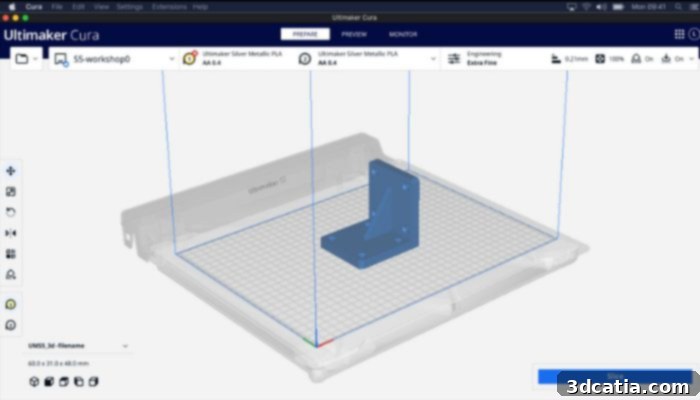
Photo Credits: Cura
3DPrinterOS: A Comprehensive Cloud-Based Slicing Solution
3DPrinterOS offers a holistic and user-friendly cloud-based platform designed to manage the entire 3D printing workflow. This open-source software excels at simplifying tasks by consolidating various programs and tools into a single, cohesive environment, making it an attractive option for both hobbyists and professionals. With compatibility spanning over 1,200 different 3D printer models, 3DPrinterOS provides exceptional versatility. It supports a wide array of file formats, including STL, OBJ, and Step, ensuring broad accessibility for diverse projects. A standout feature is its real-time monitoring capability, which allows users to supervise print jobs remotely from any location, at any time. This remote control functionality is invaluable for managing multiple printers or for users who need to keep an eye on long print cycles. Additionally, the platform integrates a powerful repair software called Magic Fix. This tool automatically optimizes object placement and resolution for printing, significantly reducing the need for manual adjustments and ensuring higher success rates for complex prints.
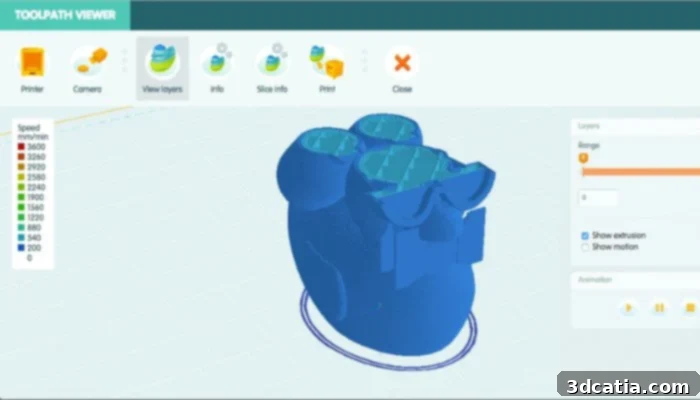
Photo Credits: 3DPrinterOS
IdeaMaker: Ergonomic Design for Enhanced Control
The IdeaMaker 3D slicer, developed by Raise3D, is a highly versatile and ergonomic tool specifically optimized for FDM/FFF 3D printing. It distinguishes itself with features designed to provide users with greater control and efficiency throughout the printing process. One of its most praised capabilities is the automatic generation of support structures, which can be effortlessly modified and customized with just a couple of clicks. This level of granular control over supports is crucial for ensuring successful prints of models with overhangs and complex geometries. IdeaMaker also comes equipped with a variety of pre-configured print profiles, simplifying the initial setup and offering accurate estimations for print time and material consumption. These profiles are often optimized for specific Raise3D filaments and printers, but can be adapted for others. Utilizing sophisticated algorithms, IdeaMaker can intelligently select optimum cutting parameters, significantly reducing production time while consistently delivering high-quality prints. Furthermore, users gain free access to the extensive IdeaMaker library, which hosts a wide range of cutting templates, many of which are specifically designed for different filament types and printer models, fostering a vibrant community and a rich resource for users.
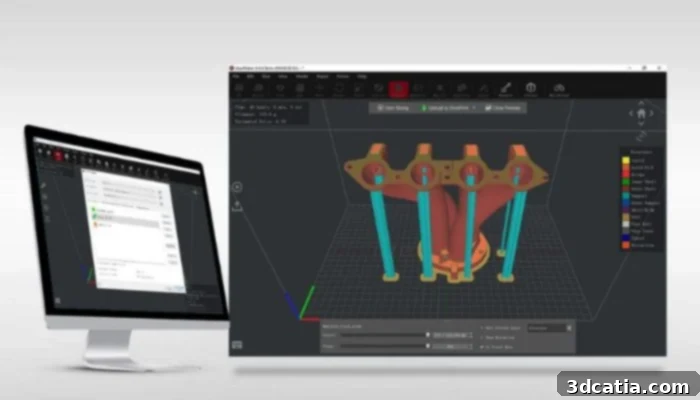
Photo Credits: Raise3D
KISSlicer: Simplicity Meets Sophistication
KISSlicer, an acronym for “Keep it Simple Slicer,” lives up to its name by offering a fast, cross-platform application that caters to a broad spectrum of users, from novices to seasoned professionals. Its sophistication scales with the chosen version, providing options that grow with your expertise. A free version is available, perfect for beginners who typically work with a single extruder setup. This entry-level option allows users to grasp the fundamentals of slicing without overwhelming complexity. For those requiring more advanced capabilities, the professional version enables sophisticated double-extrusion 3D printing, opening up possibilities for multi-material or multi-color prints. The even more comprehensive Premium version builds upon the Pro features, integrating advanced functionalities such as colored meshes, intricate textures, enhanced infill patterns for stronger parts, and precise handling of curved surfaces. The latest update, KISSlicer v23.05, ensures ongoing improvements and compatibility. Priced at $42, the Pro version offers excellent value for advanced hobbyists and small businesses, while the Premium version, available for $82, provides a robust toolset for professionals seeking maximum control and aesthetic quality.
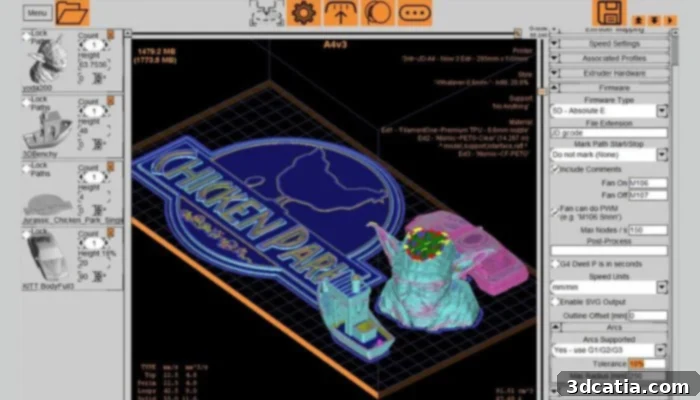
Photo Credits: KISSlicer
Repetier-Host: The Versatile Slicer Hub
Since 2011, the German company Repetier has been a significant developer and marketer of 3D printing software solutions. Their flagship product, Repetier-Host, truly lives up to its name by acting as a versatile host for multiple popular slicer engines. This unique approach means that Repetier-Host doesn’t just slice; it provides a centralized platform that can integrate and run various well-known slicers, including Cura, Skeinforge, Slic3r, and PrusaSlicer. This integration offers users an unparalleled range of options and flexibility, allowing them to experiment with different slicing algorithms and settings within a single interface. Repetier-Host is completely free to download and is compatible with major operating systems: Windows, Linux, and macOS. The latest versions, 2.3.2 for Windows and Linux, and 1.2.1 for Mac, ensure up-to-date performance and features.
Repetier-Host’s features are designed to cater to a broad audience, encompassing professional users, advanced hobbyists, and even beginners taking their first steps in 3D printing. According to Repetier, this software solution boasts compatibility with the vast majority of FDM printers currently available on the market, a testament to its widespread utility. Its ease of use is a key selling point: to prepare a print, users simply connect their printer to the computer, configure essential parameters, import their 3D model, and then select their preferred integrated slicer. Beyond the convenience of choosing from multiple slicers, Repetier-Host offers robust standalone features. The Multi-Print option allows for simultaneous printing of several objects, maximizing efficiency. The innovative Velocity Painting function enables users to modify the surface finish of their prints for unique aesthetic effects. Furthermore, the ability to access and control the printer remotely via Repetier Server adds another layer of convenience, allowing monitoring and management from afar.
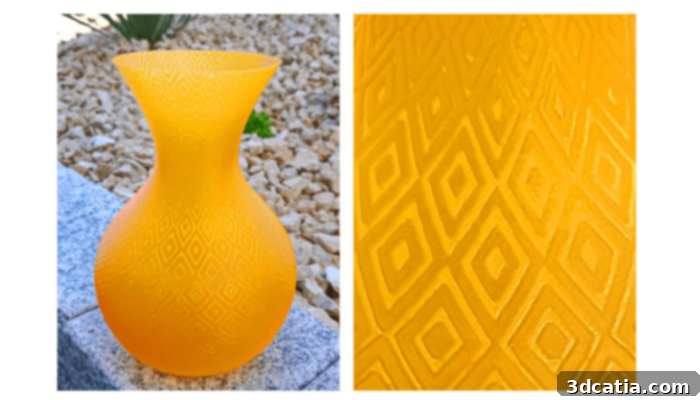
Photo Credits: Repetier
OctoPrint: The Remote Control Interface for Your Prints
OctoPrint distinguishes itself as a powerful, free, and open-source web interface primarily focused on controlling and monitoring 3D printing projects remotely. While its core strength lies in printer management, it cleverly incorporates a slicer, allowing users to slice STL files directly within the OctoPrint environment. This eliminates the need to switch between multiple applications, streamlining the workflow. Its web-based nature means users can monitor and control all 3D printer activities from virtually any web browser or mobile device. A key feature is the integrated webcam support, which provides continuous visual monitoring of print progress, allowing users to catch potential failures early or simply observe their creations coming to life. OctoPrint also offers granular control over various print parameters, such as adjusting print bed and extruder temperatures, as well as the ability to start, stop, or pause a print job at any moment. Its broad compatibility with the majority of 3D printers on the market further enhances its versatility, making it a highly valued tool for anyone seeking greater flexibility and remote management of their 3D printing operations.
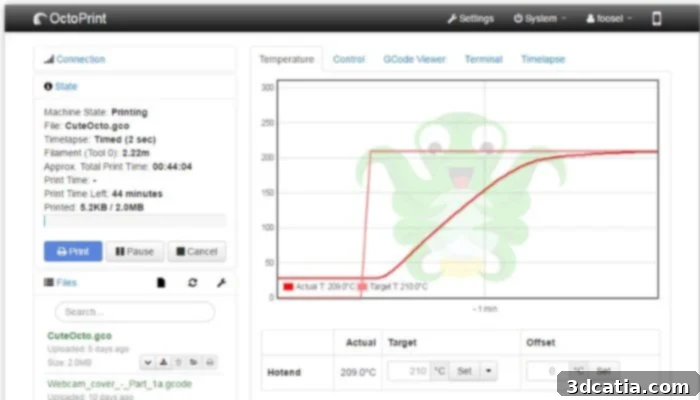
Photo Credits: OctoPrint
Slic3r: Community-Driven Innovation for All Levels
Slic3r is a pioneering free and open-source software that has played a crucial role in the evolution of 3D printing. Originating in 2011 within the vibrant RepRap community, its primary goal was to provide a suite of flexible and user-friendly tools for converting digital models into printable layers. Slic3r supports widely used file formats like STL and OBJ, ensuring accessibility for most 3D models. What sets Slic3r apart is its community-driven development: it is renowned for consistently integrating cutting-edge features proposed, tested, and refined by a dedicated global community of users and developers. This collaborative approach means Slic3r often introduces innovative functionalities that later become industry standards. One of its particularly well-known and convenient features is its direct integration with OctoPrint. This allows users to slice their files on their local computer and then upload them directly to OctoPrint with a single click, enabling seamless remote printing and monitoring without extra steps. Slic3r continues to be a go-to choice for those who appreciate open development and a rich feature set adapted for various skill levels.
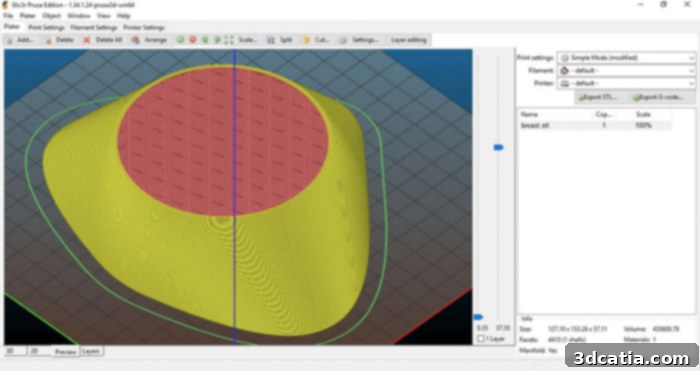
Photo Credits: Slic3r
AstroPrint: Cloud-Powered Printing with Extensive Features
AstroPrint positions itself as a robust cloud platform that shares a similar philosophy with 3DPrinterOS and OctoPrint, offering a comprehensive ecosystem for 3D printing management. It integrates a powerful 3D slicer within its cloud environment, allowing users to prepare their models online. More impressively, AstroPrint enables you to monitor and control your 3D printer from any device with internet access, providing unparalleled flexibility. Its global reach is evident, with over 260,000 users across more than 130 countries leveraging its capabilities. While the integrated slicer is designed for simplicity, it offers a surprisingly comprehensive set of functions. For instance, users can monitor live prints via a camera strategically positioned on the printer, ensuring constant oversight. The platform also facilitates efficient print queue management and provides detailed statistics, empowering users to analyze and refine their 3D printing processes. A distinguishing feature is its advanced authorization system, which allows users to grant specific access to their files or supervise printing processes for others. This level of collaborative control and management makes AstroPrint one of the most sophisticated cloud-based solutions currently available in the market.
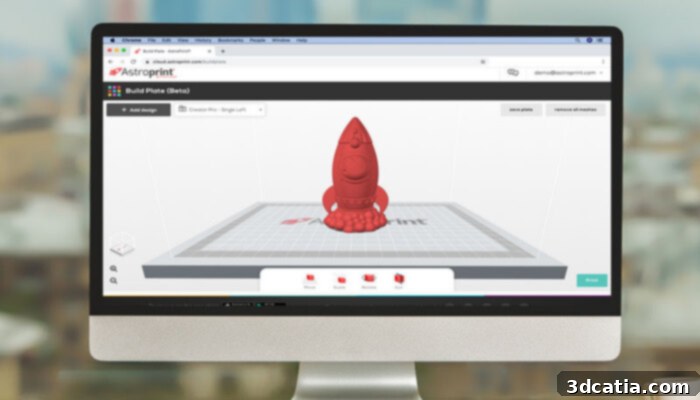
Photo Credits: 3Dnatives
Simplify3D: Professional Slicer Software for Enhanced Control
Simplify3D is a premium 3D slicer software specifically developed to meet the rigorous demands of professional users. Known for its powerful features and compatibility, it supports the vast majority of FDM 3D printers available today. Simplify3D has cultivated strategic partnerships with 3D printing companies in over 170 countries, leading to official support for over 190 unique 3D printer profiles. This extensive compatibility means that if your specific printer model isn’t pre-listed, adding it is typically a straightforward process, eliminating the inconvenience of switching slicers when acquiring new hardware. The recent version 5.0 (V5) introduced a staggering 120 new features and delivered a remarkable three times increase in slicing performance, cementing its position as a leading professional tool. For users who purchased their license within the last 12 months, this significant upgrade is provided free of charge. Otherwise, a new license costs $199, covering installation on up to two computers. Key enhancements in V5 include enhanced remote monitoring and control capabilities, allowing users to manage their 3D printer from any internet-connected device. Furthermore, the software now automatically suggests the most relevant locations for adding support structures, significantly improving print success rates and reducing material waste, making it an invaluable asset for complex and high-quality prints.
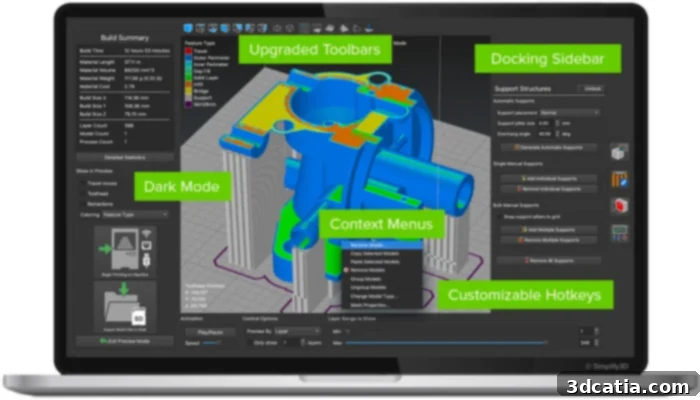
Photo Credits: Simplify3D
IceSL: A Comprehensive Professional Slicer and Modeling Solution
IceSL, first created in 2012 by the MFX (Matter from Graphics) team, is a distinctive free slicer that pushes the boundaries of 3D printing preparation. Compatible with Windows and Linux operating systems, this highly versatile software is expertly developed for both FDM and DLP 3D printers, catering to a broader range of additive manufacturing technologies. IceSL is available in three distinct versions, each offering specialized functionalities: IceSL-forge, IceSL-slicer, and SliceCrafter.
IceSL-forge stands out as the most comprehensive variant, going beyond mere slicing by integrating a powerful 3D modeling tool. This unique combination provides users with unparalleled flexibility, allowing them to create complex and highly customizable shapes directly within the slicing environment. The 3D modeling within IceSL-forge is performed using scripts based on the Lua language, offering a programmatic approach to design that enables efficient slicing and direct generation of 3D printer instructions (G-code) without the intermediate and often costly step of creating a mesh. This “meshless” approach can save significant time and resources. The IceSL-Slicer version, while primarily a dedicated slicing solution, also offers innovative features such as progressive infill, which allows for precise and gradient infill patterns to optimize material usage and part strength. Finally, SliceCrafter serves as an accessible online version of IceSL. Although less powerful than IceSL-slicer, it offers the convenience of being accessible directly from a web browser without any installation, making it ideal for quick slicing tasks on the go.
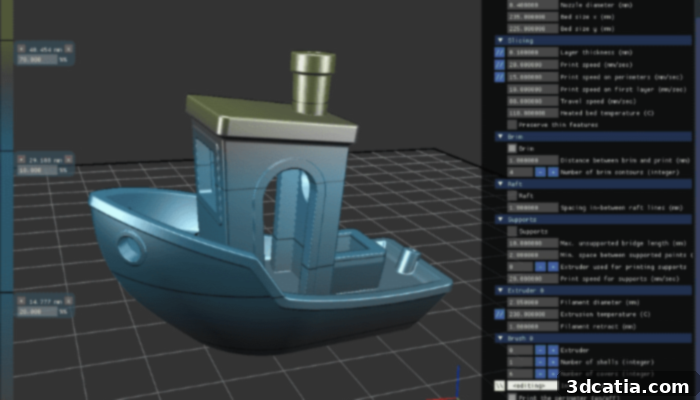
Photo Credits: IceSL
CraftWare Pro: Scalable Slicing for Every User Level
CraftWare Pro, developed by Craftbot, is a versatile 3D software solution designed to accommodate the needs of beginners, experienced hobbyists, and professional users alike. The software is available in three distinct versions to cater to varying demands: the standard (free) version, and the more comprehensive, paid Premium and Premium Enterprise versions. For newcomers to 3D printing, CraftWare Pro places a strong emphasis on ease of use, featuring an intuitive interface that simplifies the initial learning curve. For advanced users, CraftWare Pro is engineered with a focus on optimizing printing processes and achieving superior results. Its rich feature set includes multiple cutting modes—Smart, Easy, or Expert—allowing users to select the level of control and automation that best suits their project. Advanced functionalities also include the ability to extensively edit meshes, providing precise control over model geometry. The Multi-Tray function is particularly noteworthy, as it enables users to register and individually manage multiple 3D printers within a single software instance, making it an excellent tool for print farms or labs. In terms of pricing, while the standard version remains free, the Premium version is available for $99.99 per year, and the Premium Enterprise version, designed for larger organizations and extensive use, is priced at $499.90 per year, offering scalable solutions for any user or business.
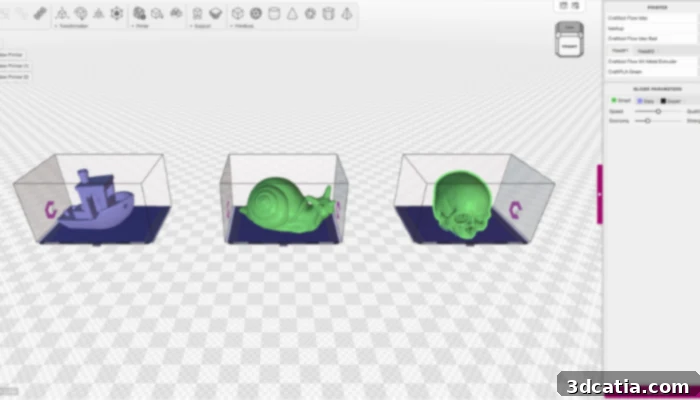
Photo Credits: Craftbot
Tinkerine Cloud: Accessible Web-Based Slicing
Tinkerine, a company established in 2012, initially made its mark in the additive manufacturing sector with the development of its own FDM 3D printer, the Ditto. Building on this expertise, Tinkerine also designed its proprietary slicer, Tinkerine Cloud, with a strong focus on accessibility and ease of use. This innovative slicer operates directly from your web browser, supporting popular options like Google Chrome, Firefox, Safari, and Microsoft Edge. This web-based approach eliminates the need for software installation, making it incredibly convenient for users to prepare their 3D files and manage their prints remotely from virtually any internet-connected device. Tinkerine Cloud offers a free tier, which includes a generous limit of 300 MB of storage on your account and the ability to store up to 30 files in the cloud. For users requiring greater capacity or advanced features, Tinkerine provides options to upgrade to a more attractive subscription plan, which can be arranged by contacting their sales team. This cloud-based solution is ideal for individuals and educational institutions seeking a straightforward and flexible way to handle their 3D printing projects.
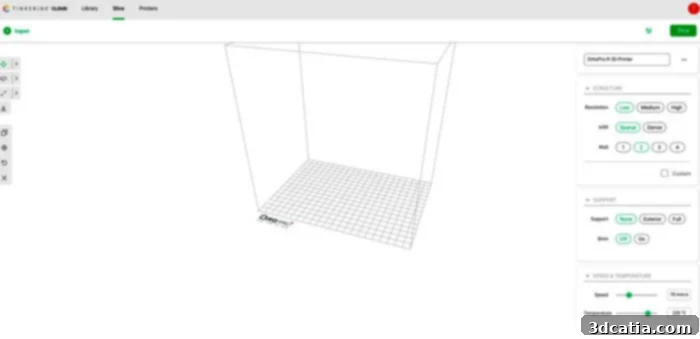
Photo Credits: 3Dnatives
Z-Suite: All-in-One Preparation for Zortrax Printers
The Z-SUITE slicer, exclusively developed by Zortrax, serves as an all-encompassing solution tailored for preparing designs for 3D printing. This free program is particularly well-suited for Zortrax’s FDM and resin printers, providing a seamless workflow by connecting various manufacturing solutions via a Wi-Fi network for enhanced efficiency. Z-SUITE is equipped with a suite of powerful features designed to optimize print quality and reliability. These include automatic repair of triangular meshes, ensuring that faulty models are corrected before printing. Users can also precisely edit manufacturing supports, enabling custom support structures that are easier to remove and leave cleaner surfaces. The software features intelligent detection of excessively thin parts, preventing common print failures, and offers rotation optimization to find the best printing orientation for strength and minimal support. Z-SUITE boasts broad compatibility with all major 3D modeling and design programs, and it supports essential file formats such as .stl, .obj, .dxf, and .3mf. Zortrax is committed to continuous improvement, with Z-SUITE constantly receiving feedback from its user base to optimize its functions and deliver an ever-enhanced user experience, making it a robust and reliable choice for Zortrax printer owners.
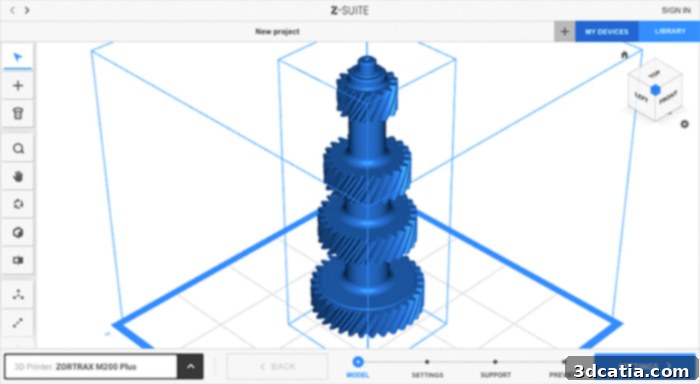
Photo Credits: Zortrax
PrusaSlicer: Free, Open-Source, and Continuously Evolving
PrusaSlicer, originating from the open-source Slic3r project and significantly enhanced by Prusa Research, has become a cornerstone in the 3D printing community. This free, open-source, and multilingual software simplifies the preparation of 3D files for both FDM and SLA printing, offering a robust and ever-improving experience. It caters to a wide range of users by providing beginner, intermediate, and advanced modes, allowing users to gradually delve into more complex settings as their skills develop. PrusaSlicer is regularly updated, ensuring it remains at the forefront of slicing technology and compatibility. It is easily downloadable from the official Prusa website and supports installation on Windows, Mac, and Linux operating systems. The software is highly versatile, compatible with a variety of file formats including STL, OBJ, 3MF, AMF, and even allowing the import of STEP files, which is particularly useful for engineers and designers. PrusaSlicer’s dedication to continuous improvement is evident in its frequent updates; the latest version, released in September 2023, introduced a host of new features such as layout enhancements, advanced cutting tools, practical text markers for labeling prints, and three different levels of geometry manipulation, further empowering users with greater control over their printing projects.
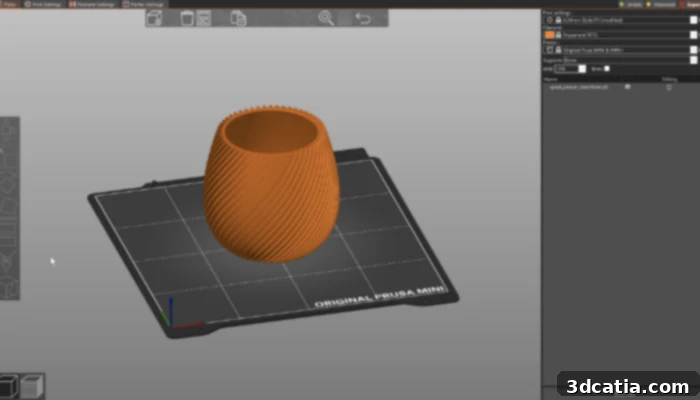
Photo Credits: PrusaSlicer
Orca Slicer: Next-Gen Slicing with Smart Features
Originally launched in 2022 under the name Bambu Studio SoftFever, Orca Slicer has rapidly evolved into a popular and powerful derivative of both Bambu Studio and PrusaSlicer. Its primary objective was to expand upon the functionalities and address limitations found in Bambu Studio, offering a significantly enhanced user experience. While visually similar to Bambu Studio, Orca Slicer distinguishes itself with a suite of unique and advanced features. These include highly optimized predefined print profiles, which help users achieve excellent results with minimal tweaking. A standout innovation is its artificial intelligence-driven automatic overrun detection, which helps prevent common printing issues. Furthermore, Orca Slicer offers adjustable print speed for the crucial first layer, allowing for better bed adhesion and overall print quality. Committed to the open-source ethos, users can download Orca Slicer free of charge and install it across Windows, Linux, and Mac operating systems. The latest stable version, 1.9.1, is readily available on GitHub, benefiting from active community development and frequent updates that introduce new features and improvements.
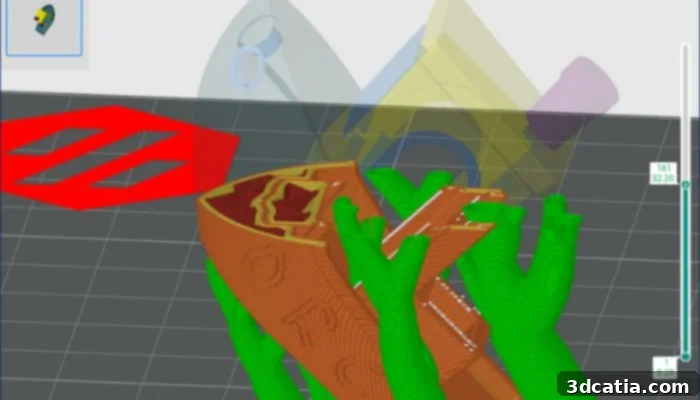
Photo Credits: GitHub
Bambu Studio: Open-Source, Feature-Filled Slicer for Performance
The meteoric rise of Bambu Lab in the 3D printing industry over the past couple of years has been accompanied by the release of their own highly capable open-source slicing software, Bambu Studio. Following in the footsteps of PrusaSlicer, on which it is based, Bambu Studio incorporates a project-based workflow, systematically optimized slicing algorithms, and an incredibly easy-to-use graphical interface. These elements combine to deliver a smoother and more efficient printing experience, especially for users of Bambu Lab’s innovative printers. Among Bambu Studio’s extensive list of features, users can find powerful tools for multi-color printing, essential for complex and aesthetic designs. It also offers remote control and monitoring capabilities, providing convenience for managing prints from anywhere. The software includes advanced features aimed at achieving higher printing precision and quality, supporting the STEP file format for greater design flexibility, and the creative ability to create 3D Text shapes directly within the environment. Although the software was specially designed and optimized for Bambu printers like the X1 and X1-Carbon, its open-source nature means it is compatible with other machines, including those from various manufacturers. The latest version, V1.83, brings further improvements, including enhanced 3mf compatibility and other crucial updates, ensuring Bambu Studio remains a top contender in the slicer software landscape.
Choosing Your Ideal FDM Slicer
The world of 3D printing is continuously evolving, and the array of slicer software available for FDM printers reflects this dynamic landscape. Each slicer, whether open-source or proprietary, free or paid, brings its unique strengths, features, and user experience to the table. From the beginner-friendly simplicity of Cura to the professional-grade control offered by Simplify3D, and the cloud-based convenience of AstroPrint or 3DPrinterOS, there is a solution tailored for every type of user and project.
When selecting the best FDM slicer for your needs, consider factors such as your experience level, the specific features important to your projects (e.g., multi-color printing, advanced support generation, remote monitoring), your budget, and the compatibility with your particular 3D printer model. Exploring open-source options like PrusaSlicer and Slic3r can provide a powerful and flexible experience, constantly refined by a dedicated community. For those seeking integrated modeling capabilities, IceSL offers a unique proposition, while Repetier-Host serves as an excellent hub for experimenting with multiple slicing engines. Ultimately, the best slicer software is one that streamlines your workflow, maximizes your printer’s capabilities, and helps you consistently achieve high-quality 3D prints.
You can also find our ranking for CAD software HERE and our ranking for 3D software for beginners HERE. What do you think of this ranking of FDM slicer software? Let us know in a comment below or on our Facebook and Twitter pages! Don’t forget to sign up for our free weekly Newsletter, with all the latest news in 3D printing delivered straight to your inbox!