
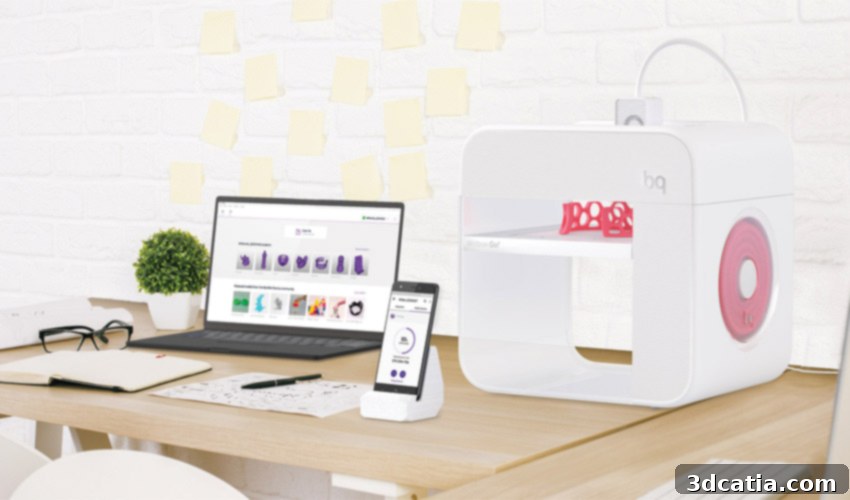
BQ Witbox Go! 3D Printer Review: Android Power Meets Affordable Plug & Play 3D Printing
BQ, a renowned Spanish manufacturer, has long been a prominent name in the European 3D printing landscape. Known for their diverse range of 3D printers, BQ has successfully catered to both beginners and experienced makers. Their portfolio includes popular Plug & Play models like the Witbox 1 and Witbox 2, easily identifiable by their generous build volumes, alongside user-assembly kit machines such as the Hephestos and Hephestos 2, which appeal to the DIY enthusiast community. Not long ago, BQ unveiled its groundbreaking new 3D printer, the Witbox Go! – a device that immediately stood out as the industry’s first machine to incorporate an Android operating system. To thoroughly evaluate this innovative development, the 3Dnatives Lab team eagerly undertook an exclusive, in-depth test of the Witbox Go!, delving into its features, performance, and overall user experience.
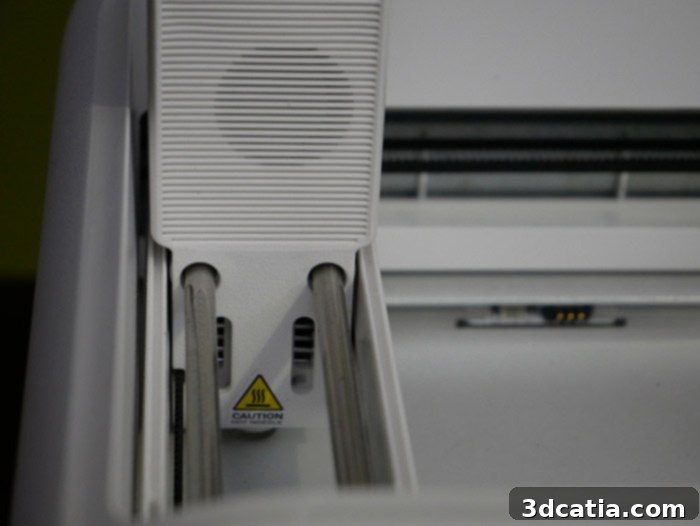
Priced at a remarkably accessible €699.90 for a Plug & Play model, the Witbox Go! immediately prompts the question: what kind of sophisticated technology can one expect at such a competitive price point? BQ’s latest offering vividly showcases an emerging trend in the 3D printing industry, packing a suite of advanced functionalities typically found in much more expensive machines. This compact printer boasts versatile USB and WiFi connectivity options, an innovative NFC reader designed for effortless filament coil recognition, and a dedicated Android application that allows users to monitor and control their prints directly from a smartphone. Furthermore, the Witbox Go! integrates smart features such as a reliable filament tip detection system, a durable capped nozzle, and a robust hot metal end for consistent extrusion. The inclusion of a magnetic print tray significantly simplifies print removal, while the ultimate convenience comes in the form of an automatic calibration mode, ensuring optimal printing conditions with minimal user intervention. These features collectively earned the Witbox Go! the prestigious 2017 Reddot Award, signaling its potential as a highly promising machine that delivers exceptional value at an attractive price. The crucial question, however, remains: does it truly meet the high expectations set by its innovative design and feature list?
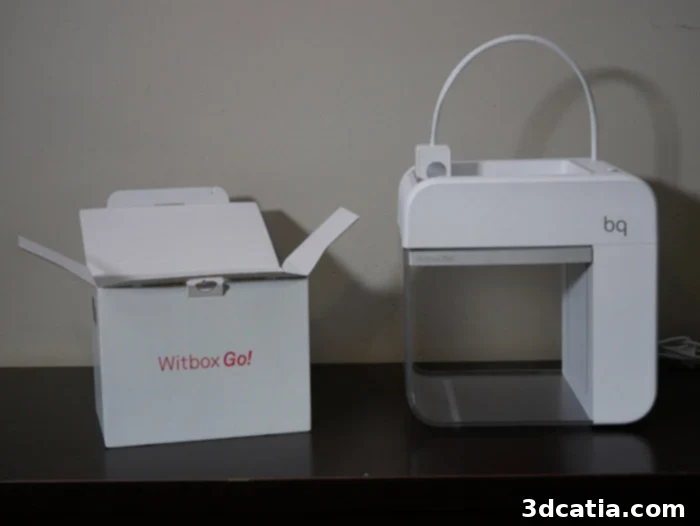
From its sleek aesthetics to its well-engineered internal components, the Witbox Go! exhibits a clean and meticulously thought-out design. The combination of its “mini” price tag and a multitude of novel features positions it as a compelling contender in the desktop 3D printer market. The 3Dnatives team embarked on this review with a keen eye, eager to determine if this award-winning machine could truly deliver on its promises and redefine the entry-level 3D printing experience for users seeking simplicity and performance.
1. Unpacking and Installing the Witbox Go!: A Seamless Setup Experience
The unboxing experience of a new 3D printer can often be a mixed bag, with varying levels of complexity and surprises. However, with the BQ Witbox Go!, the experience was nothing short of delightful. From the moment we received the package, it was clear that BQ had paid meticulous attention to detail. The printer arrived in a clean, thoughtfully designed box featuring an intelligent locking system that not only secured the contents but also made unpacking intuitive and easy. Opening the box revealed not just a machine, but a testament to superior industrial design – a lesson that many other manufacturers could certainly draw inspiration from. The packaging efficiently protected the printer during transit while also presenting it beautifully, setting a positive tone for the entire review process.
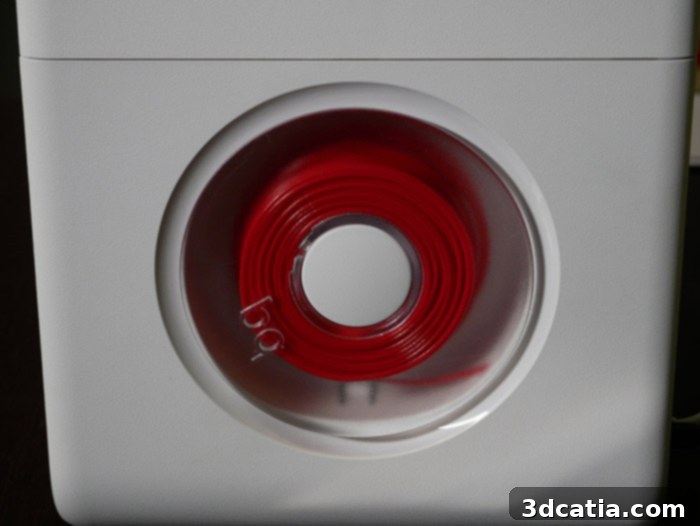
Upon removal from its pristine packaging, the Witbox Go!’s contents remained refreshingly minimalist, aligning perfectly with its Plug & Play philosophy. The essentials provided included a power cable to get the printer running, a micro USB cable for connectivity, and a practical spatula – an indispensable tool for safely detaching finished prints from the build plate. A concise quick start guide ensured that even absolute beginners could set up the machine with ease. Crucially, BQ included its innovative magnetic printing plate, designed for superior adhesion and effortless removal, and a 300-gram coil of vibrant red PLA filament to get users started immediately. As an added bonus, a pre-printed Benchy 3D model was included, serving as a perfect example of the printer’s out-of-the-box capabilities and demonstrating the quality achievable from the very first print.
A closer inspection of the Witbox Go! reveals BQ’s commitment to a compact, sober, and highly functional open design. The printer’s physical dimensions are remarkably small, measuring just 300 x 255 x 480 mm, and it weighs less than 5 kg, making it an ideal candidate for any desktop or workspace. Despite its compact footprint, the Witbox Go! offers a respectable build volume of 140 x 140 x 140 mm, sufficient for a wide array of everyday prints and prototypes. A standout feature is its cold, magnetic, and highly innovative print tray. According to the manufacturer, this advanced tray design eliminates the need for common adhesive products such as lacquer, glue, or tape, significantly simplifying the printing process and reducing recurring costs. This design choice contributes to a cleaner, more streamlined user experience, especially appealing to those new to 3D printing.
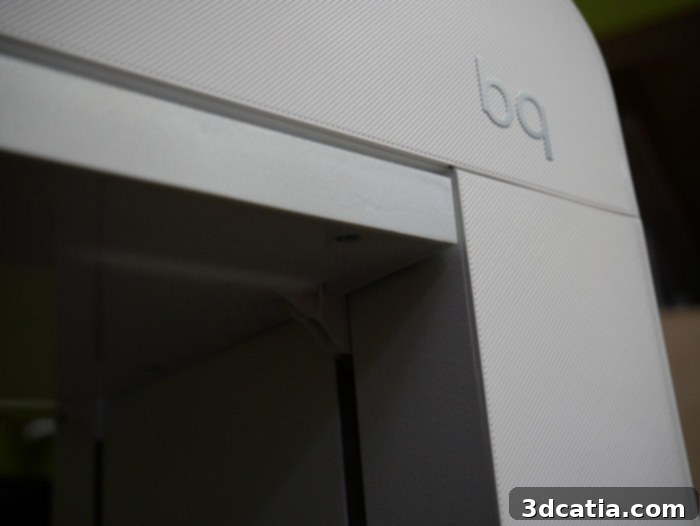
The primary advantage of such a minimalist setup, with few elements and accessories, is the machine’s incredibly fast starting speed. Our installation process was remarkably straightforward: we simply connected the power plug, pressed the power button, and once the print tray lowered to its starting position, we effortlessly affixed the magnetic printing plate. Within moments, the printer was ready for action! This streamlined process truly embodies the “Plug & Play” promise, allowing users to move from unboxing to their first print almost instantly. Observant users will quickly notice the absence of an SD card slot, a traditional control screen, or any additional physical buttons on the printer itself. This design choice underscores the Witbox Go!’s reliance on a modern, app-centric control system. Consequently, the next crucial step after physical setup is downloading the necessary software, as without it, the printing journey cannot begin.
2. The Zetup Software and Android App: Smart Control for the Witbox Go!
At the heart of the BQ Witbox Go!’s user experience lies the proprietary Zetup software, the essential interface for preparing and sending your 3D models to the printer. This software, responsible for both slicing and print management, is currently available for Windows and Linux operating systems, though a Mac version has not yet been released. Upon testing, we found the Zetup software to be relatively well-designed, particularly in terms of its user interface. It is commendably simple and intuitive to manage, making it accessible even for those new to 3D printing software. The clean layout and straightforward navigation contribute significantly to the Witbox Go!’s overall ease of use, allowing users to quickly import models, make basic adjustments, and initiate prints without a steep learning curve. However, for more experienced users or those seeking greater control, one might regret the absence of certain advanced functionalities. Options to fine-tune intricate print parameters, perform extensive model corrections, or access detailed slicing settings are somewhat limited, which could be a point of consideration for users who demand more granular control over their print outcomes. Despite this, for its target audience of casual users and beginners, Zetup performs its core functions admirably.
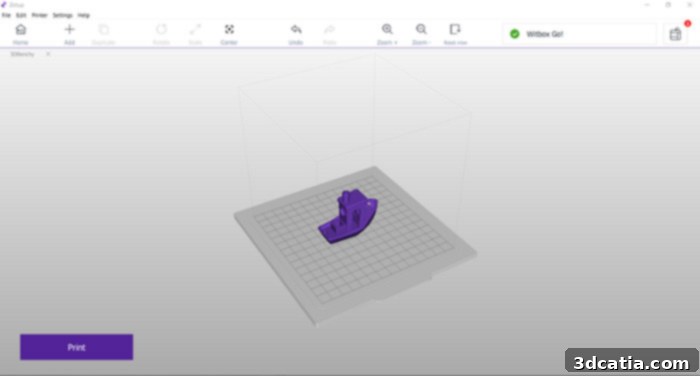
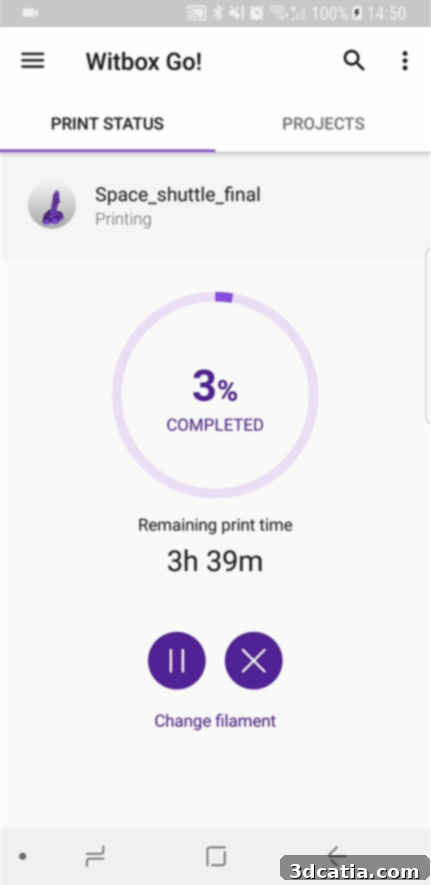
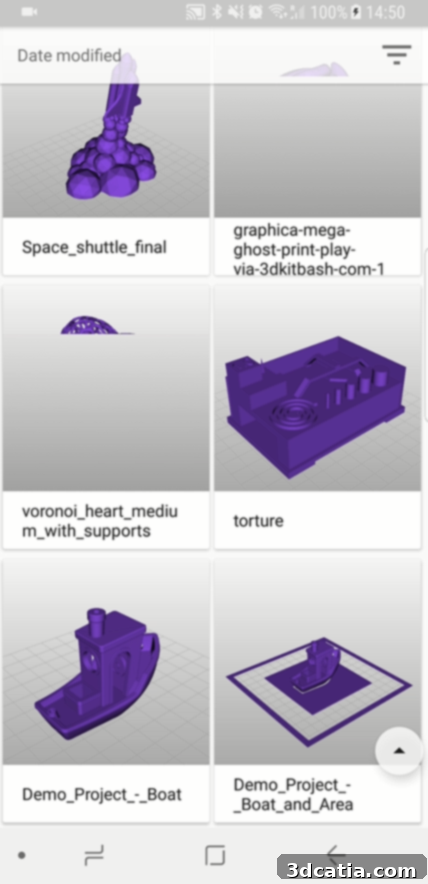
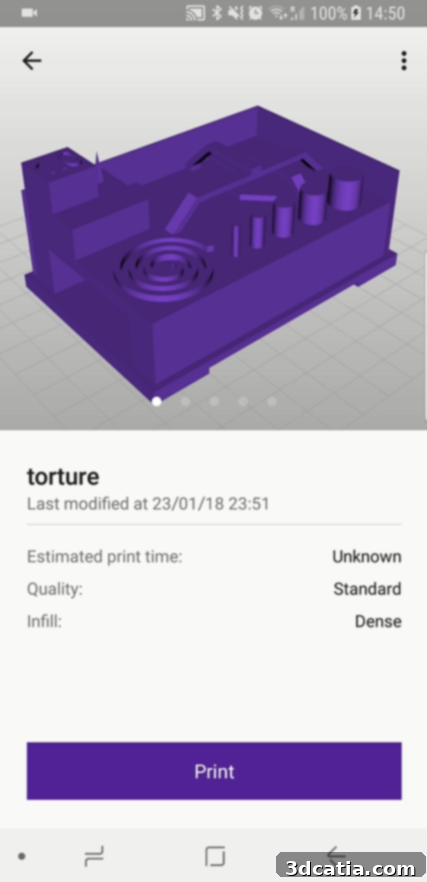
A distinctive advantage of the Witbox Go!, owing to its innovative Android operating system, is the availability of a dedicated mobile application. This application, readily accessible from the Google Play Store, empowers users to track and manage all their ongoing prints directly from their smartphone. Once again, the interface adheres to BQ’s design philosophy of simplicity and user-friendliness. While primarily functioning as a monitoring tool, allowing users to check critical parameters such as the estimated remaining print time, it also provides the convenience of initiating a print remotely. This feature significantly enhances the printer’s accessibility and flexibility, enabling users to keep an eye on their projects even when they are not in the immediate vicinity of the printer. It’s important to note, however, that while the mobile app is excellent for monitoring and starting prints, any necessary model slicing or significant modifications must first be performed on the desktop Zetup software. Once sliced, the prepared model can then be saved to the printer’s internal memory, making it accessible for selection and printing via the mobile application. This division of labor ensures that complex computational tasks are handled by a more powerful desktop environment, while day-to-day interactions and monitoring are conveniently managed on a mobile device.

- Print development screen
- 3D models library
- Details of an object
3. First Impressions with the Witbox Go!: Performance and Print Quality
To thoroughly assess the capabilities of the BQ Witbox Go!, we conducted a series of tests involving a handful of 3D models, ranging from relatively simple calibration pieces to more complex geometric designs. Our goal was to push the machine to its limits and understand its practical performance. The overall results proved to be very convincing, consistently reflecting the printer’s impressive ease of use. For a machine designed with accessibility in mind, the print quality achieved was quite satisfying. We did, however, observe some slight, classic imperfections commonly seen in desktop FDM printers. These issues, while present, are often correctable with greater dexterity and experience within the slicing software, suggesting that with minor adjustments, even better results are achievable. One particularly pleasant surprise during our testing was the printer’s remarkably low noise level; the Witbox Go! operates almost imperceptibly, a significant advantage for users in home or office environments where noise reduction is crucial.
Our testing commenced with the universally recognized 3DBenchy, a miniature boat model designed to highlight common 3D printing challenges. The Benchy print emerged without significant issues, demonstrating good layer adhesion and overall structural integrity. We did, however, notice some minor signs of “stringing” – fine threads of plastic stretching between different parts of the model, particularly visible around open areas and overhangs in the photo. Stringing is a common phenomenon in FDM 3D printing, often caused by filament oozing from the nozzle during non-printing movements. As a reminder, this “stringing” can typically be easily mitigated by optimizing print settings such as adjusting the printing temperature (often lowering it slightly) or increasing the “retraction” settings, which pull the filament back into the nozzle slightly during travel moves to prevent oozing. With a bit of calibration, we are confident this could be largely eliminated.
- Lightweight stringing observed on Benchy
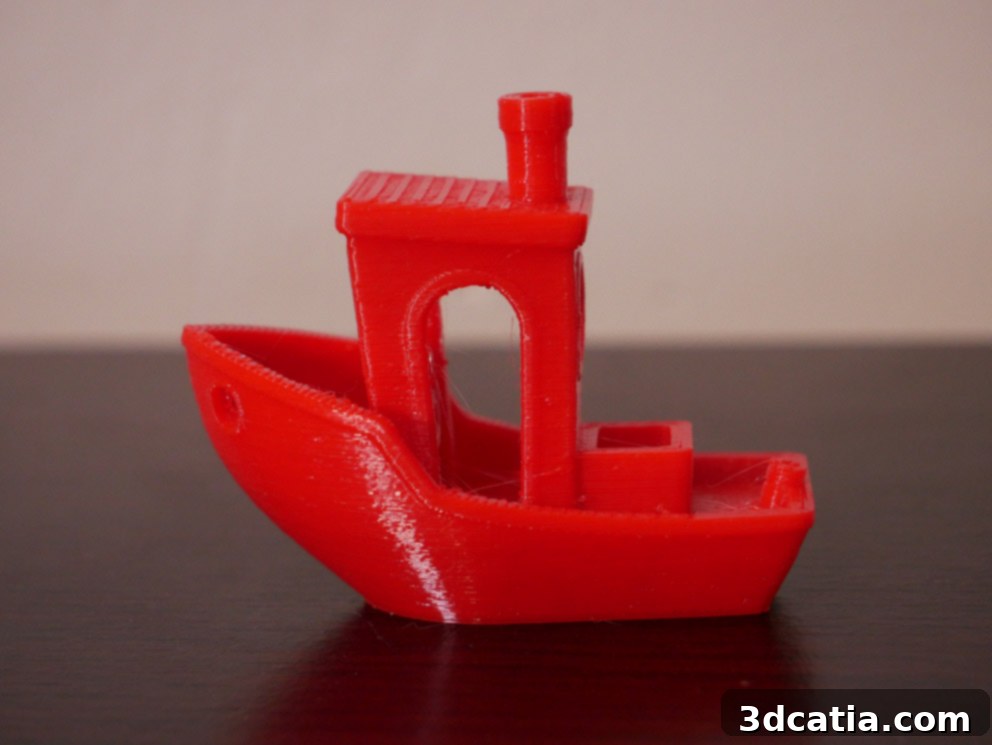
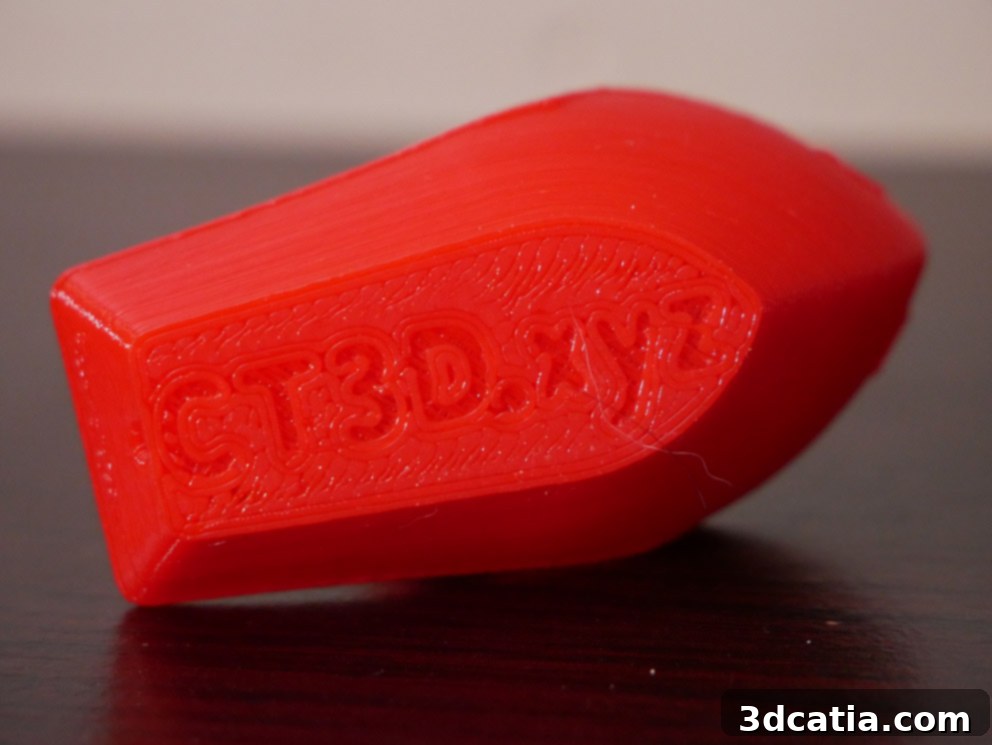
- Correct first layer printing on Benchy
Next, we moved on to our preferred “torture object,” a model specifically designed to test the limits of 3D printers and reveal potential weaknesses. This model has been a staple in most of our 3D printer evaluations. At first glance, we were quite satisfied with the overall impression, noting decent detail and structural integrity. However, our more diligent readers, especially those familiar with intricate print challenges, will discern a noticeable fault: an issue with the outer wall. Specifically, a thin wall section within the model was evidently not adequately taken into account or processed correctly by the slicing software. This resulted in a partially formed or missing segment of the wall, impacting the model’s structural completeness and aesthetic. Such a concern, where thin features are overlooked or poorly rendered by the slicer, has been observed previously with other printers as well, indicating it might be a software-related challenge rather than a fundamental hardware limitation of the Witbox Go! itself. This highlights the importance of slicing software optimization in achieving perfect prints, especially for models with delicate geometries.
- Good layer printing on the torture object
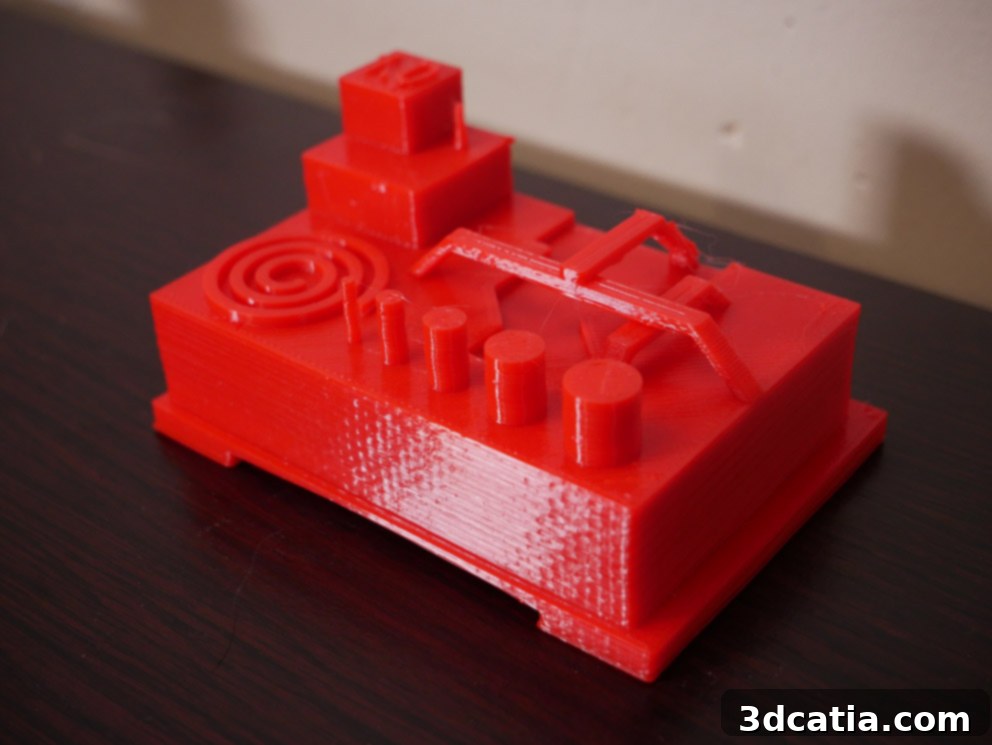
- Noticeable missing part on the torture object
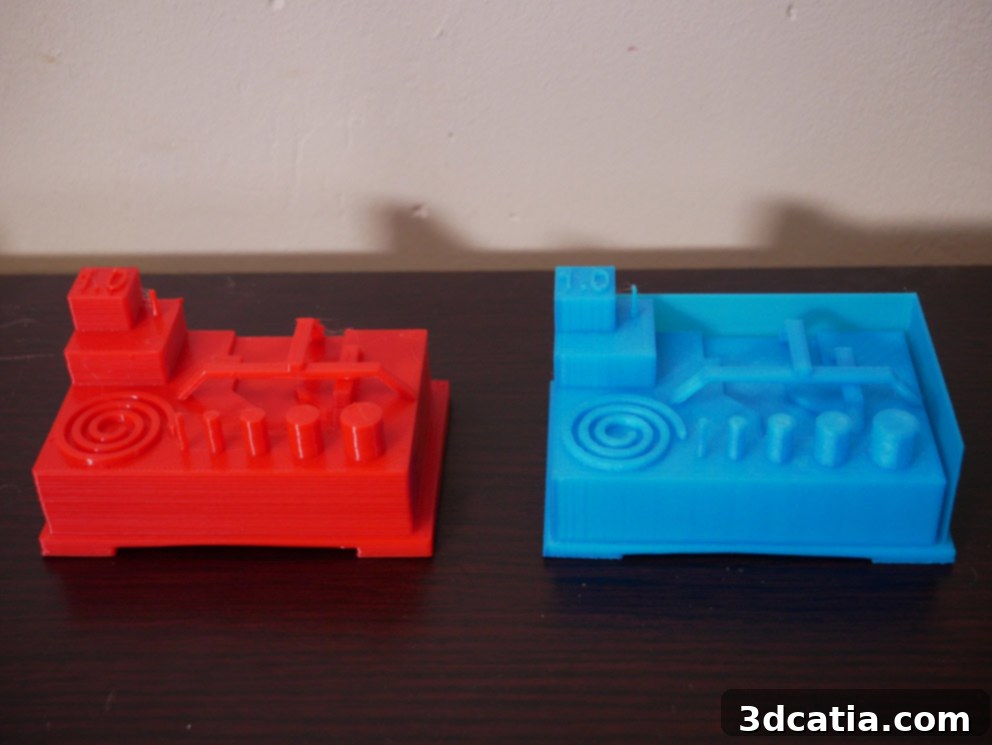
Following these initial calibration and diagnostic tests, we advanced to more complex models, aiming to evaluate the Witbox Go!’s ability to handle intricate geometries and challenging overhangs. These models pushed the printer to produce finer details and more elaborate structures, providing a comprehensive view of its performance beyond basic shapes. While the results were generally good, exhibiting decent resolution and structural integrity, a persistent, albeit minor, phenomenon of “stringing” was still observed on some of these more complex prints. This indicates that while the printer is capable of handling complex forms, further optimization of retraction settings or print temperature within the Zetup software (or a future update to the software itself) would likely yield even cleaner results. Despite this, the intricate details were largely well-reproduced, affirming the printer’s capacity for ambitious projects.
- Still a bit of the phenomenon of “stringing”
The implementation and removal of support structures are critical aspects for successful 3D printing of models with overhangs or intricate features. We tested the Witbox Go!’s capability to print models requiring supports, examining both the quality of the supported areas and the ease with which these temporary structures could be removed. The printer handled the generation of supports adequately, and the resulting models, once supports were carefully detached, exhibited good surface quality where the supports had been. This is a testament to the printer’s ability to create sturdy yet removable supports, which is vital for maintaining the integrity of complex designs. The transition from supported to unsupported areas was generally smooth, further demonstrating the printer’s precision. Overall, the Witbox Go! proved reliable in producing intricate parts that necessitated external support, making it a versatile tool for a wider range of projects.
- Model printed with supports
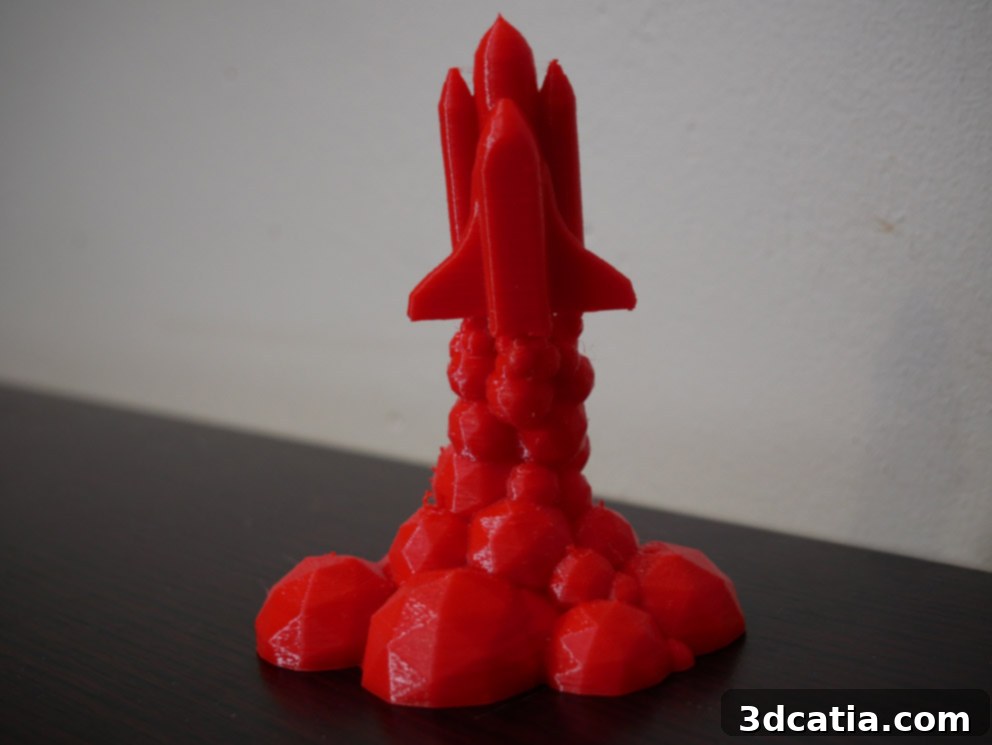
- Model printed without supports (where possible)
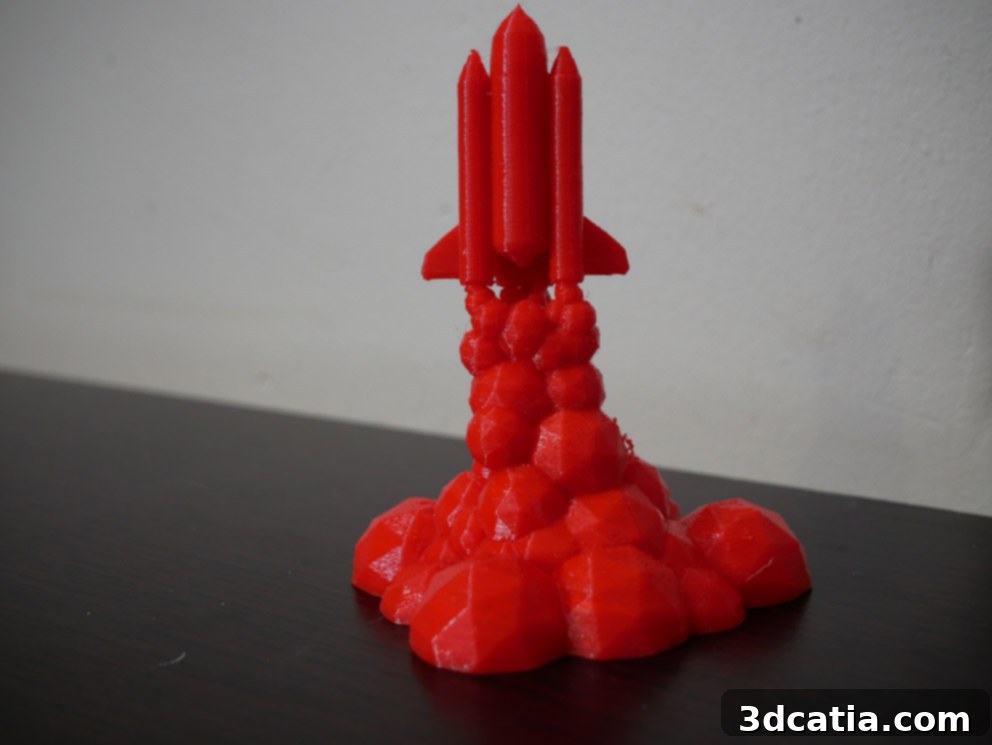
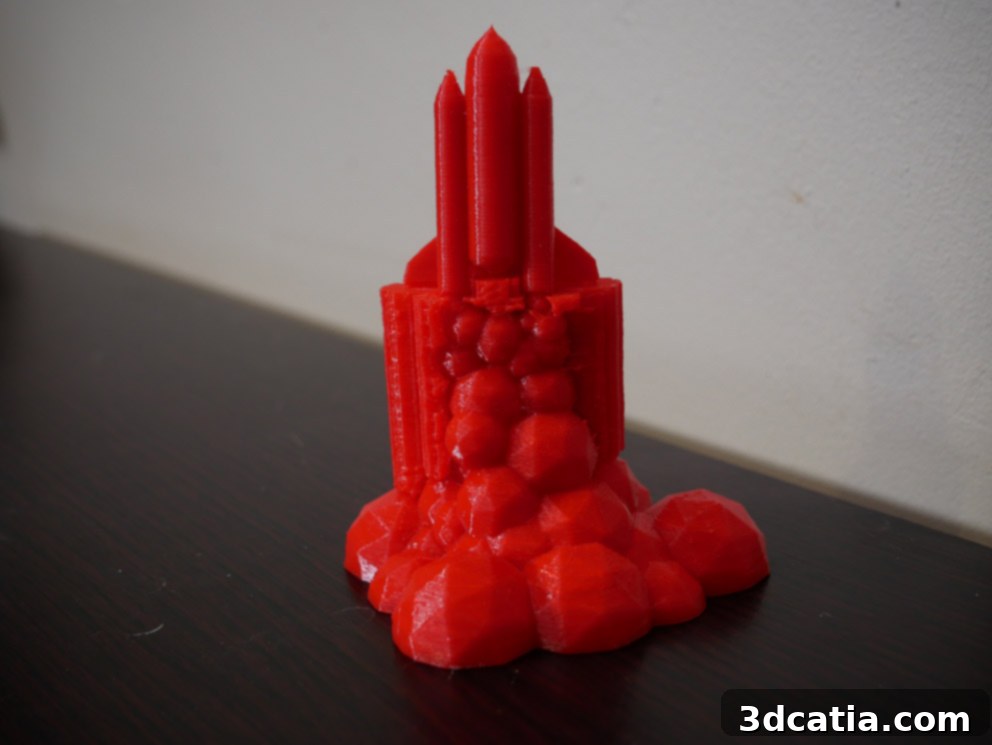
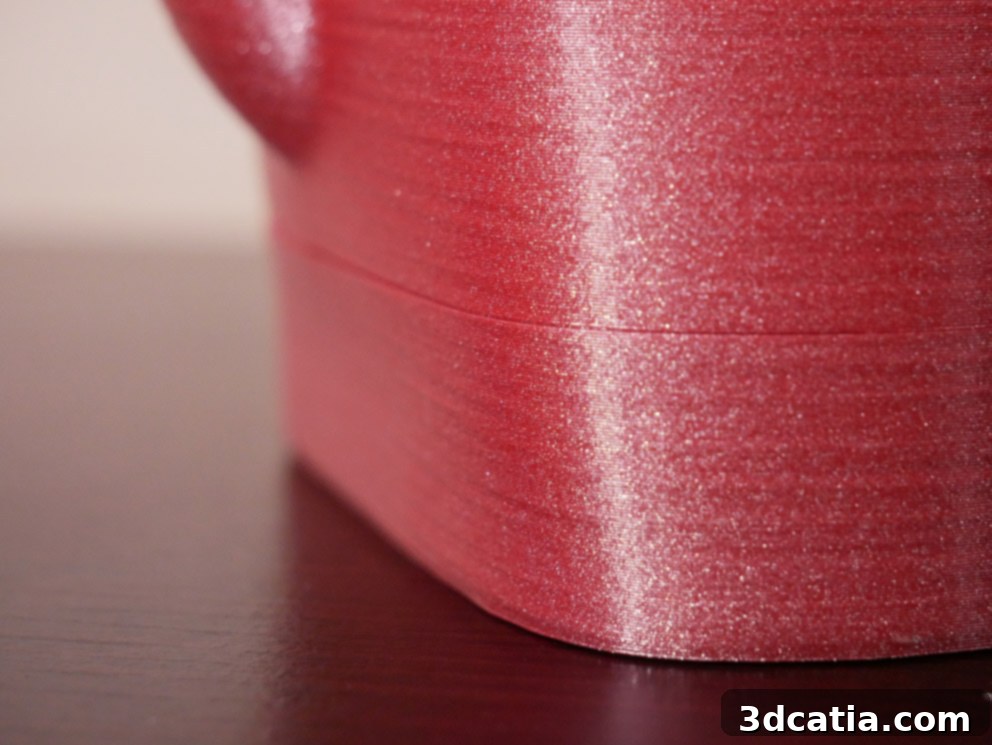
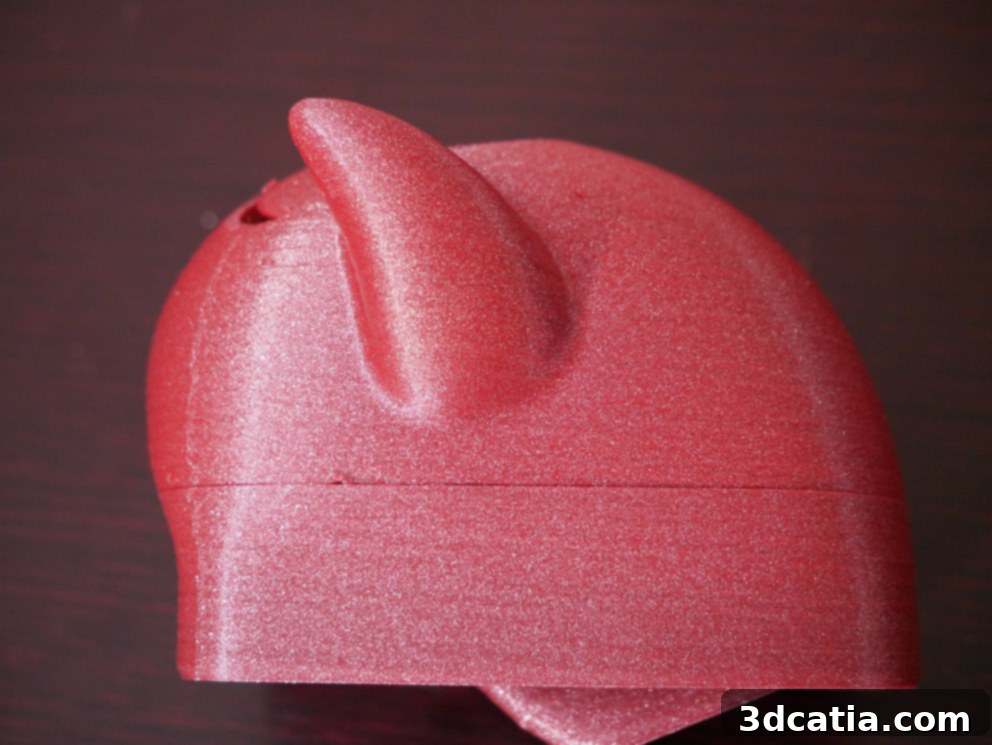
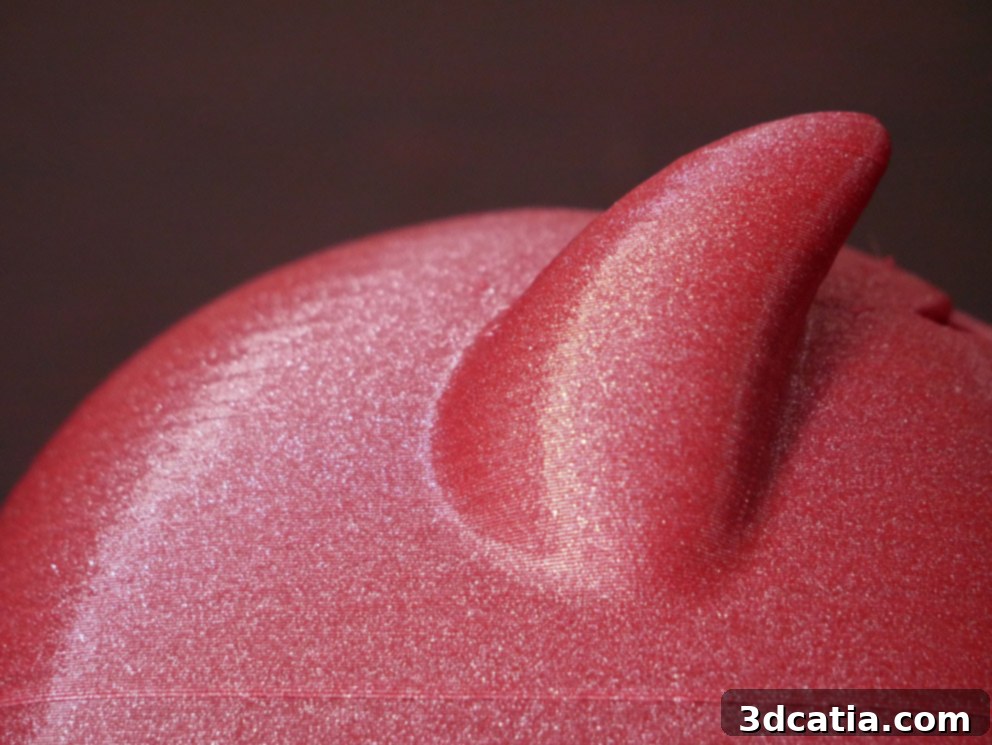
Finally, we indulged in testing one of the Witbox Go! printer’s most practical and appreciated features: the end-of-filament detector. For this experiment, we switched to a metallic red Arianeplast filament to make the filament change more visually distinct. The detector’s function is crucial for preventing failed prints due to an empty spool, offering peace of mind during long print jobs. Our test confirmed that the mechanism works perfectly, reliably pausing the print when the filament runs out and allowing for a seamless resume after a new spool is loaded. As anticipated and visible in the accompanying photographs, there was a slight, almost imperceptible visual change at the exact point where the filament was swapped and printing resumed. This minor cosmetic anomaly, a slight line or shift in texture, is a common occurrence during filament changes in most FDM printers, indicating the transition rather than a flaw in the system. Apart from this minimal visual artifact, the change mechanism operated flawlessly, demonstrating the robustness and utility of this smart feature, which significantly contributes to the printer’s user-friendly nature and minimizes potential print failures.
- Filament metallic red from Arienplast used for test
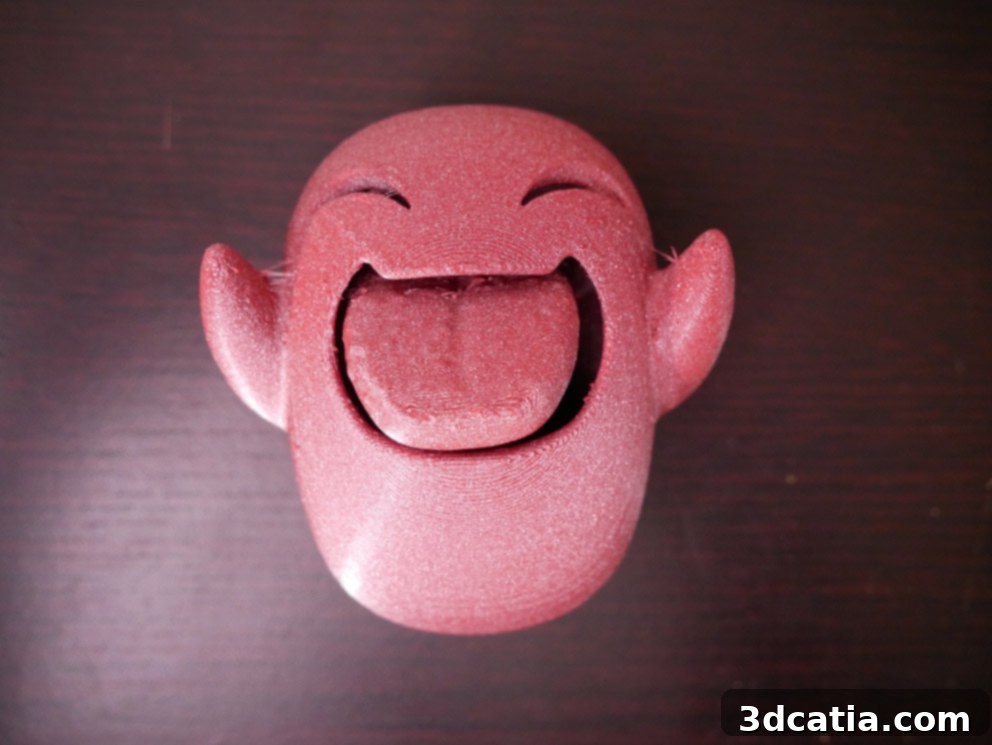
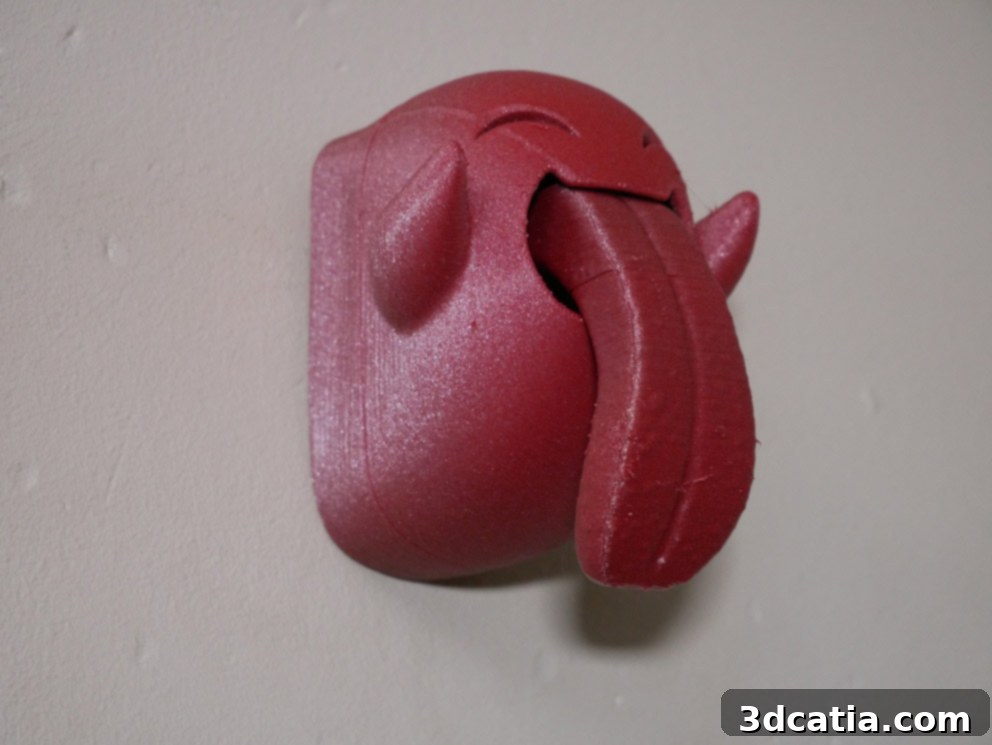
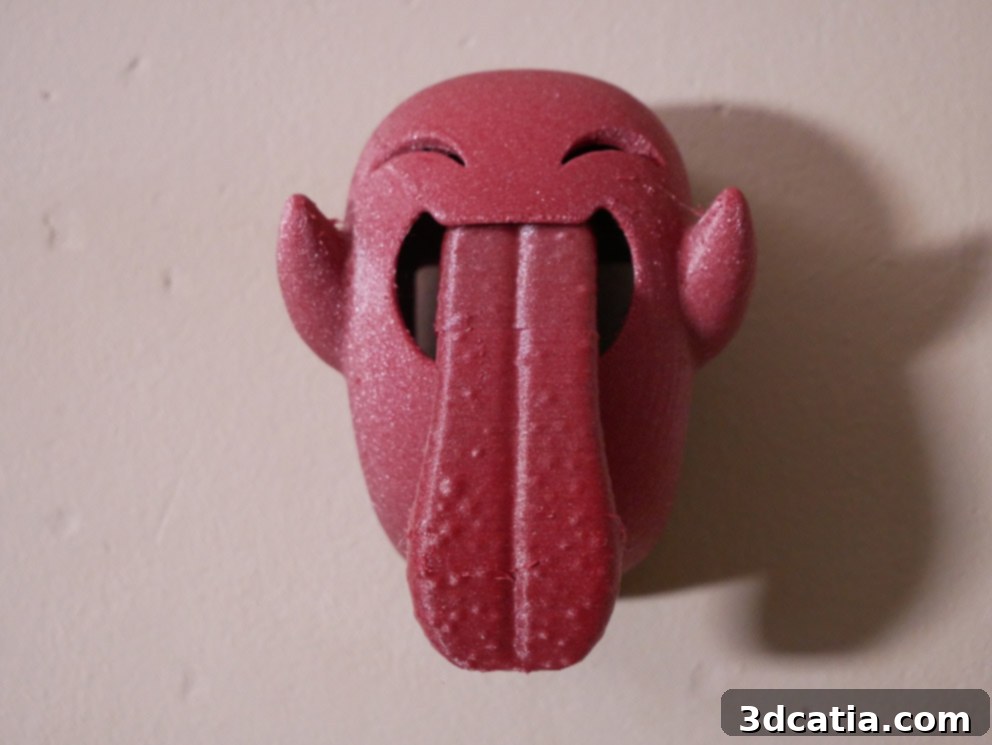
- Can you spot the filament change line?
Explore the Witbox Go! and many other 3D printers in our comprehensive comparator!
BQ continued to innovate with the Witbox Go!, even releasing a small but significant upgrade for the machine around Christmas time, demonstrating their ongoing commitment to product improvement and user satisfaction. You can find more details about this specific enhancement HERE, showcasing BQ’s dedication to refining the user experience and keeping their technology current.
Overall, the BQ Witbox Go! stands out as an exceptional entry-level 3D printer. Its “Plug & Play” functionality, combined with the innovative Android operating system and mobile application, makes 3D printing more accessible and convenient than ever before. While the Zetup software could benefit from more advanced control options, its simplicity is a strength for its target audience. The print quality is consistently good, with minor imperfections often correctable through settings adjustments. The quiet operation, magnetic build plate, and reliable filament detection further enhance the user experience. The Witbox Go! truly delivers on its promise of an affordable, user-friendly, and capable 3D printing solution.
What are your thoughts on the Witbox Go! 3D printer? Have you had an opportunity to test this innovative machine or any other BQ 3D printer? We’d love to hear your experiences and insights. Please feel free to share your comments and opinions below, or engage with us on our Facebook and Twitter pages! And don’t forget to sign up for our free weekly Newsletter to receive all the latest news, reviews, and updates in the exciting world of 3D printing directly in your inbox!