Printers
How To Get the Most Out of the FreeScan UE Pro 3D Scanner and its Integrated Photogrammetry
A few weeks ago we introduced you to Shining 3D’s new 3D scanning solution. The so-called FreeScan UE Pro is a portable 3D scanner with a number of more advanced features than its predecessor, the FreeScan UE. Broadly speaking, this…
- 3 min read
- Printers
- Six more stories
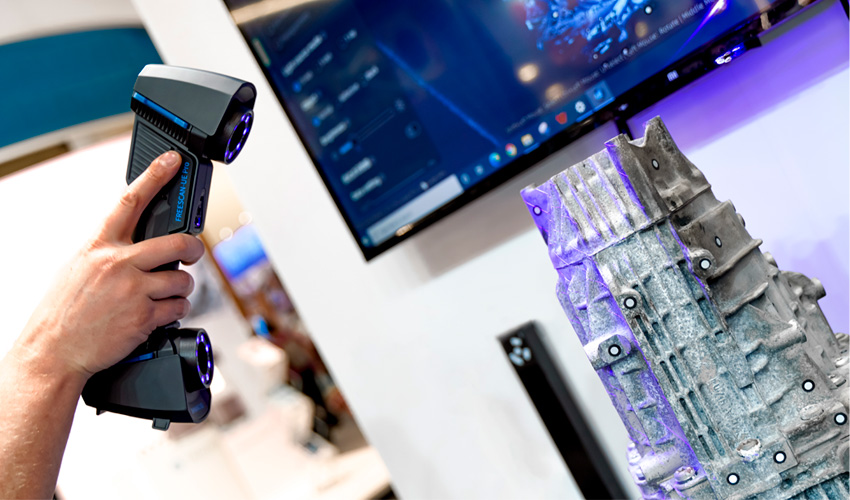
A few weeks ago we introduced you to Shining 3D’s new 3D scanning solution. The so-called FreeScan UE Pro is a portable 3D scanner with a number of more advanced features than its predecessor, the FreeScan UE. Broadly speaking, this 3D metrology solution can be applied in a multitude of professional applications and scenarios, enabling different size scans as well as allowing for metrology-grade precision inspections, inverse design, additive manufacturing and other applications. In addition, it stands out for its photogrammetry function which aligns the points in the scanning space, providing a more accurate measurement. To learn more about this 3D scanner and its photogrammetry technology, we wanted to answer some of the main questions users might have when using it, as well as give you tips on how to take advantage of all the benefits of the scanner.
Differences with other manufacturer’s 3D scanners
When a company launches a new product, the first thing we usually think is: how is it different from previous versions? We know that in Shining3D’s range of more advanced 3D scanners, there is the EinScan HX, the FreeScan UE, and now the FreeScan UE Pro. Well, in this last case, Shining3D has created a portable solution that is multifunctional and ideal for metrology-grade and high-precision inspection. Among its main features, we can highlight the integration of photogrammetry technology, which as we know is a technique that serves to provide data of the actual physical space through a series of photographs. It also has a more advanced 3D scanning mode (cross line, 13 cross laser lines to scan large objects quickly, 5 parallel laser lines to scan fine details and single laser line for deep hole and pocket area scanning) and the ability to scan all types of objects, whether they are small or large pieces.
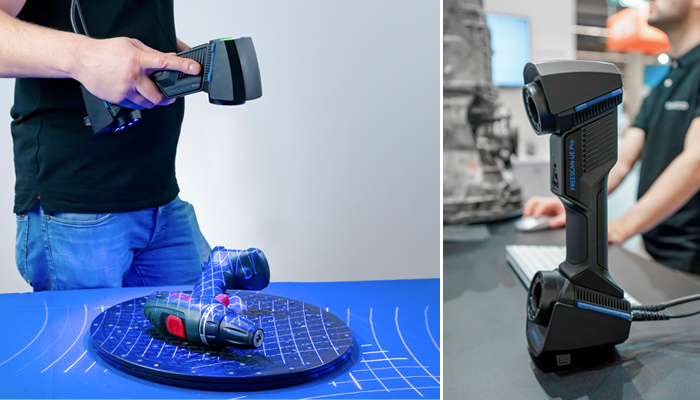
If we compare it with other Shining3D solutions, the FreeScan UE is a multifunctional manual laser 3D scanner with two scanning modes that are based on 7/11 cross lines and a single line. For its part, the EinScan HX stands out for being able to scan textures and align object reference points.
More from the desk
Six other notes from the rest of the bench.
 GuidesHow 3D Printing Allows for Customizable Consumer GoodsIt is not easy today to provide a universal definition of a consumer good: from basic necessities such as food that we purchase more regularly, to durable products such as cars or electronic devices, the list is long. One thing…
 ApplicationsUrsa Major and US Navy Invest $25 Million in SRM ManufacturingIt’s no secret that Ursa Major has been making significant strides in rocket propulsion technology. A few months ago, they saw success with the first flight of their 3D printed Hadley engine, and last November, they unveiled Lynx, a groundbreaking…
 ApplicationsFord Uses On-Site 3D Printing to Boost Mustang GTD PerformanceFord has taken a major step forward in automotive performance with the launch of the 2025 Mustang GTD. The track-focused supercar, equipped with a supercharged 5.2L V8 and advanced carbon fiber bodywork, achieved a stunning 6:52.072 lap at Germany’s Nürburgring,…
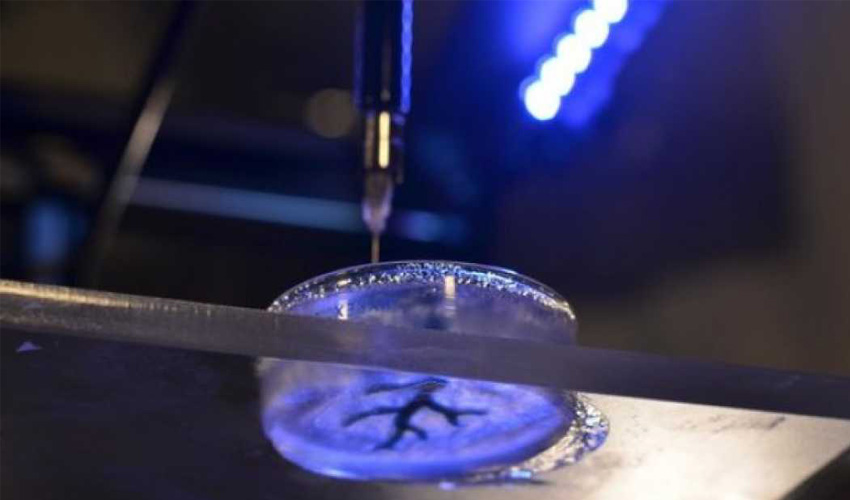 NewsAmerican researchers prints a functional 3D brainResearchers at the Johns Hopkins University have succeeded in printing a functional 3D brain for a mouse! A first in the medical world that shows how bio-printing could advance research especially in the surgical sector. The researchers have collaborated with the American company
 NewsSQ4D puts first ever 3D printed house on the marketSQ4D, formerly SQ3D, has just put a 3D printed house up for sale for the first time in the United States. Specializing in the construction technology industry, the American company has developed the Autonomous Robotic Construction System (ARCS) capable of…
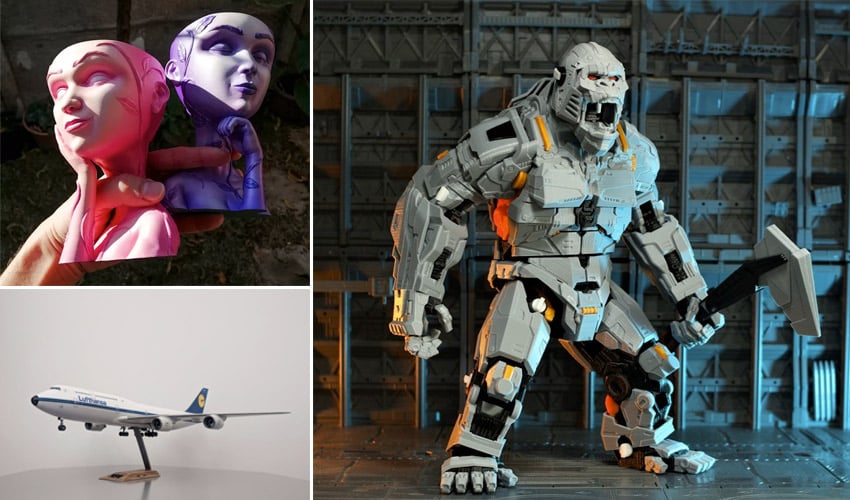 Guides3D Printing Files that Made an Impression in 2021The end of the year (or the beginning!) is often the occasion for 3Dnatives to look back on the best moments of 2021 and to highlight some of the initiatives that have impacted the 3D printing market. This time, we…