Software
All You Need to Know About 3D Modeling Software 3ds Max
To bring a 3D printed part to life, the first essential step involves creating its model using specialized software. Both novice and experienced users have a wide range of choices. They can opt for free solutions such as Tinkercad and…
- 3 min read
- Software
- Six more stories
To bring a 3D printed part to life, the first essential step involves creating its model using specialized software. Both novice and experienced users have a wide range of choices. They can opt for free solutions such as Tinkercad and 3D Slash, or choose paid software such as Fusion 360 or AutoCAD. Indeed, the world of 3D modeling offers many possibilities, and it can sometimes be complicated to see which are the best tools to use to develop your project. That’s why today we want to take a closer look at one of them: 3ds Max.
3ds Max, a software package specializing in 3D modeling, animation and review, had its beginnings in 1990 under the name “3D Studio”, created by Gary Yost. In 1997, Autodesk acquired the software, renaming it Autodesk 3ds Max, and continued its development. This versatile software is widely used in a variety of fields, from 3D printing and simulation to video game development. But how can it be used to design models suitable for 3D printing?
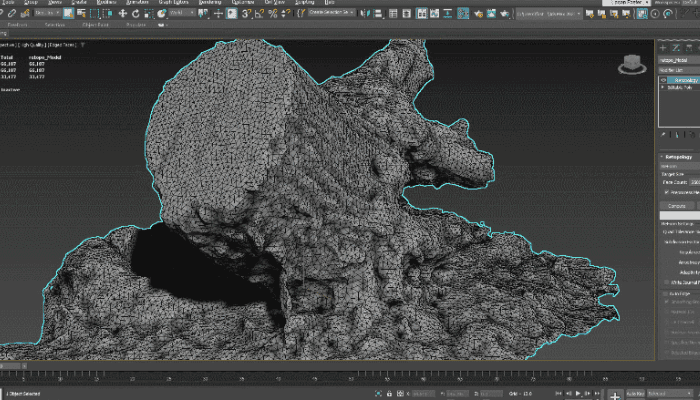
Photo Credits: Autodesk
Main Features of Autodesk 3ds Max
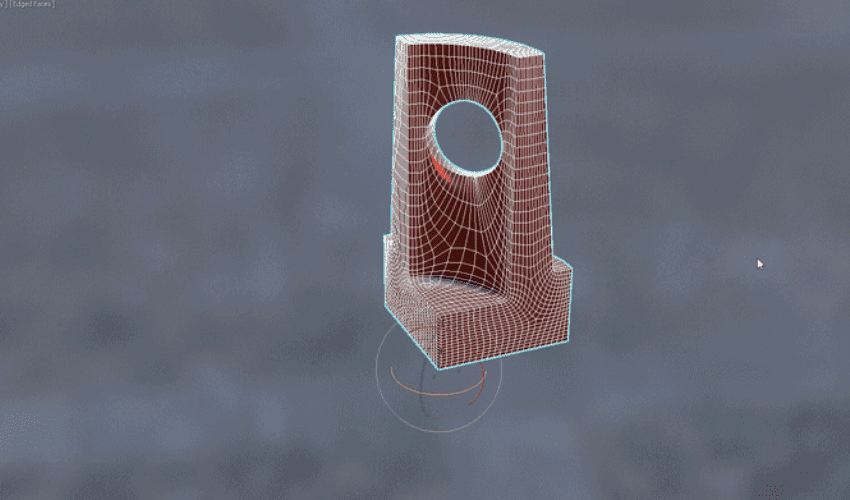
Learning 3ds Max can take some getting used to, especially for novices who may feel somewhat overwhelmed by the diversity of information on screen and the number of options available. 3ds Max offers a range of modeling tools, including polygon modeling. With this function, you have the ability to create 3D props, vehicles and characters using geometries based on vertices, edges and faces.
More from the desk
Six other notes from the rest of the bench.
 NewsWEBINAR: Proven on the Production Floor: Why the Raplas PR 700 Works in a Real Manufacturing EnvironmentFor manufacturers considering an investment in industrial 3D printing, the transition from laboratory testing to high-stakes manufacturing can be a significant hurdle. While prototypes may perform well in controlled environments, scaling production often brings new challenges, su
 ApplicationsICON’s 3D Printed Simulated Mars Surface Habitat Will Help Pave the Way for Space ExplorationNASA is once again using 3D printing in its work to bring humanity closer to space exploration. Not long after after announcing that Redwire Regolith Study, which will test whether 3D printing of regolith (loose soil) can be used to…
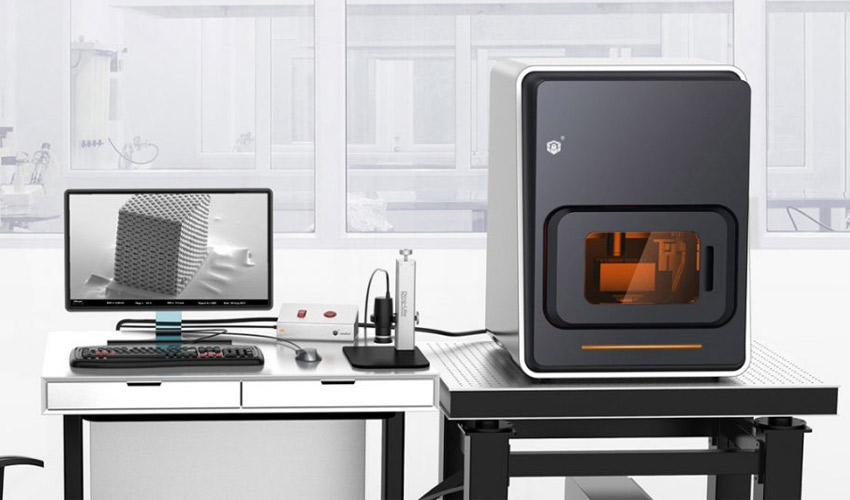 NewsmicroArch, Boston Micro Fabrication’s micro 3D printing technologyBoston Micro Fabrication (BMF) is a young manufacturer of micro 3D printing solutions that, after successfully expanding in Asia over the past 18 months, is officially launching its microArch technology worldwide. This technology would be capable of 3D printing of…
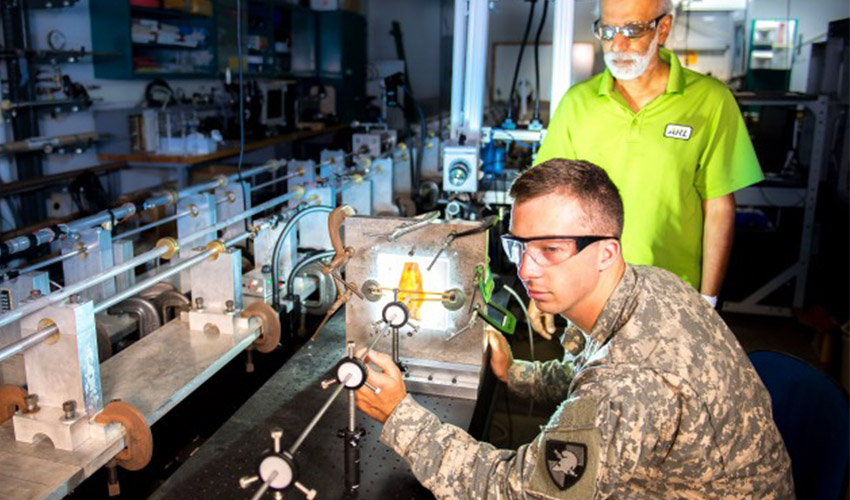 NewsUS Army studies how to predict when metal AM parts will degrade or failAs you may know, the US Army has been investing in additive manufacturing technologies to leverage the benefits of increased design freedom, shorter lead times, lower costs for unique parts, and increased performance. In fact, US Army researchers from the…
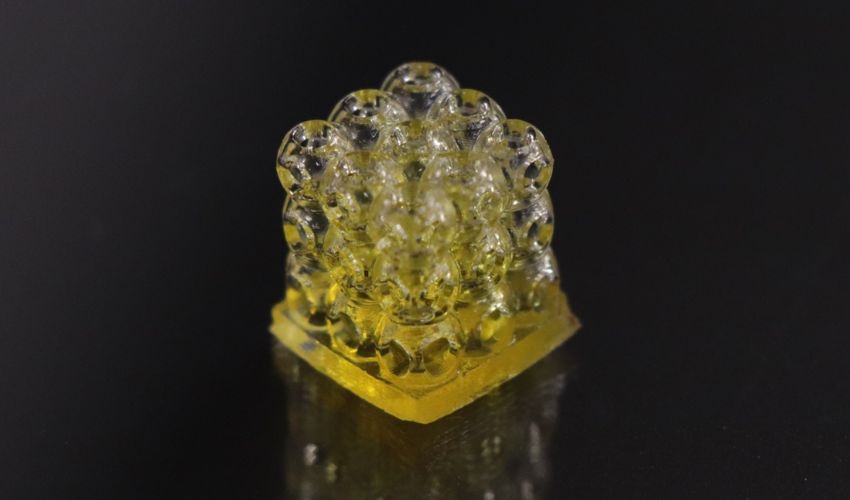 MaterialsBIO INX Launches New, Ready-to-Print Bioink Resin for DLP 3D PrintingThis week, the Belgian startup BIO INX launched a game-changing new material: BIORES INX, a gelatin-based bioink resin developed for digital light processing (DLP) 3D printing. Bioprinting with DLP has been limited because of the lack of biocompatible and biodegradable…
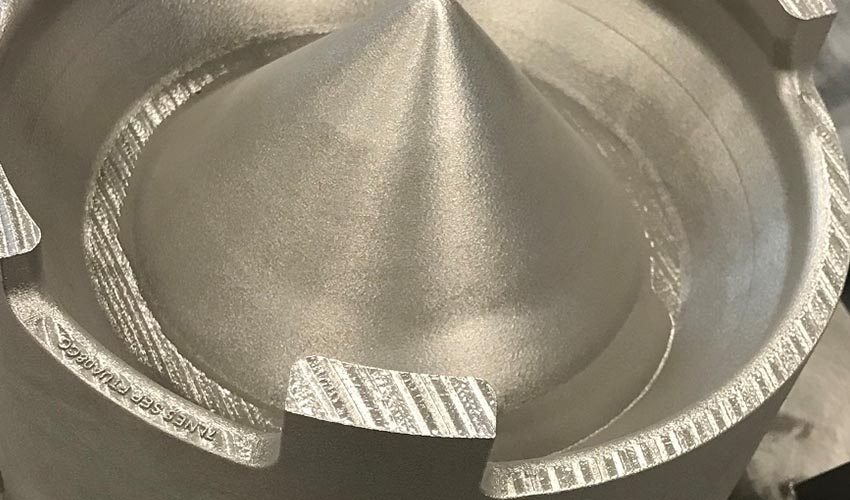 ApplicationsUS Air Force and GE’s collaboration on metal AM reaches first milestoneIn mid-2019, GE Additive and GE Aviation approached the US Air Force to propose a metal additive collaboration program to address its specific sustainment, readiness and affordability needs. It’s the US Air Force’s Rapid Sustainment Office (RSO) that is in…