News
Top 5: Adding Text to Your 3D Printed Part With Markforged
Hello everybody, and welcome to our selection of the top 5 3D printing videos of the week! As ever, we have selected the best 3D printing content from all across the industry, so whatever your speciality, you’ll find something for…
- 3 min read
- News
- Six more stories
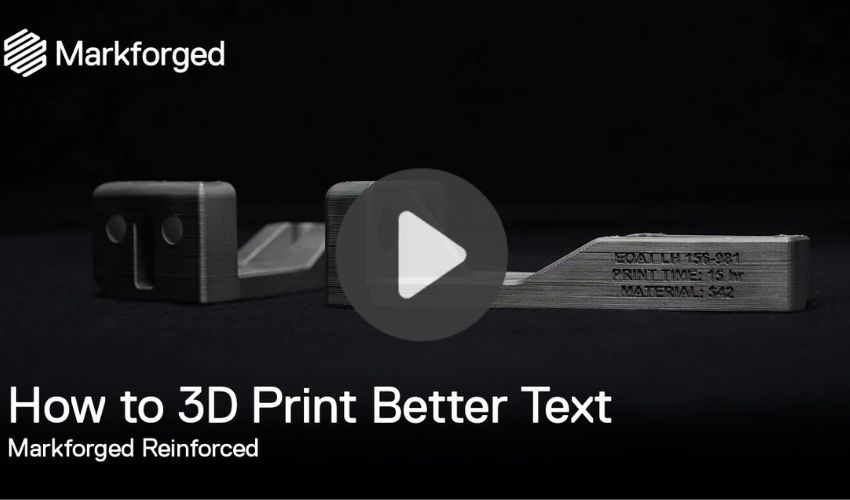
Hello everybody, and welcome to our selection of the top 5 3D printing videos of the week! As ever, we have selected the best 3D printing content from all across the industry, so whatever your speciality, you’ll find something for you! From Markforged on adding text to a part, to a private helicopter manufacturer using carbon fiber to make efficient helicopters with a high payload, we have a bit of everything for you. We hope you enjoy!
Top 1: Markforged and the Design Process to Add Text to A Part
Many 3D printed parts require writing, whether to identify the maker, or to add a personalized name for somebody in particular. In this first video, we hear from 3D printing giant Markforged on how best to add text to a printed part. The video takes us through the technical design while in the mesh file process, and how best to choose where to put the text. As we learn, we should add writing to the side of the part rather than the roof. The video also shows how to choose the thickness, size, and font of the writing.
Top 2: Dassault Systemes’ 3DEXPERIENCE Platform: A Run-Through
You may remember two of our team attending Dassault Systemes’ 3DEXPERIENCE World event a few weeks ago, and now we can tell you more about the technical side of the firm’s software! The 3DEXPERIENCE platform is used in this video by an engineering team developing a UAV. We see about the conceptual design, simulation, analysis, and detailed design stages.
More from the desk
Six other notes from the rest of the bench.
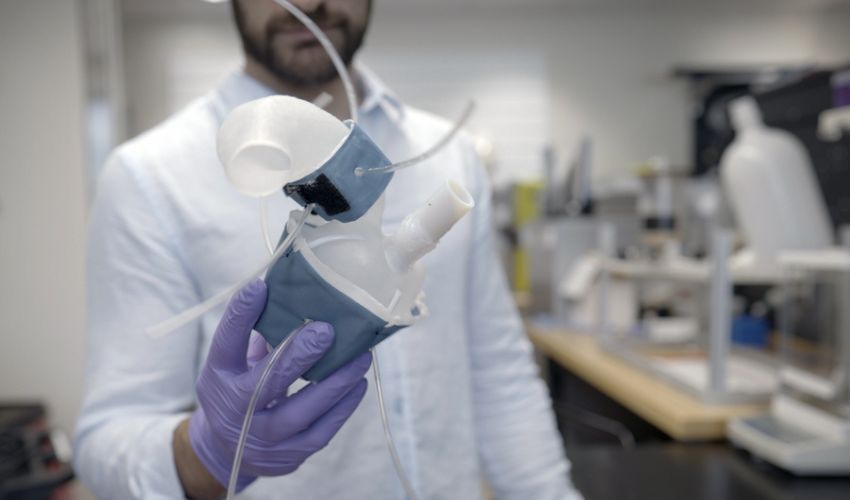 ApplicationsMIT Has Unveiled 3D Printed Hearts That Look and Act Like the Real ThingHuman technology has advanced so far in the past few centuries, and it is undeniable that one of the sectors where we have seen the most growth is medical. Considering that nothing is scarier than the prospect of facing serious…
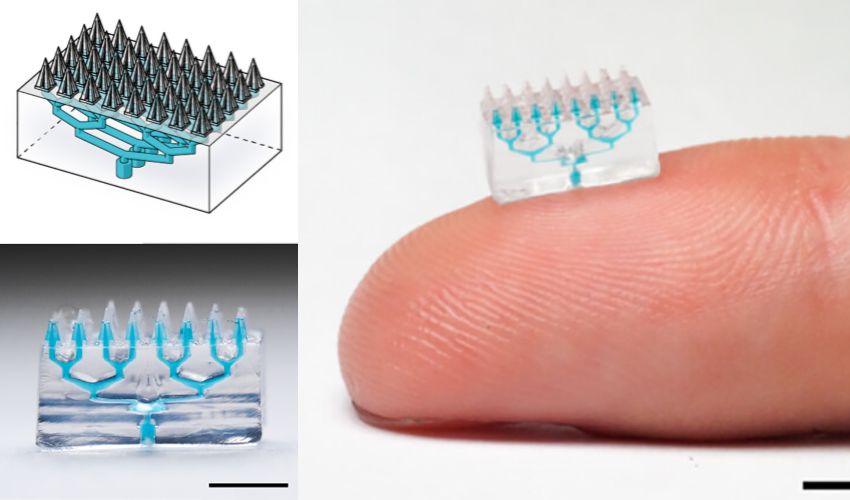 ApplicationsJoseph DeSimone on PinPrint, Carbon and Advice for AM InnovatorsJust over a decade ago, renowned chemist Dr. Joseph DeSimone introduced a groundbreaking technology that would form the foundation of the company Carbon, where he served as Co-Founder and CEO. This technology, known as Continuous Liquid Interface Production (CLIP), transformed re
 PrintersEva de Goede’s 3D Printed Brace Helps Her Win EuroHockey 2021Eva de Goede, three-time Olympic field field hockey champion with the Netherlands, broke her wrist shortly before the 2021 European Championship. Not wanting to leave one of its best players on the bench, the Dutch team tried to find solutions…
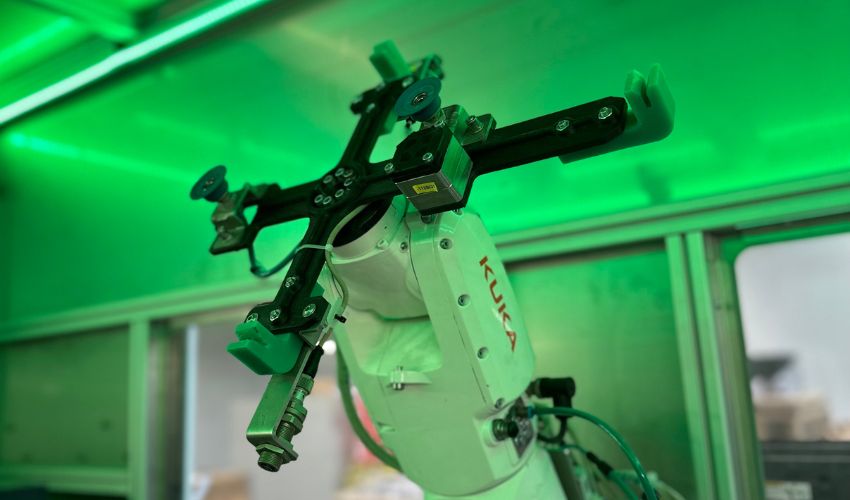 Printers#3DStartup: VENOX Systems Focuses on Durability With Its 5-axis 3D PrinterBased in Lingenau, western Austria, start-up VENOX Systems has come up with a 5-axis 3D printer capable of printing a wide range of thermoplastics, including continuous fibers. Its special feature is a head-changing system that gives access to several tools…
 NewsTOP 5 videos of the week: Football, dresses and more!A new selection of the best 3D printing videos of the week, just for you! Find our TOP 5 videos of the week below and tell us what your favorite video is in a comment or on our Facebook and Twitter page. Don’t hesitate to…
 NewsTOP 5 videos of the week: Formlabs, Concept Laser and more!A new selection of the best 3D printing videos of the week, just for you! Find our TOP 5 videos of the week below and tell us what your favorite video is in a comment or on our Facebook and Twitter page.…