Software
SketchUp: All You Need to Know Before Getting Started
In the 3D printing industry, many 3D modeling software options enable you to design your 3D printed projects. Some software solutions are widely recognized on the market today, although they are not entirely dedicated to additive manufacturing, even though they…
- 3 min read
- Software
- Six more stories
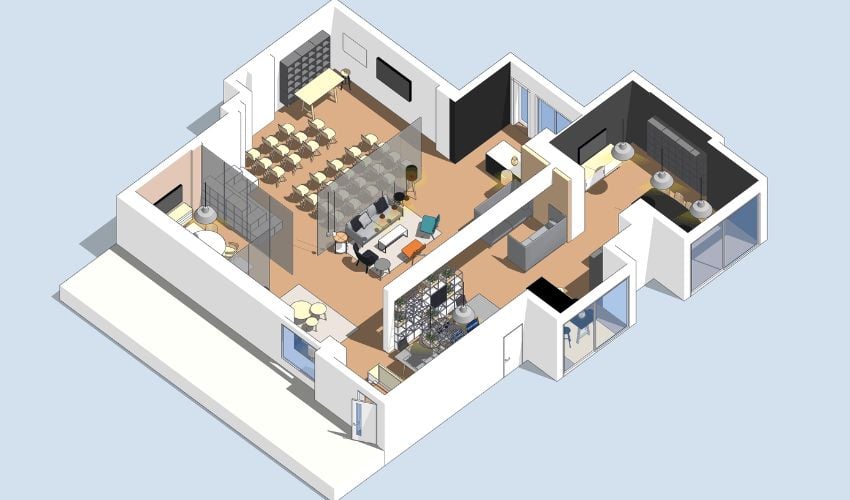
In the 3D printing industry, many 3D modeling software options enable you to design your 3D printed projects. Some software solutions are widely recognized on the market today, although they are not entirely dedicated to additive manufacturing, even though they are not primarily dedicated to this purpose. Such is the case with SketchUp, a modeling, animation and mapping solution that has become renowned mainly in the architectural sector for its ease of use. In fact, the SketchUp Free version is included in our selection of 3D software for beginners. Let’s take a look at the software’s features, functions and price!
The first version of SketchUp was developed in 2000, and published initially by Last Software. Last Software was acquired by Google in 2006, and the American giant sold the software to California-based Trimble in 2012. There are now 4 versions of SketchUp: Free which, as the name suggests, is the free version of the solution, available from a web browser. There’s also the Go version for jobs on the move, Pro for all professionals, and Studio with advanced professional functions. Discounted subscriptions are also available for students and educators.
SketchUp Free, the Basic Version of the Software
The SketchUp Free version (formerly SketchUp Make) is completely free of charge and requires only an Internet connection. It enables all users to model their projects in 3D with ease, thanks to a variety of tools. You can draw lines, arcs, shapes and all kinds of objects directly from the interface. Painting, measuring and moving tools are also available, allowing you to imagine any element. What interests us here is the fact that the model created can be exported in STL, SKP and PNG format, enabling you to print it in 3D after passing through the slicer. The software also offers a library of free models for those who need a helping hand, called 3D Warehouse. The free version offers 10GB of storage space in the cloud via Trimble Connect, making it easy to share projects. SketchUp Free is designed for personal use only. Note that you won’t be able to add any extensions to this version, limiting your creative possibilities.
More from the desk
Six other notes from the rest of the bench.
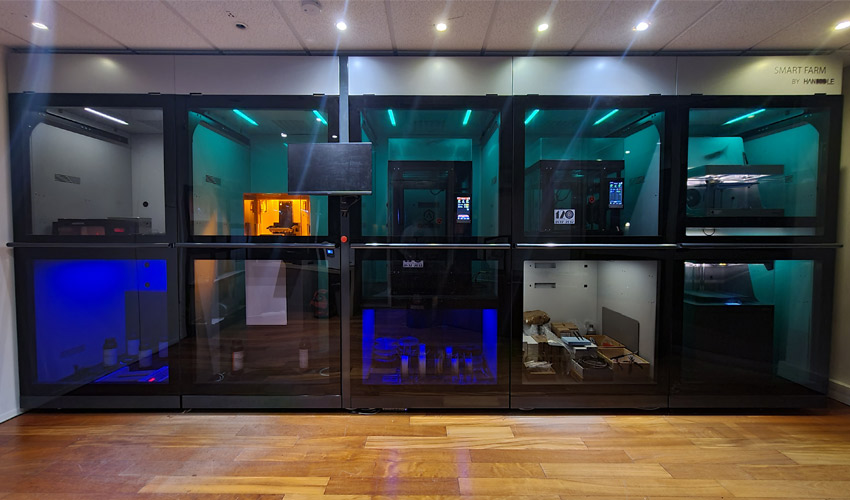 Software#3DStartup: Handddle Structures and Industrializes the Uses of 3D PrintingHandddle is a French startup that has developed a software solution and a 100% configurable manufacturing microfactory, allowing additive manufacturing users to structure and industrialize 3D printing processes and functions. Based in Bordeaux, the startup supports professionals
 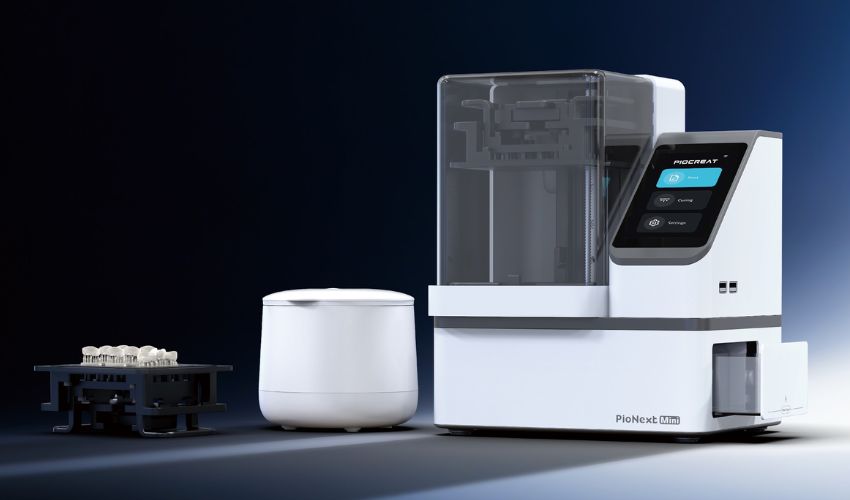 NewsTailored by Industry: PioCreat’s Blueprint for Smarter 3D PrintingIn a market filled with “all-purpose” 3D printers, the Chinese 3D printing solution provider PioCreat is taking a different approach. Its machines are tailored to the specific needs of an industry, from compact dental systems to large-format industrial printers. The result is a p
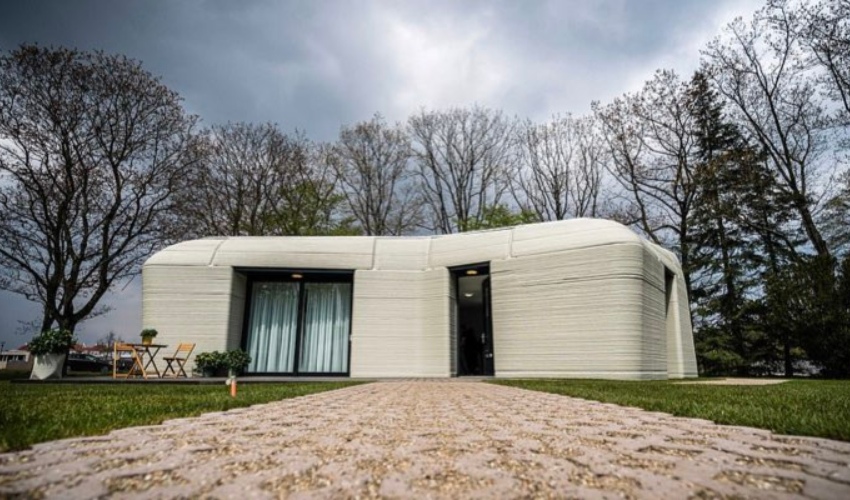 NewsTenants of the First Ever Dutch 3D Printed Home Are Moving InOn Friday, April 30th, the owners of the first ever Dutch 3D printed home have just received its key. Situated in the Eindhoven neighborhood of Bosrijk, the house is the first of five within ‘Project Milestone’. The home is the…
 ApplicationsGE unveils world’s largest 3D printer for the aerospace industryThere has been nothing but exciting news buzzing over the last few weeks in the 3D printing industry, as companies unveil their latest announcements and projects at the different expos and shows taking place around the world. Following HP’s multiple…
 ApplicationsA Breakthrough for 3D Printed Heart Valves from Georgia Tech3D printed heart valves have been around for years. In fact, in 2023 the Cureus Journal of Medical Science published Trends and Challenges in the Development of 3D-Printed Heart Valves and Other Cardiac Implants: A Review of Current Advances, which…
 NewsSciperio aims to bioprint human bloodWhat if we could bioprint human blood? This is the project of Sciperio, the research segment of micro 3D printing equipment manufacturer nScrypt. Together with partners such as Safi Biosolutions and the Geneva Foundation, the American company hopes to facilitate…