Software
MeshMixer, the Free Surface 3D Modeling Software
MeshMixer is one of the free 3D software programs provided by Autodesk, which offers several interesting features to help users in not just modeling but also in 3D printing processes. Available on Windows and Mac OS, version 3.5 of MeshMixer…
- 3 min read
- Software
- Six more stories
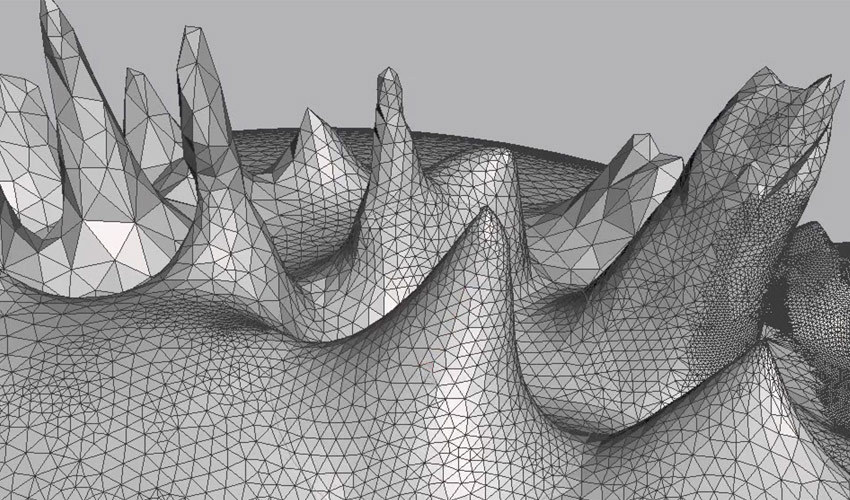
MeshMixer is one of the free 3D software programs provided by Autodesk, which offers several interesting features to help users in not just modeling but also in 3D printing processes. Available on Windows and Mac OS, version 3.5 of MeshMixer relies on surface modeling to design any type of part from another model, on a triangular mesh. You can thus combine several shapes together, modify them according to your needs, analyze them before printing and export them in the right format. This free software is relatively simple to use and is intended for individuals, students and professionals who are new to modeling.
In the 3D printing market, modeling is the first step towards the design of a part. In fact, it is a key step in reducing the possibility of part failure, allowing for optimization of the quantity of material used, orientation of the part, and much more. Today, various modeling and CAD software packages are available for all levels, and MeshMixer stands out for its ability to model a part from an existing model. In this sense, the software is a little different from a more traditional solution where you can start from scratch. But how exactly does MeshMixer work, and what are its features?
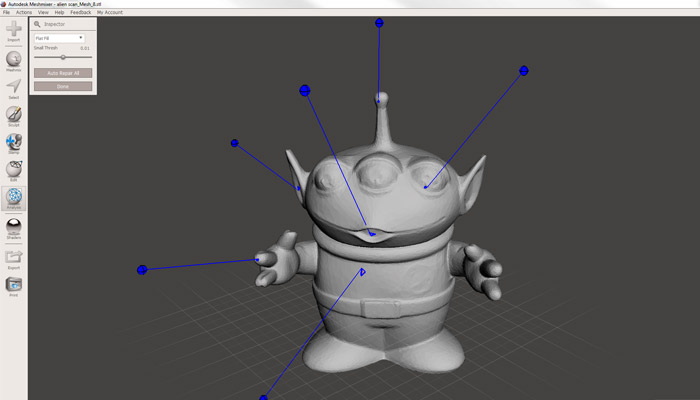
MeshMixer has multiple functions.
The Features of the 3D Software
As already mentioned, this software allows you to edit 3D models. To do this, simply import the file into MeshMixer, which supports a wide range of formats: STL, OBJ, PLY and AMF. Once the model has been imported, MeshMixer lets you modify, resize, measure or repair it. To do this, MeshMixer uses triangular meshes composed of three elements: vertices, edges and faces (or triangles). Vertices correspond to points in 3D space; edges connect two vertices and faces correspond to the association of three vertices.
More from the desk
Six other notes from the rest of the bench.
 News3D Printed Bug Project Raises Awareness of Biosecurity Threat in New ZealandStudents in Canterbury, New Zealand, have 3D printed a brown marmorated stink bug (Halyomorpha halys) in an effort to raise awareness of the biosecurity threat posed to the country by the bug. They worked together on a Summer Student Programme,…
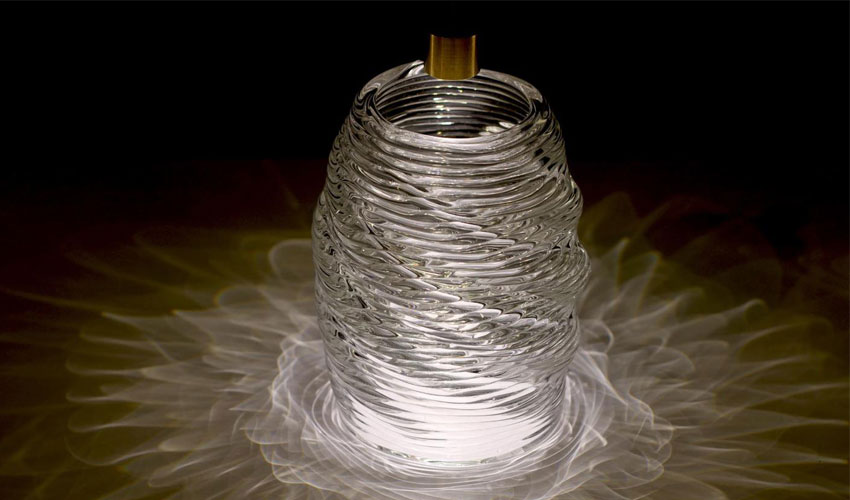 PrintersResearchers at MIT 3D Print GlassThe process of 3D printing glass can seem beyond possible, however this is what researchers at MIT have been working towards. In a paper published in 3D Printing and Additive Manufacturing in December 2018, researchers Chikara Inamura, Micheal Stern, Daniel…
 ApplicationsASTRO America to 3D Print Combat Vehicle Hull for U.S. ArmyOn Tuesday, the Applied Science & Technology Research Organization, also known as ASTRO America, announced that it had been chosen by the U.S. Army for the “Jointless Hull Project”. Contracted through LIFT, the Department of Defense supported manufacturing innovation institut
 News3D Printed Smart Gel Adapts Colour and Shape with LightA team of engineers at Rutgers University have developed a 3D printed smart gel that is able to sense and change according light exposure, becoming “artificial muscle”. The smart gel was inspired by the colour and texture changing mechanism of…
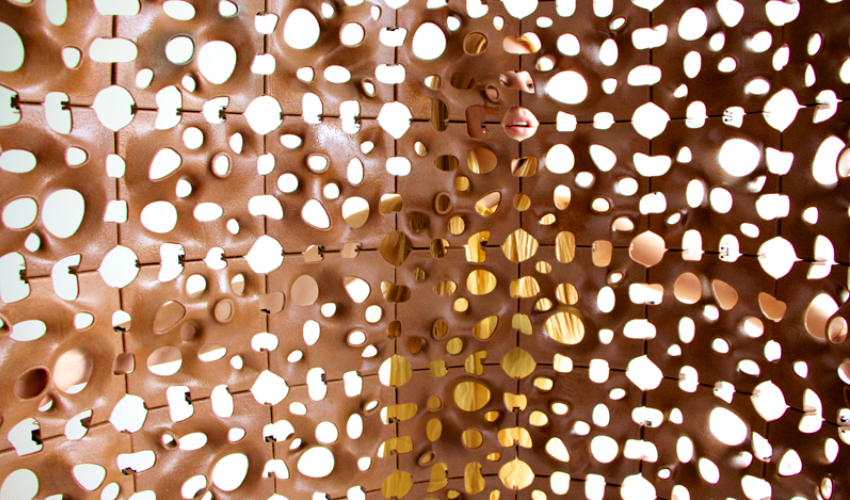 GuidesForust Corporation designs interiors with 3D printed woodForust Corporation is a wood technology company that leverages 3D printing to create beautiful and sustainable interior design pieces. The company’s goal is to manufacture with wood but without damaging our planet’s ecosystem. Forust Corp. was created by the founders of&hel
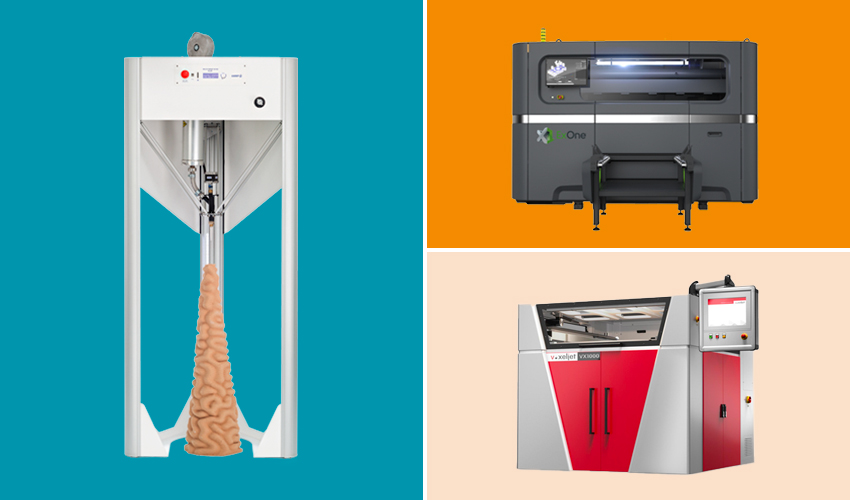 PrintersThe Top Ceramic 3D Printers on the MarketAt the end of 2021, the research firm IDTechEx published a report that estimated that the ceramic additive manufacturing market would be worth $400 million by 2032, seven times more than the forecast for 2022. This is proof that this…