Software
3D Builder, the Free 3D Modeling Software by Microsoft
3D Builder is Microsoft’s 3D modeling software that allows you to easily design a 3D model, visualize it or make any modifications quickly. It is a free solution, installed by default on all computers with Windows 10 (though since later…
- 3 min read
- Software
- Six more stories
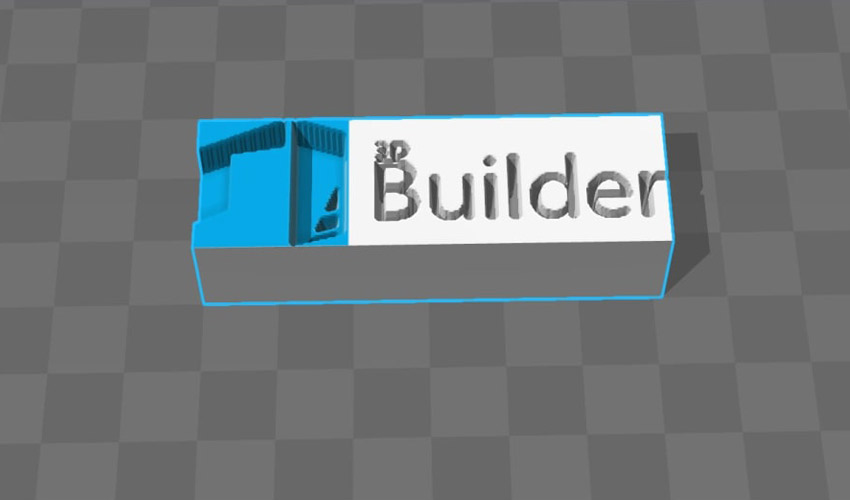
3D Builder is Microsoft’s 3D modeling software that allows you to easily design a 3D model, visualize it or make any modifications quickly. It is a free solution, installed by default on all computers with Windows 10 (though since later versions automatic download is no longer done). 3D Builder is compatible with 3D printing since it allows exporting models in STL, OBJ or 3MF formats. Moreover, Microsoft also offers a wide selection of 3D models that are ready to download for free directly from the interface. Today, this free 3D printing software solution has received many positive reviews for the numerous functionalities it offers.
Created in November 2013, 3D Builder has become popular among Windows users. Soon after its launch, Microsoft announced a partnership with Materialise to facilitate direct 3D printing of the designed models, as well as a mobile version to allow even more creativity. 3D Builder is based on modeling based on the construction geometry of solids, just like Tinkercad. And though it is not compatible with all 3D printers, Microsoft does have a list of brands with which it has a partnership including XYZPrinting, Monoprice, Dremel and Prusa Research.
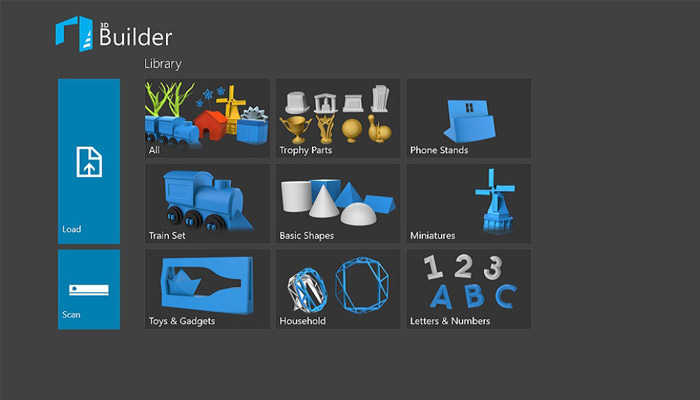
Once the application is open, the user can directly access all their projects or start creating their model.
The Main Features of 3D Builder
The 3D Builder software can be downloaded for free from the Windows Store and is only compatible with Windows. It is available on PC and cell phones, as well as the Xbox One, Surface Hub and HoloLens. It offers three main features: creating a 3D model, modifying a 3D file, and viewing. When users open the software, they can see the recently viewed models, load a model from a library offered by Microsoft, or begin the creation of their own file – either from scratch, via a 3D scan, or from a model previously uploaded on another platform.
More from the desk
Six other notes from the rest of the bench.
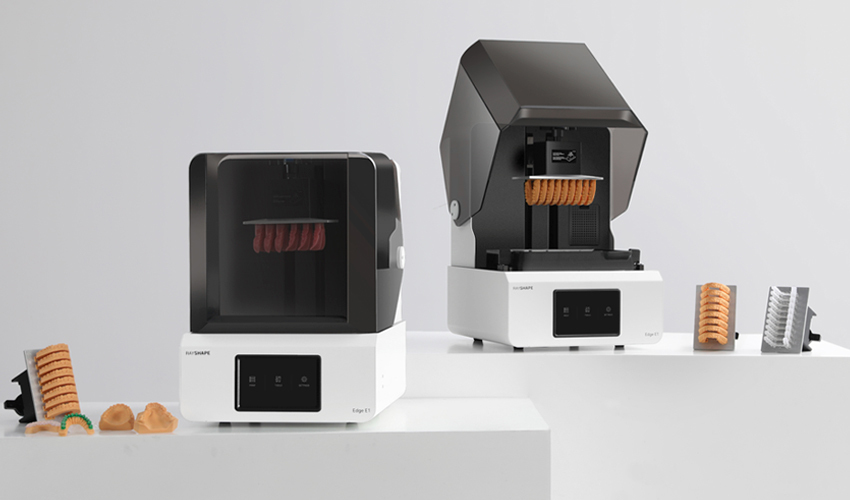 PrintersEdge E1, RAYSHAPE’s New 3D Printer for Digital DentistryChinese manufacturer RAYSHAPE, known for its DLP 3D printing solutions, continues its expansion in the resin additive manufacturing market. Most recently, it has announced the launch of a new 3D printer, the Edge E1, intended for use in the dental…
 ApplicationsSingapore Researchers Use AI and 3D Bioprinting to Personalize Gum Tissue GraftsA team from the National University of Singapore (NUS) has devised a method for creating customized gum grafts by combining 3D bioprinting and artificial intelligence (AI). The new technique, led by Assistant Professor Gopu Sriram from the Faculty of Dentistry,…
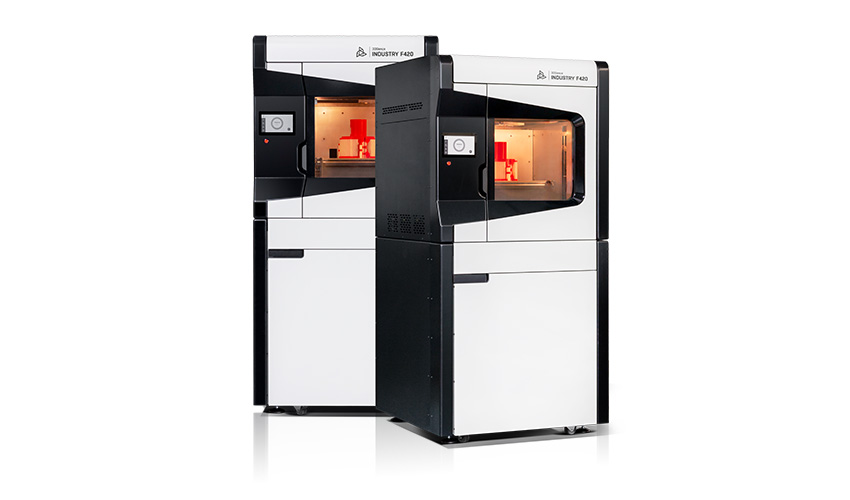 Printers3DGence releases INDUSTRY F420 3D printer for high-performance materialsFor some years now, high-performance thermoplastic materials have become more important in the additive manufacturing industry due to their strength, lightness and cost. This is why the European company, 3DGence, has decided to develop industrial 3D printers capable of producing&
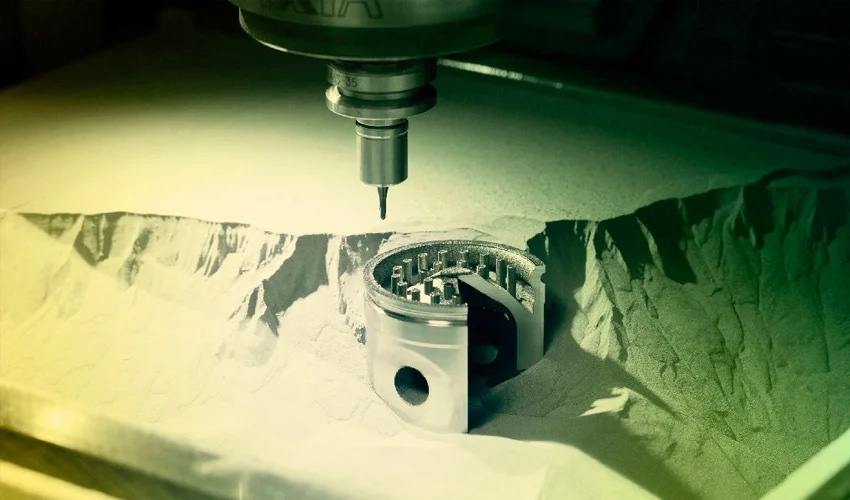 NewsHow to Combine Additive and Subtractive Manufacturing in Production? Experts Give Their Advice!In recent years, the combination of additive and subtractive manufacturing has gained in popularity, making a significant impact worldwide. Thanks to a number of technological advances, there are a wide variety of industries already benefiting from so-called “hybrid manufac
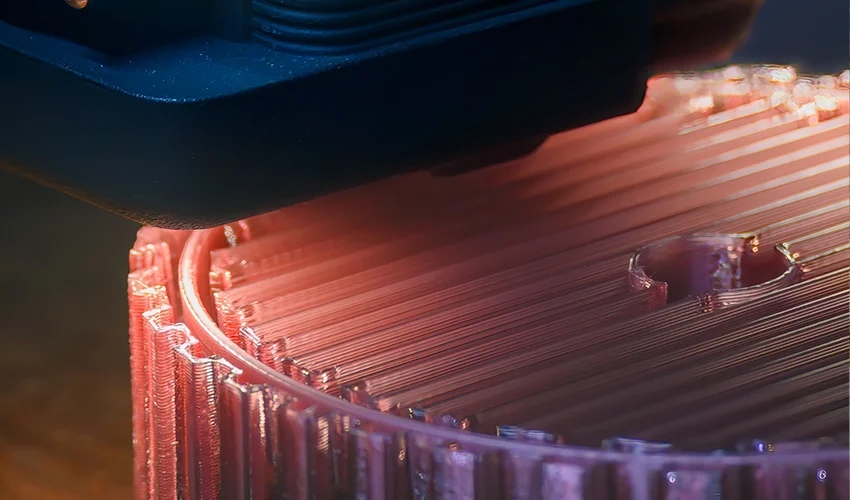 News10 Reasons to Adopt 3D PrintingToday, many companies in the manufacturing industry still use traditional production methods. That being said, what is known as the fourth industrial revolution is becoming more and more of a reality, leading to the adoption of new methods of creation…
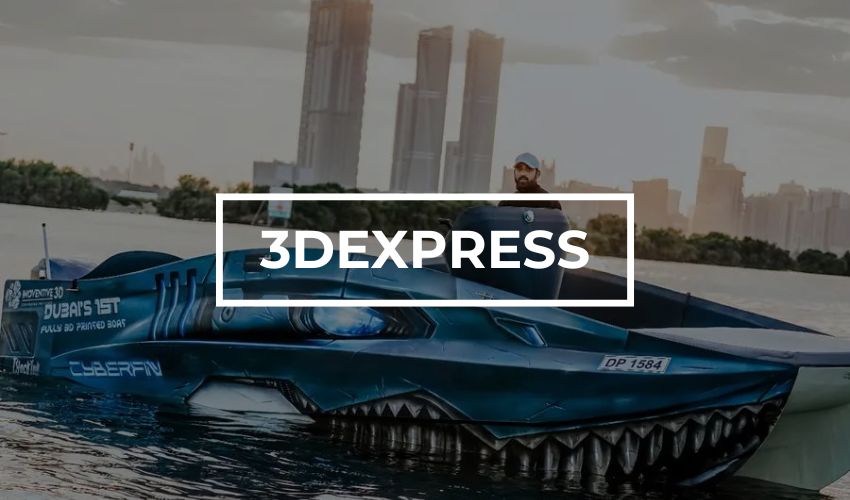 Applications#3DExpress: Dubai’s First Fully 3D Printed BoatThis week, we’re taking you on a boat tour, and not just any boat! It’s a boat entirely 3D printed by a Dubai-based company. Thanks to 3D technologies, the company is able to drastically reduce manufacturing lead times, thereby boosting…