
Vlare Slicer: Unlocking Advanced and Free Slicing for Resin 3D Printing
The journey from a digital design to a tangible 3D printed part in additive manufacturing is intricate, with file preparation standing as a pivotal and often underestimated step. This crucial phase necessitates specialized software tools, commonly known as slicers, which are responsible for transforming complex 3D models into printable layers and configuring the precise printing parameters for each unique project. This process is particularly critical in resin additive manufacturing (also known as stereolithography or MSLA), where the meticulous generation of support structures is not just recommended, but practically indispensable for successful prints. Recognizing this fundamental need, numerous companies have developed their own slicing programs to streamline this complex task for users. Among the innovative solutions emerging in this space is Vlare Slicer – a comprehensive, user-friendly, and, notably, free slicing software designed specifically for resin 3D printing. This extensive guide aims to provide you with all the essential information and insights into this powerful program, helping you maximize your resin 3D printing potential.
The market for slicers tailored for resin 3D printers is rich with options, offering a diverse array of choices from established players like ChiTuBox, Lychee Slicer, and NanoDLP, among others. Navigating this landscape to determine the best fit for your specific needs can be challenging. Each software boasts a unique set of features and functionalities, and while free options often garner significant popularity, they can sometimes come with limitations that might hinder advanced applications. Consequently, identifying a solution that not only fulfills your technical requirements but also remains cost-effective is a common hurdle for many enthusiasts and professionals alike. This is precisely where Vlare Slicer distinguishes itself. The Vlare brand was conceived by an experienced team of engineers and developers, specializing in both hardware and software for additive manufacturing. They gained significant recognition for Volare Core, an open-source, full-featured control board engineered for the next generation of MSLA printers. Observing a clear demand for a robust and intuitive solution to prepare parts for seamless 3D printing, they embarked on the development of their own free slicing software. Vlare Slicer was thus born with the strategic aim of fully leveraging the advanced functionalities of Volare Core, all presented within a simple, intuitive, and highly user-friendly interface to ensure unparalleled ease of use for its community.
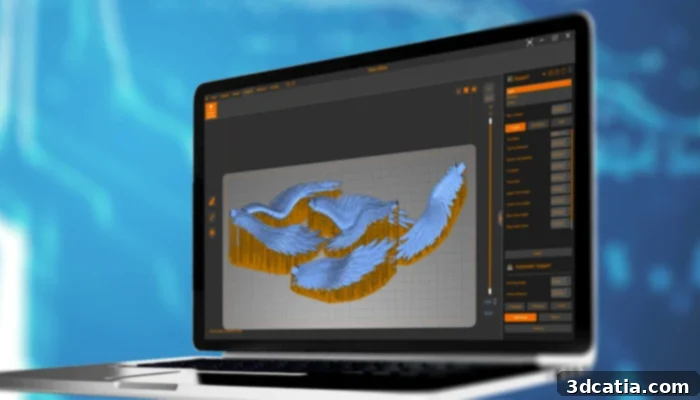
The software is free and offers both basic and more advanced functions, catering to all user levels. (Image credits: Vlare)
Key Features and Capabilities of Vlare Slicer
Vlare Slicer is engineered to integrate a comprehensive suite of functions, catering to a wide spectrum of users, from novice hobbyists to seasoned professionals. Beyond its rich feature set, the software is optimized for fast and efficient operation, requiring only modest hardware configurations, making it accessible to a broader audience. While it offers broad compatibility with both Windows and OS X operating systems, it’s worth noting that the latest stable version (2.1.3), released on December 28, 2022, is specifically for Windows. This powerful and free software supports an extensive array of common CAD file formats, ensuring seamless integration with your existing design workflows. Supported formats include STL, 3MF, VLR, OBJ, IGS, 3DS, BREP, STEP, DXF, FBX, IFC, 3D, and IGES. Delving deeper into its specific functionalities, several standout features deserve particular attention.
Intuitive User Interface for All Skill Levels
One of Vlare Slicer’s most commendable attributes is its exceptionally simple and clean user interface, making it an ideal choice for individuals just embarking on their 3D printing journey. The streamlined layout ensures that essential tools are easily accessible, allowing beginners to quickly grasp the fundamentals of file preparation without feeling overwhelmed. However, Vlare Slicer doesn’t compromise on advanced control. It thoughtfully includes an “expert mode” specifically designed for seasoned professionals who require granular command over every aspect of their prints. This dual-mode approach offers the best of both worlds: accessibility for newcomers and comprehensive control for experienced users, ensuring that the software evolves with the user’s skill set.
Advanced Support Generation for Flawless Prints
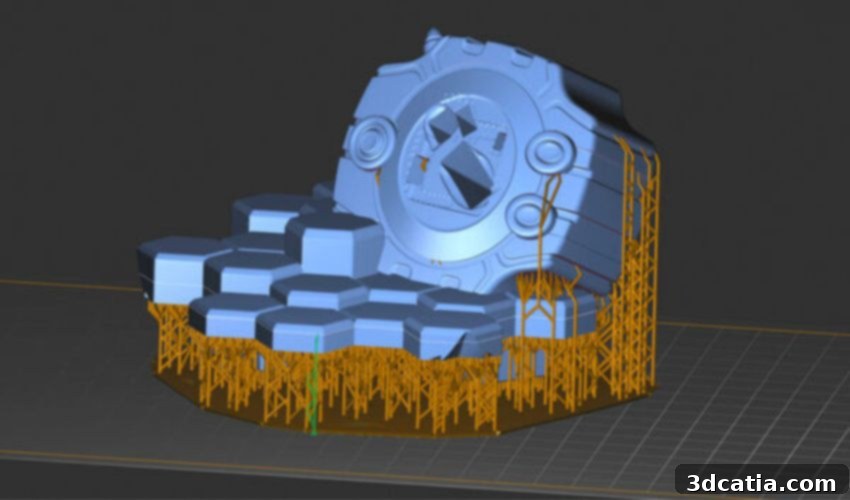
For resin 3D printing, reliable support structures are non-negotiable for success. Vlare Slicer excels in this area by offering robust automatic generation of support structures, powered by dependable built-in profiles. These profiles are meticulously optimized to ensure part integrity and print success, minimizing the common issues of print failures or surface imperfections. Furthermore, Vlare Slicer provides advanced options for fine-tuning support parameters, allowing users to achieve exceptionally high-quality prints, even for complex geometries. Users can customize support density, tip size, pillar thickness, and connection types, giving them unparalleled control. The software also offers a variety of raft (often referred to as “balsa”) and structure types to choose from. A notable option is the triangular raft, which strikes an excellent balance between strong adhesion to the build plate and ease of removal after printing, crucial for protecting the delicate first layers of a print.
Material Optimization and Enhanced Print Success with Hollowing and Drilling
Beyond support generation, Vlare Slicer incorporates intelligent features like hollowing and drilling, which are essential for both cost-efficiency and print reliability in resin printing. The hollowing function allows users to create hollow interiors for their models, significantly reducing the amount of resin consumed per print. This not only translates to substantial material savings but also minimizes internal stresses that can lead to warping or cracking during the curing process. Complementing this, the drilling function enables the creation of drainage holes in hollowed parts. These holes are critical for allowing uncured resin to escape from the interior of the print, preventing resin traps and reducing the risk of print failures caused by internal pressure or improper curing. They also facilitate thorough cleaning and post-curing, ultimately improving the overall success rate and quality of the final parts.
Integrated Design Tools for Model Customization
Vlare Slicer goes beyond mere slicing by integrating practical design tools directly into its interface. One of the latest additions is the ability to easily add text to models, which is invaluable for branding, serialization, or personalizing creations. Furthermore, the software allows users to merge and subtract shapes, providing basic but powerful boolean operations. These intuitive design tools empower users to perform minor modifications or complex customizations directly within the slicer, eliminating the need to revert to external CAD software for simple adjustments. This seamless integration streamlines the workflow, making it incredibly efficient to refine models in just a few straightforward steps before printing.
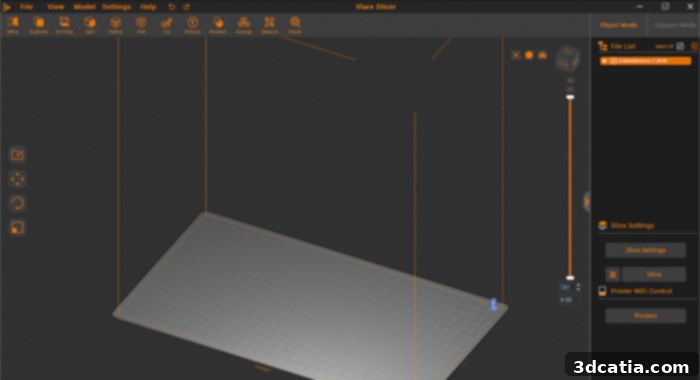
The intuitive user interface is designed for ease of use, accommodating both new and experienced users. (Image credits: Vlare)
Why Choose Vlare Slicer for Your Resin 3D Printing Needs?
In a competitive market filled with various slicing solutions, Vlare Slicer carves out a unique and compelling niche. Its commitment to being a free, yet feature-rich, platform is a significant advantage, lowering the barrier to entry for new users while still providing the advanced capabilities demanded by professionals. The direct lineage from the Volare Core control board ensures a harmonious ecosystem, where the slicer is optimized to extract maximum performance from MSLA printers designed for cutting-edge functionality. The blend of a simple interface for quick starts and an expert mode for meticulous control ensures that it grows with your expertise. The robust support generation, coupled with intelligent material-saving features like hollowing and drilling, directly contributes to higher print success rates and reduced operational costs. Furthermore, the integrated design tools add a layer of convenience, allowing for on-the-fly model adjustments without the need for additional software. Vlare Slicer represents a thoughtful combination of accessibility, advanced functionality, and performance, making it an excellent choice for anyone looking to optimize their resin 3D printing workflow.
Getting Started with Vlare Slicer
Embarking on your journey with Vlare Slicer is straightforward. To begin, simply navigate to the official Vlare website to download the latest version of the software. Once installed, the typical workflow involves importing your 3D model (in one of the many supported formats), orienting it optimally on the virtual build plate, and then utilizing the powerful support generation tools. For models that can be hollowed, leverage this feature to save resin and improve print quality, remembering to add strategic drainage holes. After these preparation steps, you can proceed to slice your model, which converts it into a series of printable layers and generates the printer-specific file (e.g., .fdg, .ctb, or similar, depending on your printer). Finally, export this file to your resin 3D printer, and you’re ready to print. The intuitive design of Vlare Slicer guides users through these steps efficiently, allowing for a smooth and productive experience.
These are just some of the most prominent functions that make Vlare Slicer a standout solution for part preparation in resin additive manufacturing. The software is continuously evolving, with the team behind it committed to enhancing its capabilities and user experience. For more in-depth information, tutorials, and updates, we highly recommend visiting the company’s official website HERE.
What are your thoughts on Vlare Slicer? Have you had the opportunity to use it for your resin 3D printing projects? We’d love to hear about your experiences! Please share your insights in a comment below or connect with us on our social media channels: Facebook, Twitter, and LinkedIn! And for the latest updates and breaking news in the world of 3D printing, don’t forget to sign up for our free weekly Newsletter here, delivered straight to your inbox!
*Cover image credits: Vlare Slicer