
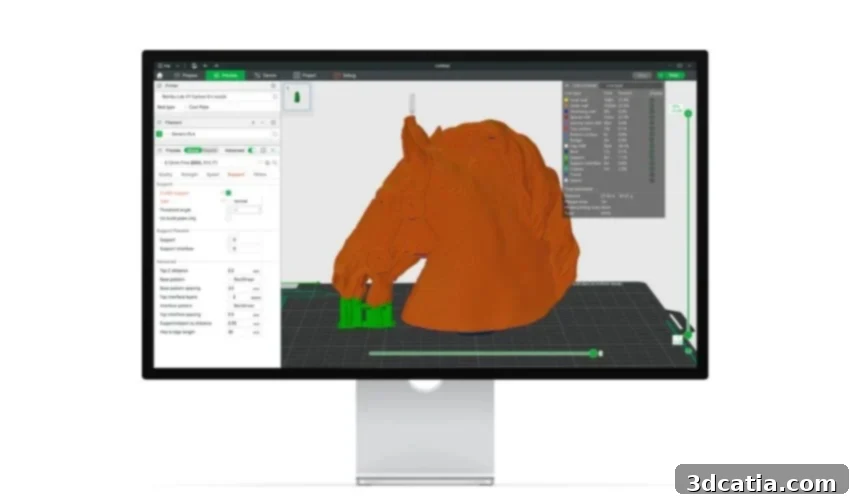
Bambu Studio: A Comprehensive Guide to Mastering Your 3D Printing Workflow
Bambu Lab, a prominent Chinese manufacturer, has rapidly ascended to become a dominant force in the consumer FDM 3D printer market. Known for its innovative hardware and user-centric approach, the company consistently pushes the boundaries of what’s possible in desktop 3D printing. With the anticipation of new machine launches in 2025, Bambu Lab continues to solidify its reputation for excellence. Beyond its groundbreaking 3D printers, Bambu Lab has also developed its own highly acclaimed slicer software, Bambu Studio. This proprietary software has quickly become an indispensable tool and a favorite among Bambu Lab printer owners, streamlining the entire 3D printing process from design to finished product.
For those new to the world of additive manufacturing, a slicer is a crucial piece of software that acts as an interpreter between a 3D model and the 3D printer. Its primary function is to convert a digital 3D model, typically in formats like STL or 3MF, into a series of instructions known as G-code. This G-code contains precise information about toolpaths, temperatures, speeds, and other parameters that guide the 3D printer’s movements. As its name suggests, the slicer “slices” the 3D model into numerous horizontal layers. The 3D printer then meticulously replicates these layers, one by one, to construct the final physical part. So, what exactly sets Bambu Studio apart? What are the specific functions that make it one of the most popular and highly regarded slicers among 3D printing enthusiasts and professionals alike? Let’s delve deeper into its capabilities and discover why it’s a game-changer.
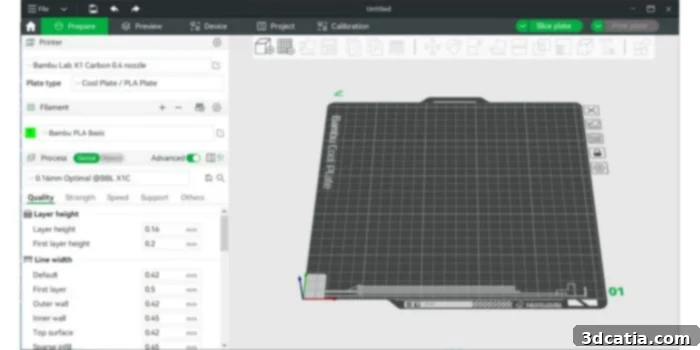
Key Features and Innovations of the Bambu Studio Slicer
At its core, Bambu Studio is an open-source slicing software, a significant advantage for a community-driven technology like 3D printing. Built upon the robust foundation of PrusaSlicer, it inherits a legacy of reliability and innovation, while Bambu Lab has added its own unique enhancements and optimizations. This state-of-the-art slicer boasts an intuitive graphical user interface (GUI) designed for both novice and experienced users, ensuring a smooth and efficient workflow. Its project-based workflows and optimized slicing algorithms contribute to faster processing times and superior print quality, making it a powerful tool in any 3D printing arsenal.
While Bambu Lab’s slicer was initially developed with its own advanced 3D printers in mind, it offers remarkable flexibility by also being compatible with a wide array of printers from various other manufacturers. This broad compatibility ensures that a diverse range of users can benefit from Bambu Studio’s powerful features, regardless of their specific printer brand. Furthermore, its availability across multiple operating systems—Windows, macOS, and Linux—significantly enhances its accessibility, enabling a vast user base to leverage its capabilities without being constrained by their choice of computer platform. This cross-platform support is a testament to Bambu Lab’s commitment to providing a versatile and inclusive software solution.
Among Bambu Studio’s most acclaimed features are its sophisticated tools for multicolor 3D printing, especially when paired with Bambu Lab’s Automatic Material System (AMS). These versatile coloring options unlock unprecedented creative potential, allowing users to produce complex, vibrant, and multi-material models with ease. The all-in-one project-based workflow is another standout, enabling seamless switching between object and assembly views, which is invaluable for managing intricate designs with multiple components. The software also supports the STEP file format, a professional standard for CAD models, ensuring high precision and data integrity for engineering and industrial applications. Finally, the innovative “Go Live” feature offers real-time remote observation of your printer’s operation, providing peace of mind and allowing users to monitor print progress from anywhere.
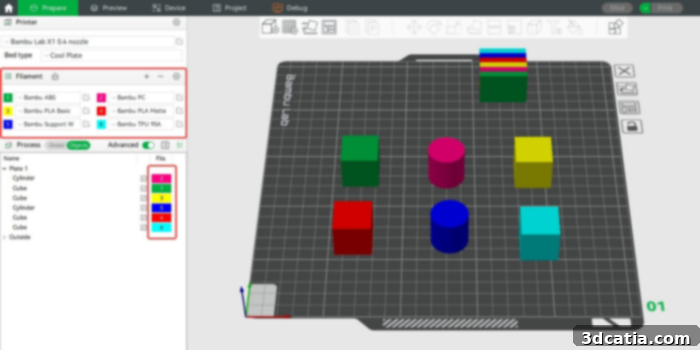
Bambu Studio allows you to easily set the filament type and color for each filament used.
Installation, User Interface, and Initial Setup
Embarking on your Bambu Studio journey is remarkably straightforward. The downloading and installation process is simple and intuitive, designed to get users up and running quickly. The setup wizard guides you through easy printer matching and filament selection, ensuring your software is perfectly configured for your hardware from the outset. Bambu Studio arrives pre-loaded with comprehensive preset profiles, not only for all Bambu Lab printers but also for numerous popular printers from other brands. This extensive library extends to material profiles, covering a wide range of filaments, which significantly reduces the need for manual configuration and helps both beginners and experts achieve consistent, high-quality results from their first print.
Upon successful installation, users are greeted by a clean, simple, and highly intuitive user interface. The “Home” section serves as the central hub for navigation, providing quick access to recently used files, frequently utilized functions, and the option to initiate new projects. This section is particularly beneficial for new users, as it also hosts an integrated user manual and links to comprehensive documentation, offering invaluable guidance and helping them orient themselves within the software’s ecosystem. This thoughtful design minimizes the learning curve, allowing users to quickly become productive.
Beyond the Home screen, Bambu Studio logically organizes its functionalities into several key sections: Prepare, Preview, Device, Project, and Calibration. The “Prepare” section is where the magic of model preparation happens. Here, users can import their 3D models and manipulate them on the virtual print plane with tools for scaling, rotation, and placement. Crucially, this section also allows for the precise setting of basic print parameters such as the specific type of printer being used, the build plate surface, the filament type and brand, desired layer height for print resolution, overall quality settings, print speed, and support structures. The ability to fine-tune these parameters is essential for optimizing print outcomes and achieving desired aesthetic and mechanical properties.
Bambu Studio distinguishes itself by offering an innovative feature: the capability to work with several printing planes simultaneously. This unique functionality provides an unparalleled view of different models or allows for experimentation with various materials and colors on different parts, all within a single project. This multi-plate workflow is incredibly efficient for batch printing, managing complex assemblies, or testing multiple iterations. Once all preparation work, including model placement and parameter settings, is complete, users simply click “Slice” to generate the G-code file. After the model has been sliced, the “Preview” section becomes active, enabling users to meticulously examine the “sliced” model layer by layer, inspecting toolpaths, infill patterns, support structures, and potential print issues before committing to a physical print, thereby saving time and material.
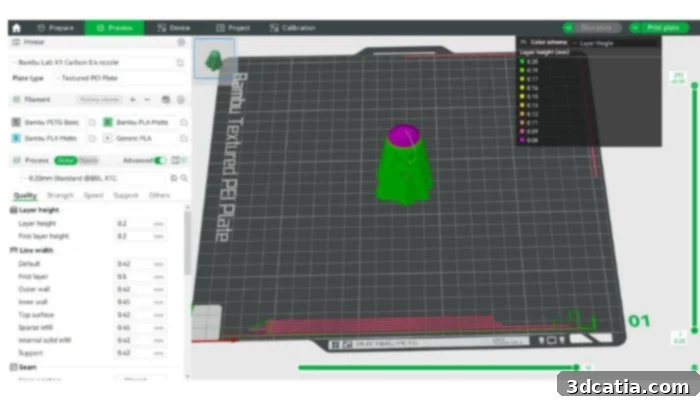
A detailed view of the Preview section in Bambu Studio, showing layer-by-layer G-code visualization.
Once a print job has been initiated, the “Device” section transforms into a powerful real-time monitoring dashboard. This critical feature allows users to keep a constant eye on their printer’s operation, providing vital data such as current temperatures of the nozzle and heatbed, filament usage statistics, and precise printing progress. From this centralized page, users can also remotely activate the printer’s built-in camera and leverage the “Go Live” feature, offering a direct, live video feed of the printer at work. This remote surveillance capability is invaluable for troubleshooting, ensuring print success, and offering peace of mind, especially for longer print jobs or when operating the printer unsupervised.
Further enhancing the remote management capabilities, Bambu Lab provides Bambu Handy, a robust mobile application available for both iOS and Android devices. This indispensable app grants users unparalleled access to all their Bambu Lab 3D printers remotely. For those managing multiple printers, Bambu Handy simplifies the workflow by allowing seamless switching between devices in a comprehensive list. It’s important to note, however, that while Bambu Studio offers broad printer compatibility, the advanced remote operation and monitoring functions via Bambu Handy are exclusively compatible with Bambu Lab’s own ecosystem of printers, ensuring optimized performance and integration.
A noteworthy aspect of the Bambu Studio ecosystem is its deep integration with the MakerWorld platform and its associated MakerLab. This powerful connection creates a cohesive environment for model discovery, management, and printing, all within a single, unified platform. Bambu Lab users particularly appreciate the convenience of using the Bambu Handy app to monitor and manage their software, printers, and effortlessly access an extensive library of online models in an interconnected fashion. This allows users to launch prints directly from their cell phones for pre-sliced or community-shared models, bypassing the manual slicing process entirely. This streamlined workflow significantly enhances user experience, making 3D printing more accessible and efficient for everyone.
The “Project” section of Bambu Studio is specifically designed for managing more complex endeavors, such as projects involving the printing of multiple interdependent parts that form a larger, intricate assembly. This dedicated area allows users to effectively coordinate, organize, and optimize their workflow for multi-component prints. Here, dependencies can be managed, and print order can be strategized to ensure efficient and successful completion of challenging projects. Finally, the “Calibration” section offers two crucial options for fine-tuning print quality: Flow Dynamics Calibration and Flow Rate Calibration, each addressing distinct aspects of filament extrusion and print consistency.
For Flow Dynamics Calibration, Bambu Lab has pioneered automatic calibration features for a wide variety of filaments, simplifying what was once a complex manual process. This section is particularly useful when introducing new types or brands of filament, after replacing the printer nozzle, or whenever changes are made to filament printing parameters. Proper flow dynamics are essential for mitigating issues like stringing and inconsistent line widths, ensuring smoother surfaces and more accurate dimensions. The automated approach in Bambu Studio significantly reduces guesswork and trial-and-error, making it easier for users to achieve optimal results.
Flow Rate Calibration, on the other hand, is a slightly more intricate process that precisely measures the ratio between the expected and actual volume of extruded material. This calibration is fundamental for resolving common printing problems such as over-extrusion (too much material, leading to blobbing or dimensional inaccuracy), under-extrusion (too little material, causing gaps or weak layers), poor surface quality, and compromised structural integrity of printed parts. Adjusting flow rate parameters is often necessary to fine-tune the amount of plastic deposited, ensuring that each layer is perfectly formed and bonded. Mastering this calibration is key to unlocking the highest possible print quality and reliability from your 3D printer.
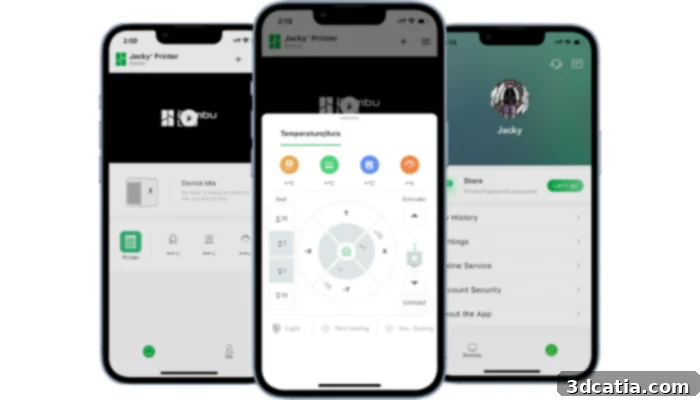
Bambu Handy: An all-in-one mobile application tailored for seamless remote monitoring and management of Bambu Lab 3D printers.
In conclusion, installing and effectively utilizing Bambu Studio is far from complex, thanks to its thoughtful design and comprehensive support. A significant advantage provided by Bambu Lab is the extensive guidance available through integrated links within the software that direct users to the Bambu Lab Wiki. This wiki serves as a true encyclopedia, offering a wealth of notions and information essential for understanding both the intricate functioning of the software itself and the broader principles of 3D printing. Beyond official documentation, Bambu Lab fosters a large and highly active community. This vibrant network is primarily found on the company’s official online forum and a bustling Facebook group, which boasts over 87,000 members. This robust community provides an invaluable resource for troubleshooting, sharing tips and tricks, and engaging with fellow enthusiasts, further enhancing the overall user experience and making Bambu Studio not just a piece of software, but an entry point into a thriving ecosystem.
Are you currently using the Bambu Studio slicer for your 3D printing projects? We would love to hear about your experiences, insights, and favorite features! Please share your thoughts in a comment below or join the conversation on our LinkedIn, Facebook, and Twitter pages! Don’t forget to sign up for our free weekly Newsletter here to receive the latest 3D printing news, innovations, and guides straight to your inbox! You can also find all our compelling videos and tutorials on our dedicated YouTube channel.
*All Photo Credits: Bambu Lab