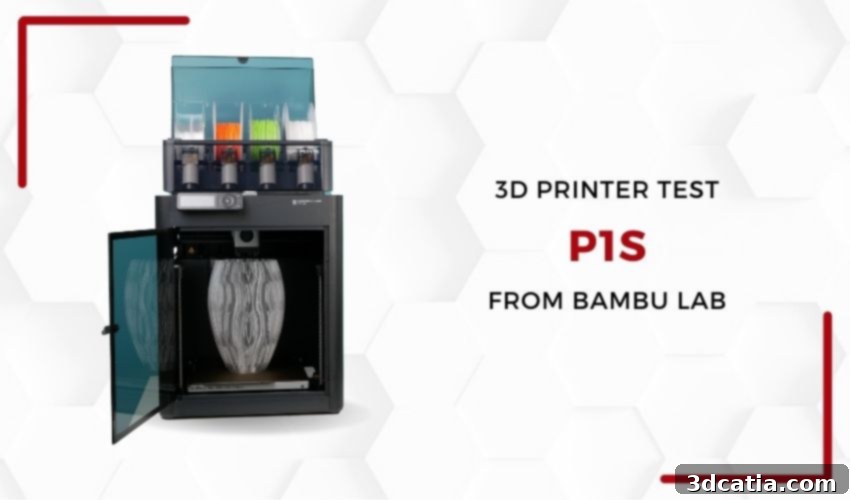
Bambu Lab P1S 3D Printer Review: High-Speed, Multi-Material FDM for the Modern Maker
In 2020, Bambu Lab made a groundbreaking entry into the additive manufacturing landscape, quickly capturing global attention through an incredibly successful crowdfunding campaign. Their Kickstarter initiative, which amassed over $7 million, propelled Bambu Lab into the spotlight as a formidable new player in the 3D printing industry. The company distinguished itself early on by integrating artificial intelligence and advanced automation into its machines, consistently aiming to elevate the user experience. Today, we delve into one of their latest and most talked-about innovations: the Bambu Lab P1S 3D printer. This FDM (Fused Deposition Modeling) powerhouse boasts a compelling blend of interesting features, high performance, and an exceptionally competitive price point, making it a strong contender for both hobbyists and professionals seeking an efficient and reliable desktop solution.
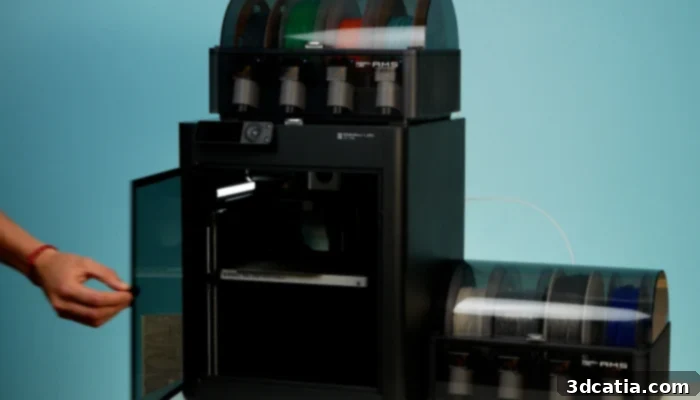
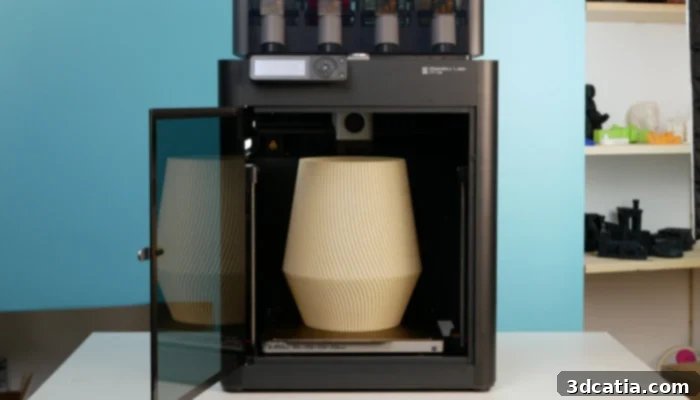
The P1S is the latest addition to Bambu Lab’s line of desktop FDM printers, offering an enclosed design.
Bambu Lab was founded by a dedicated team of engineers who previously honed their skills at DJI, the world-renowned drone manufacturer. This background in precision engineering and consumer technology is evident in their approach to 3D printing. The company’s core mission is to address the shortcomings of existing consumer 3D printing solutions by creating machines that are simple to operate, inherently reliable, and genuinely affordable for personal and small-business use. Their current product lineup includes four acclaimed 3D printers: the X1 Carbon, X1, P1P, and the subject of our review, the P1S. Each model is designed to cater to different user needs and budgets, but all share Bambu Lab’s commitment to quality and performance.
The Bambu Lab P1S 3D printer is strategically positioned as a mid-range offering, bridging the gap between the more accessible P1P and the flagship X1 series. What makes the P1S particularly enticing is the “P1S Combo” package, which includes the printer itself along with the Automatic Material System (AMS) for multi-material and multi-color printing, all for under $1,000. This combination delivers exceptional value, bringing advanced capabilities previously reserved for much higher-priced machines to a broader audience. The P1S aims to deliver a premium user experience without the premium price tag. Now, let’s explore the capabilities and real-world performance of the Bambu Lab P1S and determine if it truly lives up to the high expectations set by the brand.
Unpacking and Initial Impressions of the Bambu Lab P1S
From the moment the Bambu Lab P1S arrives, the meticulous attention to design and user experience is immediately apparent. The printer’s packaging is a testament to Bambu Lab’s commitment to ensuring optimal protection during transit. Each sensitive component, including the LCD screen, delicate glass panels, the sophisticated print head, and the Automatic Material System (AMS), is thoughtfully packed and secured. This careful approach significantly minimizes the risk of any potential damage upon delivery, ensuring that users receive their machine in pristine condition, ready for assembly.
Once the main printer unit is carefully removed from its robust box, the next step involves integrating the AMS and the accessory box into the P1S’s closed enclosure. The accessory box itself is a treasure trove of essentials, providing everything a new user needs to get started. Inside, you’ll discover two 250-gram spools of high-quality PLA filament, accompanied by one 250-gram spool of PLA support material – a considerate inclusion for immediate multi-material experimentation. Furthermore, the box contains a spare hotend, two nozzle wiping blocks, two filament cutters, a set of Allen keys for maintenance, a needle for unclogging nozzles, a flexible magnetic steel printing plate with a durable PEI coating, and a blade for easy print removal. This comprehensive set of accessories underscores Bambu Lab’s dedication to providing a complete and hassle-free out-of-the-box experience.
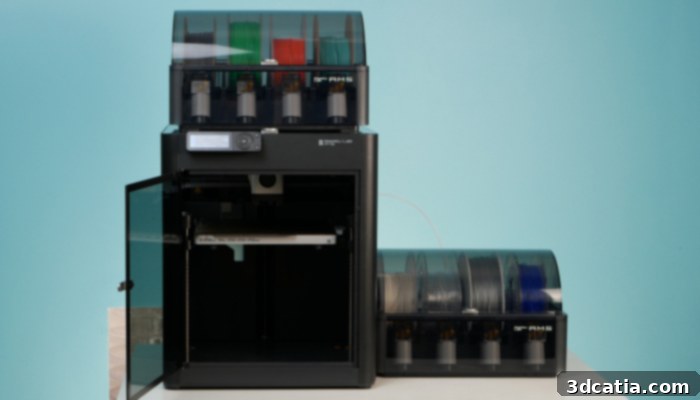
Bambu Lab’s P1S features a robust design with plastic panels and a glass enclosure for improved print environments.
The P1S’s exceptional performance is largely attributed to its robust mechanical design. It employs a high-speed Core XY motion system, renowned for its efficiency and precision. The X-axis utilizes lightweight carbon fiber tubing, while the Y-axis is supported by sturdy steel rods, a combination that minimizes inertia and enhances accuracy during rapid movements. The Z-axis, critical for consistent layer height, is equipped with three steel rods and three worm screws, ensuring stable and precise bed leveling. Powering all three axes are reliable NEMA 17 stepper motors, which deliver the necessary torque and control. These high-quality components, coupled with Bambu Lab’s proprietary print head, work in concert to achieve the outstanding precision, reliability, and blistering print speeds promised by the manufacturer. The flexible magnetic steel print plate supplied with the P1S, featuring a durable PEI coating, is a significant convenience. Its magnetic nature allows for effortless removal of finished prints, while the PEI surface ensures excellent adhesion for a wide range of materials. Users also have the flexibility to interchange this plate with other build plates offering different coatings, optimizing adhesion for specific filaments and desired surface finishes. Furthermore, the P1S shares the same rigid welded steel chassis found in other premium models within the Bambu Lab range, contributing to its overall stability and durability. With a generous print volume of 256 cubic millimeters, the P1S comfortably accommodates the vast majority of applications for a desktop FDM 3D printer, making it versatile for various projects.
The Bambu Lab P1S is skillfully positioned as a mid-range model, effectively bridging the gap between the more open-frame P1P and the technologically advanced X1 series. A key distinction of the P1S is its fully enclosed print chamber, which features robust plastic side and rear panels, complemented by a sleek glass top cover and front door. This enclosure is a significant upgrade over the P1P, providing crucial thermal stability for printing engineering-grade filaments like ABS and ASA, and also helping to contain odors and noise. While the P1S benefits from numerous enhancements compared to the P1P, it retains the P1P’s monochromatic LCD screen and button interface. Consequently, it does not feature the more advanced, full-color touchscreen found on the premium X1 series. This design choice contributes to its competitive price point while still offering a highly functional and intuitive user experience.
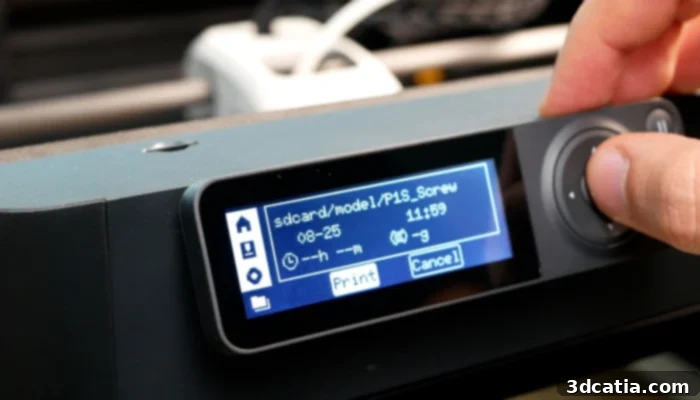
The monochromatic LCD screen offers a simple and effective interface, easily navigated via front panel buttons.
Beyond its enclosure, the P1S introduces several critical additions over the P1P, including an auxiliary cooling fan, a chamber temperature controller, and an activated carbon air filter. These features, also present in the X1 series, further enhance the P1S’s capabilities for printing a wider array of materials and improving overall print quality, particularly with temperature-sensitive filaments. The auxiliary fan aids in cooling specific areas of a print, while the chamber controller helps maintain a consistent internal temperature. The activated carbon filter is invaluable for mitigating unpleasant odors often associated with certain plastic filaments, creating a more pleasant printing environment. However, users seeking the most cutting-edge features will need to opt for the X1 series to benefit from advanced AI functions, such as spaghetti detection, the micro LIDAR sensor for automatic flow calibration, and the higher-resolution camera for more detailed print monitoring. The P1S strikes an excellent balance, offering essential performance upgrades for serious printing without the added cost of these premium, though sometimes niche, AI enhancements.
Installing the Bambu Lab P1S 3D Printer: A Seamless Setup
The initial assembly and setup process of a new 3D printer can often be a daunting hurdle, particularly for beginners. Recognizing this, Bambu Lab has meticulously engineered the P1S to simplify this crucial first step. The machine arrives almost entirely pre-assembled, drastically reducing the time and complexity typically associated with printer setup. The accompanying assembly instructions are remarkably clear, comprehensive, and enhanced by detailed illustrations, making the task intuitive and accessible even for those new to 3D printing. This focus on user-friendliness ensures that users can transition from unboxing to their first print with minimal effort and frustration.
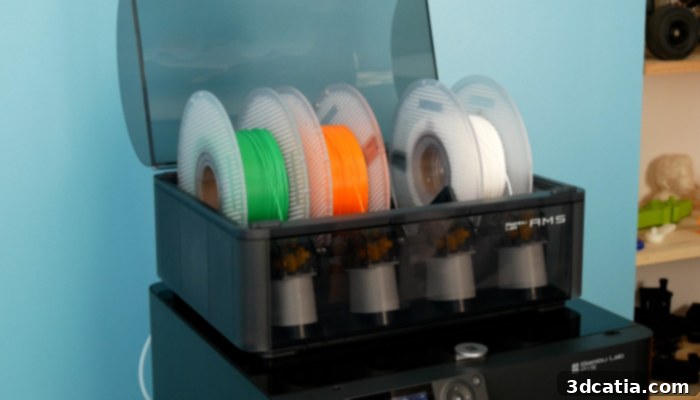
The AMS multi-material system revolutionizes filament changes and multi-color printing, offering unparalleled convenience.
Our review unit, the “P1S Combo” bundle, included both the P1S 3D printer and the revolutionary Automatic Material System (AMS). This innovative device allows for the seamless storage and printing with up to four different filament spools simultaneously, unlocking multi-color and multi-material capabilities. To set up the AMS, it first needs to be unscrewed and gently released from its plastic transport attachment within the P1S enclosure. Once freed, the AMS connects to the main printer unit via a single cable and a PTFE tube, ensuring reliable communication and filament delivery. The AMS unit itself is versatile, designed to be placed either directly on top of the printer or conveniently beside it, depending on your workspace setup. Additionally, it is essential to remove the transport screws that securely hold the printing plate in place during shipping. For users who might occasionally print with a single, large spool or materials incompatible with the AMS, an optional reel stand can be installed at the rear of the machine using two simple screws, though this step is not necessary if the AMS is the primary filament source.
The next phase of the installation involves securely plugging in and mounting the LCD screen. Following this, Bambu Lab highly recommends downloading the Bambu Handy mobile app, available for both Android and iOS devices, to create a Bambu Lab account. This app is central to the modern Bambu Lab experience, enabling comprehensive remote control and monitoring. Once the printer has been successfully associated with your account and connected to your Wi-Fi network – a crucial step, as the P1S lacks an RJ45 port and relies on cloud connectivity for many advanced features – it’s time for calibration. Users are guided through automated calibration steps, which are vital for optimizing print quality. During this process, it’s important to remember to leave the protective foam under the print bed until instructed to remove it, as it plays a role in the initial calibration sequence. For any detailed assistance, Bambu Lab provides excellent support through both paper guides and comprehensive video tutorials on their official website, ensuring a smooth and confident commissioning process.
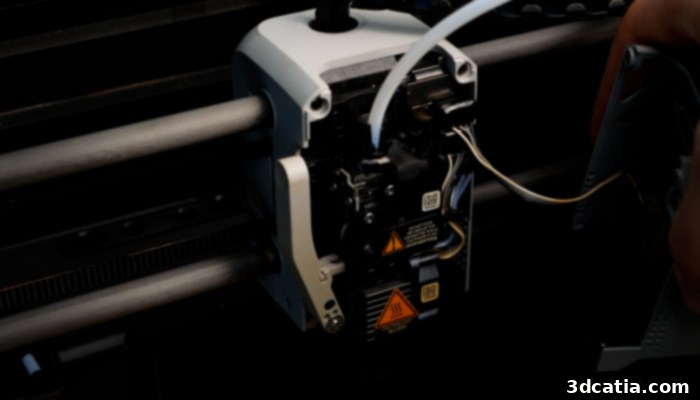
The Bambu Lab P1S printhead is magnetically secured, providing easy access for quick hotend changes and maintenance.
Bambu Studio Software and Cloud Integration: The Ecosystem Advantage
The slicer software is an indispensable component of the 3D printing workflow, fundamentally influencing the quality and efficiency of prints. For Bambu Lab printers, the proprietary Bambu Studio software serves as the central hub. This powerful slicer is derived from the highly respected PrusaSlicer, which itself evolved from Slic3r. Bambu Studio skillfully combines the robust slicing engine of PrusaSlicer with a significantly refined and redesigned user interface. The result is a remarkably intuitive user experience, making it an ideal choice for newcomers to 3D printing who appreciate a streamlined workflow. Simultaneously, it offers a wealth of advanced features and granular controls, ensuring that experienced users are not left wanting for customization and optimization options.
Bambu Studio incorporates all the fundamental and advanced functionalities expected from a top-tier slicer, inheriting the strengths of its predecessors. It goes further by introducing several enhanced features designed to improve print preparation and success rates. These include intelligent auto-orientation of models for optimal printing, efficient multi-tray cutting for managing complex builds across multiple print jobs, direct text addition onto models, and an assembly view for visualizing multi-part designs. Crucially, the software provides valuable real-time information and guidelines to help users preempt potential issues, such as material compatibility warnings or alerts for large, unsupported overhangs that might require supports. Thanks to its PrusaSlicer foundation, Bambu Studio boasts wide format compatibility, seamlessly handling popular 3D model formats like STL, OBJ, 3MF, and STEP files. Furthermore, Bambu Studio comes pre-configured with optimized profiles for all printers and filaments marketed by Bambu Lab, simplifying setup and ensuring consistent results. In a nod to the open-source spirit of PrusaSlicer and Cura, Bambu Studio also offers compatibility with a growing number of third-party machines and materials, showcasing its versatility.
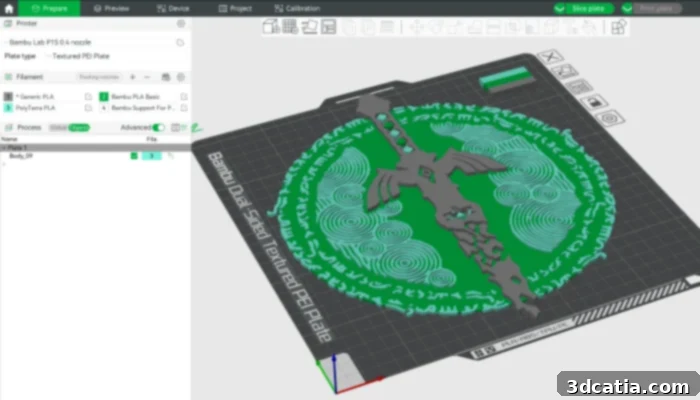
Bambu Studio, based on PrusaSlicer, delivers a fluid and powerful user experience for all skill levels.
One of the most practical and compelling features of the Bambu Lab ecosystem is its deep cloud integration. This allows users to remotely manage their 3D prints from virtually anywhere, monitor the printing process in real-time, and even automatically synchronize the materials loaded into the AMS with the slicer via the cloud. The primary interfaces for this robust control and monitoring are the Bambu Handy mobile application and the Bambu Studio slicer software. Connecting the printer to the cloud is highly recommended, as the P1S’s built-in monochromatic screen offers only a basic interface with relatively limited functionality during active use. For a truly modern and convenient 3D printing experience, leveraging the cloud capabilities becomes essential, providing unparalleled flexibility and oversight.
Bambu Lab is highly proactive in the continuous development of its software. The Bambu Studio slicer receives regular updates, often introducing new features, performance enhancements, and crucial bug fixes. During our testing period, we were frequently prompted to install new versions, highlighting the company’s commitment to an evolving and improving user experience. Given that Bambu Studio is built upon open-source software (PrusaSlicer), Bambu Lab also adheres to its duty to share certain aspects of its code. This open approach has fostered community innovation, leading to the creation of alternative slicers like OrcaSlicer, which is derived from Bambu Studio and offers a suite of advanced features often developed by independent developers. Interestingly, many of the enhancements and features developed by the OrcaSlicer community are frequently integrated back into official Bambu Studio updates, showcasing a healthy and collaborative development cycle.
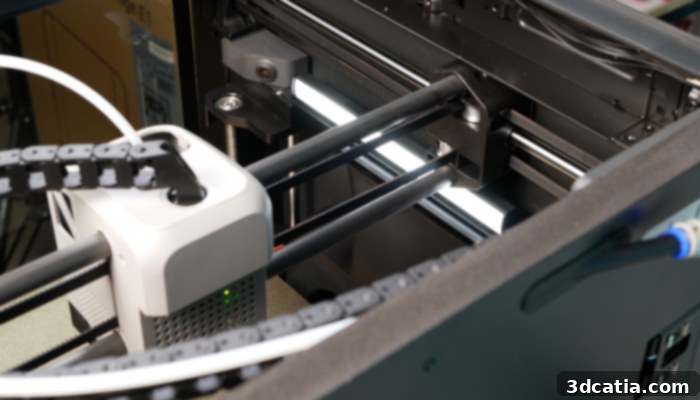
The camera, LED strip, fans, and motion system can all be controlled and monitored via the slicer and Bambu Handy mobile app.
While Bambu Lab printers feature seamless cloud connectivity for effortless monitoring and control, this service has not been without its challenges. A notable recent bug, for instance, resulted in unsolicited prints being initiated by users’ machines, sometimes leading to wasted material and potential damage. Furthermore, Bambu Lab’s cloud service collects a substantial amount of user data, including 3D models, images captured by the integrated camera, and usage statistics. The specifics of how this data is processed and utilized remain somewhat opaque, raising privacy concerns for users working with sensitive designs protected by professional secrecy or intellectual property rights. For such users, it is highly advisable to operate the printer exclusively on a local network or rely on the micro SD card port to ensure data privacy. However, akin to the data collection practices of tech giants like Google, the aggregation and analysis of usage data hold the potential for developing advanced functionalities and tools that incorporate artificial intelligence, which could ultimately lead to smarter and more efficient 3D printing in the future.
In terms of firmware, Bambu Lab has integrated cutting-edge “input shaping” technology. This innovative method, popularized by the Voron DIY printer community using Klipper firmware, significantly enhances print quality at high speeds. Input shaping works by utilizing an accelerometer mounted on the print head to accurately measure the printer’s resonant frequencies. It then actively compensates for these resonances, effectively eliminating common print artifacts such as “ghosting” or “ringing” (also known as ghosting in 3D printing). This results in visibly smoother surfaces and more precise details, even when the printer is operating at its maximum acceleration and speed, a hallmark of the Bambu Lab experience.
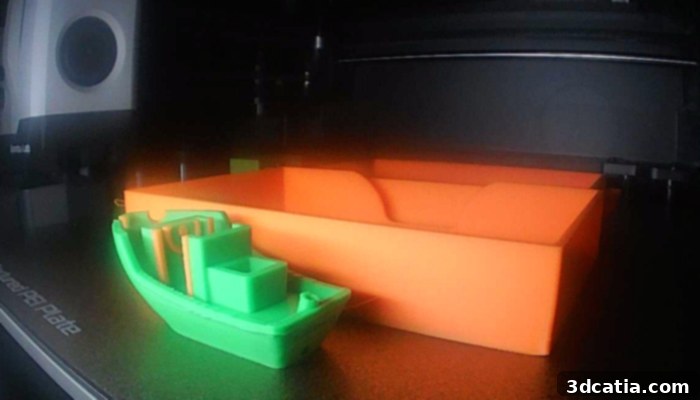
Real-time camera feedback and time-lapse functionality provide valuable insights and visual records of your ongoing prints.
First Prints With the Bambu Lab P1S: Performance and Versatility
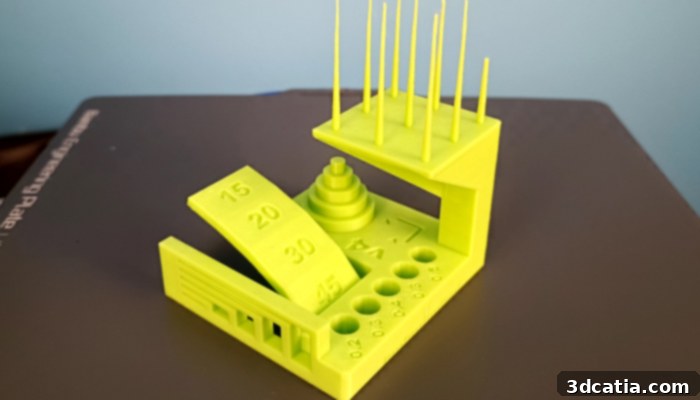
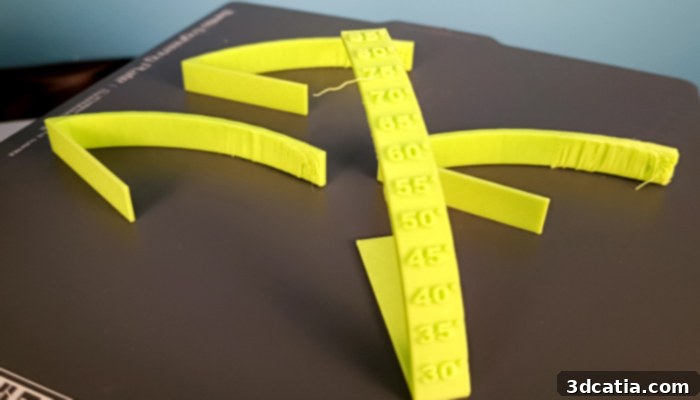
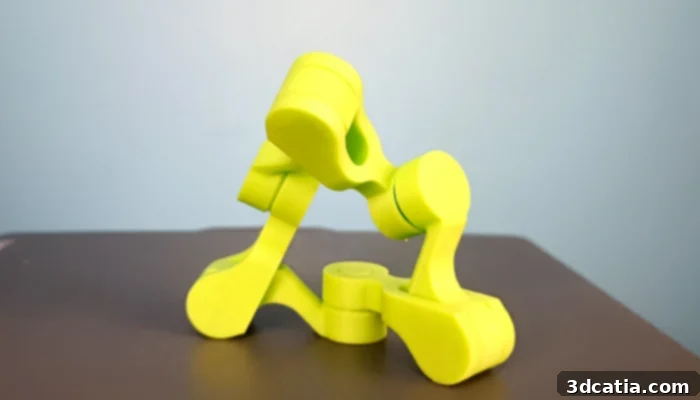
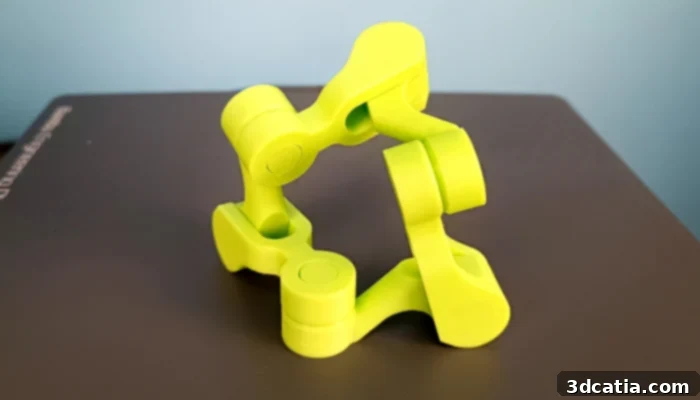
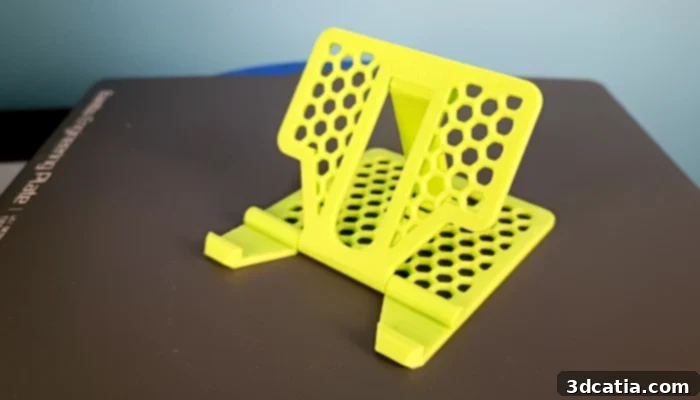
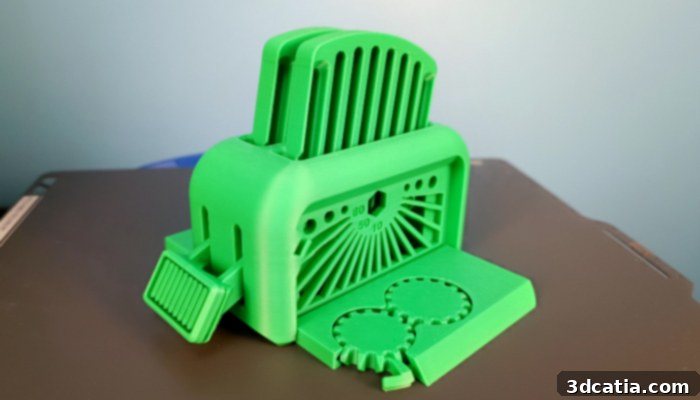
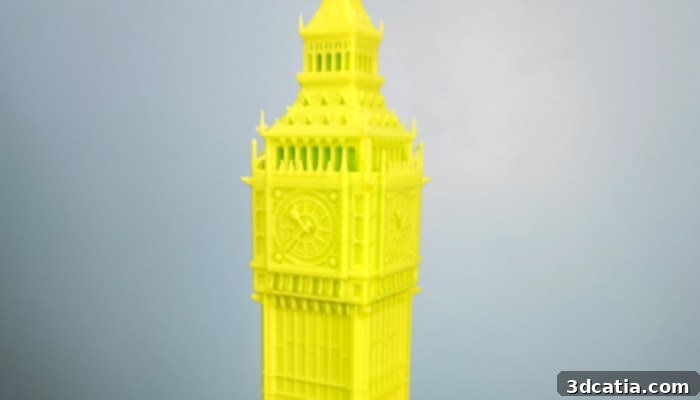
Once the Bambu Lab P1S 3D printer is switched on and the software has been configured, the moment of truth arrives with the first prints. True to its burgeoning reputation, the Bambu Lab P1S consistently delivers highly satisfactory results right from the outset. Our extensive tests confirmed that the P1S excels in combining remarkable speed with impressive precision, achieving tight tolerances down to 0.1 mm. The resulting prints are consistently crisp, finely detailed, and exhibit excellent surface quality – attributes that are absolutely essential for achieving professional-grade results, whether for functional prototypes, artistic models, or end-use parts. This out-of-the-box performance significantly lowers the barrier to entry for high-quality 3D printing.
The P1S also distinguishes itself with extensive material compatibility, making it a truly versatile option adaptable to a wide array of applications. With the ability to reliably use popular filaments such as PLA, PETG, ABS, ASA, and TPU, this printer effectively meets the varied needs of both casual users and demanding professionals. The enclosed print chamber of the P1S plays a crucial role here, providing the necessary thermal stability for printing warp-prone materials like ABS and ASA with greater success. However, it is worth noting that while printing speed is one of Bambu Lab’s most celebrated strong points, pushing the limits can sometimes slightly compromise the ultimate mechanical strength of the printed object. For applications where maximum structural integrity is paramount, it is advisable to judiciously reduce print speed and acceleration settings to allow for better layer adhesion and material consolidation.
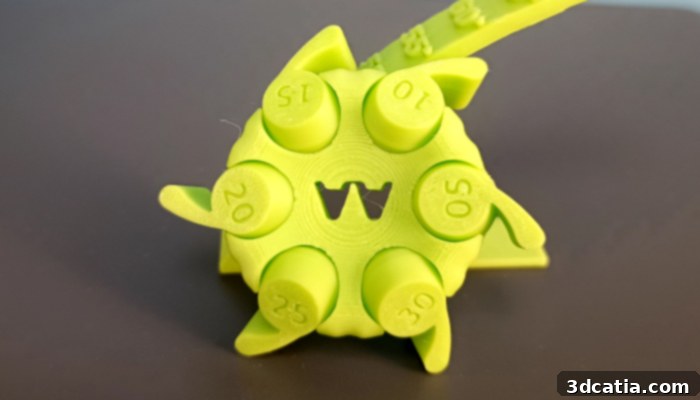
The precision of the Bambu Lab P1S is clearly demonstrated through rigorous tolerance testing.
The Automatic Material System (AMS), included in the “P1S Combo” bundle, is undoubtedly a transformative asset, enabling exceptionally simplified use and unlocking sophisticated multi-material printing capabilities. With the AMS, we were able to effortlessly produce intricate multicolor prints, significantly reducing the need for manual user intervention associated with filament changes. Having four filaments constantly ready for use dramatically streamlines the workflow for complex projects or batch production. For even greater versatility, by installing an additional AMS hub, it’s possible to connect a second AMS unit to the P1S, effectively expanding its capacity to store and print with up to an impressive 16 different filaments. This modularity makes the P1S an incredibly powerful tool for intricate design work and large-scale multi-material applications.
Despite its numerous advantages, the AMS does have specific material limitations. Flexible materials, such as TPU, are not compatible with the AMS due to the inherent risk of jamming within the intricate feeding system. To successfully use these highly elastic materials, users must bypass the AMS and instead install the filament spools on the dedicated spool holder located at the rear of the machine, feeding the filament directly into the printer. Similarly, while we managed to use them successfully for short prints during our tests, cardboard filament rolls are generally not recommended for use with the AMS. We encountered a few feeding errors on longer prints when using cardboard spools, likely due to friction or inconsistencies in the spool’s dimensions, which can interfere with the AMS’s precise sensing and feeding mechanisms. For optimal performance and reliability with the AMS, it is best to stick to plastic-spooled filaments.
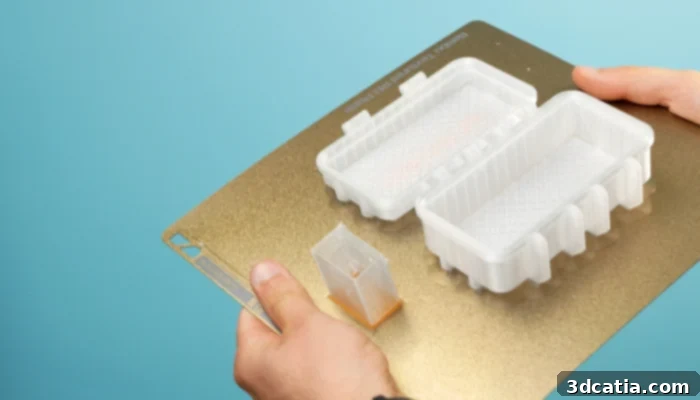
A flexible steel magnetic build plate ensures easy and damage-free removal of finished 3D prints.
As highlighted earlier, all Bambu Lab printers, including the P1S, feature a flexible, magnetic steel build plate, which is supplied with a durable PEI coating. This type of build plate is a significant quality-of-life improvement, allowing for effortless removal of prints simply by flexing the plate. Bambu Lab further enhances this flexibility by offering several types of interchangeable build plates, each with different surface coatings tailored to specific materials or desired aesthetic results. For example, textured plates can provide a distinctive finish, while smooth plates are ideal for highly reflective surfaces. Although the Bambu Studio slicer incorporates a convenient build plate detection function designed to prevent prints from starting without a plate or with the wrong type, this feature did not reliably work during our testing. Consequently, it was still possible to initiate a print even in the absence of a properly detected build plate, highlighting an area for potential future improvement in the software’s robustness.