Printers
3Dnatives Lab: 3D Sense by 3D Systems Test
Although 3D scanners are somewhat less popular than their 3D printer counterparts, 3D scanners have begun to evolve at their own pace and are enabling even more innovative products and ways that we can incorporate their use into our work,…
- 3 min read
- Printers
- Six more stories

Although 3D scanners are somewhat less popular than their 3D printer counterparts, 3D scanners have begun to evolve at their own pace and are enabling even more innovative products and ways that we can incorporate their use into our work, such as seen in the film Ghost in the Shell. While there is much innovation occurring, there are still some questions in regard to buying 3D scanners today. These questions include the current scanners being sold, the quality you can expect, the precision of the scan, the scanners scope, and how easy it is to use. To remedy this, 3Dnatives has begun its tests on 3D scanners, starting with the Sense 3D scanner from 3D Systems, one of the most affordable models on the market.
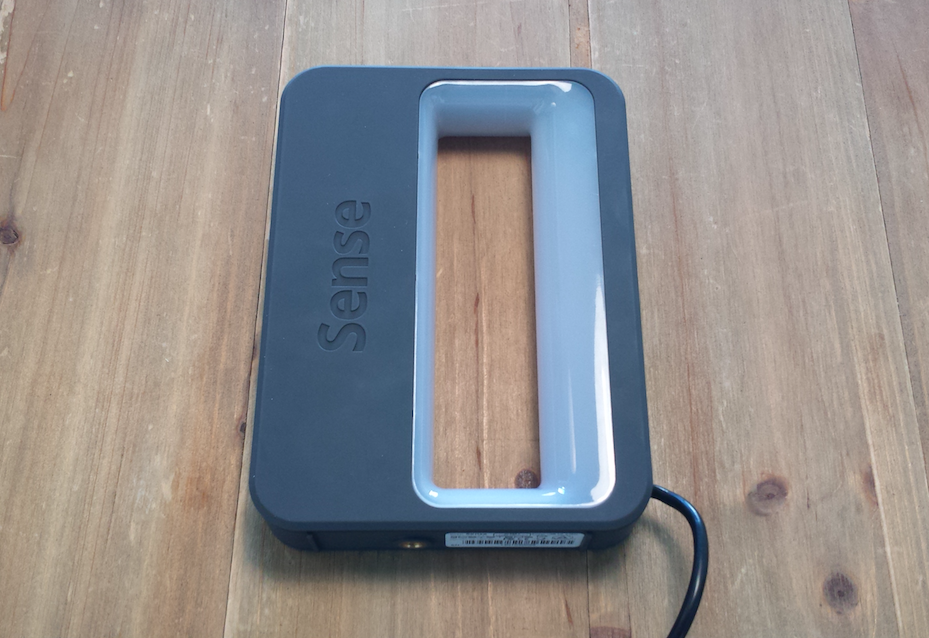
The Sense 3D scanner
Unpacking and Getting Started
One of the advantages of the Sense scanner is its small size, which makes it easy to hold (thanks to its integrated handle). Once you have it out of its packaging, you simply plug it into your computer (via the supplied USB cable) and download the software from the 3D Systems website. The software is currently compatible with 64 bit Windows 8 or later. Installation overall is a breeze and it takes no more than a few minutes.
We should note that when launching the software, you will have to encode a personal key in order to active it. Otherwise, you won’t be able to scan. It’s important also to keep this personal key in case you have to reinstall the program on your computer or if you want to lend it to someone to use.
More from the desk
Six other notes from the rest of the bench.
 ApplicationsPartnership between Henkel and Keystone to advance dental AM solutionsAccording to the report by a consulting and market research firm, QY Research, the dental 3D printing industry is expected to reach $930 million by the end of 2025. In other words, the market is estimated to grow at an annual…
 NewsFrench Astronaut Thomas Pesquet Brings 3D Printing to the ISSTwo weeks ago, French astronaut Thomas Pesquet flew for the second time to the International Space Station (ISS) for a six-month trip, becoming the ISS’s first French commander. What we found particularly interesting was that 3D printing accompanied him on…
 SoftwareFree Float, SLM Solutions’ Software to Reduce Metal 3D Printing Support StructuresSLM Solutions, a leader in the field of metal additive manufacturing, recently unveiled its latest innovation: Free Float. This software reduces the amount of 3D printing support materials needed to build a part. As a result, users will be able…
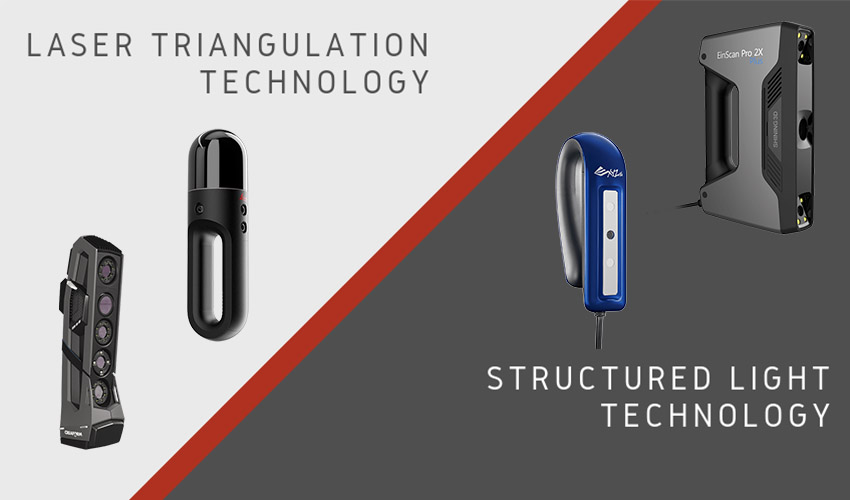 PrintersLaser Scanner vs Structured Light Scanner: which should you choose?In the 3D printing workflow, 3D scanners are very often an essential step to facilitate the modeling of an object. They make it possible to collect data on the shape and sometimes depending on the 3D scanner, the appearance (such…
 NewsTOP 5 videos of the week: Girl’s 3D printed hand and more!We found the TOP 5 videos of the week related to 3D printing and additive manufacturing here. Share your videos and comment on the article below or on the 3Dnatives’ Facebook or Twitter account. Hope you’ll enjoy and have a…
 NewsIs the implementation of 3D printing in education a necessity?A new school year has begun and with it learning and preparing the youth for the future. Recently, 3D printing in education has become more widely known. Despite 3D printing being relatively new on the mainstream market, more and more…