News
Nesting in 3D Printing Helps Optimize Space
Modeling is a key step in additive manufacturing, especially when it comes to the creation of complex parts. In the 3D printing sector, there are a number of CAD programs available for 3D printing. With a growing market, players in…
- 3 min read
- News
- Six more stories
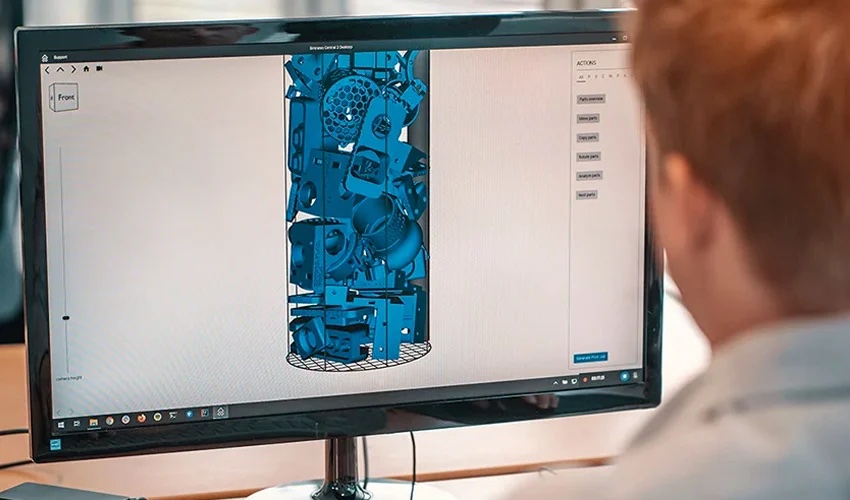
Modeling is a key step in additive manufacturing, especially when it comes to the creation of complex parts. In the 3D printing sector, there are a number of CAD programs available for 3D printing. With a growing market, players in the sector need to reduce their production times, while saving materials and without compromising part quality. The question is: how can 3D-printed products be produced faster? The answer is simple: simply increase the number of parts produced in a single print run. This is where nesting software comes in to optimize this stage of the 3D printing process.
Nesting software has a fairly straightforward role. It is used to achieve maximum savings in materials and part production time. Indeed, in and of itself the software is not considered to be CAD software, as it does not allow you to design a model. Instead, its role is to optimize the placement of parts on the printing bed to achieve the maximum parts per printing volume in a single run. Whether automated or manual, 3D nesting sorts, orients and organizes 3D files to maximize space inside a 3D printer, without interfering with non-manufacturing areas.
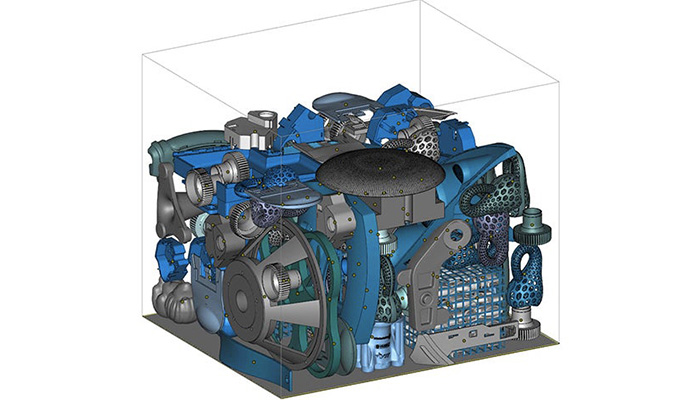
Parts are positioned and oriented to optimize space in the 3D printer (photo credits: Materialise).
However, inefficient use of nesting can lead to material wastage and printing errors. Nesting software in 3D printing thus works like the video game Tetris, where the aim is to place each block in a very specific square to optimize space on the game board. It is now increasingly available in CAD solutions as an additional design option. Some of the solutions available on the market include Sculpteo’s Fabpilot, CoreTechnologie’s 4D_Additive and Autodesk’s Fusion 360 and Inventor Nesting. Most nesting solutions are extensions to CAD software.
More from the desk
Six other notes from the rest of the bench.
 ApplicationsNAVSEA Partners with Johns Hopkins APL to Advance AM for Critical MissionsFor critical military applications, metal additive manufacturing has been questioned for concerns over porosity, mechanical reliability and reproducability. However, those issues have proved to be addressable, and defense organizations from around the world have gone on to adopt
  NewsWill Adidas Launch a Completely 3D Printed Sports Shoe With “Climamog”?New launches are often accompanied by a mixture of excitement and uncertainty. In this case, it’s the uncertainty that prevails, fueling a good deal of speculation. On Friday, September 13, photographer Tyler Mansour posted intriguing images on social networks of…
 SoftwareZBrush: The CAD Software for Creating 3D-Printed SculpturesAs you may know, before starting a printing process, it is first necessary to obtain a 3D digital model of a part. Perhaps the best-known modeling method is computer-aided design (CAD). It can be used to create individual models with…
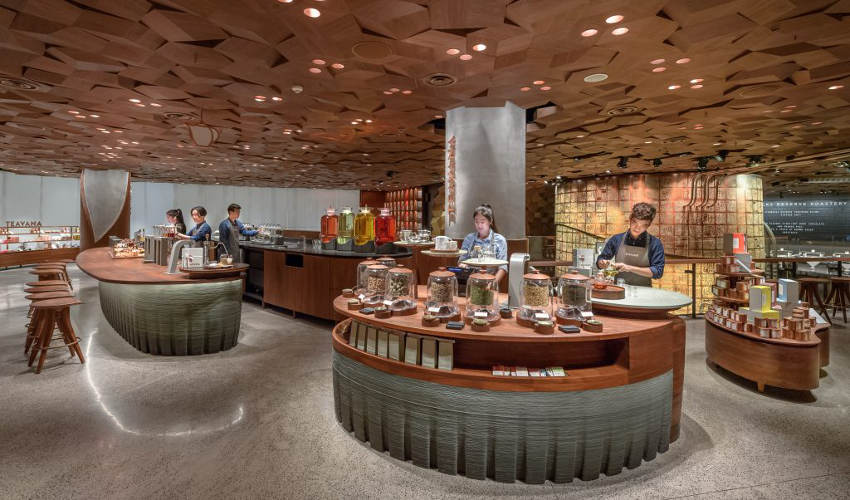 NewsFirst 3D Printed Starbucks Coffee Bar Opens in ShanghaiStarbucks is a giant of the corporate world, with over 26,000 coffee bars worldwide as of 2017. A major source of Starbucks’ recent growth has been in Asia, especially China. Of their 2017 total, over 3,000 are in China alone,…
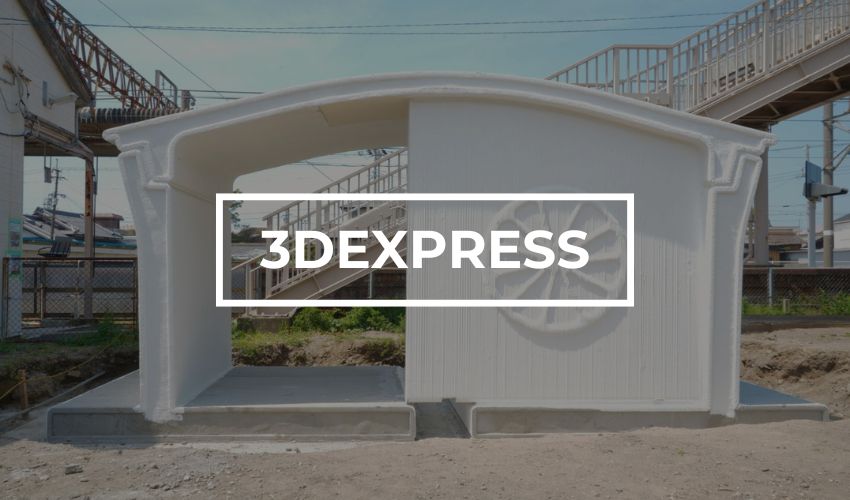 Applications#3DExpress: The 3D Printed Train Station in Japan Is Finished!There was plenty of news this week on the additive manufacturing market! And we’ll start with the progress of a project we already reported on a few weeks ago: in Japan, the 3D printed structure used as a shelter in…
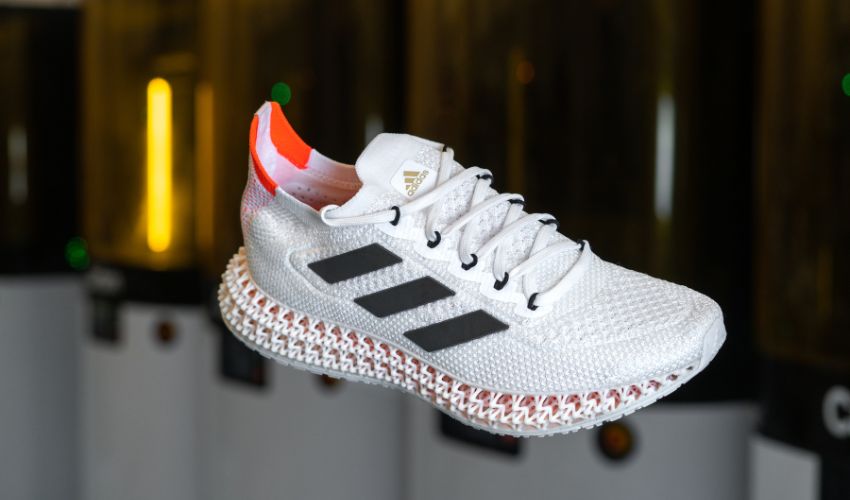 MaterialsCarbon on Developing More Innovative Materials and the Importance of Sustainability in AMWhen Carbon was founded in 2013, it set about to radically change product development and manufacturing with its ultra-fast photopolymerization printing process, Digital Light SynthesisTM (DLS). Since then, the company has continued to make waves as companies like adidas, Ford&he