Software
How to Choose the Best Computer for 3D Modeling and CAD
CAD, or computer-aided design, is the process of creating, modifying and optimizing designs using specialized software. It is widely used in a number of industries, including architecture, engineering, manufacturing (including additive manufacturing) and entertainment. CAD softwa
- 3 min read
- Software
- Six more stories
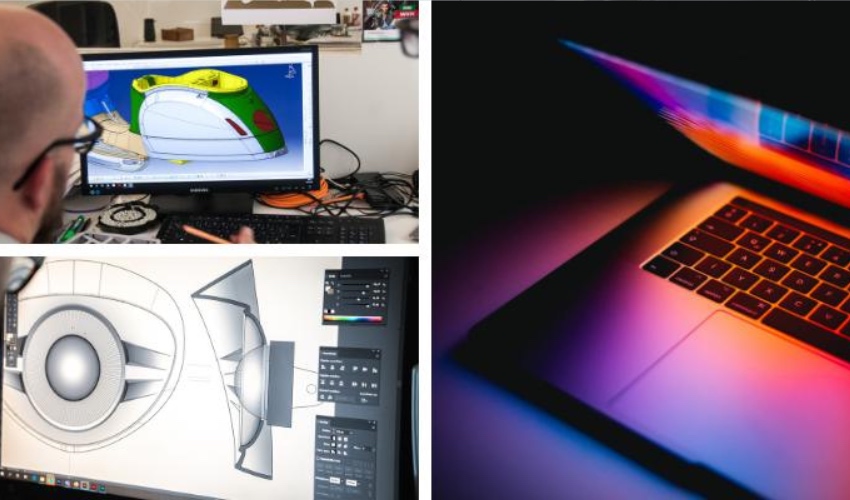
CAD, or computer-aided design, is the process of creating, modifying and optimizing designs using specialized software. It is widely used in a number of industries, including architecture, engineering, manufacturing (including additive manufacturing) and entertainment. CAD software can handle both 2D and 3D models, but as a result often requires powerful computers to run smoothly and efficiently.
The performance of CAD software depends largely on the specifications of the computer running it. A computer with a fast processor, large RAM, dedicated graphics card and SSD (flash memory) will generally run CAD software faster and more easily than one with a slow processor, small memory, integrated graphics card and hard disk drive (HDD). However, software hardware requirements also depend on the complexity and size of the CAD models you’re working with. A simple 2D drawing doesn’t require as much power as a detailed 3D assembly model.
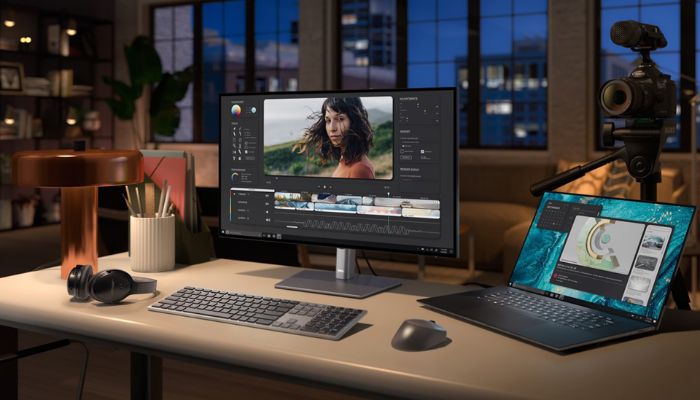
Some laptops offer enhanced performance, even on the move (photo credits: Dell)
Let’s review the key elements to consider when choosing the right computer for your CAD needs. We’ll then go into detail about the configurations required to use some of today’s most popular CAD software, and you can discover our compilation of some of the best CAD computers capable of running them.
More from the desk
Six other notes from the rest of the bench.
 MaterialsFDM vs SLA: Which 3D Printer Should You Buy?Despite a host of different 3D printing technologies arising since its inception, the purpose has remained the same: convert a digital model into a physical one. However, each technology has different techniques, developments, and results. We have compared two of…
 SoftwareOBJ Files for 3D Printing: All You Need to KnowWhen speaking about 3D printing file formats, it can be easy to think that STL is the only one, especially if you do not work in the industry. But that is far from the case. From 3MF to AMF, among…
 News26 Chicks Hatched out of 3D Printed Eggs: Moving Toward Dodo and Moa De-ExtinctionCan 3D printing bring extinct birds back from the dead? Colossal Biosciences is betting on it. Last week, the Dallas-based biotech firm announced it had successfully hatched 26 healthy chickens using highly complex artificial eggs: a critical proof-of-concept for their…
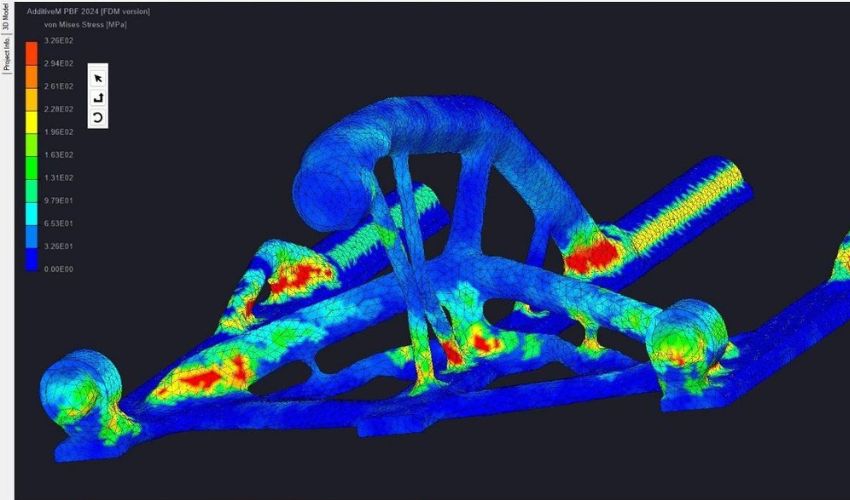 Guides#3DStartup: Manufacturing Technology Project Turns Metal 3D Printing into a Predictive ProcessManufacturing Technology Project (MTP) is an American start-up dedicated to developing engineering tools. These tools combine artificial intelligence, multiphysics simulation, and digital twins to optimize manufacturing processes and predictive modeling, with the ultimate goal of
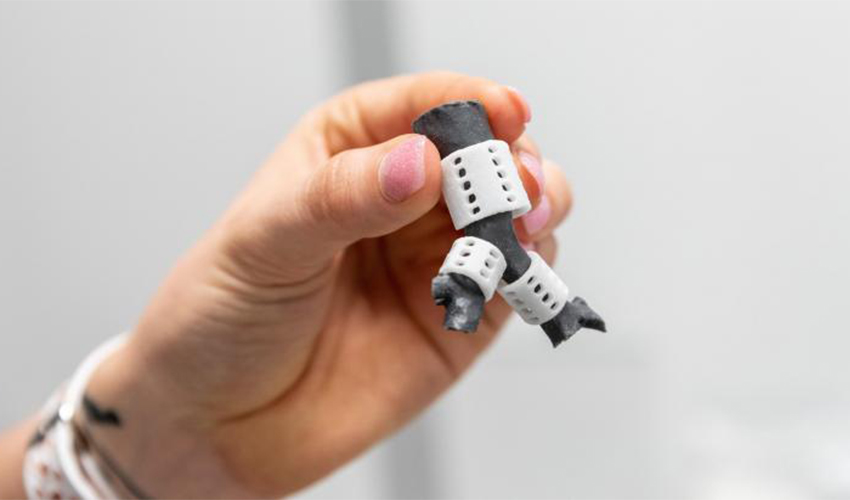 Applications3D printed tracheal splinter used in complex surgeryMedical treatments have gotten a long way over recent years. One of the technologies adding to this progress has been in the form of 3D printing. With 3D technology in the medical industry, area such as bio-printing is getting us…
 Guides3D Printed Shoes: What’s Available on the Market Today?Additive manufacturing is a technology that offers a multitude of advantages in footwear production, the most important being the possibility of customizing the final product. Due to this, the global 3D printed footwear market will reach a value of $1.97…