Software
What Are the Features of BlocksCAD 3D Modeling Software?
In 3D printing, there are a wide variety of software solutions for part design and modeling. However, many of them can be complex to use for those who are just starting out in this field. This is where BlocksCAD comes…
- 3 min read
- Software
- Six more stories
In 3D printing, there are a wide variety of software solutions for part design and modeling. However, many of them can be complex to use for those who are just starting out in this field. This is where BlocksCAD comes into play. This is a free 3D modeling software dedicated to beginners and educational users. It is created primarily for those who want to get started in the design and creation of simple 3D models before moving on to more professional software. The company aims to help students and people of all ages to pursue their passion for mathematics, technology and science. Thus, BlocksCAD encourages the learning of coding concepts and computational thinking by designing models that can later be brought to life through 3D printing.
BlocksCAD is a cloud-based solution based on the OpenSCAD open source programming language. Among other things, the software allows you to use variables to change sizes, use loops to create uniform design patterns, use randomization in models and enjoy modules to build your own library of shapes. To save all the designs you create and share them with the user community, you need to create a free account. This will allow you to store the progress made in the different projects and provide a better user experience on the platform. In it, we can also find other people’s models sorted by tags which can be evaluated, commented on and used to design new versions.
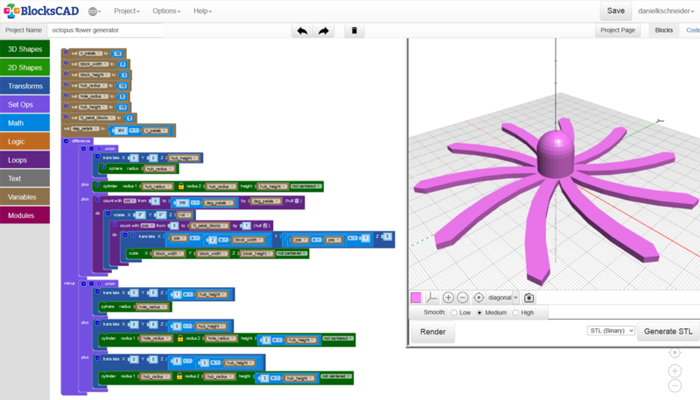
An example of a model created with BlocksCAD. The shapes are achieved by adding and subtracting figures.
The Modeling System of BlocksCAD
This beginner-friendly software allows users to learn mathematics, computational thinking and coding concepts through visualizing and designing models for later 3D printing. However, just because it’s easy to use doesn’t mean BlocksCAD is child’s play. Getting to create more elaborate parts involves spending time on the platform combining different 3D shapes. The system with which it works is somewhat reminiscent of LEGO pieces, as it is based on building blocks of different shapes and colors to create new pieces, all by adding and subtracting figures. In other words, the program will not make the structures we want automatically, but we must combine the code blocks correctly.
More from the desk
Six other notes from the rest of the bench.
 MaterialsPutting Materials and AM Processes in the Spotlight at RAPID + TCTOne of the core aspects that makes RAPID + TCT more than just a trade show is its conference. This year, there will be more than 140 technical presentations divided into eight tracks, only accessible for attendees with a conference…
 NewsCONTEXT reveals its predictions for polymer and metal 3D printer trendsCONTEXT, the London-based research firm revealed that we could expect good growth in shipments of both metal and polymer industrial and design 3D printers in 2019. The company defined industrial as 3D printers over $100K and design between $20K and…
 Applications3D Printed Parts Used in NASA Artemis RocketAnother giant leap for mankind! NASA’s most powerful rocket in the world, Artemis 1, was launched on November 16. After several postponements due to technical problems and unfavorable weather conditions, the liftoff took place from Florida in the direction of…
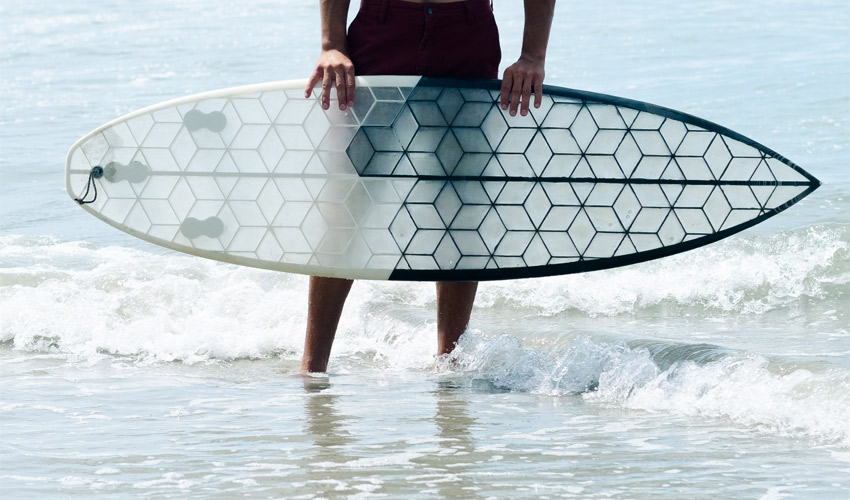 GuidesWYVE and its 3D printed eco-surfboardsWYVE, previously known as HEXA Surfboard, is a young French company that has relied on 3D printing to design surfboards that are more environmentally friendly, customizable and with a transparent design. Aware of today’s ecological problems, the brand is totally…
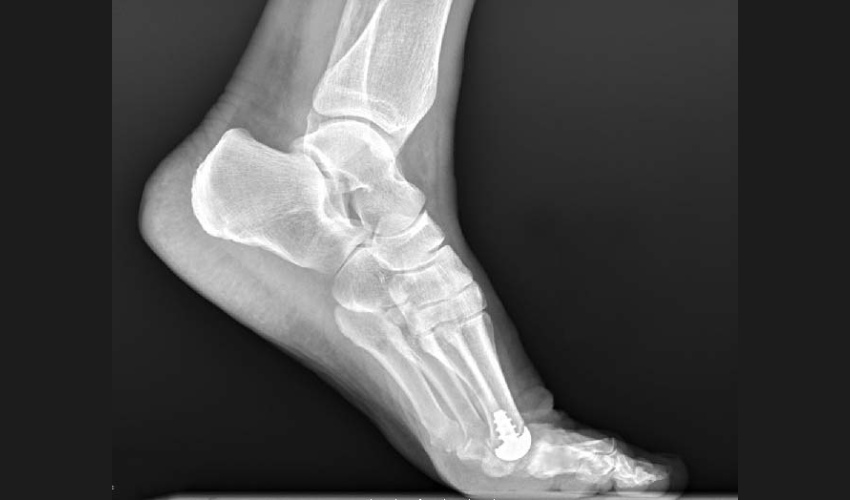 ApplicationsAnatomic Implants Seeks FDA Clearance for World’s First 3D Printed Toe Joint ImplantIn partnership with AddUp, Anatomic Implants, a medical device startup in Washington, DC, has announced its intention to submit a 510(k) clearance for the world’s first 3D-printed toe joint replacement. While the use of 3D printed implants within the medical industry&hellip
 NewsGantri creates contemporary lighting with 3D printingFounded in San Francisco, Gantri is the digital manufacturer of designer lighting. These modern lights are created by its team of designers and made on-demand using 3D printing technologies. Additionally, the company is dedicated to producing lighting that is made…