Software
All You Need to Know About Creo
CAD (or computer-aided design) is an essential component of the digital workflow of additive manufacturing. As is in the name, it involves the use of computer software to create, modify, or analyze a design before it is ready to be…
- 3 min read
- Software
- Six more stories
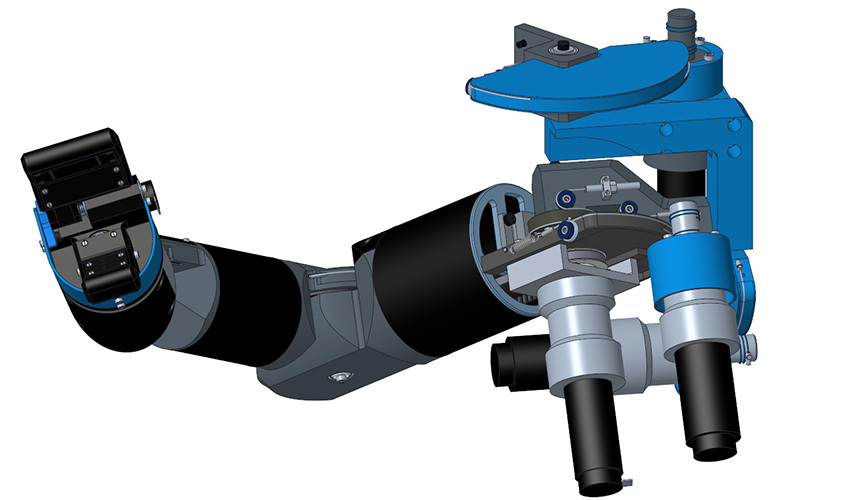
CAD (or computer-aided design) is an essential component of the digital workflow of additive manufacturing. As is in the name, it involves the use of computer software to create, modify, or analyze a design before it is ready to be 3D printed. Once CAD has been used, the file is ready to be put through the slicing process and from then can go directly to the printer. This article will focus on CAD, as a high-quality CAD/CAM programme facilitates the creation of top-quality products for prototyping or for end use. One example of such a programme is Creo. Creo is a 3D CAD solution which is part of PTC, a digital software company which provides CAD solutions alongside other digital products. Creo is used for discrete manufacturing (the production of distinct items).
How Does It Work?
Creo runs on Microsoft Office and is used for additive manufacturing as it can accelerate product innovation for complex design. Advanced technologies such as generative design and real-time simulation are combined with traditional CAD software. Creo allows the user to design, optimize, run and validate a print check in one environment, reducing the risk of error. Lattices can be used to reduce weight and products can be printed in polymer or metal. In order to print your finished design, you must download the PTC Creo 3D printing application, with which you can print directly to a Windows 10 supported 3D printer. First, you click ‘prepare for 3D printing’. Next, you can customize the resolution of the STL file using the STL Parameter Definitions panel. You then slice; once layer formation is successful, you can export the file. Creo also allows the user to view the interior of the model and required supports before printing; simply click Clipping. This whole process is integrated and straightforward. You can see how the latest software works below:
Technical Details of the Latest Release
The first edition of Creo was released in January 2011 and the latest software, Creo 9.0, came out in May 2022. This latest is known for its customer-driven usability and productivity enhancements which can make work ever easier. In terms of technical updates, digital product definition tools help to improve model-based designs, and uses semantic PMI and symbols which are compliant with international standards to prevent confusion for users of the designs. New weld symbols and drawing hatch patterns are also present in the Creo 9, which make it easier to produce fine details. Overall, the Creo 9 has high clarity for the user and for downstream users of the designs. In terms of visualization, the Creo Ansys Simulation and Creo Flow Analysis have been improved; the Creo Simulation Live allows the design to be tested with multi-physics analysis to see performance and structure of the design.
More from the desk
Six other notes from the rest of the bench.
 ApplicationsADDITIV Medical World Is Tomorrow!ADDITIV Medical World is tomorrow! As you know, this half-day event is dedicated to exploring the intersection of medical 3D printing and healthcare in a series of panel discussions and workshops. Join us on June 6th from 7:30 AM to…
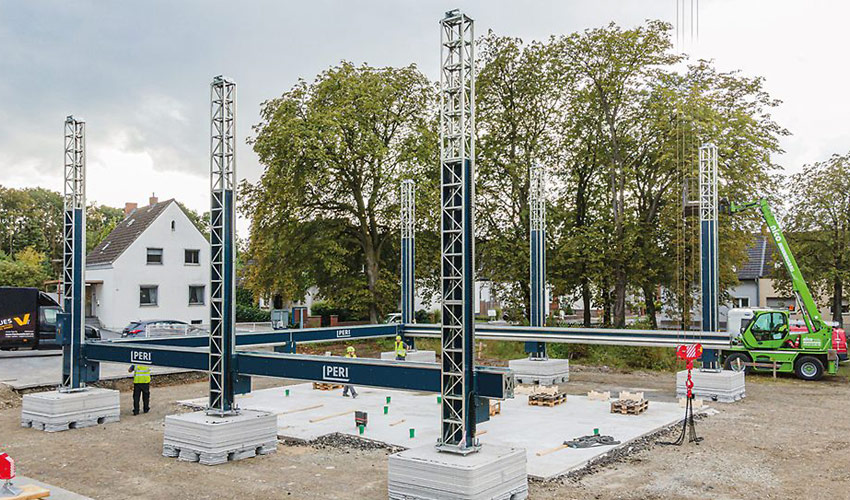 NewsThe first 3D printed residential building in GermanyThe first 3D printed residential building will be erected in Germany, more precisely in the city of Beckum, Westphalia. The two-storey house will offer 80 square meters per floor, with walls built by the concrete 3D printer BOD2 from the…
 ApplicationsNASA to Conduct 3D Printing Experiments Aboard the International Space StationThe realm of space exploration marks the early stages of humanity’s journey, with countless planets and galaxies awaiting discovery. Moreover, significant strides have been made in recent decades, driven by the discovery of innovative technologies. Additive manufacturing st
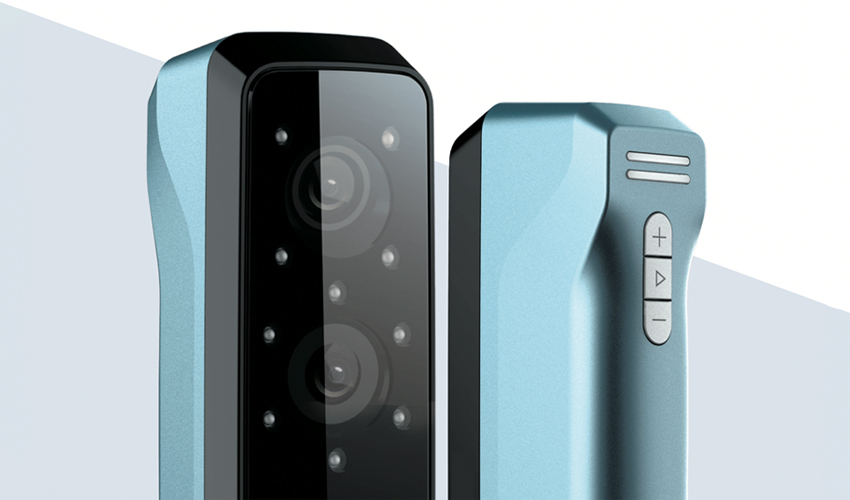 PrintersEinStar, SHINING 3D’s Most Accessible 3D Scanner and its Use in the MetaverseSHINING 3D is known for technologies ranging from 3D scanning to additive manufacturing, metrology and digital dentistry. Just a few days ago it unveiled a new scanning solution that it hopes will transform the 3D sector. The EinStar is the…
 NewsDesktop Metal and Stratasys to Combine in Move to “Reshape the AM Industry”If you have been following along with us, you will know that consolidation has been a hot topic for the 3D printing market for some time now. After years of expansion and more and more players coming to the market,…
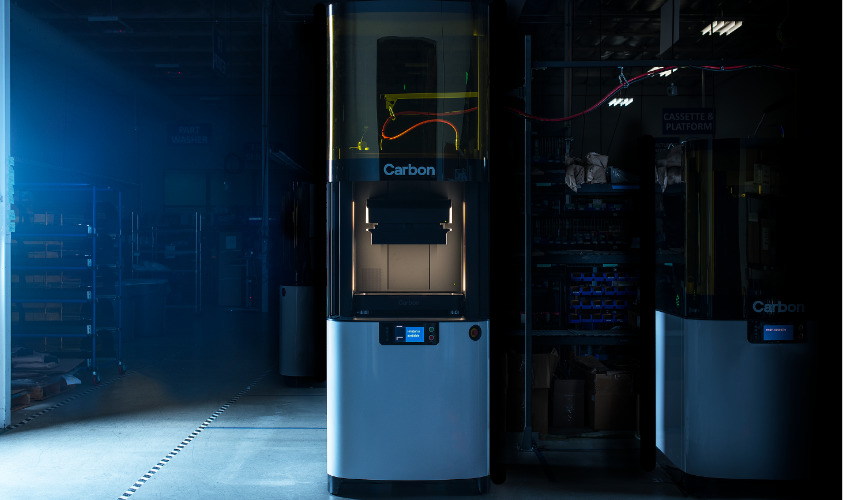 NewsCarbon to Expand its Presence in EuropeCarbon, a leading 3D printing technology company and the inventor of the Carbon Digital Light Synthesis process, has announced that they will be expanding their European presence through strategic sales partnerships with Seltek by Dedem and Solid Print3D. The American…