Software
All You Need to Know About CloudPrint From MakerBot
Founde in 2009 and acquired by Stratasys in 2013, MakerBot is a leader in FDM printing solutions. In addition to its printer, it also has its own software platform called MakerBot CloudPrint, with the newest version only launched recently. Previously…
- 3 min read
- Software
- Six more stories
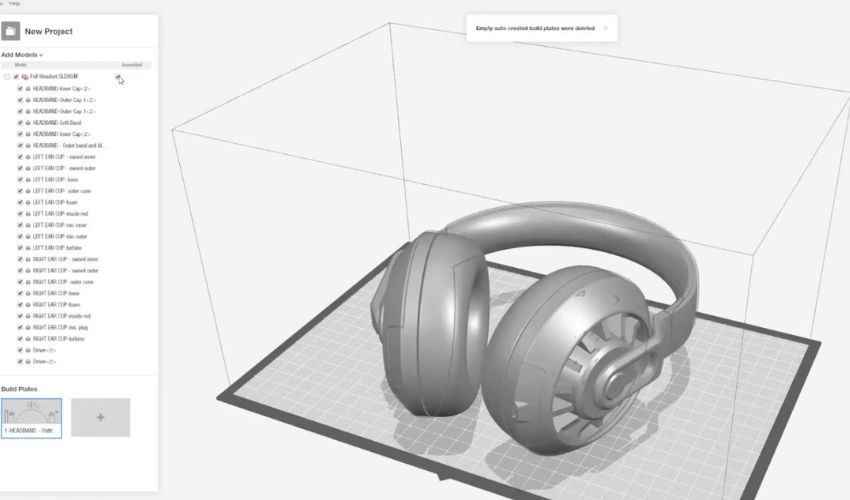
Founde in 2009 and acquired by Stratasys in 2013, MakerBot is a leader in FDM printing solutions. In addition to its printer, it also has its own software platform called MakerBot CloudPrint, with the newest version only launched recently. Previously known as MakerBot Print, CloudPrint has a number of benefits for users, focusing especially on its integration with the cloud. The free software – unlike the Print version, which are suitable for desktop applications – is considered a better and more efficient online experience with the company’s own MakerBot 3D printers. The reason for the modified version is primarily to make it easier to work with and use 3D printing – from anywhere. The company emphasizes that 3D printing jobs can be managed from almost anywhere in the world and controlled accordingly. We took a closer look at the details and especially the differences between the CloudPrinter version and the print version.
An improved and more efficient workflow: that’s probably the dream of anyone who deals with additive manufacturing in a professional environment. Now, thanks to new cloud-based software from the US-based for 3D printers and scanners, that dream could more easily come true. So if you have a MakerBot METHOD series 3D printer, Replicator 3D printer series, or the MakerBot SKETCH Classroom package, then you can enjoy the benefits of CloudPrint software. This includes improvements for its user in terms of speed, printing performance, as well as support for multiple models, among other things.
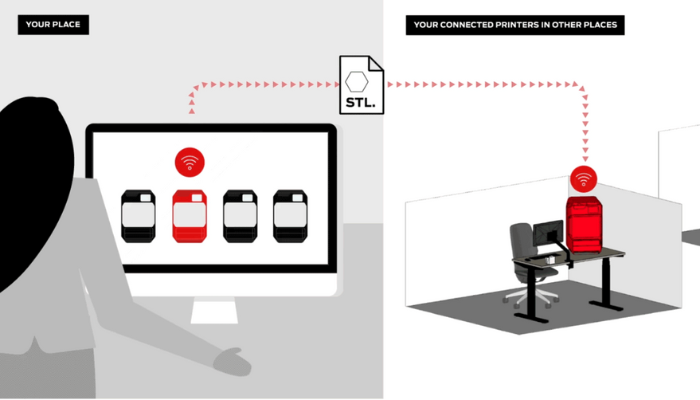
CloudPrint lets you send your file to your printer remotely (photo credits: MakerBot)
How Does it Work?
Although both versions are free of charge and also have functions such as print preparation, remote start of printing and remote monitoring, the new software version offers a number of new options that differ from the previous print version. This includes the possibility of preparing the print job in advance. After preparing the job, it is queued up in the printer and as soon as it is ready for the next print, all that you need to do is press “Start Next Print”. Continuous updates and live monitoring is also made possible with the software: the updates always offer new features to help troubleshoot and are always updated. Live CloudPrint monitoring, on the other hand, allows users to monitor their printing from anywhere! All you have to do is log in to MakerBot CloudPrint from any browser and you can immediately view and analyze all the statistics and even images from the built-in camera.
More from the desk
Six other notes from the rest of the bench.
 NewsTop 5 Videos: A Closer Look at Rapid Tooling with 3D PrintingOnce again it is Sunday, which means we are showing you some of the top 5 3D printing videos that we have found this week. First up is a video from well-known 3D solutions manufacturer Formlabs. They cover the fundamentals…
 NewsThe Nativity Scene Gets a 3D Printed TwistThe nativity scene is one of the most traditional symbols of Christmas across the world, and it has been reimagined this year! Italian startup Jirama has decided to innovate this most historic and religious symbol using additive manufacturing. The company…
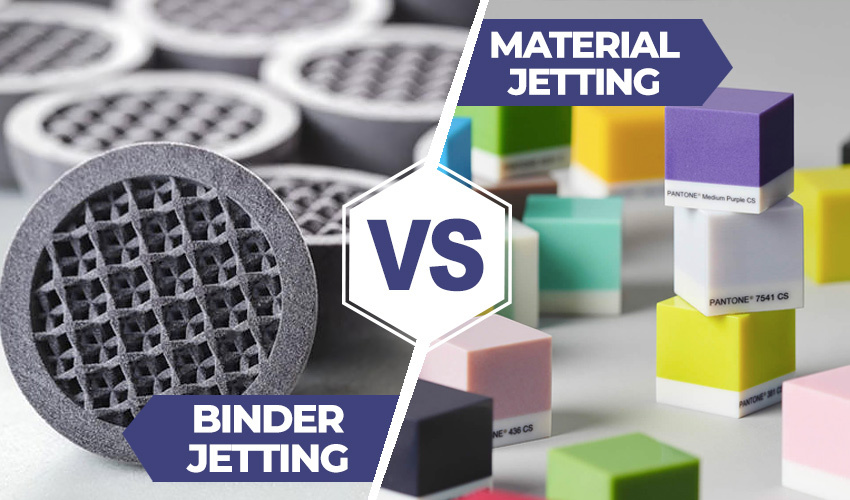 NewsMaterial Jetting vs. Binder Jetting: Which Jetting Process Should You Choose?While there are many additive manufacturing processes with a variety applications, and some can have certain similarities. For example, 3D printing technologies often overlap in areas such as materials used, the heat source used, printhead, etc. One example of this…
 NewsFormula 1 releases new range of 3D printed perfumesFormula 1 is releasing a new collection of fragrances, the F1 Fragrances Engineered Collection, which includes a range of five luxury scents. Back in 2019, Formula 1 had launched its first line of fragrances using metal 3D printing technology, in…
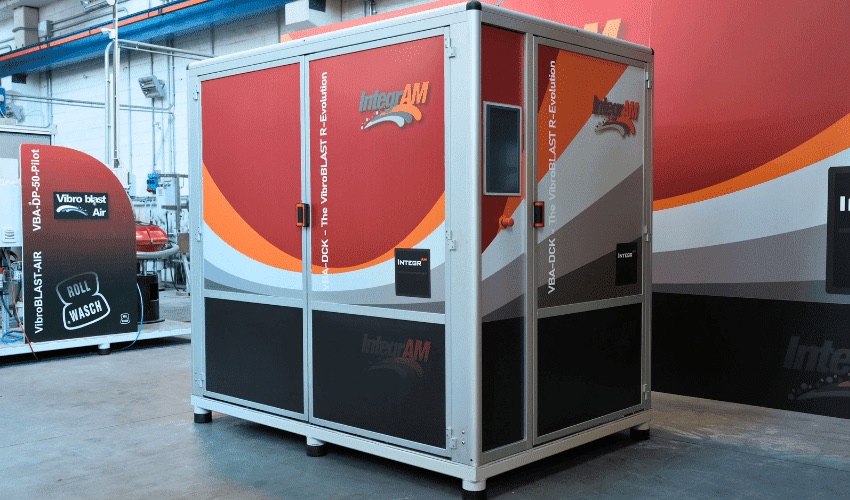 NewsSpengler Automates 3D Printing Post-Processing With Its DCK 01 SystemThe 3D printing industry is constantly evolving, moving more and more towards mass production and the need to optimize production and post-processing processes. As highlighted in the latest report from PostProcess Technologies, which analyzes post-processing trends in 2022, indus
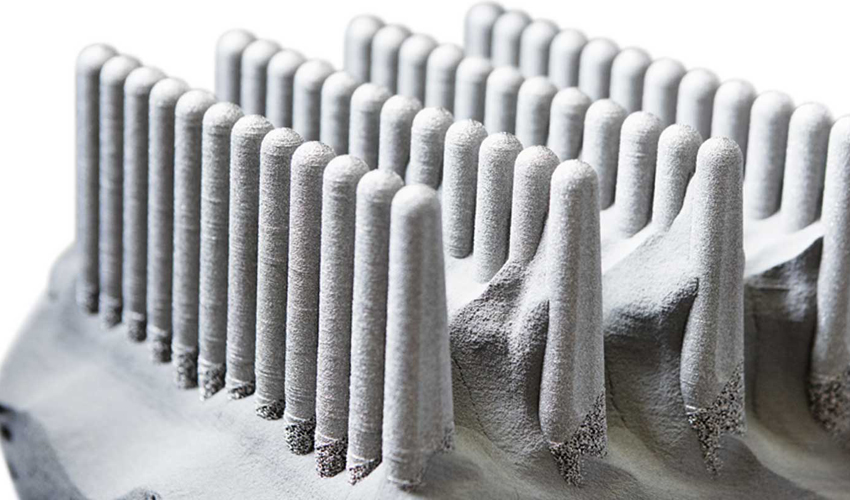 NewsThe Complete Guide to Electron Beam Melting (EBM) in 3D PrintingElectron Beam Melting (EBM) is part of the powder bed fusion family. Unlike Laser Powder Bed Fusion (LPBF), it uses, as its name suggests, an electron beam to fuse metal particles and create, layer by layer, the desired part. Marketed…