Printers
Top 3D Scanner Apps for Android and iOS
Obtaining a 3D file for printing can be done in many ways: free or paid download from a dedicated platform, modeling from an adapted CAD software or 3D scanning via a 3D scanner. Today there are a multitude of solutions…
- 3 min read
- Printers
- Six more stories

Obtaining a 3D file for printing can be done in many ways: free or paid download from a dedicated platform, modeling from an adapted CAD software or 3D scanning via a 3D scanner. Today there are a multitude of solutions to scan your part, from portable devices to larger devices to capture large objects. However, the purchase of such a device can be quite costly and using it might be complicated if you don’t have certain technical knowledge. This is why some industry players have developed mobile scanning solutions that are directly available on the smartphones. 3D scanner apps have been designed to be practical, easily accessible and always at hand: our phones are more present than ever in our daily lives. But how do different 3D scanner apps work? Which solution to choose? We have prepared the list of some of the best available 3D scanner apps for iOS and Android in no particular order.
Metaroom®: the 3D room scanner app for Apple Pro devices
Metaroom Scan App, developed by Metaroom by Amrax®, is specifically designed to get accurate CAD-ready 3D room models by scanning with iPhone Pro or iPad Pro. To quickly create true-to-scale 3D models of rooms and apartments, the app uses advanced LiDAR sensors and SLAM technology. It also offers AI-assisted asset segmentation for quickly adding elements to scanned 3D models and a GDPR-compliant AWS cloud. Besides, the Multiroom Scanning feature allows scanning multiple rooms, floors, or an entire building in one go and getting a single, cohesive 3D model. Other interesting features include automated recognition of furniture, windows, and doors, post-scan asset correction, precise dimensions and measurements, markers setting during scanning, Optional GPS location tracking imprinted into a 3D model, automatically recognized North Heading orientation, and many others. Once the 3D model is obtained, users can also edit and refine it via the Metaroom Studio web application, and then export them to CAD software. According to the developer, this professional solution is ideal for experts in lighting planning, facility management, architecture & interior, Wi-Fi Networking Planning, BIM, Construction industries, and more.
The app is available for free on the Apple App Store allowing unlimited scans. Additionally, you can subscribe to Metaroom Studio with a 30-day free trial. Please note that a subscription is required to download the CAD models. Learn more about the Metaroom Scan App HERE.
More from the desk
Six other notes from the rest of the bench.
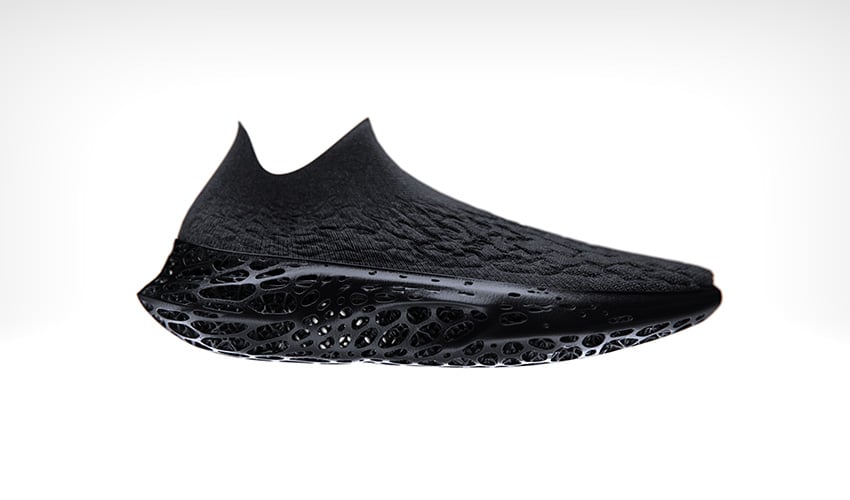 NewsDecathlon Unveils New Sports Shoe in Collaboration with HP and LonatiDecathlon, in collaboration with HP and the Lonati Group, has introduced a groundbreaking sports shoe created through 3D printing technology. This partnership combines HP’s Multi Jet Fusion technology with Lonati’s knitting machinery to design a pair of shoes that rev
 News‘Tactile Tours’: How Can 3D Printing Facilitate Access to Art and Culture For the Visually Impaired?Valentin Haüy is a voluntary association dedicated to the support of visually impaired people in France. Created in 1889, it deploys a large number of actions throughout the country to allow the visually impaired easier access to education, to the…
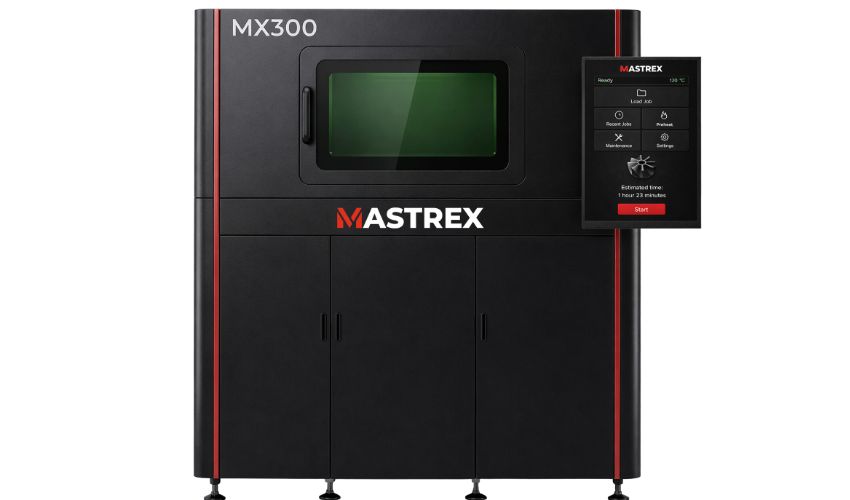 PrintersMastrex Expands Access to Metal AM With Affordable MX-Series LPBF SystemsMetal additive manufacturing has long been associated with high costs and complex infrastructure, keeping the technology out of reach for all but the largest industrial players. A new generation of manufacturers is now working to change that. Among them is…
 NewsInside 3D Tour: Visiting XJet’s Headquarters and Manufacturing Plant in IsraelStill not familiar with the Inside 3D Tour video series? In it, we visit the major manufacturers in the 3D industry to learn first-hand how different 3D printing methods are developed. The goal? To understand what processes the most cutting-edge…
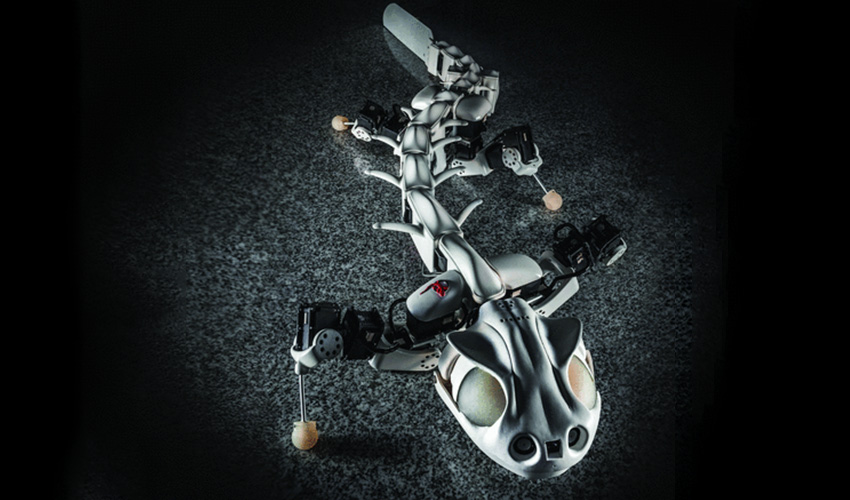 GuidesBiorobotics; creating robots that mimic the movements of natureBiorobotics is a laboratory that specialises in the development and study of biorobots that reproduce the mobility of different animals. The goal of their developments is to reproduce certain animal movements. All while gaining the capacities to learn from them and…
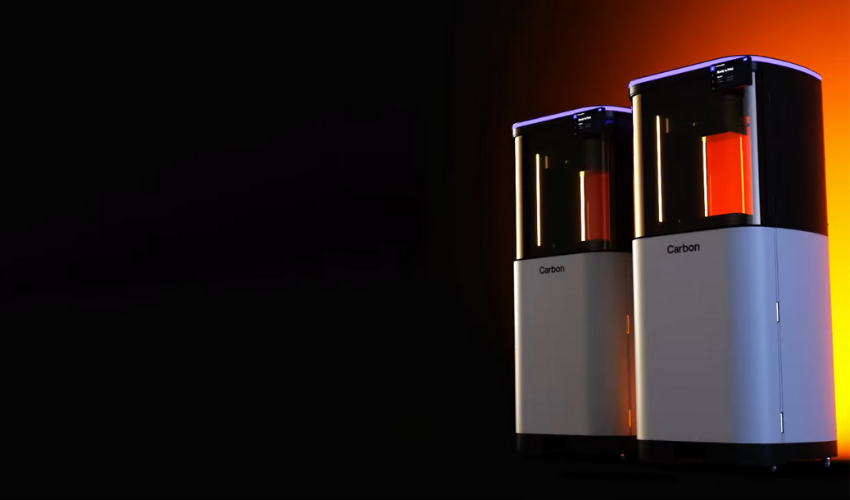 NewsCarbon Launches ‘Next Generation’ of 3D Printers with M-SeriesThe new year continues with launches from some of the leading brands of additive manufacturing. This time, Carbon, has announced the launch of its new M-series printers, the M3 and the M3 Max, which it claims will leverage the next…