Software
LeoCAD: The Free 3D Modeling Software Inspired by LEGO
LeoCAD is a program for beginners and those looking to discover 3D modeling. Inspired by the principle of building with LEGO blocks, design in this program works using similar digital blocks. The interface is intuitive and from the very first…
- 3 min read
- Software
- Six more stories
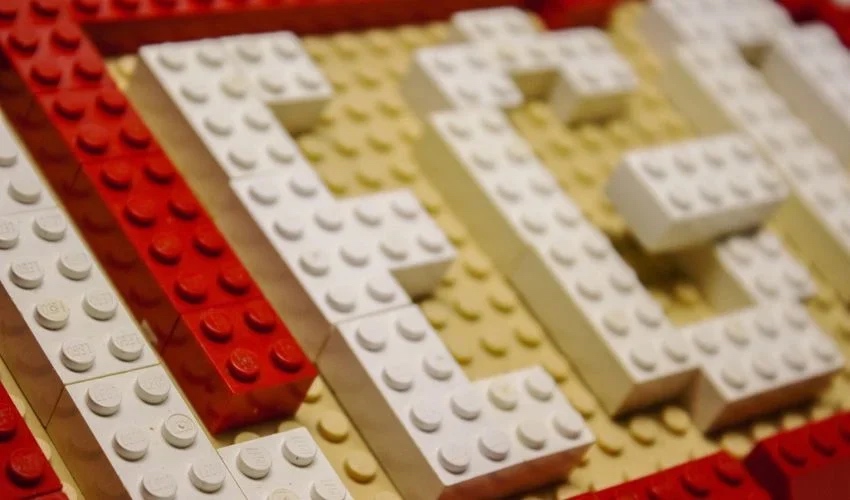
LeoCAD is a program for beginners and those looking to discover 3D modeling. Inspired by the principle of building with LEGO blocks, design in this program works using similar digital blocks. The interface is intuitive and from the very first attempts, users can create designs with ease. As LeoCAD is simple to get to grips with, it’s a good option for anyone looking for slicing software for educational purposes. Although its interface is intuitive, it has a wide variety of features that more advanced users will be able to use to create more sophisticated models. What’s more, the free, open-source software allows the creation and modeling of relatively large figures, requiring numerous parts.
LeoCAD first appeared in 1997 and has been regularly updated over the years. At the time of writing, the current version is 23.03, released in 2023. The software is easy to download and is available for Windows, Linux and macOS operating systems. Furthermore, the official website offers clear tutorials to guide you through the process. Before diving into LeoCAD’s features, it’s important to point out that it’s not software belonging to the LEGO group, but a separate brand inspired by the toy principle. Although LEGO had developed CAD software, Lego Digital Designer, this was discontinued in 2019.
Features of the Software
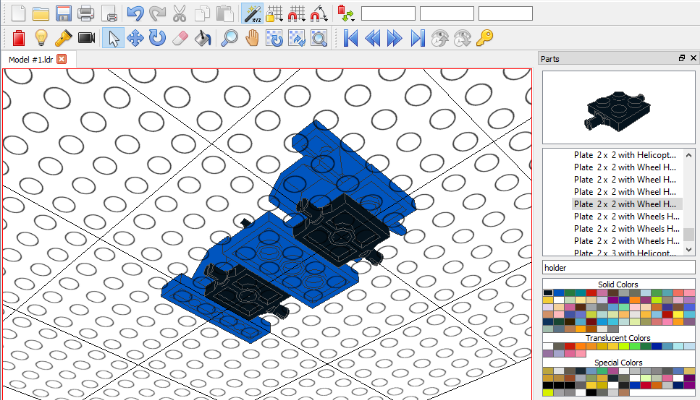
Starting with the appearance of the graphic interface, all 3D models are created on a plate with the characteristic assembly circles. On the right-hand side of the screen, users will find the library with available parts, which they simply drag into the work area to start creating their designs. In the same section, it’s possible to preview parts and choose colors, although these can be changed at any time. There are also other windows with additional tools such as the properties of each part or the Timeline, which will be explained later. The top section is dedicated to menus and actions. As you might guess, this is an interface with which most users can quickly familiarize themselves, ideal for beginners or children.
More from the desk
Six other notes from the rest of the bench.
 NewsWhat Can You Expect at 3D Print Paris 2022?Trade shows are still an excellent for additive manufacturing users to meet and learn about personalized solutions. 3D Print Paris, a key event for the 3D printing industry, is now back for its second edition, taking place on October 19th…
 News#TALK3D: Interview With Terry Wohlers, the Emblematic Figure Behind the Wohlers ReportIf you follow additive manufacturing news, you have undoubtedly already heard of the Wohlers Report, a study published annually by Wohlers Associates, which has been part of ASTM International since November this year. The report is a benchmark for the…
 NewsTop 5 Videos: From Formnext Highlights to 3D Printed SoundCheck out the Top 5 Videos of the Month! We begin with 3Dnatives uncovering the most surprising and innovative discoveries from Formnext 2025. Next, 3D Monotech showcases how large scale additive manufacturing is redefining sustainability and safety in the marine…
 ApplicationsCadillac Showcases the Precision of 3D Printing with its CELESTIQ ModelGeneral Motors (GM) has been using additive manufacturing for decades to accelerate vehicle development by creating functional prototypes. However, the company has taken it a step further by incorporating 3D printing into automobile production, particularly in low-volume models s
 NewsA New Benchmark for Industrial Stereolithography? Discover 3D Systems’ SLA 825 DualFor nearly 40 years, Chuck Hull’s curiosity and desire to improve the way products were designed and manufactured gave birth to 3D printing, 3D Systems, and the additive manufacturing industry. Since then, that same spark continues to ignite the 3D…
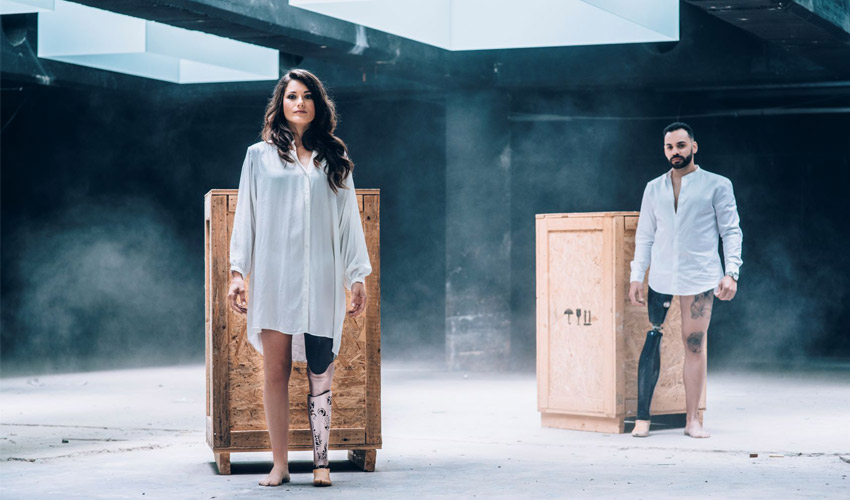 ApplicationsUNYQ 3D prints aesthetic & functional prosthetic leg socketsUNYQ is a San Francisco-based company specialised in 3D printed medical wearables. For the last five years the company has created prosthetic and orthotic devices. Recently, it announced the launch of a 3D printed prosthetic leg socket, it is their…