News
Why Ghosting Occurs in 3D Printing and How to Avoid It
3D printing, like any manufacturing method, does not come without problems. Besides stringing in 3D printing, where unwanted thin filament threads are stretched between non-printed areas, thus creating ‘strings’ of material, there is also ghosting. You may have heard
- 3 min read
- News
- Six more stories
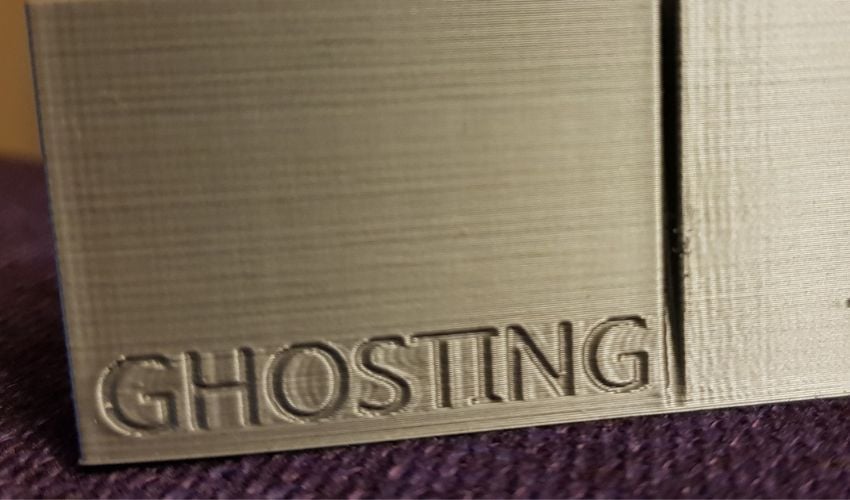
3D printing, like any manufacturing method, does not come without problems. Besides stringing in 3D printing, where unwanted thin filament threads are stretched between non-printed areas, thus creating ‘strings’ of material, there is also ghosting. You may have heard of this 3D printing phenomenon under a different name, such as ringing, echoing, or even rippling – but they all refer to the same problem. In fact, the term ghosting is very apt, as lines or even entire designs repeat on the part in a weakened manner. This means that if you print a round logo, for example, other unwanted imprints of the logo will be found on your 3D-printed part after the actual printing. Visually, it is analogous to when a stone is thrown into water, making ripples that appear fainter and fainter the further the distance from the impact.
However, these duplicates of previous functions on the printed surface only really become visible when they are hit by light at a certain angle. This often happens during FDM printing as it is common with filaments. Ghosting does not always necessarily affect the entire part, but rather it is a wavy pattern or pattern created by printing vibrations, but which in turn can ruin an entire 3D-printed part. As mentioned before, ghosting effects are caused by the pressure vibration, which can have different triggers. We will now go over these factors and explain what settings you need to make to avoid them in future prints.
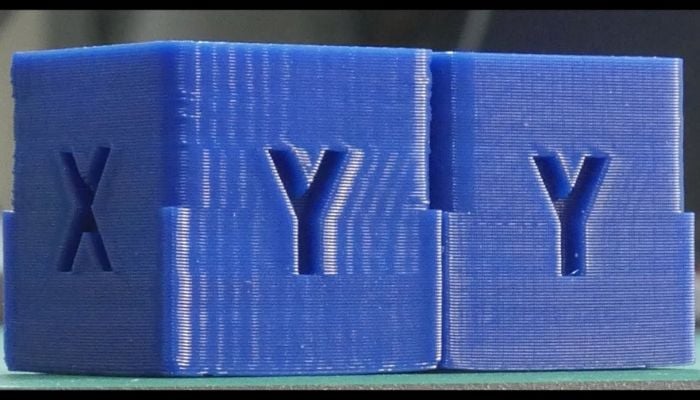
The ghosting effect can destroy entire 3D-printed components (Image: Tech2C)
When Does Ghosting Occur and What Can Be Done About It?
When it comes to ghosting in 3D printing, one of the main causes that most people will think of is a print speed that is too fast – and rightly so! While users benefit from a higher print speed because it reduces the overall print time, it also increases the chances of an increased moment of inertia, which can impact drag and thus cause ghosting. If the print head advances at too high a speed, it will require more force to come to a stop so that it can subsequently change direction to continue printing. If you are working with common filaments such as PLA or ABS, then the average print speed is 50 to 60 mm/s, but if this is drastically exceeded, then the risk of ghosting increases. However, in addition to the print speed, you should also pay attention to the travel speed, i.e. when the nozzle is repositioning in between prints, as these can also influence the ghost-like 3D printing phenomena.
More from the desk
Six other notes from the rest of the bench.
 News3D printed corals could help energy production and coral conservation3D printing technologies can be used to create complex and intricate structures by enabling a new level of design freedom. This is one of the main benefits of additive manufacturing, and one of the aspects many scientists around the world…
 News3D Express: Alquist to Print 12+ Projects with Walmart and Other Commercial RetailersThis week in 3DExpress, we’re seeing 3D printing scale across industries in surprising ways. Construction company Alquist announced a major partnership with Walmart and other retailers to deploy more than a dozen printed commercial buildings across the U.S. In the…
 NewsPULSE, the 3D printed necklace that reminds you not to touch your faceAs we know, the global pandemic caused by Covid-19 has mobilized the additive manufacturing community to seek rapid and efficient solutions to combat the virus. Today, a couple of months after the pandemic reached its peak, it is time to…
 ApplicationsA 3D-Printed Hydrogel Implant Could Treat High Blood Pressure Without MedicationHigh blood pressure is one of the leading causes of cardiovascular disease worldwide. For many patients, standard drug treatments are not sufficient. Researchers at Penn State University may have found a potential solution in a small bioelectric implant made using…
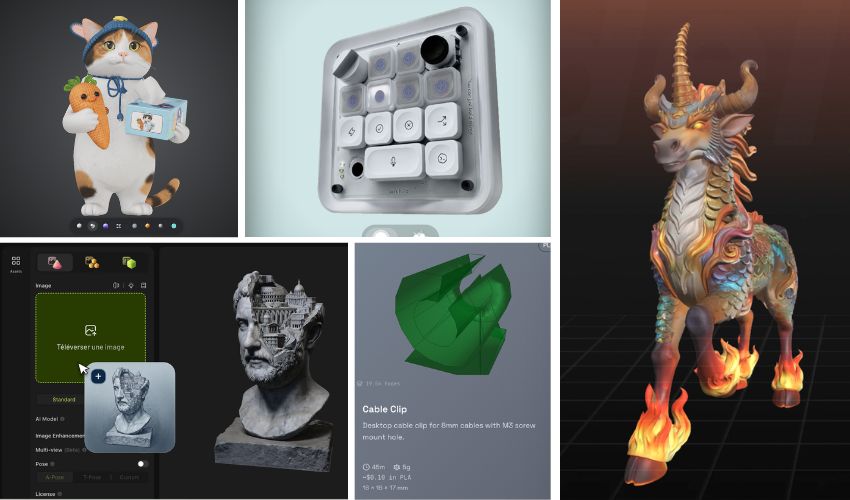 SoftwareThe Top AI 3D Model Generators for 3D PrintingOne of the most intimidating aspects of 3D printing can be the software element. If you can’t find a pre-designed 3D model that suits your needs, you might have to create your own, and making your own 3D design is…
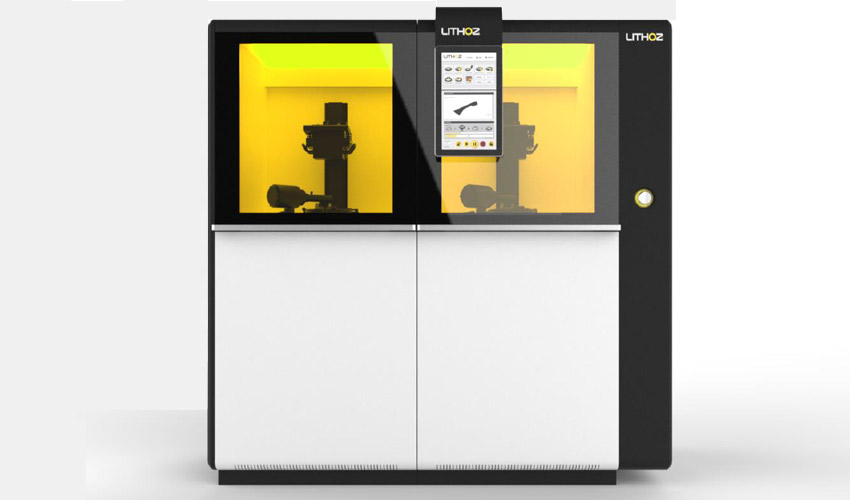 PrintersCeraFab System S65 is the new industrial ceramic 3D printerAustrian manufacturer Lithoz unveiled a few days ago a new 3D ceramic printer, the CeraFab System S65. It is a modular industrial machine designed for mass production, thanks to a higher printing speed and better accuracy compared to the larger…