Software
Cura: All You Need to Know Before Getting Started
As many of you will know, in order to get a piece 3D printed, you need a slicing software, more commonly known as a slicer. The slicer converts the 3D model into a G-code file that will provide the 3D…
- 3 min read
- Software
- Six more stories
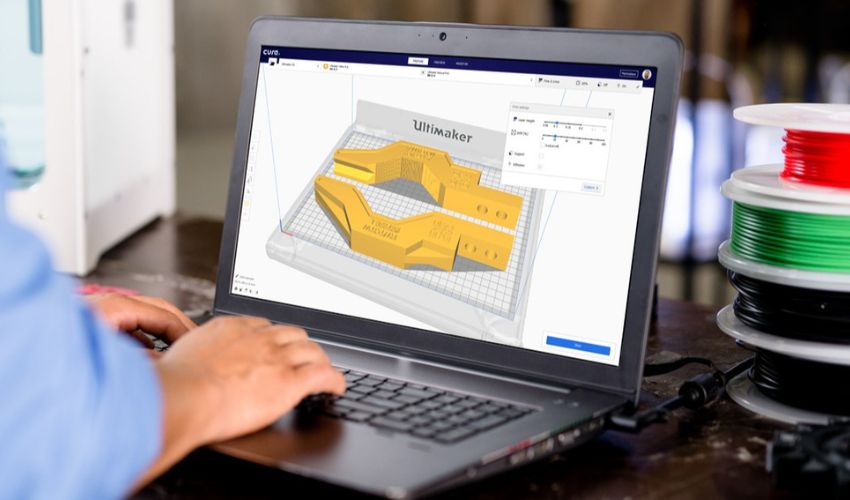
As many of you will know, in order to get a piece 3D printed, you need a slicing software, more commonly known as a slicer. The slicer converts the 3D model into a G-code file that will provide the 3D printer with all the necessary instructions for printing. Cura is a slicing software developed by David Braam in 2014 for this purpose – it was later acquired by Ultimaker. Now, this open-source software is probably the most widely used in the global additive manufacturing market. It is estimated to be used by more than one million users for more than two million printing jobs every week. But what exactly makes Cura so popular?
One of the main benefits of Cura is its ease of use, support for different file formats, and compatibility with many 3D printers. Supported file formats are STL, OBJ, X3D, and 3MF. Although Cura is part of the UltiMaker ecosystem, printers from other manufacturers can also use it. The software is not only 100% free of charge but is also available in 15 languages so that users worldwide can use it as easily as possible. Another feature that contributes to its popularity is the fact that it is compatible with the most common operating systems, Windows, Mac, and Linux. Note that Cura has been certified for Windows and macOS platforms, guaranteeing significant additional security.
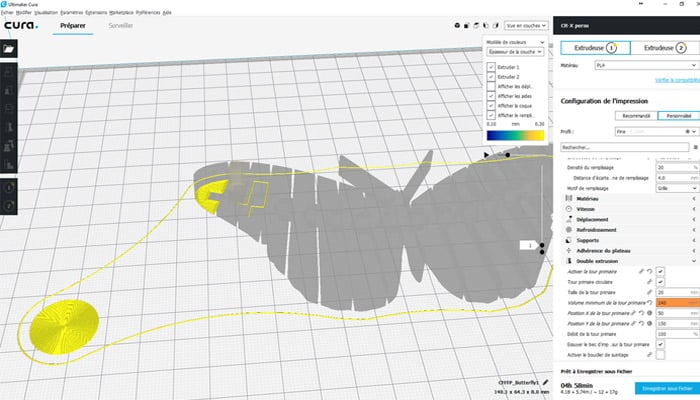
How Does the Software Work?
Cura has a simple interface that allows you to choose between two settings right from the start: the recommended mode and custom mode. The recommended setting is particularly suitable for achieving the best result in a few clicks – there is no need to make manual changes to the settings. However, the software is able to choose the optimal orientation of the part to save time for the user, but also the filling rate, the generation of optimized supports to minimize post-processing, layer thickness, etc. A good option when you’re just getting started!
More from the desk
Six other notes from the rest of the bench.
 ApplicationsOpen Bionics’ 3D-printed prosthetic arm device is now available in the USBack in January 2019, the UK-company Open Bionics announced it had raised about £5 million from investors to continue developing not just simple 3D printed prosthetics but bionic devices. Last year, the company actually released its first 3D printed bionic…
 NewsBCN3D Announces New Company, Supernova, to Run VLM BusinessBack in 2022, leading IDEX 3D printer manufacturer BCN3D made waves when the company announced the new Viscous Lithography Manufacturing (VLM) technology. However, since then, we have heard little about the groundbreaking process. That changed today when BCN3D held a…
 NewsWASP 3D-Printed Dior Pop-up Store Using Eco-Friendly MaterialsFrench luxury fashion brand Dior enlisted the construction expertise of Italian 3D printer manufacturer WASP (World’s Advanced Saving Project) to showcase their latest collection. Dior’s innovative new pop-up store is located on the Jumeirah beach in Dubai. The pop-up’
 NewsTop 5 Videos: When Basketry Meets 3D Printing…The first video of our selection this week focuses on the Crossing Parallels project which examines the potential link between basketry and 3D printing. So how can 3D technologies help to take this craft skill to the next level? Designer…
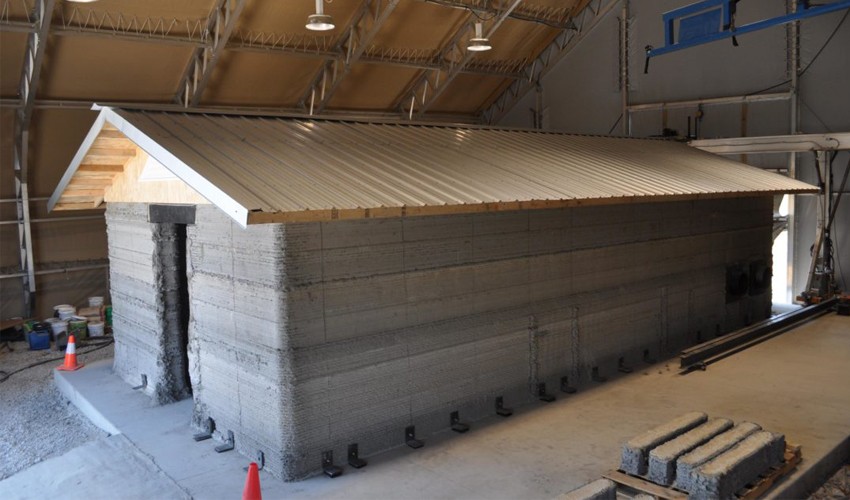 NewsU.S. Army 3D prints their first concrete barracksThe U.S. Army’s Construction Engineering Research Laboratory (CERL) in Champaign, Illinois, has announced the successful construction of a 512-square foot, 3D printed concrete barracks. The laboratory used an in-house 3D printing technology that was developed in partnership
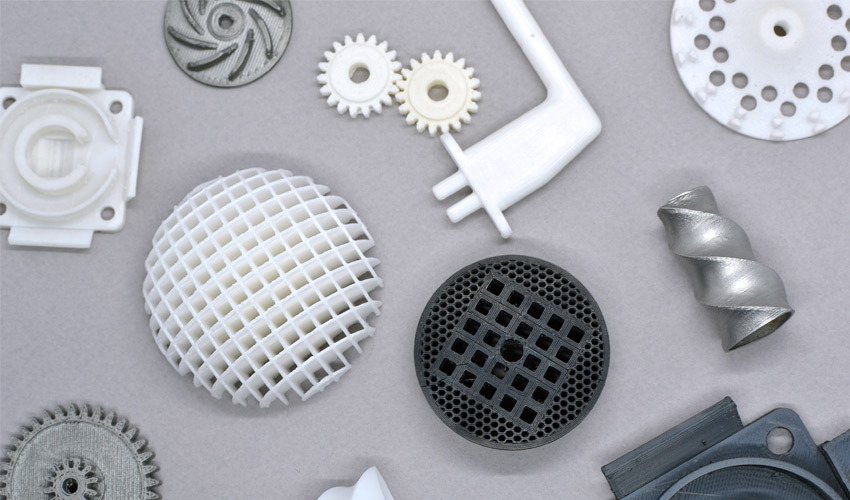 GuidesNanoe on Democratizing Ceramic and Metal Desktop Additive ManufacturingAn expert in developing raw materials for the ceramics industry since 2008, French company Nanoe entered the additive manufacturing market in 2018 with its first line of ceramic filaments. Compatible with FDM machines, they enable the design of durable parts…