Software
The Best STL Repair Software For All Levels
When it comes to 3D printing, there is nothing more frustrating than ending up with a failed print. Although there are many different reasons behind this, including incorrect parameters and poor leveling, problems often also come from the model’s own…
- 3 min read
- Software
- Six more stories
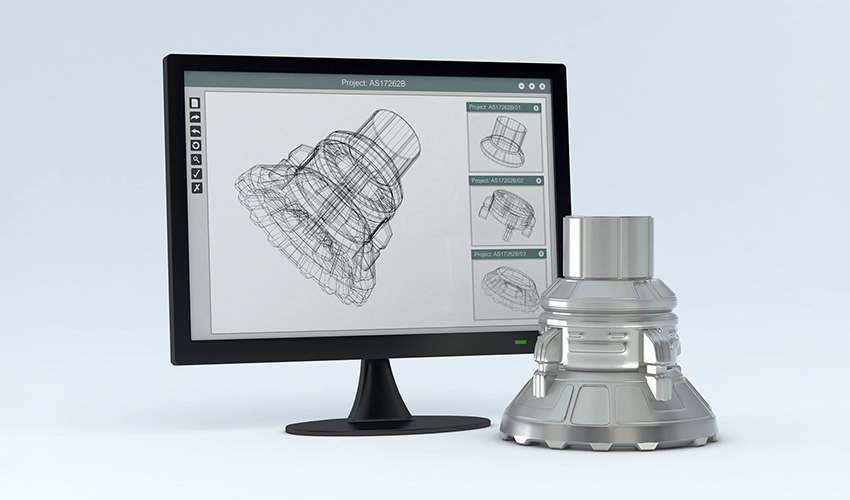
When it comes to 3D printing, there is nothing more frustrating than ending up with a failed print. Although there are many different reasons behind this, including incorrect parameters and poor leveling, problems often also come from the model’s own design. To solve this issue, there are repair programs that allow users to avoid non-printable defects in their STL files. These programs make it possible to repair the STL file before sending the model to be 3D printed. This is one of the last steps in your 3D printing workflow, after modeling and slicing. It should be noted that although most slicer software usually includes STL repair functions, we have largely excluded them from this list to focus on additional tools that can be used. Whether you want to use an online platform or download software for your PC or Mac, you should be able to find the perfect tool below. The list is arranged in alphabetical order.
Blender
Blender is a free and open-source software for mesh creation that allows for 3D modeling, rendering, and animation. There are several STL repair functions available in Edit mode, under the Mesh menu in the bottom toolbar. Additionally, users can download an extension from SineWave, a plugin called Mesh Repair Tools, which offers an integrated toolbox for mesh repair. Designed as a cleaning tool for 3D printing, the plugin removes all redundant features and provides only the essentials.
Formware
Formware is a bit different from the others on our list because it is a slicer specifically designed for resin and inkjet 3D printers. However, we decided to include it because it also has a free online STL repair tool that can be used with any STL file, not just slicer users. Anyone can upload STL files to the robust online repair tool, and it will help diagnose and fix errors. It should be noted that the repair service has a four-minute waiting period to release processing capacity. However, the website states that their data shows most serious issues can be resolved within this time, so if there is a wait, it probably isn’t a closed shell and should instead be addressed in a CAD package.
More from the desk
Six other notes from the rest of the bench.
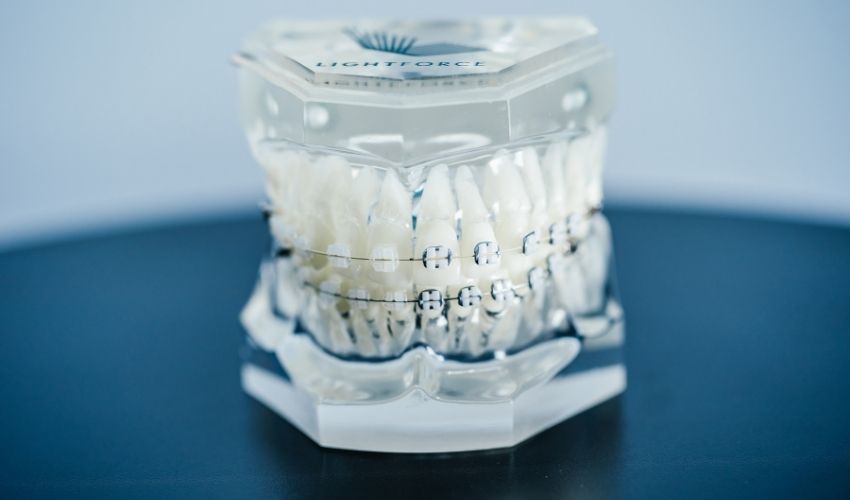 ApplicationsLightForce Secures $50 Million In Funding For 3D-Printed Orthodontic TreatmentsThe dental 3D printing market size is expected to reach $12.46 Billion USD by 2028 according to Emergen Research. Now, LightForce Orthodontics, the creator of a 3D-printed braces system that is fully customizable, has closed another round of funding that…
 NewsDominican Republic to Install 3D Printed Weather StationsThe Dominican Institute of Meteorology (Indomet), in collaboration with the University Corporation for Atmospheric Research (UCAR) and the United States National Hurricane Center (NHC), is developing a project for low-cost, 3D-printed, automatic weather stations. The initiative,
  GuidesInterview with Julia Körner: About 3D printing in design and its myths3D printing has long ceased to be used only on an industry level, quite the contrary actually. This because the areas in which the 3D technology is used, are very diverse. In addition to 3D printing in construction and architecture , the first designers showing…
 MaterialsResearchers reproduce the surface of a human tongue thanks to 3D printingResearchers at the University of Leeds, in collaboration with Edinburgh University, have 3D printed soft synthetic surfaces with the same texture as a human tongue. Made of silicone, they could mimic the topology, elasticity and wettability of this complex organ.…
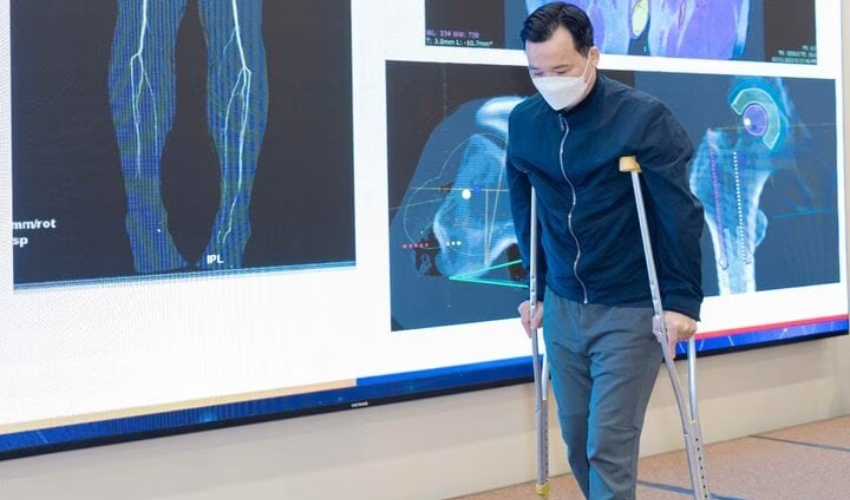 ApplicationsVietnam’s First 3D Printed Pelvis and Femur Implants Set New Standard in Bone Cancer TreatmentSurgeons at the Vinmec General Hospital in Vietnam achieved a medical milestone when they turned to advanced 3D printing. How so? By making 3D printed artificial bones that were able to replace the pelvis and part of the femur of…
 NewsBCN3D Announces New Company, Supernova, to Run VLM BusinessBack in 2022, leading IDEX 3D printer manufacturer BCN3D made waves when the company announced the new Viscous Lithography Manufacturing (VLM) technology. However, since then, we have heard little about the groundbreaking process. That changed today when BCN3D held a…