Software
AutoCAD: All You Need to Know Before Getting Started
AutoCAD enables the professional creation and editing of 2D geometry and 3D models with solids, surfaces, and objects. It is one of the most internationally recognized CAD software because of the wide variety of editing possibilities it offers. For these…
- 3 min read
- Software
- Six more stories
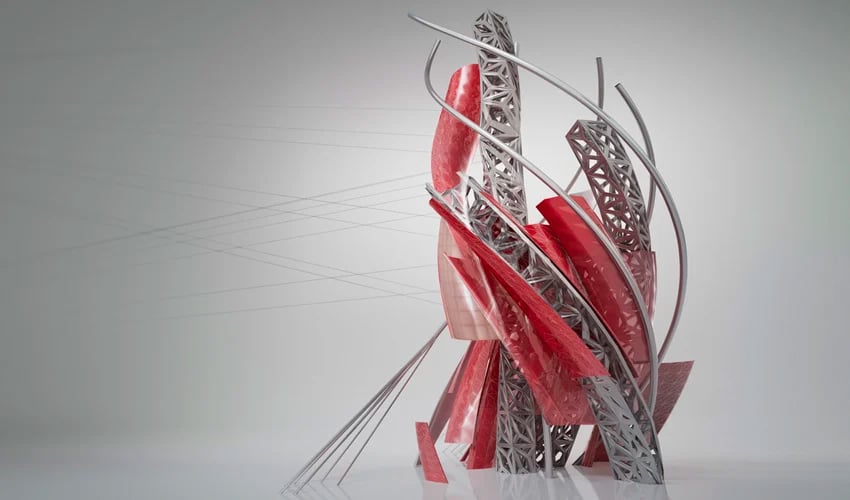
AutoCAD enables the professional creation and editing of 2D geometry and 3D models with solids, surfaces, and objects. It is one of the most internationally recognized CAD software because of the wide variety of editing possibilities it offers. For these reasons, it is a tool widely used by architects, engineers and industrial designers, among others. Currently, the software is developed and marketed by Autodesk, a leader in the market of design, engineering and 3D animation software. Founded in 1982, Autodesk, a multinational company, began its adventure with the development of AutoCAD before moving on to other software solutions, some of which specialize in additive manufacturing.
The first version of AutoCAD included only a modifiable drawing and a limited set of functionalities. Despite its simplicity, it was at the time a real revolution as it allowed to replace traditional hand drawings with digital drawings. The name AutoCAD refers to Autodesk of course but also to Computer Aided Design. Initially, the software was not designed for 3D design, it was only dedicated to two-dimensional modeling. However, AutoCAD has rapidly evolved: so what are its features today? We took a closer look at how the software works as well as what to expect from the latest version, AutoCAD 2024.
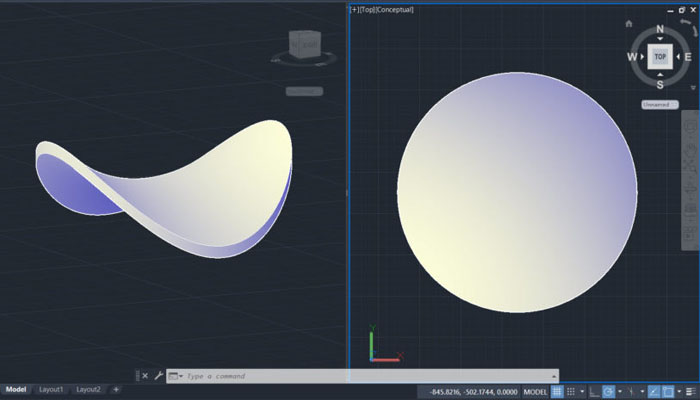
AutoCAD is one of the most popular CAD software on the market
How Does it Work?
AutoCAD is available for MAC and Windows. Within it, are four types of 3D modeling. The first is wireframe modeling, where a three-dimensional structure is designed and used as a reference geometry on which various models and modifications are made. The second is the solid modeling where the user will be able to play with different masses. Surface modeling offers precise control of curved surfaces to edit surfaces in detail. Finally, mesh modeling allows folding, smoothing and modeling of 3D freeforms and objects.
More from the desk
Six other notes from the rest of the bench.
 NewsSmart Design & Gantri Join Forces to 3D-Print Lighting Designed for the Home OfficeSince the start of the pandemic, the daily life of the majority of professionals has been turned upside down. Many people now work from home to avoid contracting or transmitting viral illnesses. With so many people across the globe being…
 Printers#3DStartup: 3DNextech on their professional and automatic surface finishing machine3DNextech is an Italian company specialised in the development of products and technologies related to the world of additive manufacturing, digital manufacturing and 3D printing. Their 3DFinisher machine was developed for other companies to use, it is a solution that…
 News3D Systems and Jabil Announce ‘High Speed Fusion’ 3D Printing System3D Systems have just announced that they will soon introduce a next generation ‘High Speed Fusion’ 3D printing system. Developed in collaboration with Jabil Inc., the platform system will include new printer technology and advanced materials systems, surpassing those currently&he
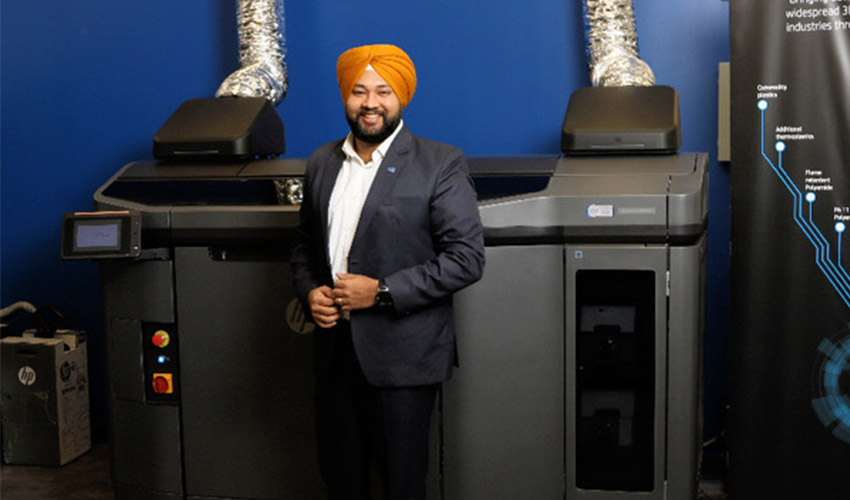 GuidesInterview with Hargurdeep Singh about his role at CAD MicroSolutionsCAD MicroSolutions is dedicated to helping mechanical and electronic customers ensure they are realizing the greatest value from their technology investment. The company offers design automation software, training, and consulting to help clients innovate, disrupt, design, and suc
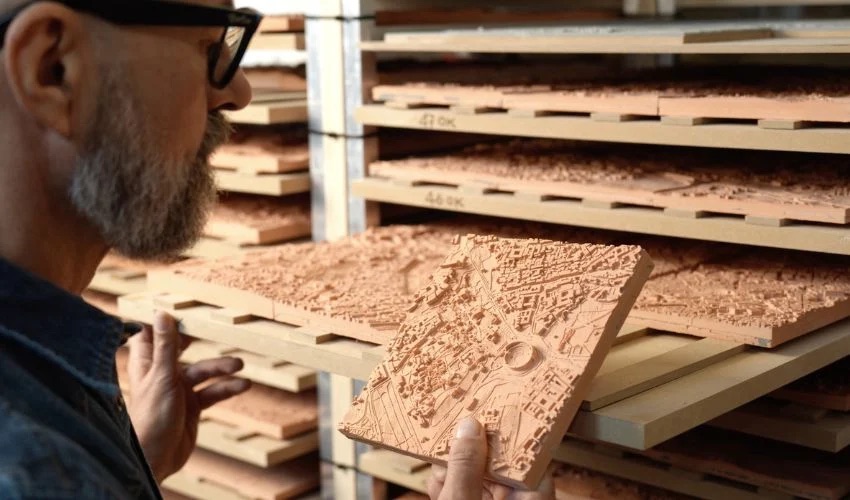 NewsRome in Terracotta: A City Model Made Possible by 3D PrintingAt MAXXI, Italy’s national museum dedicated to contemporary art and architecture, a striking model of Rome is currently on display through April 26. Spanning 48 square meters and made up of 953 terracotta tiles, the piece reproduces the entire municipal…
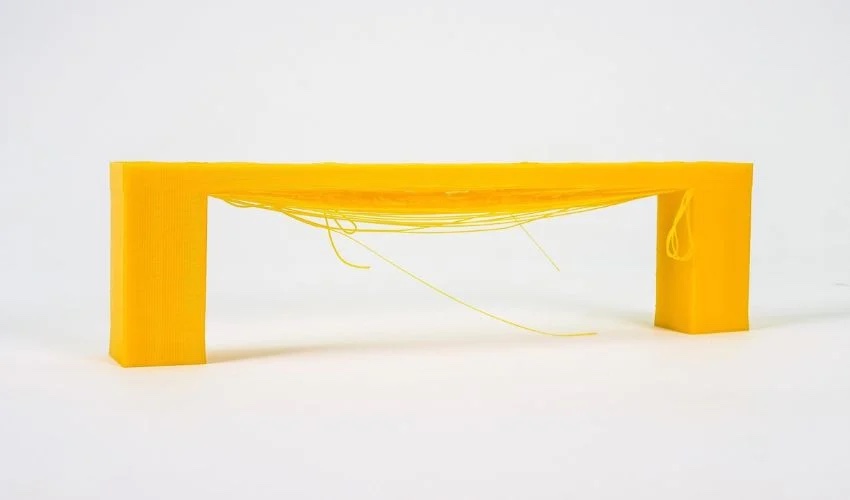 MaterialsBridging in 3D Printing: Everything You Need to KnowUsing a 3D printer, whether for professional or hobbyist purposes, can be an exciting journey filled with surprises. However, not all surprises are positive; some may present challenges. We have previously discussed common printing issues like stringing, ghosting, and warping,&he