News
How to choose a 3D software for 3D printing: Experts give their advice!
Over the last few months we have provided you with the advice from experts in different fields of additive manufacturing on multiple 3D printing topics: from choosing a 3D printer, filament, scanner to choosing an appropriate 3D technology. Today, we…
- 3 min read
- News
- Six more stories
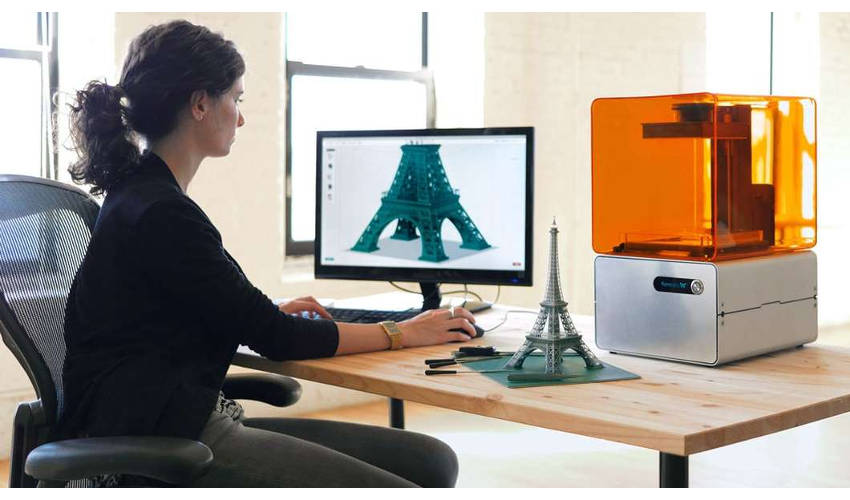
Over the last few months we have provided you with the advice from experts in different fields of additive manufacturing on multiple 3D printing topics: from choosing a 3D printer, filament, scanner to choosing an appropriate 3D technology. Today, we come to you with an expert advice about choosing the right 3D design software to fit your needs. We spoke to three experts, Simon Indrele, 3D Printing and Scanning Application Engineer at Fisher Unitech – the company that provides 3D design software tools and 3D printers across the US, we also spoke to Raymond Wang, Lead Product Engineer at PrintAWorld – the company is based in New York and provides additive manufacturing services for clients, including 3D printing, 3D scanning, 3D modeling, etc. And last but certainly not least, we spoke to Giovanni Avallone, the Founder of the design studio Caracol, based in Italy, which investigates new production possibilities derived from access to 3D printing technologies.



So what 3D software should you be using?
First, you have to consider what you are using the 3D design software for. In general, 3D design software falls into two categories, the first is CAD software and the second is 3D modeling software. Even though we use these terms interchangeably, they are not the same tools. Both can be used for 3D printing, however CAD software is often used in fields such as automotive, aerospace, aeronautics, architecture, or anywhere where the mechanical properties of the final part are important. It is not necessarily a question of the technicality of the project you are trying to model, but rather what sort of part you are trying to print. 3D modeling allows more artistic freedom, as designs do not need to work mechanically, be functional or fit to a real world device.
The first thing you should consider is which industry or application you are using 3D software for
Simon Indrele explains, “The first thing I would recommend is to take a look at what software is used by the particular industry you are in. Whether it’s manufacturing, jewelry design, toy design, etc. the industry will typically use a particular type or set of software. Evaluating those makes sense, as it’s possible you’ll have to transfer files between your vendors and clients. Being able to provide the type of files and file formats they’re accustomed to is good practice.”
More from the desk
Six other notes from the rest of the bench.
 NewsTop 5 Videos: Porsche 3D prints pistonsThis week we found the top 5 videos about 3D printing and the way additive manufacturing is changing production. The technology has infiltrated many sectors, from medical to automotive – check our selection of the week to keep up with the innovations! If you enjoy these, you&hell
 ApplicationsHow harmful are 3D printing emissions to users’ health?The United States Environmental Protection Agency (EPA), through an agreement with the Consumer Products Safety Commission has been investigating whether increased use of 3D printers could lead to unintended adverse impacts to human health. It’s true that 3D printers release&hell
 PrintersT3D, 3D printing direct from your mobile phoneThis revolutionary new T3D mini-printer can 3D print in multiple colours directly from your smartphone, and can even do it outside! Riding high on the coat-tails of an extremely successful Kickstarter campaign, T3D is a new Californian 3D-print company. This…
 GuidesIncus develops a metal 3D printing process based on lithographyIncus is a startup based in Vienna, it came about thanks to a collaboration between several engineers from Lithoz, an expert in ceramic additive manufacturing. In fact, this young company has developed a metal 3D printing process based on a…
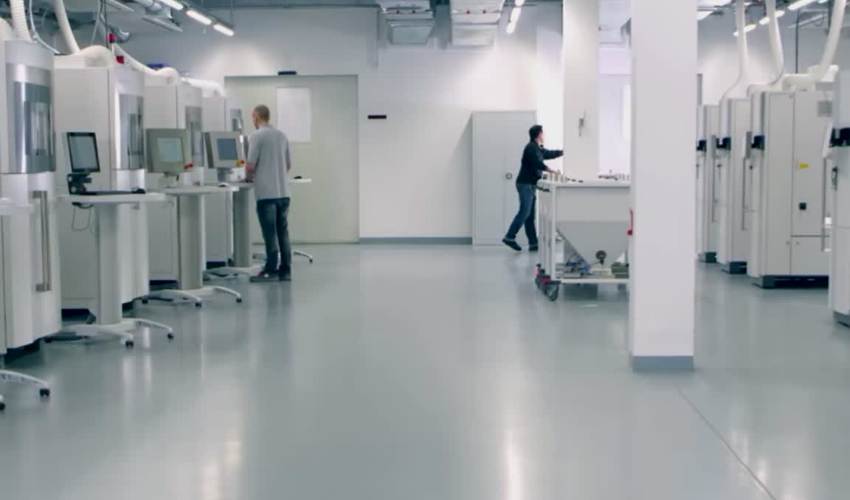 NewsLink3D Announces New IoT Platform AMWatch, Designed to Improve Quality Control in AMLink3D, an industry-leading SaaS-based MES manufacturer, has announced today that it is launching its AMWatch IoT platform. The new platform is expected to improve and automate quality management systems, enabling manufacturers to more consistently print high quality end-use part
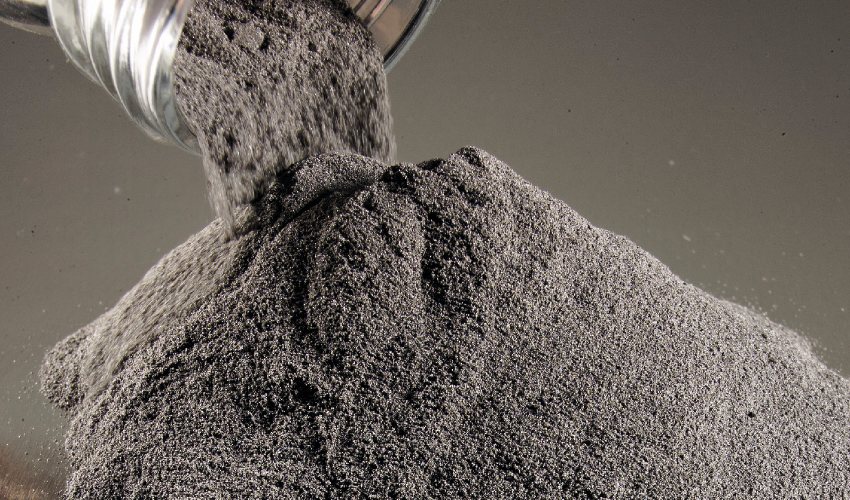 MaterialsA New Tungsten Powder Compatible with Additive ManufacturingAdditive manufacturing with metal is gaining in popularity. This is shown, among other things, by the increasing number of 3D printing companies that specialize in metal manufacturing or offer machines for metal printing. Aluminum, bronze, chrome, stainless steel, iron and&hellip