
3ds Max for 3D Printing: A Comprehensive Guide to Design, Features, and Workflow
The journey of bringing a conceptual design into tangible reality through 3D printing invariably begins in the digital realm, specifically with 3D modeling software. This crucial initial step requires creators, whether seasoned professionals or enthusiastic novices, to choose from a vast and ever-expanding ecosystem of tools. The options are plentiful, ranging from accessible free solutions like Tinkercad and 3D Slash, which are excellent for beginners, to powerful, industry-standard paid software such as Fusion 360 or AutoCAD. The diversity within the world of 3D modeling can sometimes make the selection process daunting, as identifying the optimal tool for a specific project can be challenging. Today, we delve into one such robust application: 3ds Max, exploring its capabilities and suitability for 3D printing applications.
Autodesk 3ds Max, a powerhouse software renowned for its prowess in 3D modeling, animation, and rendering, traces its origins back to 1990 under the initial moniker “3D Studio,” conceived by Gary Yost. The software’s significant evolution began in 1997 when Autodesk acquired it, subsequently rebranding it as Autodesk 3ds Max and continuing its intensive development. This highly versatile software has since become an indispensable tool across a multitude of industries. Its applications span from generating stunning visual effects in film and television to crafting immersive environments in video games, architectural visualization, product design, and crucially for our discussion, intricate 3D printing model preparation. Given its expansive feature set, a pertinent question arises: How effectively can 3ds Max be leveraged to design and prepare models specifically tailored for additive manufacturing?
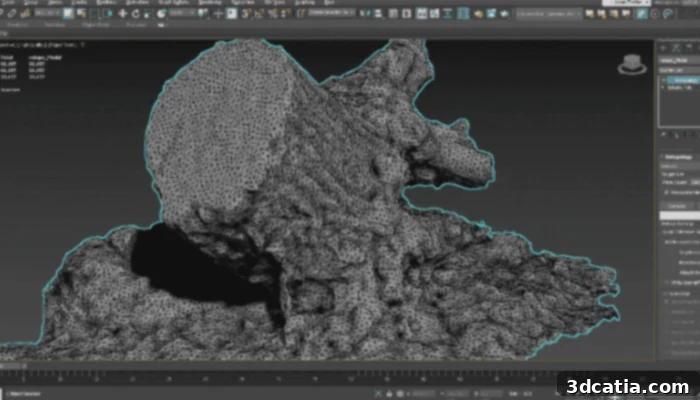
Photo Credits: Autodesk
Exploring the Core Capabilities of Autodesk 3ds Max for Design
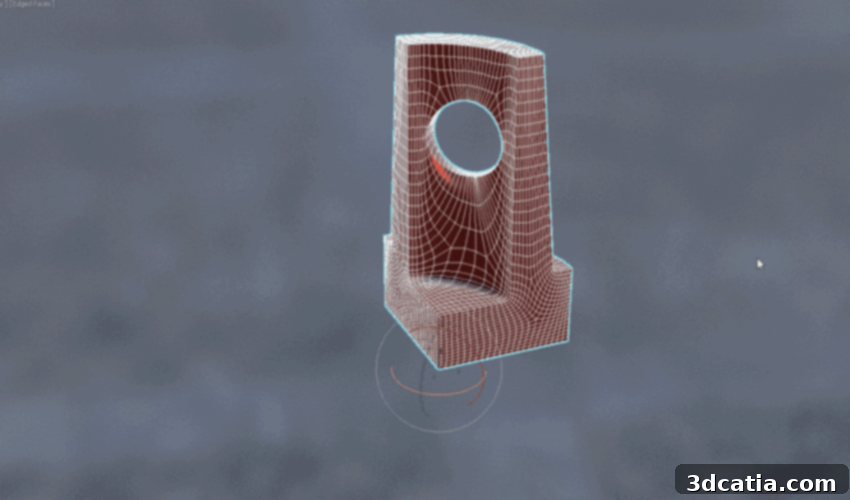
For newcomers, learning 3ds Max can present a steep curve due to its extensive interface and the sheer number of tools and options available. However, this complexity is a testament to its comprehensive capabilities. At its heart, 3ds Max provides an unparalleled suite of modeling tools, with polygon modeling being one of its foundational strengths. This method allows users to construct complex 3D assets such as detailed props, intricate vehicle designs, and lifelike characters by manipulating basic geometric components: vertices (points), edges (lines connecting points), and faces (surfaces enclosed by edges). This precise control over mesh topology is vital for creating highly detailed and optimized models, which can then be refined for various purposes, including 3D printing where mesh integrity is paramount.
Beyond fundamental construction, 3ds Max enhances the design workflow with its interactive viewport windows. These advanced windows offer real-time previews of Physically Based Rendering (PBR) materials, dramatically reducing the need for repeated rendering iterations. Designers can instantly visualize how materials and textures will appear with near-final rendering quality, facilitating quicker decision-making and precise detail adjustments. This live feedback is incredibly beneficial, allowing for iterative refinement of aesthetic and structural elements without the time-consuming process of generating full renders after every minor change. For 3D printing, understanding how different textures and finishes might translate from digital model to physical object, even if purely visual in the software, helps in planning the final print’s aesthetic.
Another critical feature integrated into 3ds Max is its powerful retopology toolset. Retopology is the process of creating a new, cleaner, and more optimized mesh over an existing one, often a high-resolution or sculpted model. This automated optimization intelligently simplifies complex geometries, resulting in a more organized and manageable model. A clean mesh is not only easier to manipulate and texture but also crucial for 3D printing, as it minimizes errors like non-manifold geometry, self-intersections, and thin walls that can lead to failed prints. By ensuring a robust and well-structured model, the retopology tool significantly improves the suitability of models for additive manufacturing.
Furthermore, the spline functionality within 3ds Max provides powerful workflows for crafting both organically curved and precisely angular 3D shapes. Splines are vector-based lines that offer unparalleled control over curves and paths, enabling designers to create complex forms with high precision. With an intuitive array of spline tools, users can easily model, edit, and manipulate these curves to achieve exact results tailored to architectural designs, industrial components, or intricate artistic elements. This feature is particularly valuable for designing objects requiring smooth, continuous surfaces or specific geometric profiles that would be difficult to achieve with polygon modeling alone, making it indispensable for certain types of 3D print designs.
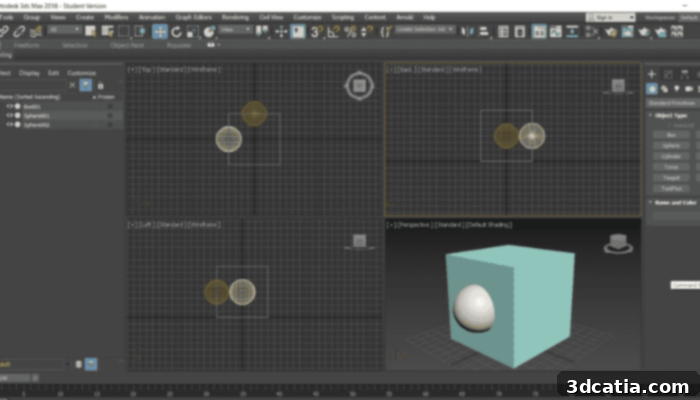
Photo Credits: Scupteo
3ds Max for 3D Printing: Capabilities and Limitations
For those focused on additive manufacturing, 3ds Max includes modifiers specifically designed to ensure printability. The STL Check modifier, for instance, is a vital tool for verifying the validity of 3D models intended for export in the ubiquitous STL format. This modifier diligently checks for common issues that can hinder 3D printing, such as open edges, non-manifold geometry, flipped normals, and overlapping faces, all of which can lead to errors during slicing and printing. By flagging these problems, the STL Check helps ensure that the object can be exported as a “watertight” STL file, which is a fundamental requirement for most 3D printers.
Despite these useful features, it is crucial to understand that while 3ds Max can indeed export STL files suitable for 3D printing, it is not always the optimal choice for industrial or highly functional additive manufacturing tasks. The software was not specifically engineered from the ground up with the unique constraints and requirements of 3D printing in mind. Its strengths lie more in artistic visualization, animation, and polygonal modeling for visual media. Consequently, specialized CAD software packages, such as Fusion 360, SolidWorks, or even AutoCAD for precise engineering, offer more advanced features for designing and preparing models specifically for 3D printing. These dedicated tools often include integrated analysis for printability, support structure generation, and advanced mesh repair utilities that are tailored for additive workflows. For highly precise, functional components where engineering accuracy and material optimization are paramount, these dedicated CAD solutions may prove more efficient and effective.
Operating System Compatibility and Pricing Structure
Primarily developed as a Windows-native application, 3ds Max delivers its optimal performance and full feature set within the Windows operating system environment. While some determined users manage to run 3ds Max on Mac computers through virtualization or dual-boot solutions like Boot Camp, Parallels Desktop, or VMWare Fusion, it’s important to note a significant limitation: Autodesk no longer provides official technical support for 3ds Max when used on Apple’s macOS. This decision stems from persistent compatibility challenges, particularly with graphics drivers that are optimized for Windows 10 and often do not translate seamlessly to macOS environments. Even if successful in installing the software via these workarounds, users will find themselves without Autodesk’s official assistance for any technical issues encountered on Macs. In such scenarios, users are typically advised to seek direct support from the providers of their virtual environment software, such as Apple (for Boot Camp), Parallels, Citrix, or VMware, for assistance with specific operational problems.
Regarding its pricing, Autodesk 3ds Max is positioned as a professional-grade software with a corresponding cost structure. The annual subscription to access the full capabilities of 3ds Max is currently set at $1,875. However, Autodesk offers flexibility to accommodate various user needs and budgets. Individuals or studios preferring shorter commitments can opt for a monthly subscription at $235 per month. For those seeking a more long-term solution and potential cost savings, a three-year subscription is available for $5,625, with the option to pay in annual installments. For the most up-to-date and detailed information on licensing options, educational pricing, and specific feature sets, prospective users are highly encouraged to visit the official Autodesk website directly HERE.
Conclusion: The Versatility of 3ds Max in 3D Printing
In conclusion, 3ds Max stands as a remarkably powerful and versatile 3D modeling and animation suite. While not purpose-built specifically for additive manufacturing, its robust polygon and spline modeling tools, real-time interactive previews, and critical modifiers like STL Check make it a capable tool for designing a wide array of 3D printable objects, particularly those requiring artistic detail, complex organic forms, or highly visual aesthetics. Its legacy in film, game development, and architectural visualization brings a level of sophistication and control that artists and designers appreciate. However, for engineering-grade precision, functional part optimization, and dedicated additive manufacturing workflows, specialized CAD software may offer more streamlined solutions. Ultimately, the choice depends on the specific project requirements and the user’s primary focus, but 3ds Max undoubtedly offers a compelling pathway for creators looking to bring their intricate digital designs into the physical world through 3D printing.
What are your thoughts on using 3ds Max for your 3D modeling and printing projects? Share your experiences and insights in a comment below or join the conversation on our LinkedIn, Facebook, and Twitter pages! Don’t forget to sign up for our free weekly newsletter here for the latest 3D printing news delivered straight to your inbox! You can also find all our compelling videos on our dedicated YouTube channel.
*Cover Photo Credits: 3ds Max