
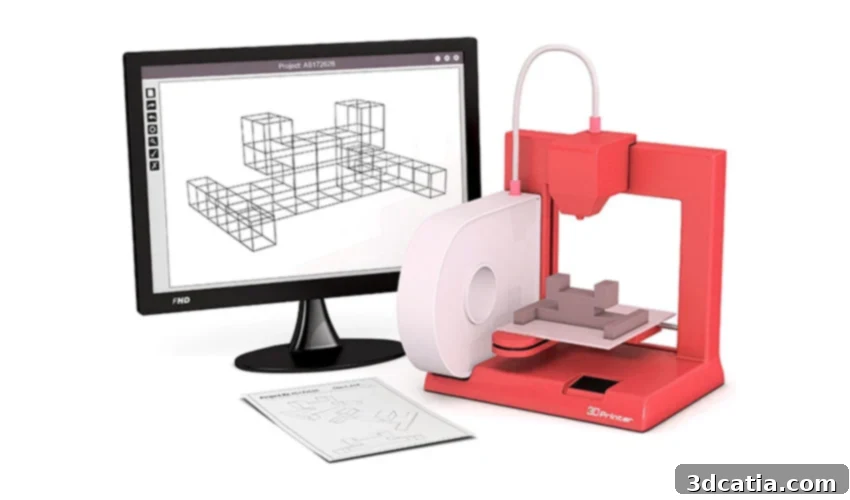
Unlock Your Creativity: Top Free and Beginner-Friendly 3D Modeling Software for 2024
In today’s rapidly evolving technological landscape, 3D modeling has emerged as a fundamental skill, serving as the crucial first step in bringing digital concepts to life, especially in the realm of 3D printing. Whether you’re an aspiring inventor, a hobbyist eager to craft custom objects, an educator looking to inspire students, or a professional aiming to prototype designs, the ability to visualize and design in three dimensions is invaluable. However, for newcomers, the sheer volume of 3D software solutions available can be daunting. Navigating complex interfaces and understanding advanced functionalities often presents a significant barrier to entry.
Fortunately, the market offers a fantastic array of 3D software specifically designed for beginners. These tools prioritize ease of use, intuitive interfaces, and accessibility, making them perfect starting points for anyone venturing into 3D design. Many are free or offer free online versions, eliminating the need to download hefty programs that demand powerful computers. This accessibility ensures that you can dive straight into creating without significant upfront investment or technical hurdles. These user-friendly CAD solutions empower you to transform your wildest ideas into tangible models, ready for export in various formats suitable for 3D printing. Below, we explore a handpicked selection of these outstanding solutions, presented in no particular order, to help you discover the perfect tool to kickstart your 3D modeling journey.
Featured Beginner-Friendly 3D Modeling Software
RealityMAX: Collaborative 3D Design in Your Browser
RealityMAX stands out as a versatile, browser-based platform that revolutionizes 3D modeling and design, facilitating both individual creativity and robust team collaboration. Its entirely cloud-based nature means you can access your projects from any device, anywhere, at any time, without needing specialized hardware or software installations. RealityMAX’s design philosophy is akin to popular graphic design tools like Canva, offering a remarkably straightforward and accessible modeling experience. This makes it an ideal choice for absolute beginners, allowing them to grasp fundamental 3D design concepts with ease. Yet, it doesn’t shy away from providing a comprehensive suite of tools that also appeal to more advanced users seeking efficiency and flexibility.
The platform boasts a wide range of modeling capabilities, suitable for diverse applications. Users can leverage an extensive library of pre-existing models as a starting point, or unleash their creativity by building unique designs from scratch. One of RealityMAX’s most compelling features is its real-time collaboration mode. This functionality enables multiple team members to access and modify a design simultaneously, streamlining workflows, facilitating instant feedback implementation, and fostering a truly collaborative environment for projects. Beyond creating models for 3D printing, RealityMAX also empowers users to develop captivating 3D visualizations and even produce and share immersive augmented reality (AR) presentations. This makes it an indispensable tool for creative makers, educators, students, and professional users alike, who can all benefit from its innovative tools and broad possibilities. For more information and to begin your collaborative design journey, visit RealityMAX’s official website.
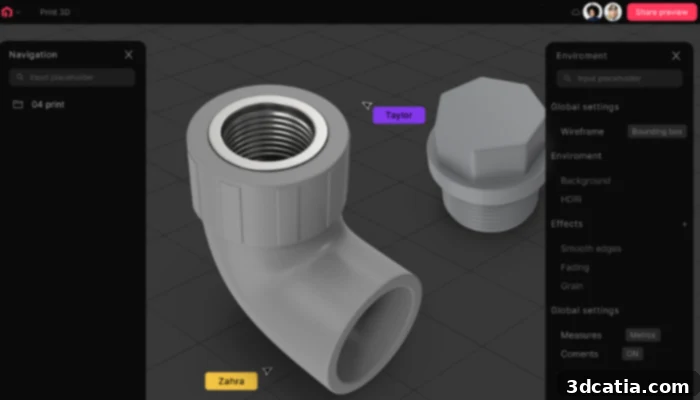
(Photo Credits: RealityMAX)
3D Slash: Minecraft-Inspired 3D Design for All Ages
For beginners seeking a remarkably intuitive and engaging introduction to 3D design, 3D Slash offers a unique approach inspired by the popular video game Minecraft. The software is meticulously crafted to cater to new users who are eager to embark on their first 3D modeling experiments, providing a simple yet powerful user interface. Its core principle revolves around a “building block” metaphor, where users can intuitively arrange and manipulate cubes to create complex shapes, much like stacking Lego bricks. This makes the design process feel less like intricate engineering and more like playful construction.
3D Slash provides a diverse set of tools that allow users to add, remove, cut, and sculpt materials with precision. Beyond basic construction, it offers exciting features such as the ability to view your model in a virtual reality (VR) environment, offering a new perspective on your creations. Users can also project images or text directly onto their models, adding personalized details and intricate textures. While designed for simplicity, 3D Slash also incorporates advanced functionalities, enabling users to refine shapes, apply reflections, and easily adjust dimensions. The software’s team function is particularly beneficial for educational settings, allowing teachers to monitor and view their students’ files in real-time, facilitating collaborative learning and project guidance. The latest version, 3.2.1, is available for free download, making it an accessible and enjoyable tool for anyone from students to hobbyists.
(Photo Credits: 3D Slash)
BlocksCAD: Code-Based 3D Modeling for Education
BlocksCAD stands as a foundational 3D software primarily tailored for individuals new to the world of three-dimensional design, especially those with an interest in coding or computational thinking. This innovative tool is accessible in multiple languages, including German, English, Spanish, French, and Italian, broadening its appeal globally. A significant advantage of BlocksCAD is its entirely web-based operation; there’s no need for software downloads, allowing users to initiate their 3D modeling adventure directly through their web browser. This eliminates installation complexities and ensures compatibility across various operating systems.
The platform presents a rich suite of functions, from manipulating basic 3D and 2D shapes to incorporating text and intricate loops within designs. Modeling with BlocksCAD is conceptualized like assembling a construction kit, much like building with Lego bricks. Users drag and drop graphical code blocks, each representing a specific action or shape, into a workspace. These blocks can be arranged, modified, and combined to form complex 3D models. This visual programming approach makes it exceptionally intuitive for understanding geometric transformations and spatial relationships. Should users require assistance despite the application’s simplicity, BlocksCAD offers a wealth of learning resources, including instructional videos, comprehensive online courses, and step-by-step introductory tutorials, ensuring a smooth start to creating 3D models. Once completed, models can be easily saved to your computer, ready for 3D printing or further refinement. Discover more about BlocksCAD and its educational approach on their dedicated page.
Leopoly: Cloud-Based Sculpting and Design for All Levels
Leopoly is a dynamic, cloud-based 3D modeling software that combines powerful design capabilities with user-friendliness, making it suitable for both beginners and experienced designers. It was thoughtfully engineered to cater to the burgeoning demands of the 3D printing market, as well as the rapidly expanding fields of virtual reality (VR) and augmented reality (AR). Like many of its contemporaries, Leopoly provides a seamless environment for designing 3D models and effortlessly visualizing them on a dedicated 3D platform, ensuring a clear understanding of your creation from every angle.
To enhance its usability, Leopoly integrates the innovative LeoShape function. This powerful feature allows users to develop their ideas either by starting from an existing file or by building entirely from scratch, utilizing both voxel (3D pixels) and vertex (points in 3D space) based modeling techniques. LeoShape intelligently automates the generation of custom designs and provides a comprehensive suite of tools for digital sculpting, intricate 3D texturing, precise cutting, and detailed engraving. Users can then rigorously analyze their part, verifying its dimensions, structural integrity, and spatial orientation before sending it to a 3D printer. The software supports various popular export formats, including STL and OBJ, ensuring compatibility with most printing workflows. Furthermore, Leopoly incorporates intelligent error detection, identifying potential issues that could arise during the printing process, thereby saving time and materials. Notably, Leopoly’s robust capabilities make it equally accessible and valuable for large enterprises and seasoned professionals as it is for individuals just beginning their 3D modeling journey. For more insights, visit the Leopoly overview.
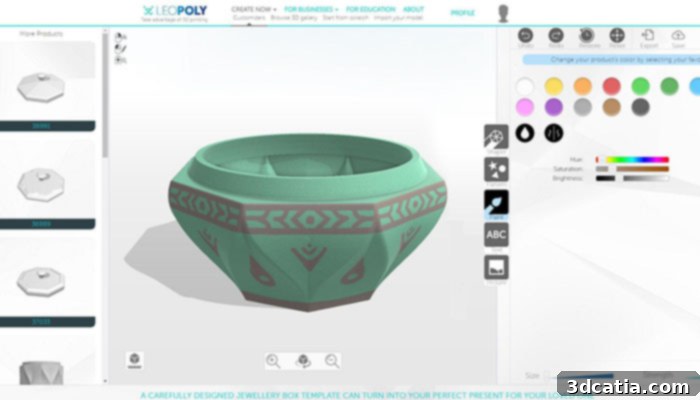
(Photo Credits: Leopoly)
FreeCAD: Powerful Parametric CAD, Completely Free
FreeCAD stands out as a highly accessible and completely free parametric modeling tool, making it an excellent choice for beginners and experienced designers alike who appreciate open-source solutions. Parametric modeling is a powerful approach where designs are defined by parameters, allowing users to easily revise and adapt their creations by simply changing a dimension or feature. This flexibility is incredibly valuable for iterating on designs and making modifications without having to restart from scratch. A key advantage of FreeCAD is its transparent design history; every step of a user’s design process is recorded and accessible within the software, ensuring you can always trace back to your original sketch or any previous iteration. This feature is particularly useful for learning and for collaborative projects where understanding the evolution of a design is crucial.
FreeCAD is a versatile platform utilized across a multitude of sectors, including product design, architecture, engineering, and by individual hobbyists and makers. Its broad applicability stems from its comprehensive set of tools, which rival many commercial CAD packages. The latest iteration, FreeCAD 0.21, has further refined the user experience by introducing an even more intuitive user interface, leading to a more positive and productive design environment. As a robust CAD software that is entirely free of charge, FreeCAD represents a superb entry point for anyone serious about learning professional 3D design without the barrier of cost. It is readily available for download directly from the FreeCAD website, offering a gateway to sophisticated design for all.
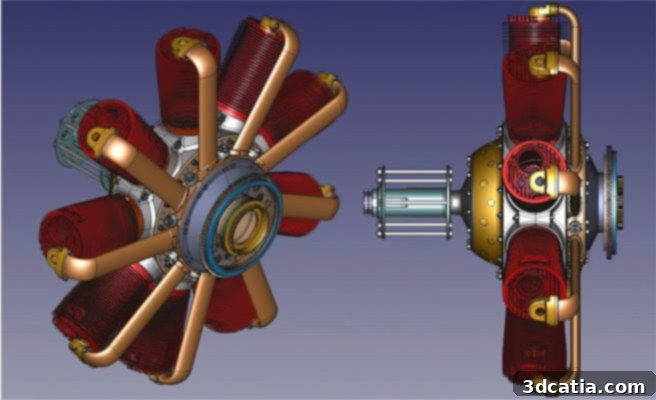
(Photo Credits: FreeCAD)
Makers Empire’s 3D Design App: Empowering STEM Education
Makers Empire, an Australian company, has carved a niche in the educational sector by focusing on boosting learning in STEM (Science, Technology, Engineering, and Mathematics) disciplines for students across elementary, middle, and high school levels. Their innovative approach centers around creating simple, fun, and highly intuitive 3D design software specifically tailored for educational purposes, catering to both students and teachers. At the heart of their offering is a free design app that is remarkably accessible, enabling even preschoolers (as young as 5 years old) to begin drawing outlines, forming shapes, and constructing elaborate 3D models on various devices, including PCs, tablets, and cell phones.
This cross-platform compatibility ensures that students can seamlessly use the software in diverse environments, whether at school or in the comfort of their homes. Completed designs can be effortlessly submitted to teachers directly through the app, simplifying assignment collection and review processes. Educators, in turn, can easily download their students’ 3D designs as industry-standard .STL files, ready for printing with a 3D printer or for submission to professional printing services. The Makers Empire app is widely available for iOS, Android, and Windows operating systems, and its global reach extends to more than 50 countries, impacting countless students worldwide. Beyond the app, Makers Empire also provides comprehensive, paid training and support plans, designed to equip teachers with the necessary skills and confidence to effectively integrate 3D design into their curriculum, fostering creativity and problem-solving skills in the next generation of innovators.
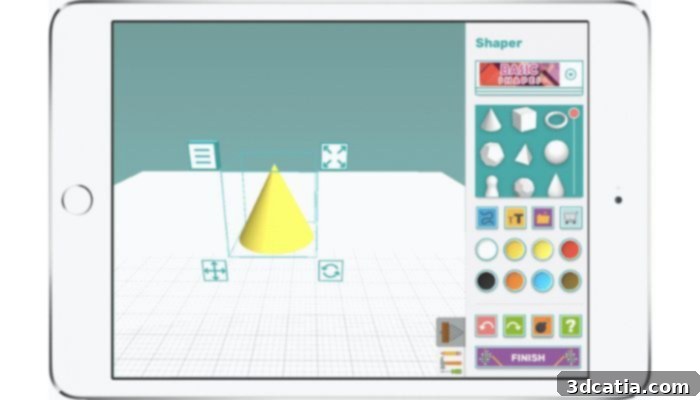
Students can learn 3D drawing in a playful way with challenges, in-app games and augmented reality, followed by the teacher via his or her dashboard (Photo Credit: Makers Empire).
Moment of Inspiration (MoI): Intuitive NURBS Modeling for Artists and Designers
Moment of Inspiration (MoI) is a highly regarded 3D modeling software renowned for its exceptionally intuitive user interface, making it a particularly attractive option for individuals who find traditional CAD tools overly complex or intimidating. Available for both Windows and Mac operating systems, MoI excels in clarity and ease of use, making it an excellent choice for beginners looking to learn accurate 3D modeling without a steep learning curve. While popular among designers and artists who appreciate its fluid workflow for organic and aesthetic forms, MoI is far from limited to creative pursuits.
Its strength lies in its underlying NURBS (Non-uniform Rational B-spline) modeling engine, which allows for the creation of incredibly precise and smooth curves and surfaces. This mathematical precision, combined with advanced Boolean functions (operations that combine objects using true/false logic), empowers users to create highly accurate mechanical models suitable for engineering and manufacturing applications. This dual capability makes MoI versatile enough for both artistic expression and technical design. The software is available for a one-time license fee of $295. For existing users, an upgrade to the latest version, MoI v4, is available at a reduced cost of $100. Recent updates to MoI v4 have brought significant enhancements, including native 64-bit builds for both Mac and Windows, which drastically improve performance and stability, alongside an overall increase in operational speed, ensuring a smoother and more efficient design experience.
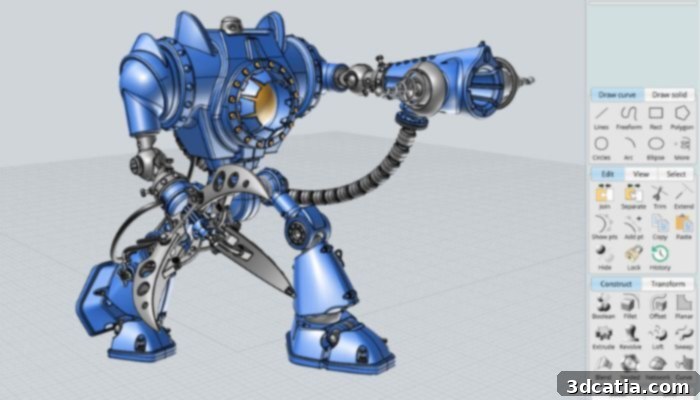
SculptGL: Free Online Digital Sculpting
Next on our list for beginner-friendly 3D software is SculptGL, an impressive and completely free 3D CAD program specializing in digital sculpting. Developed by Stéphane Ginier during his time as an exchange student at the University of Montreal, SculptGL offers a compelling entry point into the world of organic 3D modeling. Its primary advantage, beyond being free of charge (which is always a bonus, especially for those new to 3D technologies), is its entirely online nature. This means users can jump directly into sculpting without the need for any downloads, installations, or even creating an account.
This accessibility is particularly beneficial for devices with limited storage space or for users who simply want to try 3D sculpting without commitment. The user interface of SculptGL is exceptionally intuitive and straightforward, meticulously designed for ease of use. This makes it an ideal tool for aspiring artists and designers who wish to learn the fundamentals of 3D sculpting. Users typically begin with a basic geometric primitive – a sphere, cube, or cylinder – which they can then dynamically customize and transform using a variety of digital sculpting tools. These tools allow for operations such as pushing, pulling, smoothing, inflating, and carving, mimicking traditional clay sculpting in a digital environment. SculptGL provides a fantastic, low-barrier way to experiment with organic forms and unleash creative potential without needing specialized software or extensive prior experience.
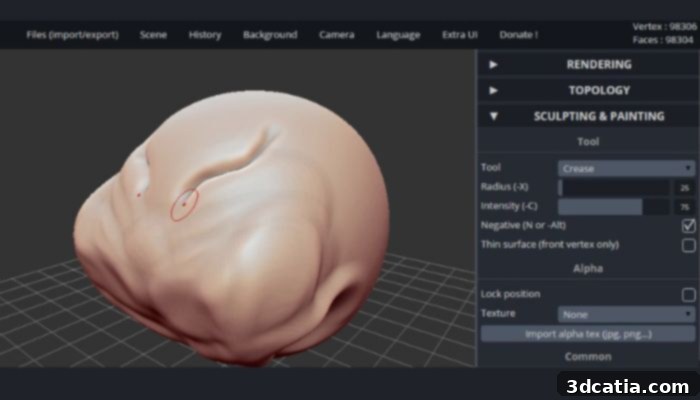
Sculptris: Free Digital Clay Modeling for Organic Shapes
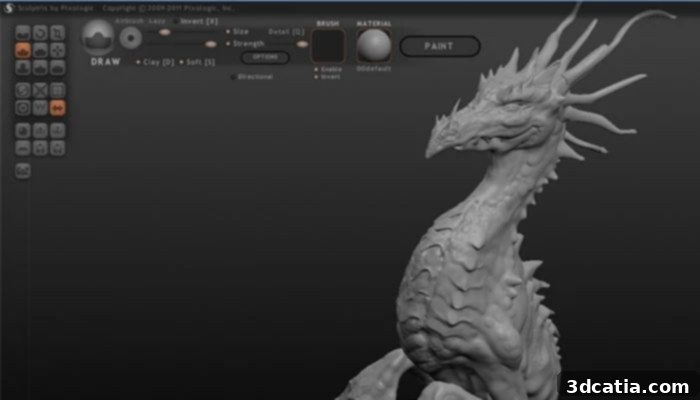
Sculptris offers a captivating and intuitive approach to 3D model creation through what is best described as “digital sculpting.” This method allows users to craft 3D models much like they would mold an object out of physical clay, using various virtual tools to manipulate a digital form. The process typically begins with a simple sphere, which the user can then dynamically shape and refine by employing tools for stretching, digging, smoothing, pinching, and more. This highly tactile and organic way of working makes Sculptris an ideal tool for creating intricate animated characters, detailed creatures, or compelling elements for video games where fluid, natural shapes are paramount.
Developed and offered for free by Pixologic, the renowned creators of the industry-leading professional sculpting software ZBrush, Sculptris serves as an excellent gateway to digital sculpting. Although the software is no longer actively developed or updated by Pixologic, it remains a valuable resource for beginners. Users can still download and install it on Windows PCs, though it’s worth noting that compatibility with newer operating systems might vary. Its intuitive nature, combined with the underlying power from the ZBrush lineage, makes Sculptris particularly well-suited for beginners who desire to produce 3D models with a high degree of artistic freedom and relatively little technical overhead. Once a creation is complete, the final 3D model can be conveniently saved in the OBJ format, a widely supported file type for further use in other 3D applications or for 3D printing.
SelfCAD: All-in-One 3D Design for Learning and Production
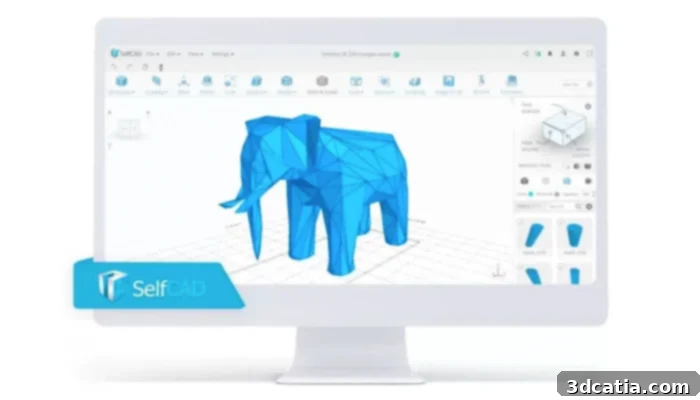
Launched in 2016, SelfCAD quickly established itself as a comprehensive online computer-aided design (CAD) software, specifically engineered to simplify the creation of three-dimensional models for additive manufacturing and beyond. It represents an optimal choice for individuals embarking on their journey into 3D modeling, having been meticulously developed with students and new learners in mind to ensure that design is an easy, intuitive, and readily learnable process. While SelfCAD is celebrated for its beginner-friendliness, it is by no means limited to novices; it incorporates advanced tools for modeling, sculpting, and preparation, empowering users to achieve professional-grade 3D printing results.
The software operates with a polygon mesh system, allowing for flexible and detailed design. This structured approach helps beginners acquire fundamental knowledge and essential design principles, building a solid foundation that can facilitate a smooth transition to more sophisticated design software in the future. SelfCAD offers the flexibility of being used as a cloud-based application, accessible directly through a web browser, or as a downloadable desktop application for offline work. It boasts broad compatibility, running seamlessly on both Mac and Windows operating systems. With its blend of simplicity for beginners and advanced capabilities for more demanding projects, SelfCAD truly serves as an all-in-one solution for 3D design, making it a valuable asset for education, hobbyists, and even professional prototyping.
(Photo Credits: SelfCAD)
Sketchup Make: A Versatile and Intuitive Choice for Architectural Design and More
Originally created in 2000 by LastSoftware, primarily for architectural design, Sketchup Make (the free version of SketchUp) is now owned by Trimble Navigation LLC and continues to be a go-to choice for beginners due to its remarkable ease of use and versatility. The program offers a straightforward suite of tools for working with surfaces, making it accessible to a wide spectrum of users, from architects and interior designers to hobbyists and educators. Before embarking on a new creation, users can select from a variety of templates, which effectively guide them through the entire modeling process and provide a suitable starting environment for different types of projects.
One of SketchUp’s most significant advantages is its vast online database of 3D models, known as the 3D Warehouse. This extensive repository contains thousands of pre-made 3D models, including vehicles, buildings, furniture, and various objects, which users can readily import to enrich their projects and add greater realism and detail without having to design everything from scratch. For enhanced collaboration and efficiency, SketchUp also provides Trimble Connect, a free online cloud storage space. This platform allows users to import projects in common formats like SKP, JPG, and PNG, and facilitates the export of files in SKP, PNG, and STL formats, making it easy to share designs or prepare them for 3D printing. In essence, SketchUp Make is a highly versatile 3D software that strikes an excellent balance between usability and robust functionality, positioning it as an outstanding choice for beginners who are committed to learning CAD and pushing their creative boundaries. Users can choose between the free “Make” version or a more feature-rich paid “Pro” option, depending on their specific needs and project requirements. Learn more about SketchUp’s capabilities.
(Photo Credits: Sketchup)
TinkerCAD: The Ultimate Free Online CAD Software for Beginners
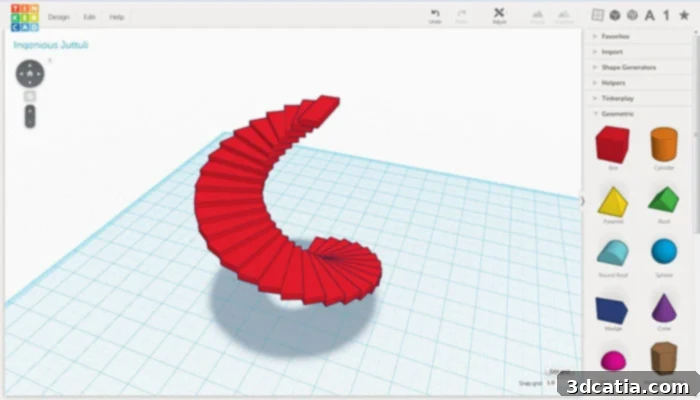
Launched in 2011, TinkerCAD has quickly grown to become one of the most widely used and beloved 3D modeling platforms, with over 35 million users worldwide. As a free online 3D modeling software offered by Autodesk, a leader in professional design software, TinkerCAD is specifically tailored for complete beginners. Its core concept of “block-building” simplifies complex 3D geometry into manageable, intuitive shapes that can be combined, subtracted, and manipulated, making it incredibly easy to learn and master basic design principles. This approach allows users to rapidly prototype ideas and build models with a sense of playfulness and experimentation.
Beyond its web interface, TinkerCAD is also available as a convenient iPad app, empowering users to design on the go, anytime and anywhere. The website itself is a treasure trove of resources, offering extensive educational materials specifically designed for teachers who wish to integrate TinkerCAD into their classrooms, making it a staple in STEM education globally. In terms of design versatility, TinkerCAD goes beyond simple object creation. Its innovative ‘Circuits’ section allows users to add electronic components to their designs, enabling them to simulate and edit virtual circuits for electronic products, bridging the gap between physical and digital creation. Additionally, for those seeking inspiration or ready-to-print models, TinkerCAD hosts a vibrant community gallery filled with free-to-use files that can be downloaded and 3D printed. While maintaining a simplistic aesthetic, TinkerCAD delivers an intuitive, free, and incredibly enjoyable experience, serving as an outstanding introduction to 3D design for users of all ages and skill levels. Explore TinkerCAD and its extensive features here.
(Photo Credits: TinkerCAD)
Vectary: Web-Based 3D Design with Mathematical Precision and Visual Appeal
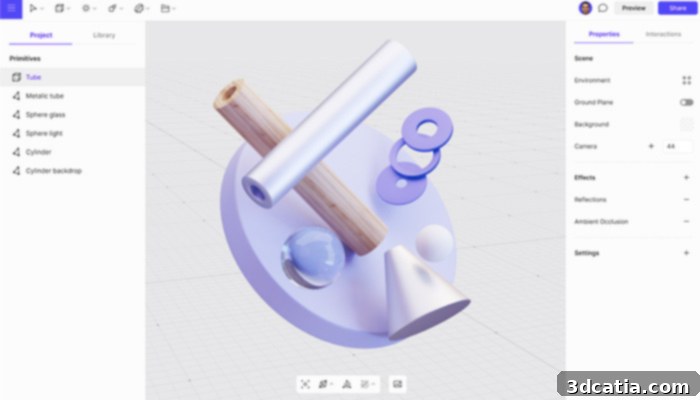
Vectary provides a powerful and accessible platform for creating stunning 3D designs, distinguishing itself by basing its part design on mathematical functions. This approach ensures high precision and smooth geometry, crucial for achieving professional-looking printed products. The software is meticulously crafted to be accessible to a wide audience, particularly resonating with 3D printing enthusiasts and anyone eager to dive into 3D design without extensive prior experience. As a free and remarkably easy-to-use tool, Vectary offers immediate access to an expansive library of 3D models, providing users with a fantastic starting point or elements to integrate into their own creations.
The process of designing 3D objects in Vectary is highly intuitive and visually driven. Users begin by adding basic shapes, then customize their parts by applying a rich array of materials and textures to the initial image. This flexibility allows for an incredible degree of personalization, enabling users to transform simple concepts into visually compelling and unique designs. According to the Slovakian company behind Vectary, the software is designed with such simplicity that it can be effectively used by a child, yet it possesses sufficient depth and functionality to satisfy professional designers. It streamlines the workflow by offering the capability to create complex shapes on demand, significantly reducing the need to model every intricate detail from scratch. This feature is a game-changer for accelerating the design process. For those who require more advanced features and greater capabilities, a paid premium version of Vectary is also available, unlocking an even broader spectrum of design possibilities.
(Photo Credits: Vectary)
Conclusion: Your Gateway to 3D Creation Starts Here
The world of 3D modeling is more accessible than ever, and these beginner-friendly software solutions prove that you don’t need to be an expert or invest heavily to start creating. From collaborative cloud-based platforms to intuitive digital sculpting tools and education-focused apps, there’s a perfect entry point for everyone. Whether you’re interested in bringing your ideas to life through 3D printing, designing virtual worlds, or simply exploring the fascinating realm of three-dimensional design, these tools provide the foundation you need to succeed.
Choosing the “right” 3D beginner software in 2024 ultimately depends on your individual learning style, project goals, and desired level of complexity. We encourage you to explore a few options, experiment with their unique features, and discover which one resonates best with your creative vision. The journey into 3D design is an exciting one, full of endless possibilities, and these accessible tools are your first step towards unlocking that potential.
We’d love to hear about your experiences! Which of these software solutions sparks your interest, or have you discovered another fantastic tool for beginners? Share your thoughts in a comment below or connect with us on our LinkedIn, Facebook, and Twitter pages. Don’t forget to sign up for our free weekly Newsletter here to get the latest 3D printing news delivered straight to your inbox! You can also find all our insightful videos on our YouTube channel.